CPU Hog will find processes that hog your CPU, and drain your battery.
Its works like this, if it detects that your battery temperature is higher then normal, it will periodicity try to find the process that consume most of your CPU.
If it finds such a process, it will send a notification with the process name and usage.
You can control the battery temperature threshold, in which CPU Hog starts to look for the hogging process.
Note that every device has its normal work temperature, and its important to set this temperature with accordance with your device behavior.
You can also set the usage percentage in which the app will send a notification.
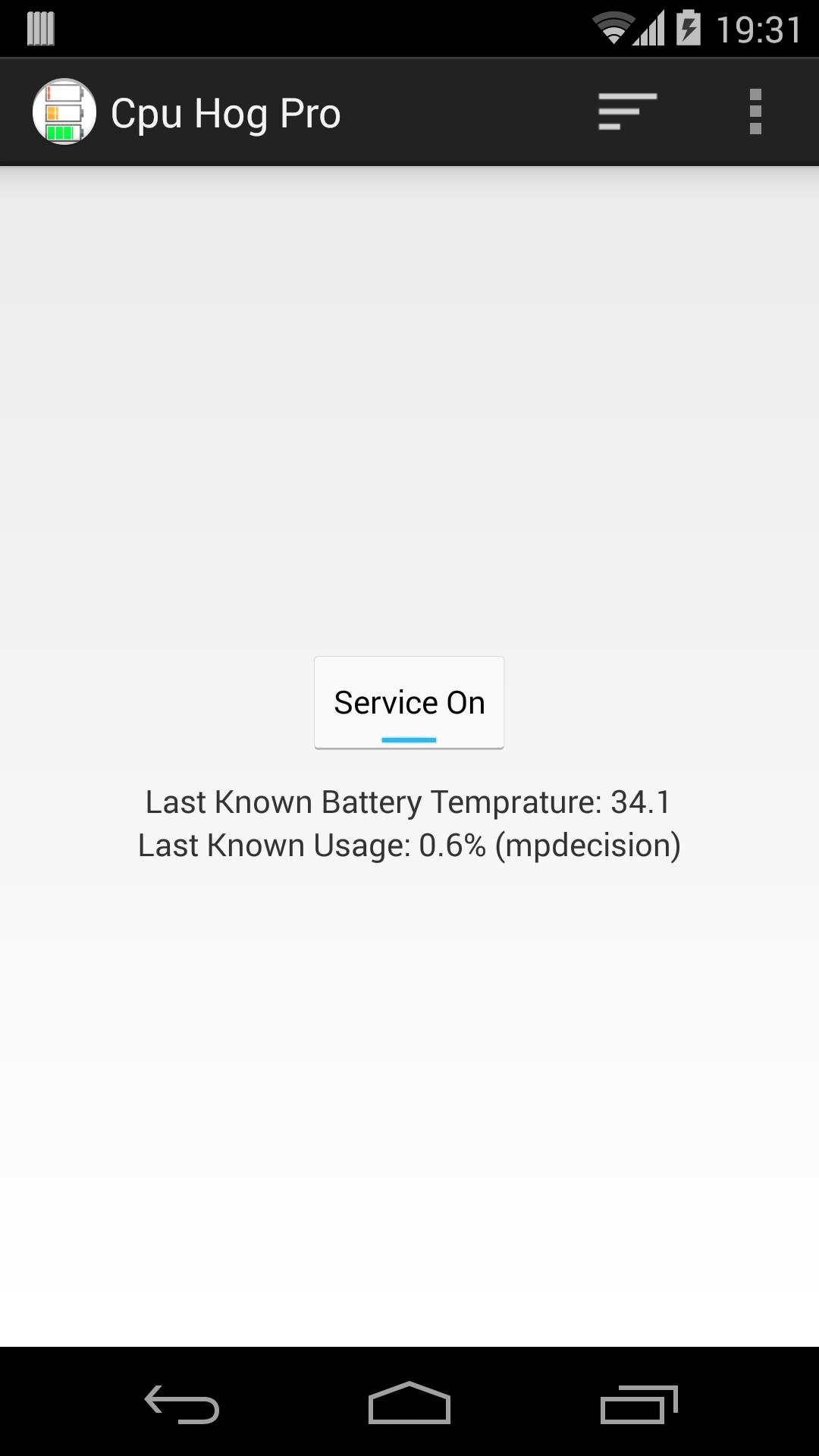
The main screen shows current battery temperature, and usage, this can help you set the values above.
Phiên bản mới nhất
2.0.2Được tải lên bởi
Le Prince de Ville
Yêu cầu Android
Android 2.3.2+
Danh mục
Miễn phí Công cụ ỨNG DỤNGXếp hạng nội dung
Everyone
Báo cáo
Gắn cờ là không phù hợpLast updated on Nov 7, 2015
Phiên bản này bao gồm các bản sửa lỗi nhỏ và cải tiến chung. Hãy cập nhật lên phiên bản mới nhất để có trải nghiệm tốt nhất.



APKPure - Kho ứng dụng đa nền tảng chủ yếu tập trung vào Android, cung cấp nội dung phong phú về ứng dụng. Khám phá ứng dụng bạn muốn dễ dàng, nhanh chóng và an toàn hơn, với tính năng tải xuống và cài đặt nhanh chóng và hiệu quả.