Vlog editor: Video clip editor is a free video editing tool that helps you make stylish video and unique vlogs. With minimum operations, an awesome video combined with magic effects, fantastic filters, popular themes, special sticker, hot music will be shown.
Download Vlog editor: Video clip editor now and become a movie expert!
What is Vlog?
Vlog stands for Video Blog. In a different way, Vlog is to express yourself, subject and unlimited time.
Our video editor has useful features like other vlog generators, a free vlog editor to create weekly vlogs, daily vlogs, travel vlogs… just like a professional video editor.
Vlog editor: Video clip editor makes it easy to create a vlog. It is the professional app for cutting your videos and turning you into a professional editing star! Join us to experience this great application by following these instructions:
🔴 Step 1: Open the app and select Video Maker -> Editor
🔴 Step 2: Select one or more photos or videos in the Phone Album and press the next button
🔴 Step 3: In this step, you can choose:
- A variety of themes such as love, holidays, travel, flowers ...
- Rich effects set with +20 effects for each photo or video you want
- Overlay shimmering according to themes such as colors, rainbow, paper pictograms or silhouettes ...
- Eye-catching frames to welcome the new year, about love, travel, birthdays and many other memories
🔴 Step 4: In this step, you can add funny items to make your video more attractive such as:
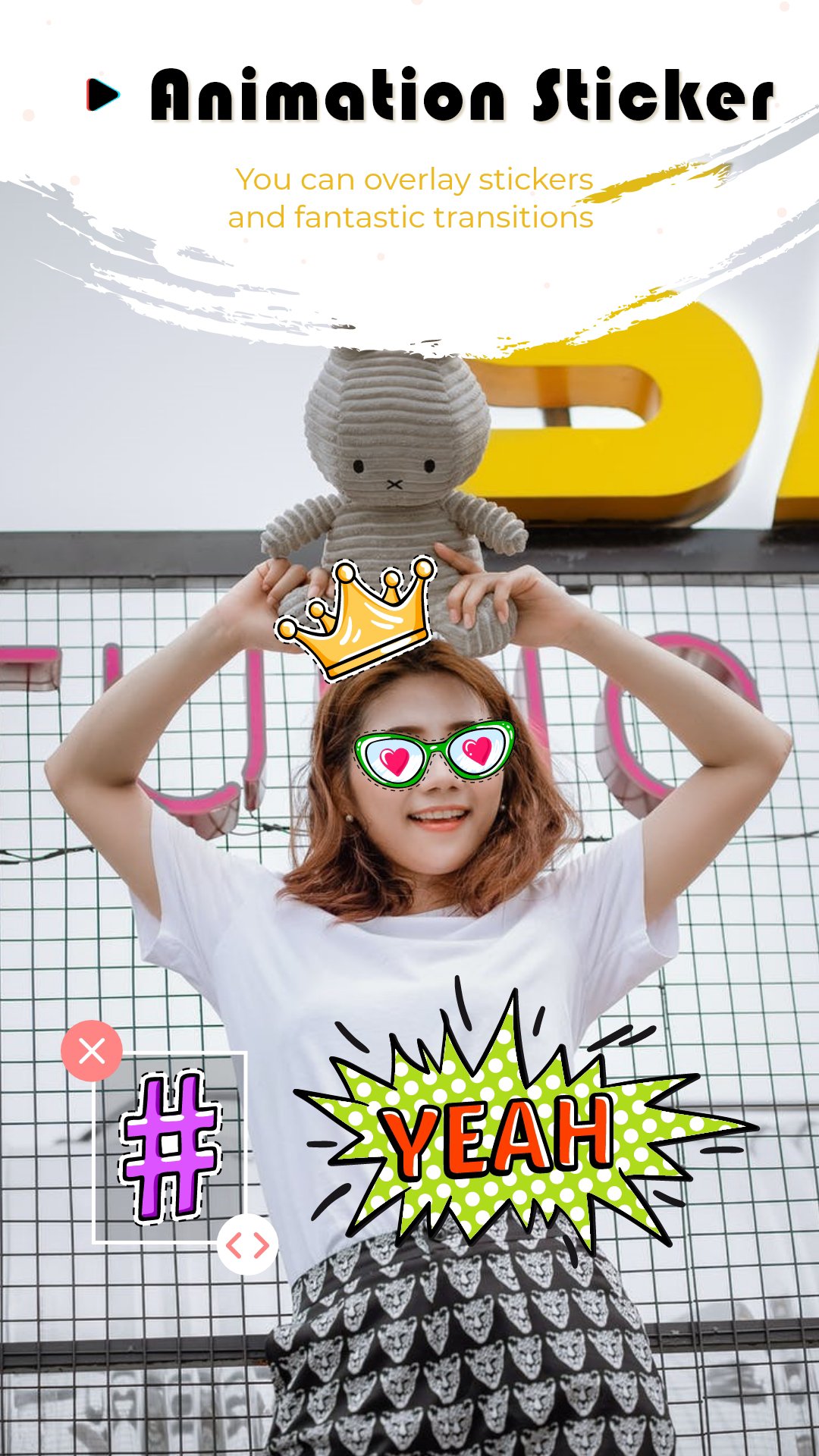
- Add sticker
- Add text
- Choose motion for your sticker, text
🔴 Step 5: Join music for video, adjust time accordingly
🔴 Step 6: Save video to your device or share directly to your social network
(From step 3 to step 5 you can flexibly do it)
In addition to the main feature of creating and editing videos, this application also provides the user experience with additional features such as:
👉 Zoom out, zoom in on pictures or videos
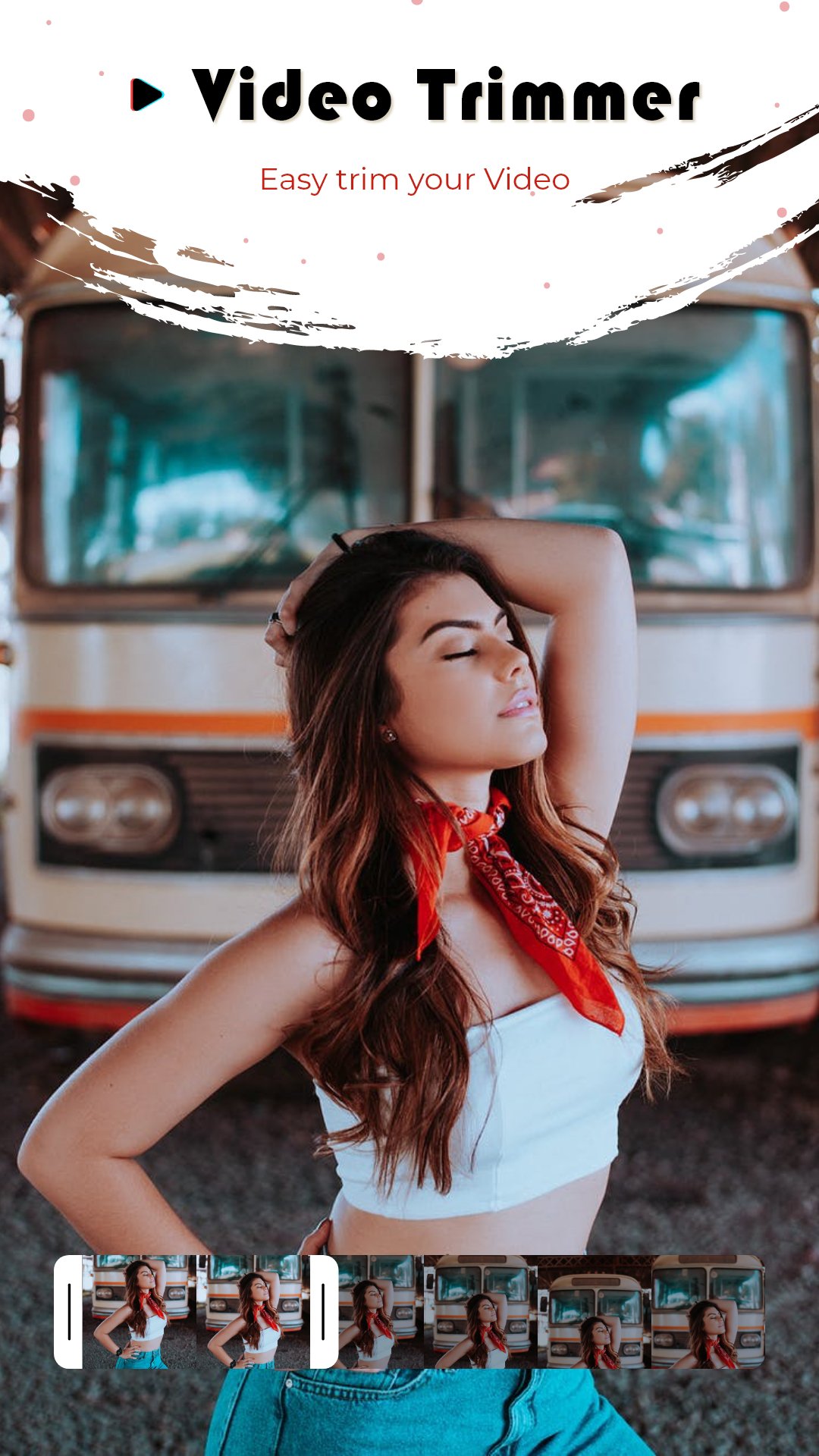
👉 Cut, join video to capture all moments of fun, memories
👉 Cut video with any ratio
👉 Create mp3 videos according to sublimation music preferences
👉 Make your actions blazingly fast thanks to the fast-forward feature
👉 Reverse videos easily
👉 Change video format to storage capacity
👉 And so much more, please explore it 😍
Vlog editor: Video clip editor for your channel is a best free easy-to-use vlog video maker
If you have any questions about video editor for your channel, please feel free to contact us: dcgvn.d20@gmail.com
Latest Version
2.2Uploaded by
يوسف العراقي
Requires Android
Android 6.0+
Category
Free Video Players & Editors AppContent Rating
Everyone
Report
Flag as inappropriateLast updated on Aug 25, 2022
Save mode option: 480, HD, full HD
Updated 180 effects
There are many short video templates available for you to choose from
Update more 168 transition effects for you
Update the latest playlist today







APKPure - A multi-platform app store primarily focused on Android, providing extensive app-related content. Discover the app you want easier, faster, and safer, with quick and efficient downloads and installations.