Virtual Computer Display Unit for AEROSOFT A318/319/A320/321
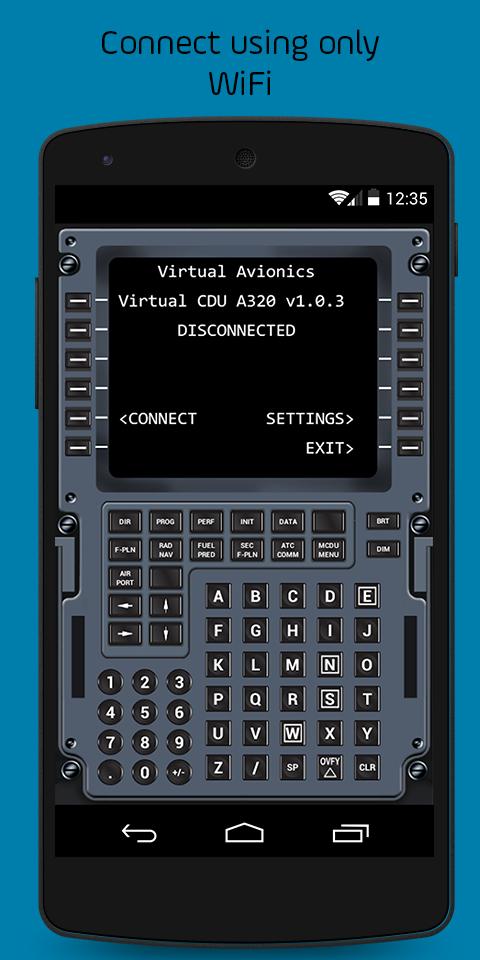
This app will make your Flight Simulator experience even better! Forget cycling between open windows or use your mouse to check or input information on FMC. With this app connected at your home wi-fi network, your experience gets more realistic by using your tablet ou smartphone to touch the CDU.
*ATTENTION:* This is NOT a standalone application! It will act as a CDU and allows you to interact with the FMC on your Flight Simulator. It interfaces with your FS using an application installed on PC through a TCP/IP network. All data related to FMC is displayed on the Virtual CDU and touch keyboard inputs are directly sent to FS.
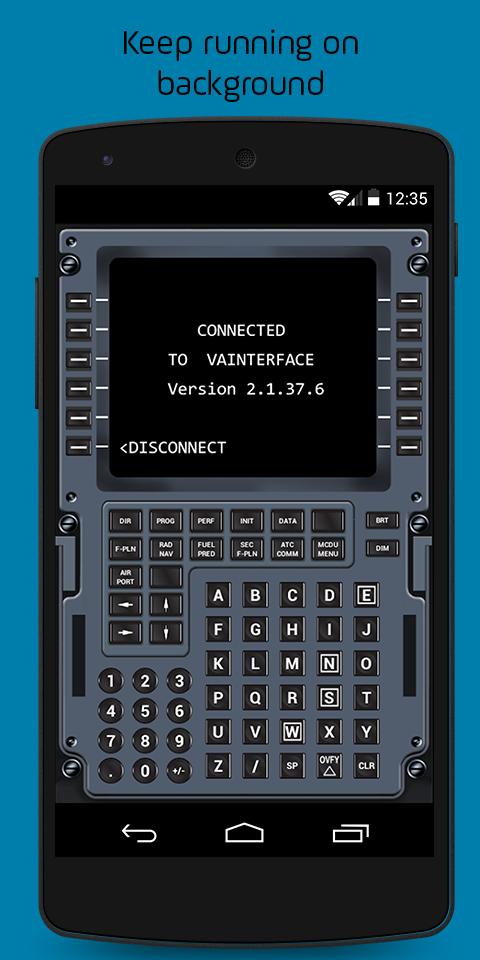
It will act as a CDU and will allow you to interact with the FMC on your Flight Simulator. It interfaces with your FS using an application installed on PC, called VAInterface, through wi-fi network. All data related to FMC is displayed on Virtual CDU and touch keyboard inputs are directly sent to FS.
- It is necessary to download the software VAInterface from http://store.virtualavionics.com.br/downloads This software will run on your PC and interface with FSX. Please note that VAInterface only runs on Windows 7, Windows 8 or Windows 10 (will not work on Windows XP).
*COMPATIBILITY LIST*
✓ Prepar3D v3.x or bellow (DOES NOT SUPPORT Prepar3D V4.x);
✓ Aerosoft;
✓ Flight Simulator X: Steam Edition;
✓ Aerosoft .
*LATEST VERSION*
The latest version of VAInterface software is required to use the Virtual Computer Display Unit for Flight Simulation. You can download it from http://store.virtualavionics.com.br/downloads. This software will run on your PC and interface with the flight simulator. Contact us for further assistance.
*BE AWARE*
*1)* VAInterface is ONLY SUPPORTED on Windows 7, Windows 8 and Windows 10. Windows XP is no longer supported and this application WILL NOT WORK if your flight simulator is running on Windows XP.
→ For better performance we recommend to use wi-fi network.
→ It may not be compatible with A320/321 versions prior to EXTENDED 1.16.
→ Right MCDU still not supported.
→ DOES NOT SUPPORT Aerosoft for Prepar3D v4 or above.
*About Virtual Avionics*
Virtual Avionics provides realistic flight simulation experiences to customers worldwide. We provide software and hardware solutions to the aviation industry, pilots, and enthusiasts, enabling users to challenge their skills.
Have a question or feedback about the app? Give us a shout at store.virtualavionics.com.br/support
-----
Latest Version
1.2Requires Android
2.3.3
Category
Entertainment AppContent Rating
Everyone
Report
Flag as inappropriateLast updated on Oct 6, 2015
Minor bug fixes and improvements. Install or update to the newest version to check it out!



APKPure - A multi-platform app store primarily focused on Android, providing extensive app-related content. Discover the app you want easier, faster, and safer, with quick and efficient downloads and installations.