
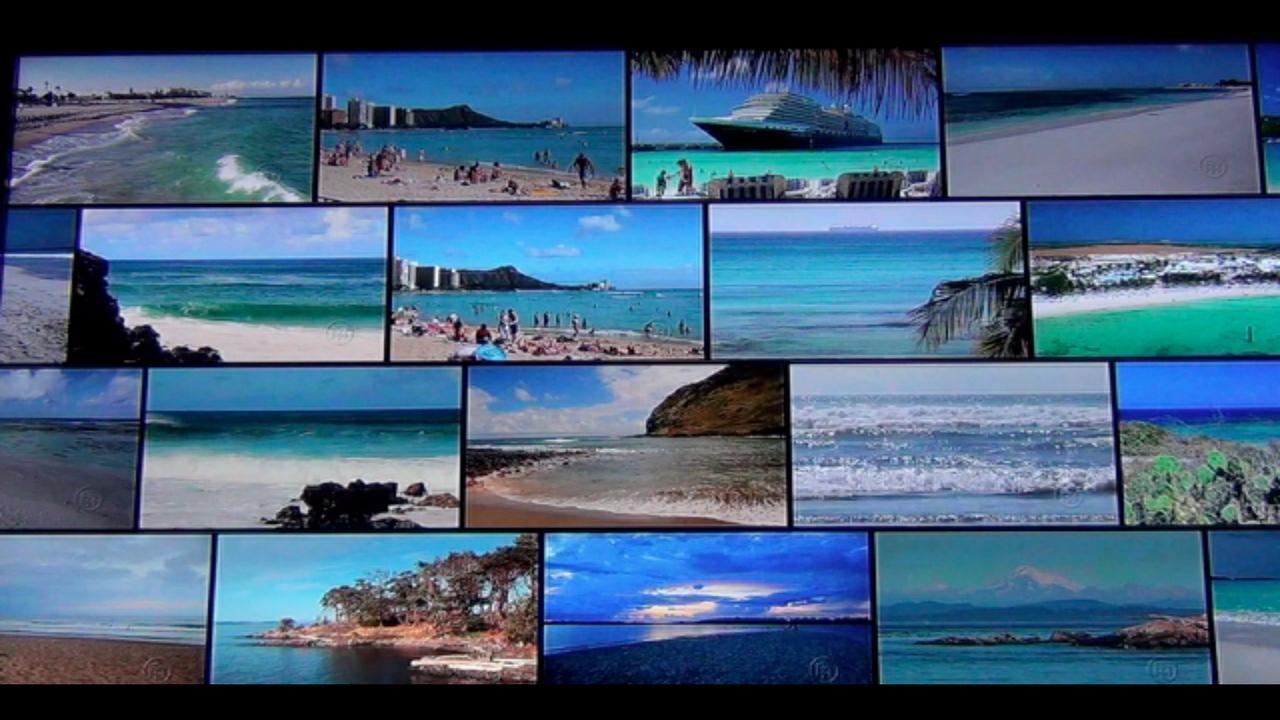
Wall-to-wall YouTube videos. The app shows a video wall of thumbnail images for videos in a YouTube playlist. One of the thumbnails will flip over and automatically begin playing a video from the playlist, which will play until it finishes. After that, the video will be replaced with a thumnbail, and a different thumbnail will flip over to automatically play another video.
Features:
- Grid of animated YouTube videos
- Select playlist of HD videos
- Configure animated effects
- Play current video in YouTube app
Instructions:
- To select a playlist: Press the Menu button and then "Select Playlist".
- To change the animated effect: Press the Menu button, select "Settings/Effect".
- To play the current video in the YouTube app: Press the OK button. Press Back to get back to the video wall app.
- To jump to the next video: Press the media next button.
Limitations:
- Due to a YouTube player API bug, only a static list of playlists are supported for now until Google fixes the bug.
Permissions:
Internet - to play YouTube videos.
The code for this app is open sourced at: https://github.com/entertailion/Video-Wall
Problems:
Please email us at videowall@entertailion.com; we cannot reply to comments or Android error reports and many reported problems require that we ask for more details in order to fix.
Latest Version
1.3Requires Android
3.2 and up
Category
Free Entertainment AppContent Rating
Unrated · Warning – content has not yet been rated. Unrated apps may potentially contain content appropriate for mature audiences only.
Report
Flag as inappropriateLast updated on Jan 26, 2013
Minor bug fixes and improvements. Install or update to the newest version to check it out!



APKPure - A multi-platform app store primarily focused on Android, providing extensive app-related content. Discover the app you want easier, faster, and safer, with quick and efficient downloads and installations.











