
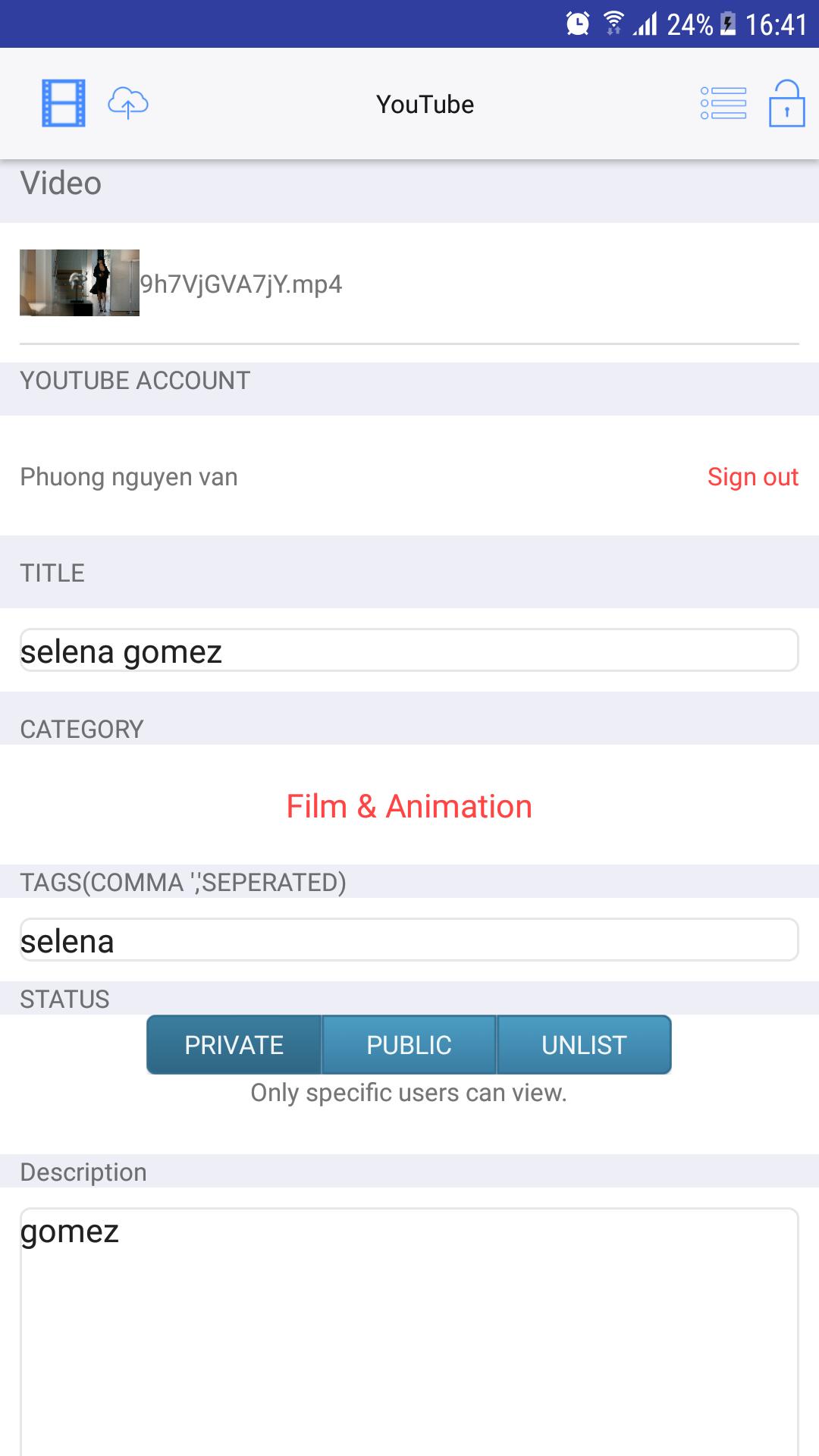
Video Uploader on Youtube provides the fastest upload speed as well as stable connectivity to YouTube.
The app supports background-mode upload for multi-tasking.
You will get a notification when it is finished uploading in background.
When it is running in foreground, real time progress bar indicates the progress of uploading. If you often upload videos, this easy to use program will be a good companion for you and save lots of your time.
The app shows all the videos which were uploaded before.
And, it gives us basic information including a YouTube link of each video.
The link may be copied to clipboard and pasted in other apps.
[Features]
- Fastest and stable upload.
- Background-mode upload for multi-tasking.
- Puts a timestamp of EXIF on the video.
- Compresses a video.
- Touch-ID and password for security.
- Browse all the videos uploaded before.
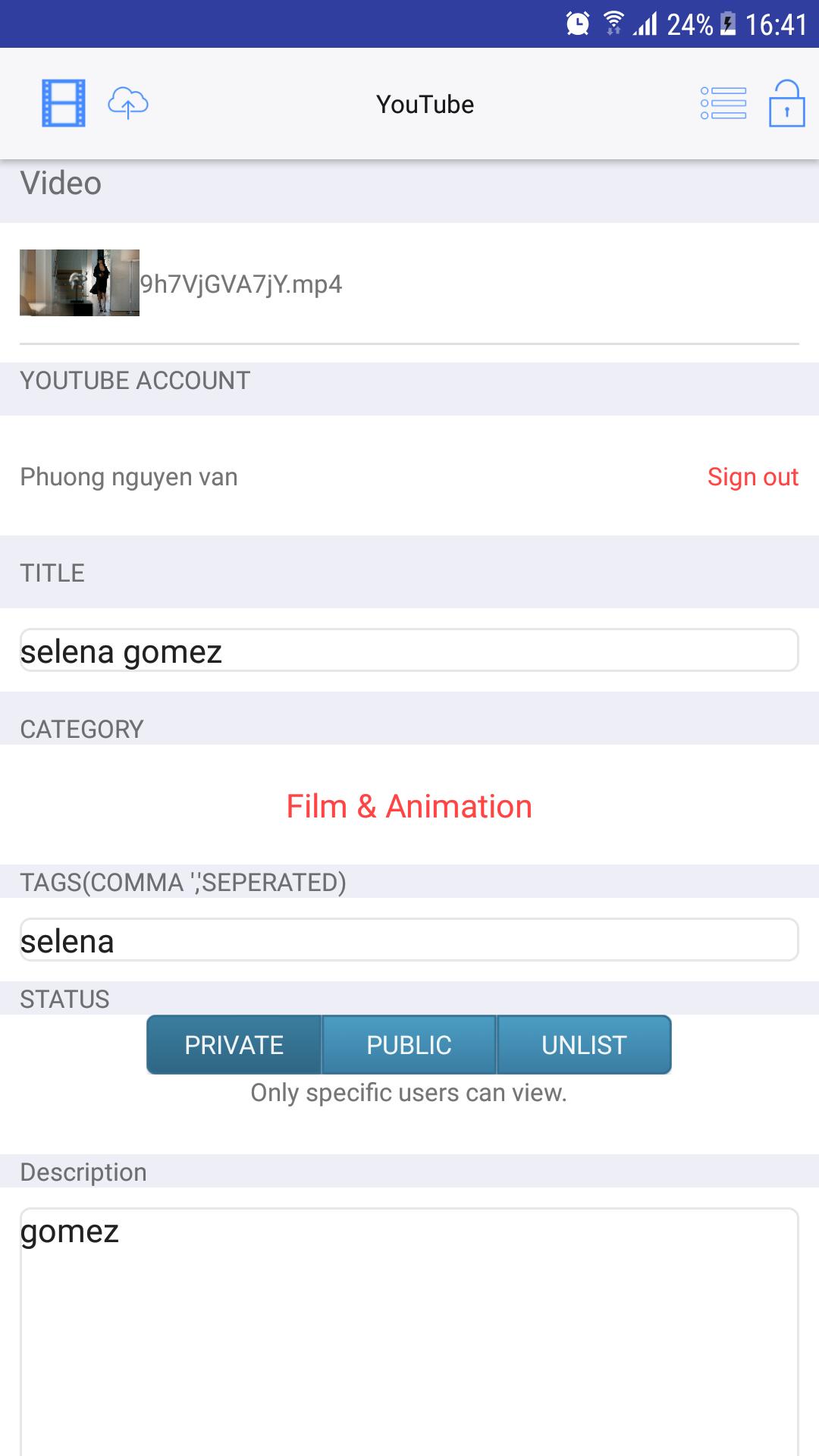
- Allow you to configure the basic and advanced settings for upload.
* Notice : If this is the first time for you to upload a video to YouTube, you MUST create a channel in YouTube before using the app.
Sign in YouTube via WEB and create a channel in Video Manager.
Some case video uploading failed because your account not verified .
If you forgot to verify your account before uploading a long video, you'll be prompted to do so after your video has finished processing.
You may also see a "Rejected (length of video too long)" error in your Video Manager("http://www.youtube.com/my_videos?o=U"). If you do, click the Verify account button next to the video.
Once you've verified your account, click Activate this video in your Video Manager to publish it. Activated videos are automatically set as private videos, so make sure to check the privacy settings for your video and edit them if you'd like.
Latest Version
1.9Uploaded by
Paing Kaung Wai Yan
Requires Android
Android 4.1+
Category
Free Entertainment AppContent Rating
Teen
Report
Flag as inappropriateLast updated on May 2, 2019
Change icon app for compatible with google policy.

APKPure - A multi-platform app store primarily focused on Android, providing extensive app-related content. Discover the app you want easier, faster, and safer, with quick and efficient downloads and installations.