
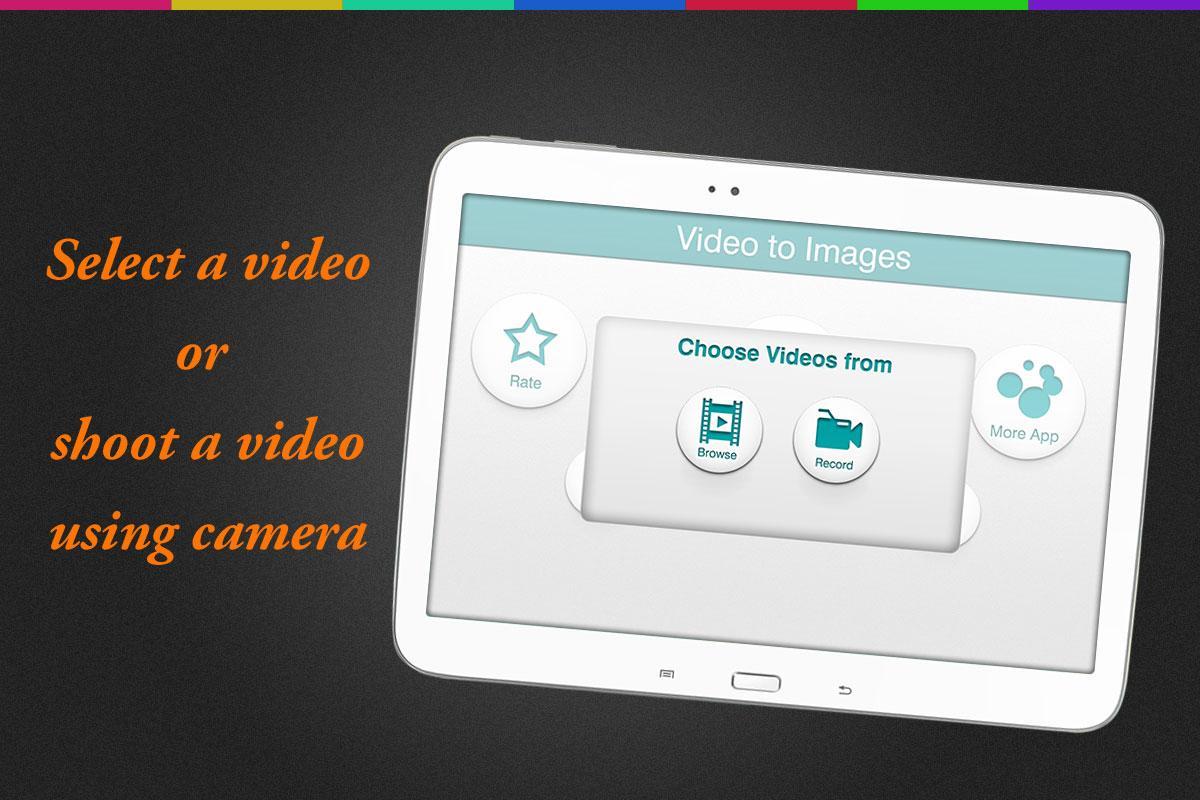
Video to image is a simple but powerful video editor app to make photo editing on android device so easy. Sometimes it's hard to take a picture of your kids such as first smiles, steps and reactions. This Frame shot video image capture app allows to grab the best action shots from video. In this app you will be able to simply select a video from gallery or make an instant video through video camera.
The application creates a frame bundle to your specifications according to time frames, than you can choose one of your best image from that video according to your time frame. Photos can be saved to your device and shared on your favorite social networks. You have an area for editing the captures, apply lots of photo effects, filters, backgrounds, crop, rotate and many more. Photo grabber is one of the best UI ever designed which makes it stand out.
Best and easy way to capture your loving moment from your videos by video to picture app.
Features:-
1. Add music to video, make your music video.
2. Trim your videos.
3. Portrait or landscape modes.
4. Edit your photos with great photo effects.
5. Different types of frames
6. Various types of backgrounds.
This magical video editing app makes easy to grab your most memorable images from recorded videos.
Latest Version
1.5Uploaded by
Epitaph
Requires Android
Android 2.3.4+
Category
Free Video Players & Editors AppContent Rating
Everyone
Report
Flag as inappropriateLast updated on Sep 2, 2017
Bug Fixes and performance improvement




APKPure - A multi-platform app store primarily focused on Android, providing extensive app-related content. Discover the app you want easier, faster, and safer, with quick and efficient downloads and installations.