Scan Date:Mar 20, 2026
Show More

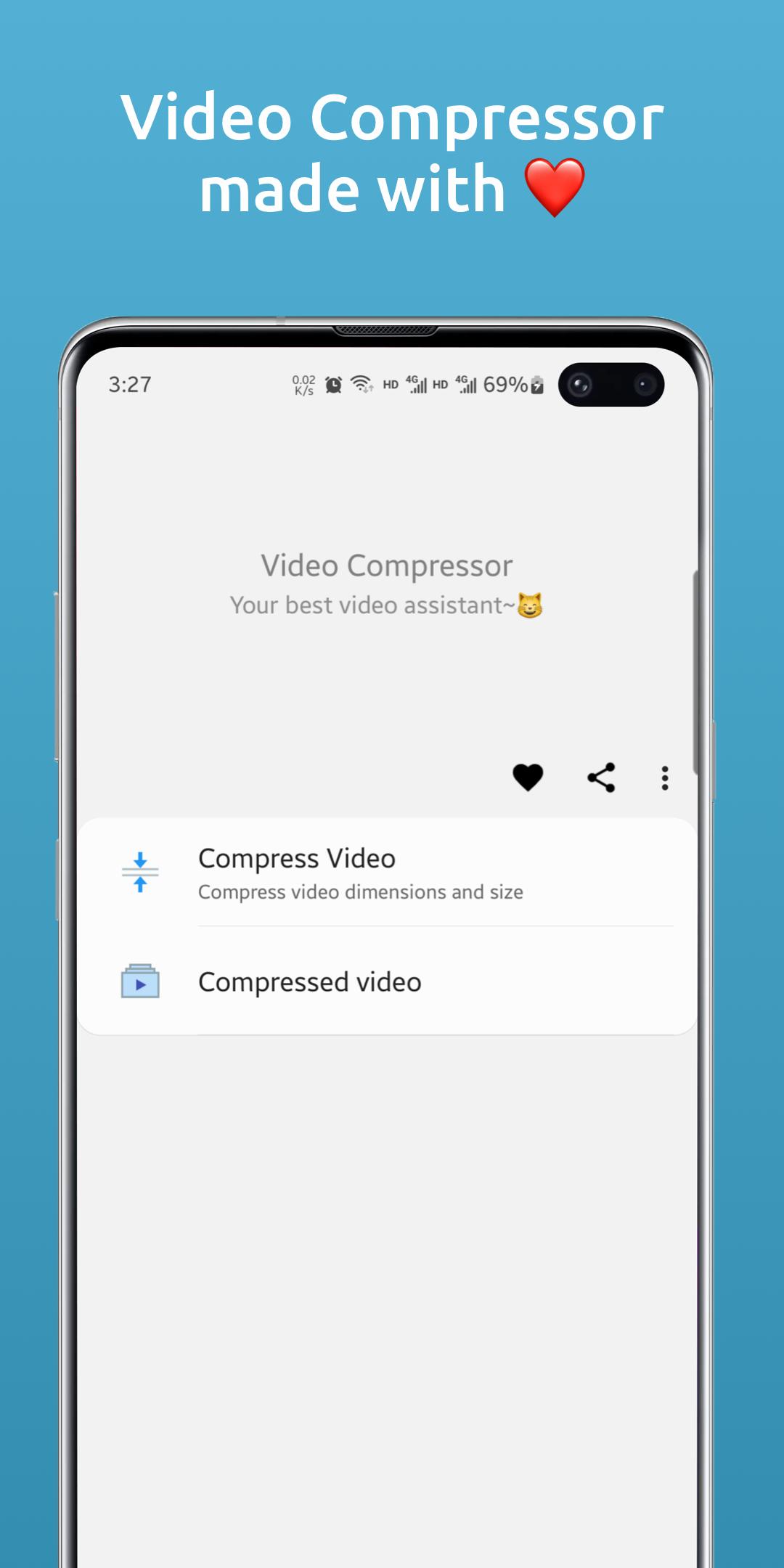
Video Compressor: Compress video to save storage space. It also supports adjusting video resolution, video quality and other functions. I hope it can be a good helper for your video😸!
Features:
- Batch compress video: support single or multiple video batch compression
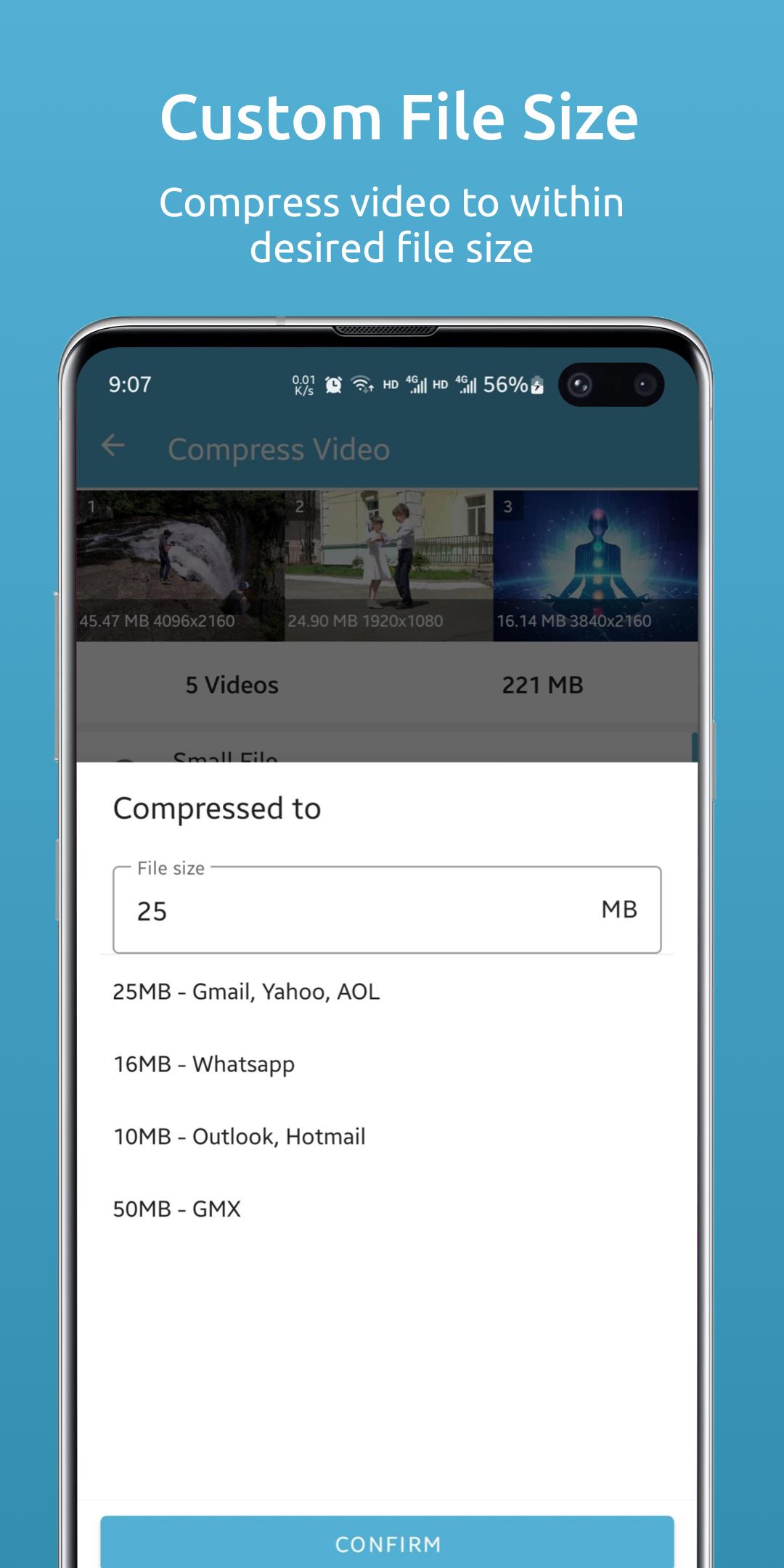
- Compress video to specified file size: for one or more videos
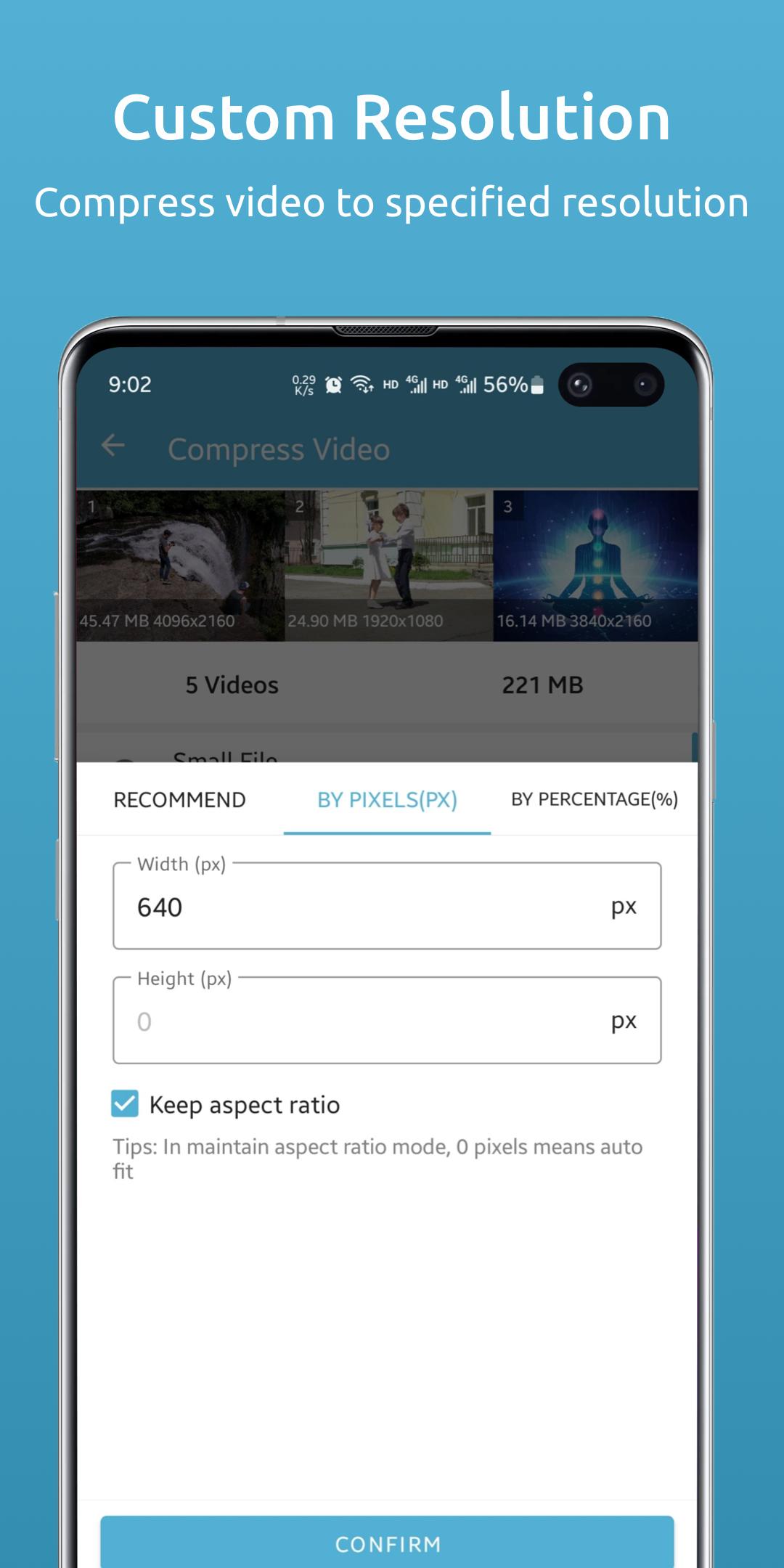
- Video size adjustment: Support single or multiple video size adjustment during compression (can be reduced or enlarged)
- Video proportional size adjustment: Keep the original video ratio when resizing
- Adjust the compression ratio: You can adjust the compression parameters to control the image quality
- Adjust the compression speed: You can adjust the compression speed, you can choose a faster speed to compress the video
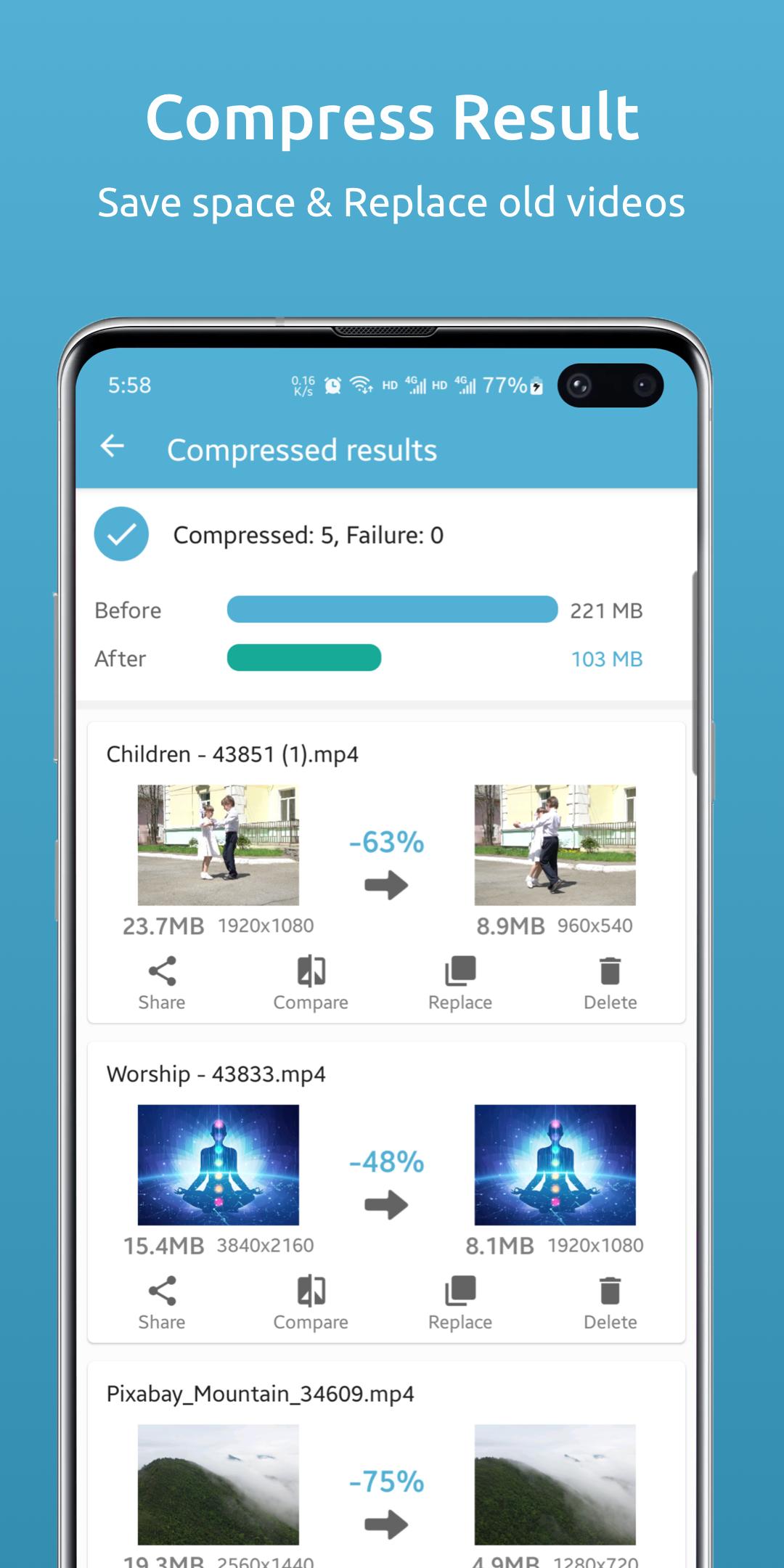
Video Compressor can help you quickly compress video, adjust video size or resolution. Lets you compress large videos into smaller sized videos with little or negligible loss of image quality.
Video Compressor uses intelligent lossy compression techniques to reduce the file size of videos. Reduce video file size by controlling video bitrate and compression, ultimately requiring fewer bytes to store data.
Key Features of Video Compressor:
* Completely FREE
* Batch compression (compression of multiple videos)
* Video compression to specified file size
* Original video is unaffected
* Reclaim space taken by videos by using the "Replace" feature
* Save storage space on mobile phones and tablets
* Video size or resolution adjustment, you can shrink the video, you can also enlarge the video
* Keep the original ratio of the photo when the video size is adjusted
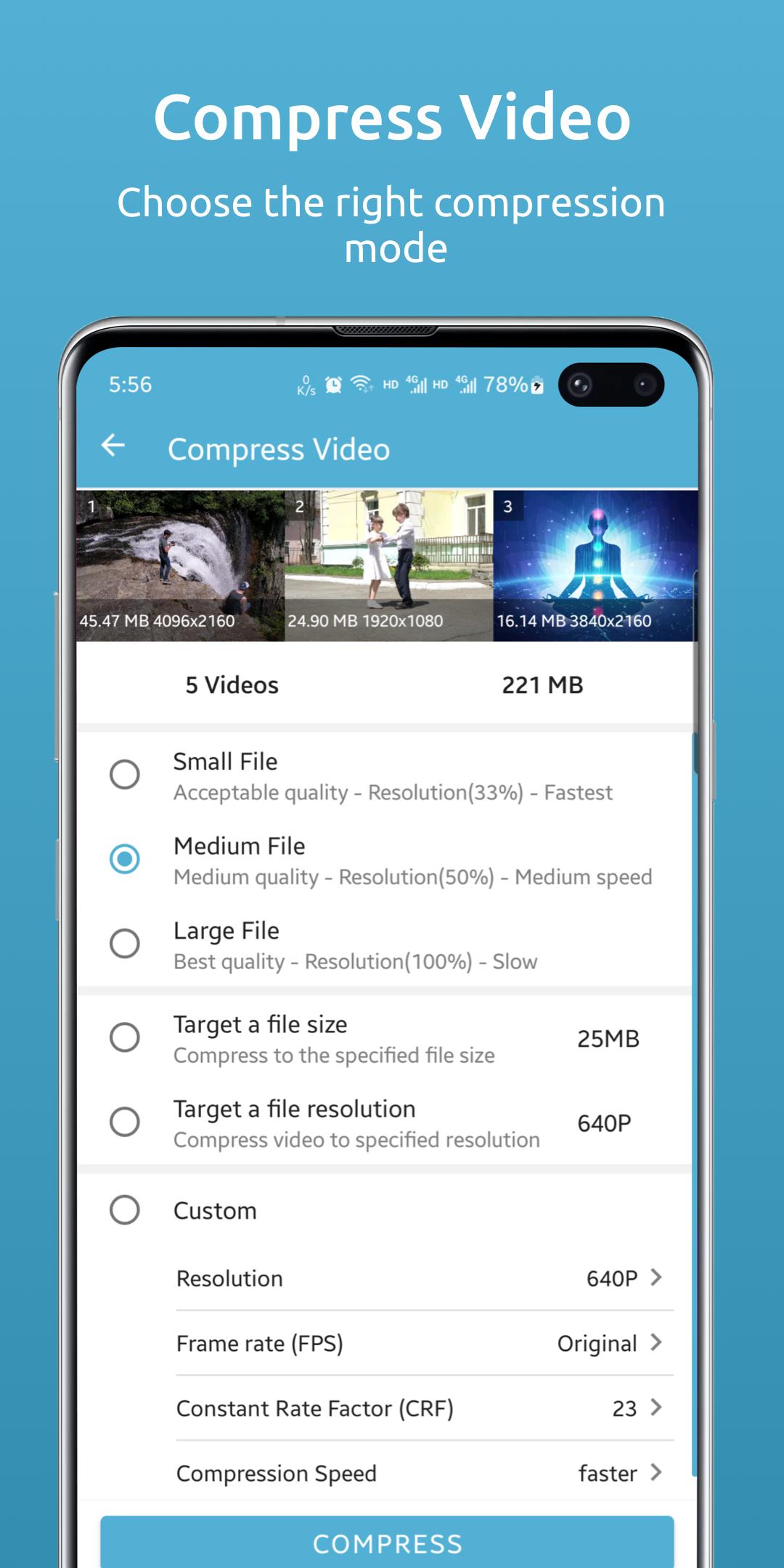
The video compression function provides several modes:
* The default recommended mode: small, medium and large three minimalist modes for video compression.
* Compress video to specified file size: You specify the video file size in KB or MB. This feature is recommended when you need a video with the exact file size.
* Compress video to a specified resolution: You can choose a built-in common resolution (240p, 320p, 360p, 480p, 640p, 720p, 960p, 1080p, etc.) or use a custom resolution for compression.
* Custom mode: You can customize various parameters, such as adjusting resolution, frame rate (fps), constant rate factor (crf), compression speed and other parameters for video compression at the same time, so as to obtain ideal compression results. But it is recommended that you have a certain video knowledge and skills, and if you are not sure, you can use the other three modes.
Each mode provides batch compression and batch resizing.
If you have any questions please contact us, or rate us.
Latest Version
1.0.5Uploaded by
Φιλιππος Καψης
Requires Android
Android 7.0+
Category
Free Video Players & Editors AppContent Rating
Everyone
Security Report
Report
Flag as inappropriateLast updated on Oct 23, 2025
- Adapt to new features of Android 15
- Fix known issues



APKPure - A multi-platform app store primarily focused on Android, providing extensive app-related content. Discover the app you want easier, faster, and safer, with quick and efficient downloads and installations.