Package Name:video.compress.optimizasyon
SHA-256:16ac16d5ad70f4c18f55f544dcf4a405c3a65f1d77cd9efeb16846813955f8e8
Show More

This video compressor can compress various video files and reduce video file size, such as MP4, AVI, FLV, MOV, 3GP, MKV, WMV and more, help you to save disk space and network bandwidth for easy storage, transfer and sharing.
🚀Performance🚀
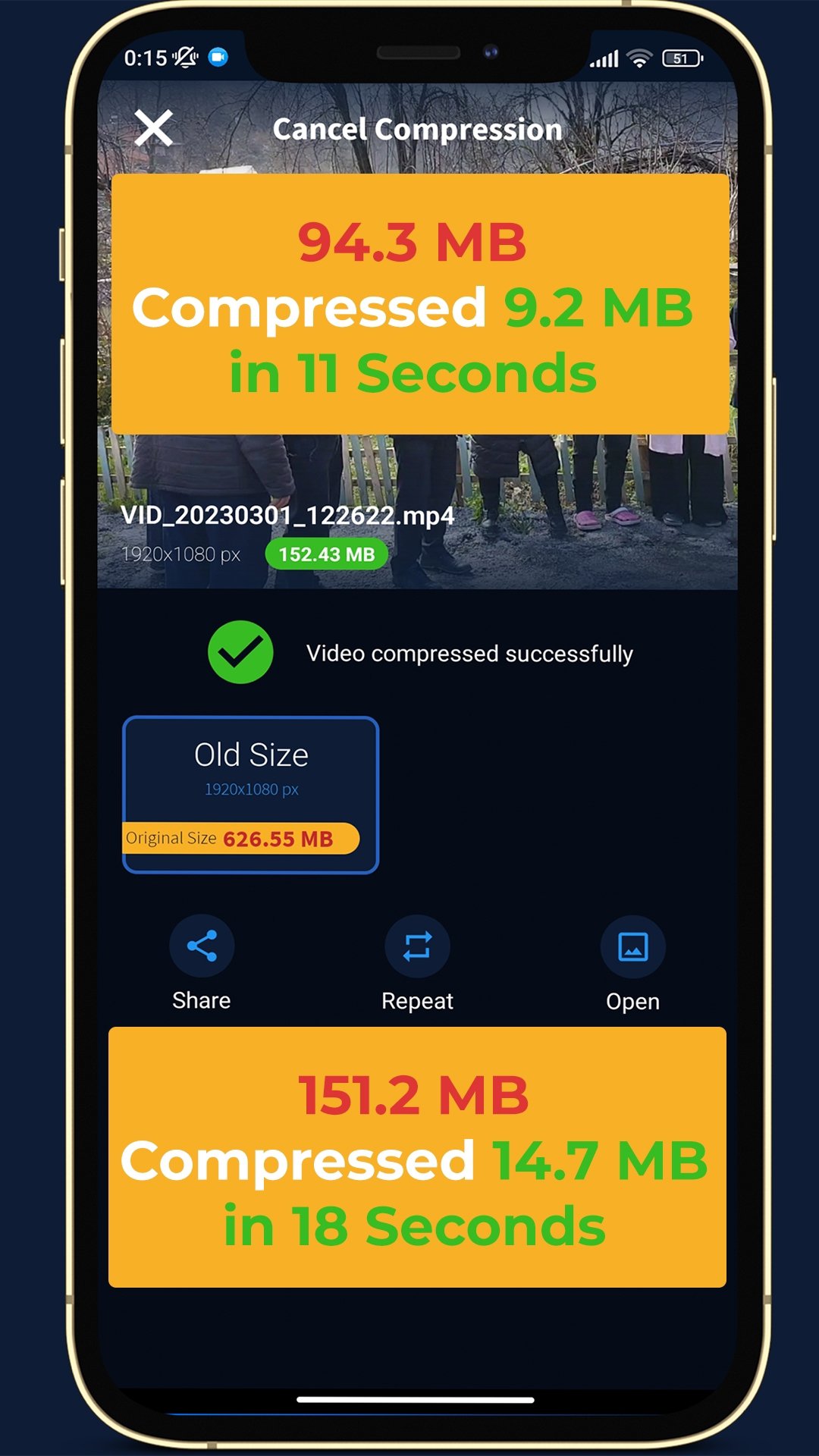
This method was tested on Pixel, Huawei, Xiaomi, Samsung and Nokia phones and more than 150 videos. Here’s some results from pixel 2 XL (medium quality);
🔹 94.3MB compressed to 9.2MB in 11 seconds
🔹 151.2MB compressed to 14.7MB in 18 seconds
🔹 65.7MB compressed to 6.4MB in 8 seconds
The output format is the most popular MP4 video.
🔎 How To Use🔍
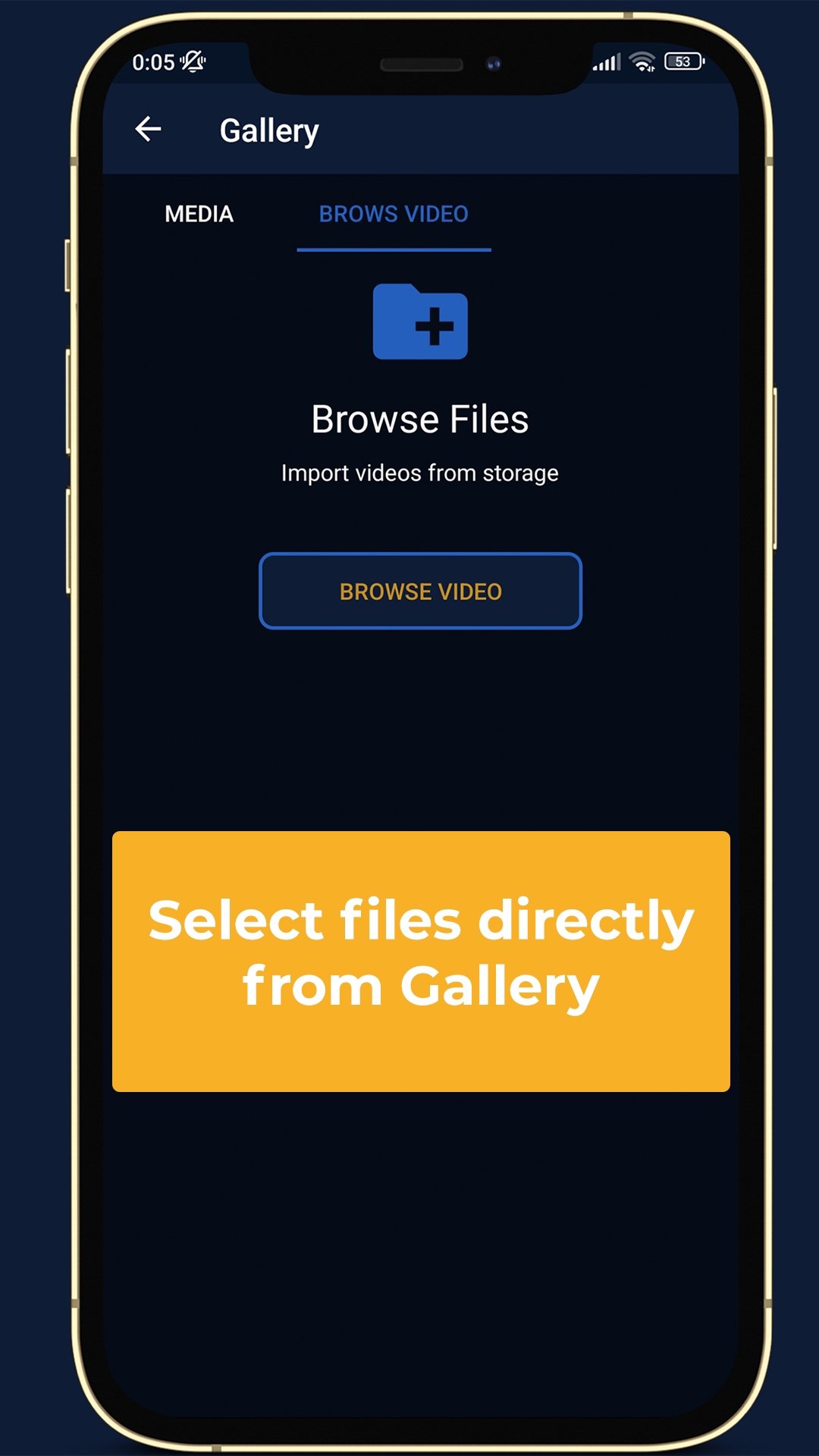
Select a video file;
Enter a desired video size that you need.
Click button "Compress" to start upload your file.
Once upload completed, converter will redirect a web page to show the compression result.
📍Tips📍
Please make sure the desired video size is not too small (compared to your original file), otherwise the compression may fail.
Another way to reduce video file size is to smaller video frame width and height, please use
Resize Video
🔧Options🔧
📝 Desired video size is an approximation value, the file size of output video will be close to this value, it cannot be greater than the source file size. Tool will prompt you if this value is less than 30% of source file size, and you can decide whether to continue.
📝 Audio quality can be 32kbps, 48kbps, 64kbps, 96kbps, 128kbps or No Sound (silent). If the audio quality of original video is below this value, the original audio quality will be used. No Sound option can also save file size.
After you use VideoCompress to compress videos, you will be able to:
🔸 Send compressed video via email, text
🔸Upload/share your videos to social media channels
(Instagram, Facebook, Youtube, Whatsapp, WeChat, Viber, Line, Telegram, VKontakte, and KakaoTalk).
🔸Save space on your phone, tablet, in the cloud
🔸 Reduce mobile data usage
📤Supported Video formats📤
Mp4, avi, mkv, flv, rmvb, 3gp, mpeg, wmv, mov
📸About us📸
📝 A powerful and easy-to-use video compression library for android uses MediaCodec API. This library generates a compressed MP4 video with a modified width, height, and bitrate (the number of bits per seconds that determines the video and audio files’ size and quality). It is based on Telegram for Android source code.The general idea of how the library works is that, extreme high bitrate is reduced while maintaining a good video quality resulting in a smaller size.
Latest Version
114.0.0Uploaded by
عباس جاسم
Requires Android
Android 5.0+
Category
Free Tools AppContent Rating
Everyone
Security Report
Check Now
Report
Flag as inappropriateLast updated on Jan 15, 2025
Minor bug fixes and improvements. Install or update to the newest version to check it out!







APKPure - A multi-platform app store primarily focused on Android, providing extensive app-related content. Discover the app you want easier, faster, and safer, with quick and efficient downloads and installations.