Scan Date:May 10, 2026
Show More

VidArt - Video Editor & Maker
Create extraordinary videos with VidArt, the all-in-one video editor app developed for modern content creators. Whether you're editing clips for YouTube, TikTok or Instagram, VidArt will be the best video editor software for you.
VidArt combines professional-grade tools in a user-friendly interface so anyone can edit videos. It's a powerful video editing app with photo and text – ideal for vlogs, reels, shorts and more.
Features at a Glance
Smart Editing Tools:
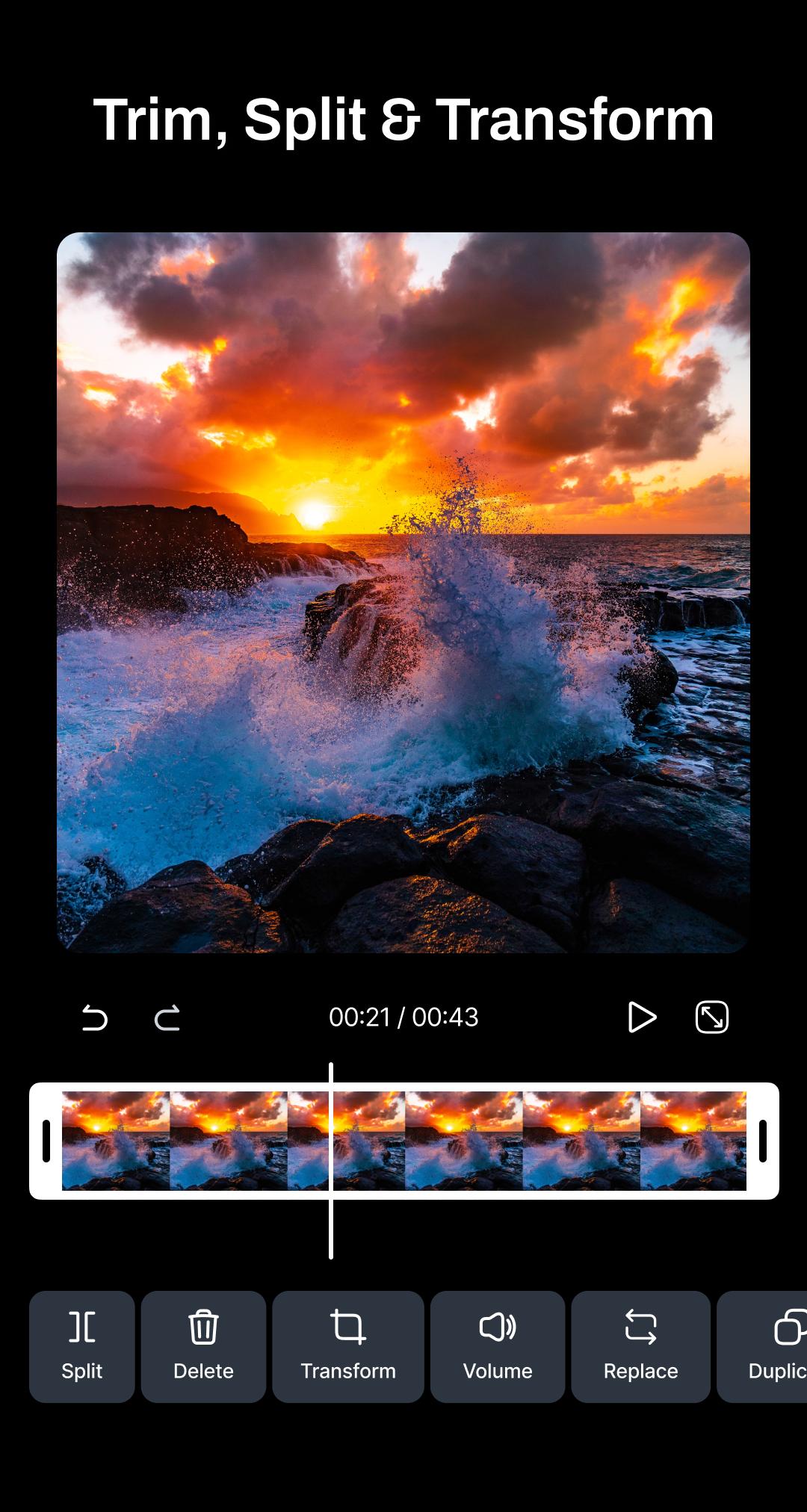
Cut, trim, split, and merge video clips using a responsive timeline that puts you in control.
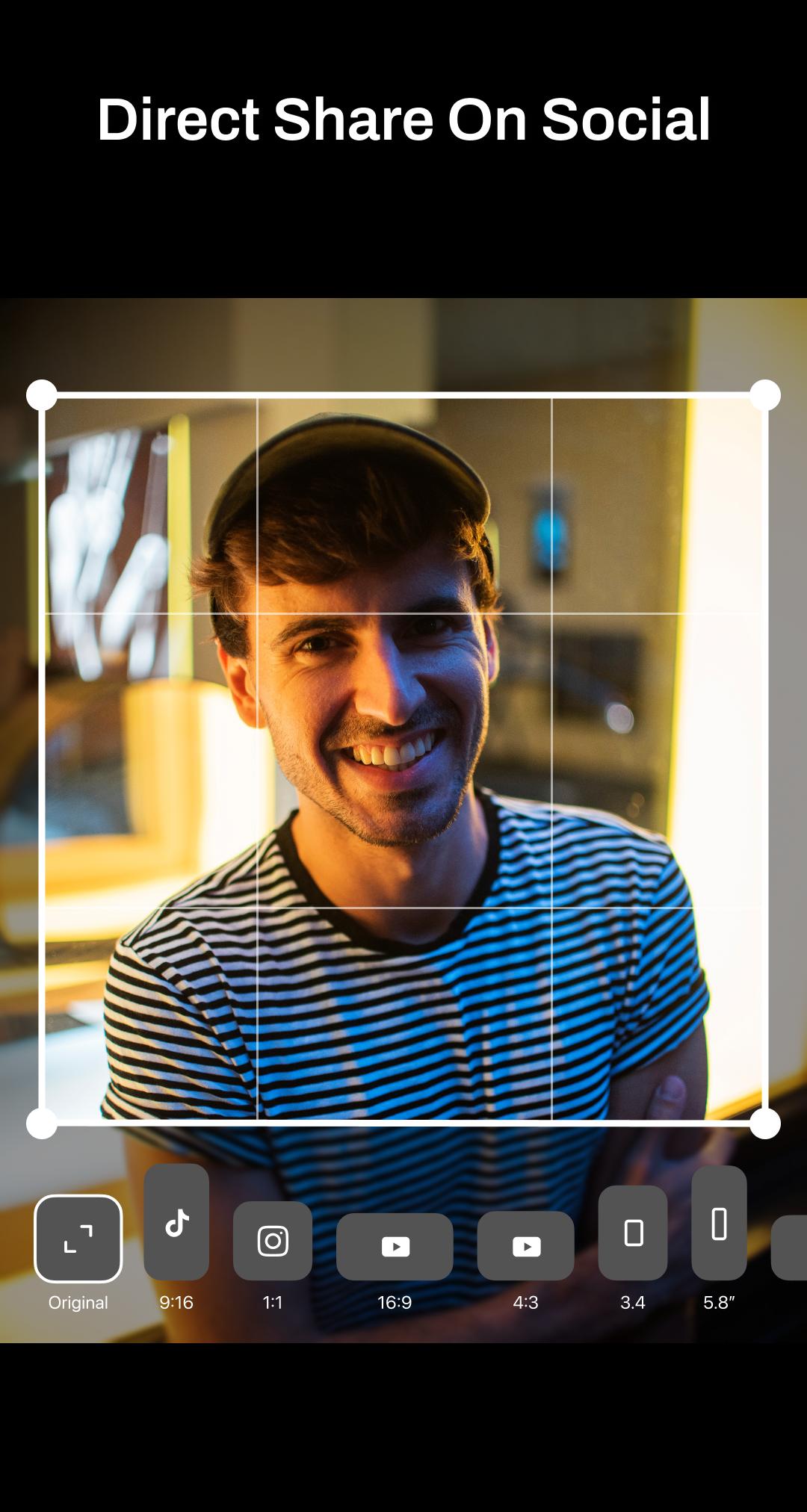
Crop Videos:
Perfectly frame your clips for Instagram, Stories, YouTube, TikTok and more Social Media Platforms.
Flip & Rotate Videos:
Easily flip or rotate your video to correct orientation or get creative with new angles.
Set Video Background:
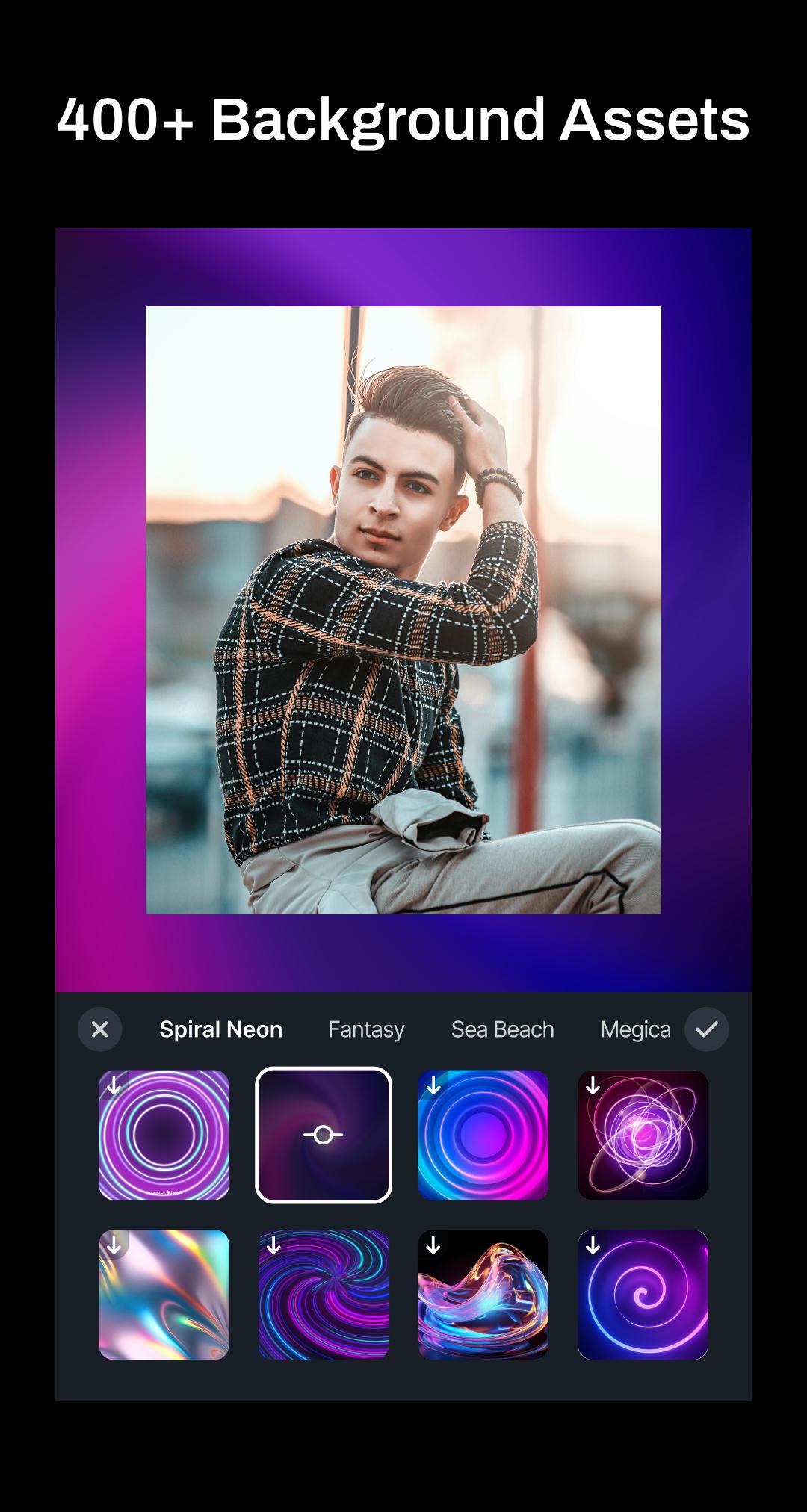
Transform the ambiance of your video by setting a new background. Vidart allows you to easily replace backgrounds, offering you the power to create various visual environments or simply enhance the overall look of your video.
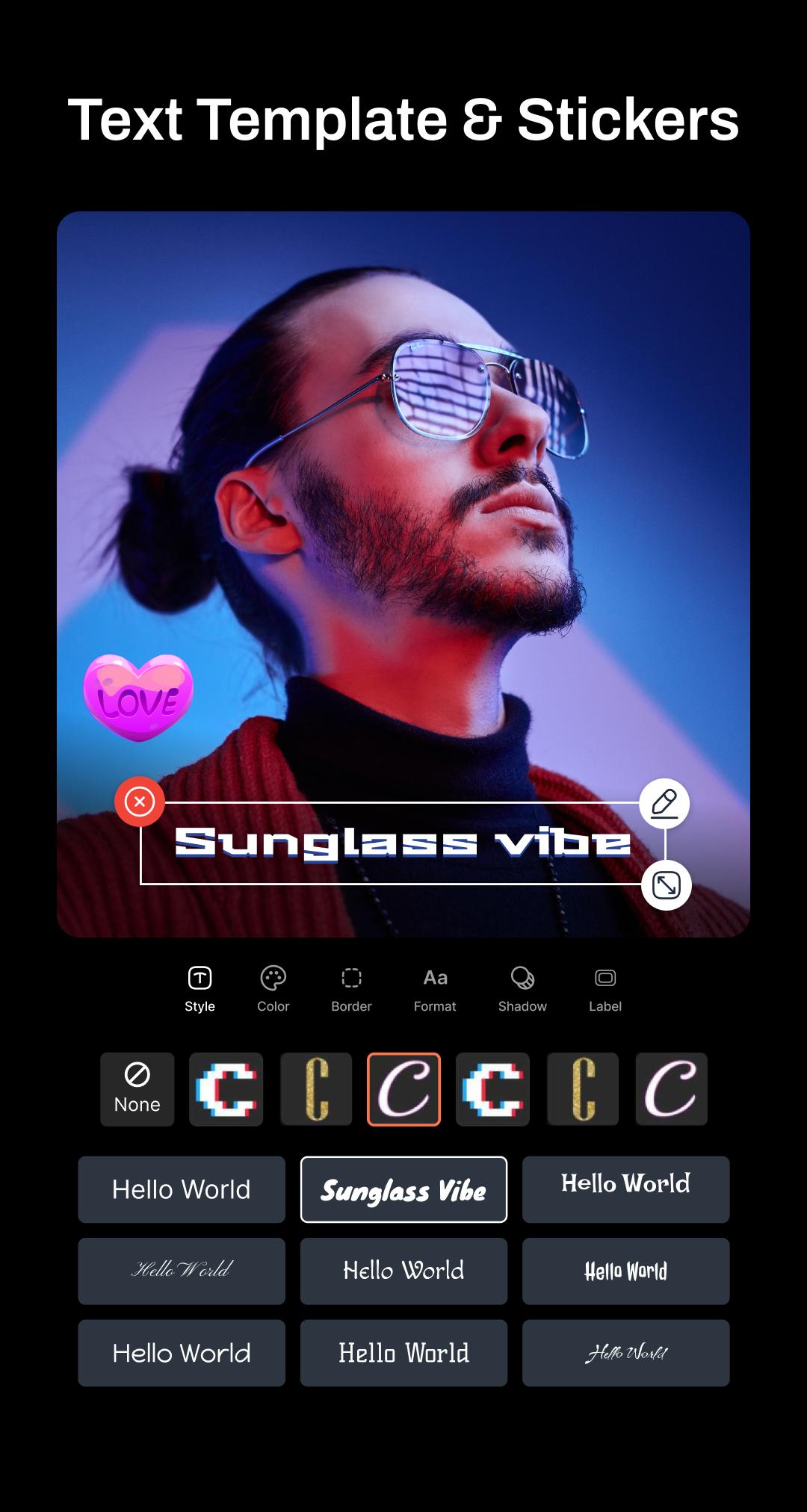
Text on Video:
Add titles, captions, or stylish text overlays with customizable Fonts, Style and colors.
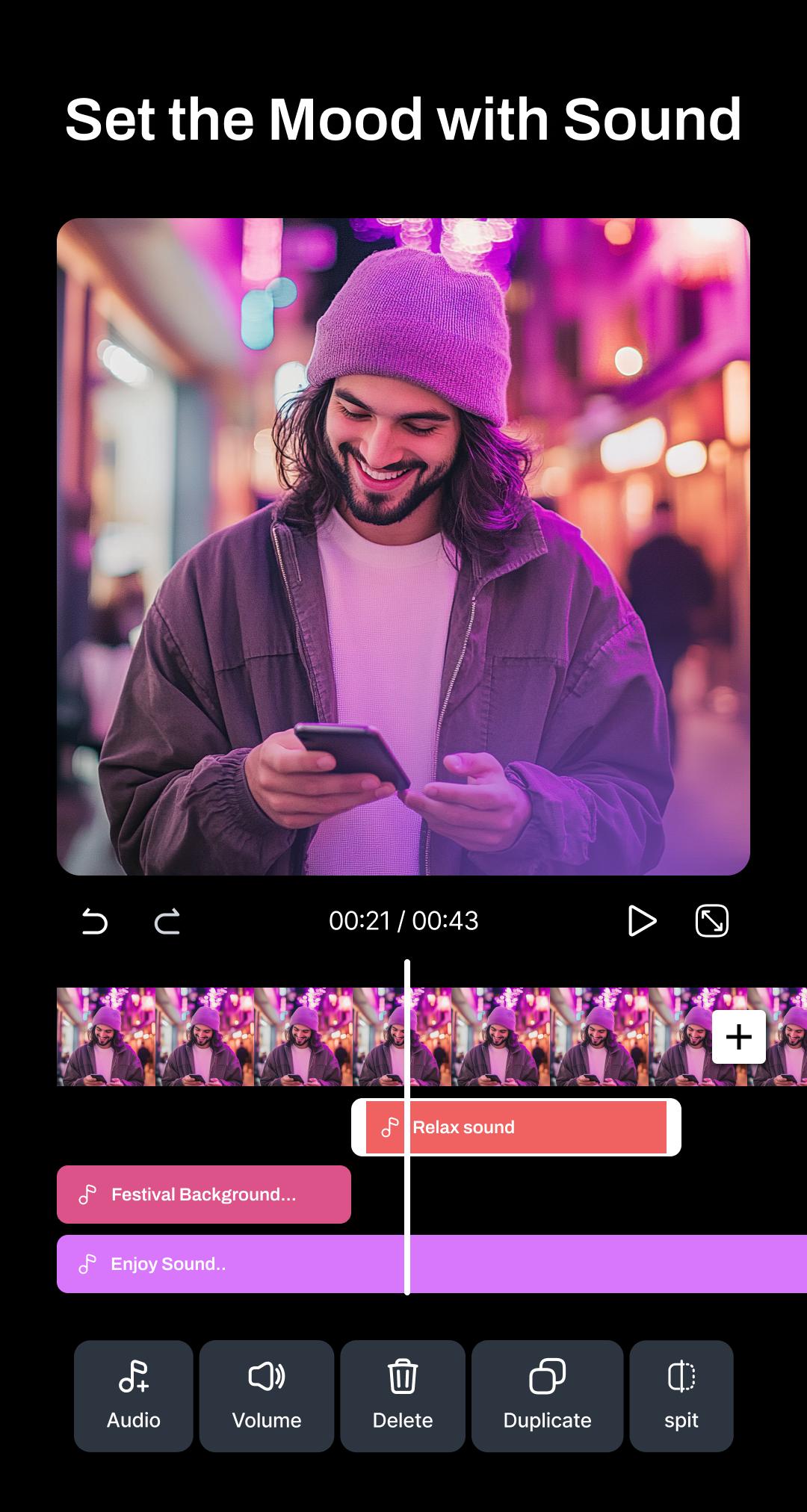
Volume Control:
Boost, reduce, or mute audio precisely with intuitive sound controls. Vidart gives you precise control over your audio landscape, ensuring your video sounds just right.
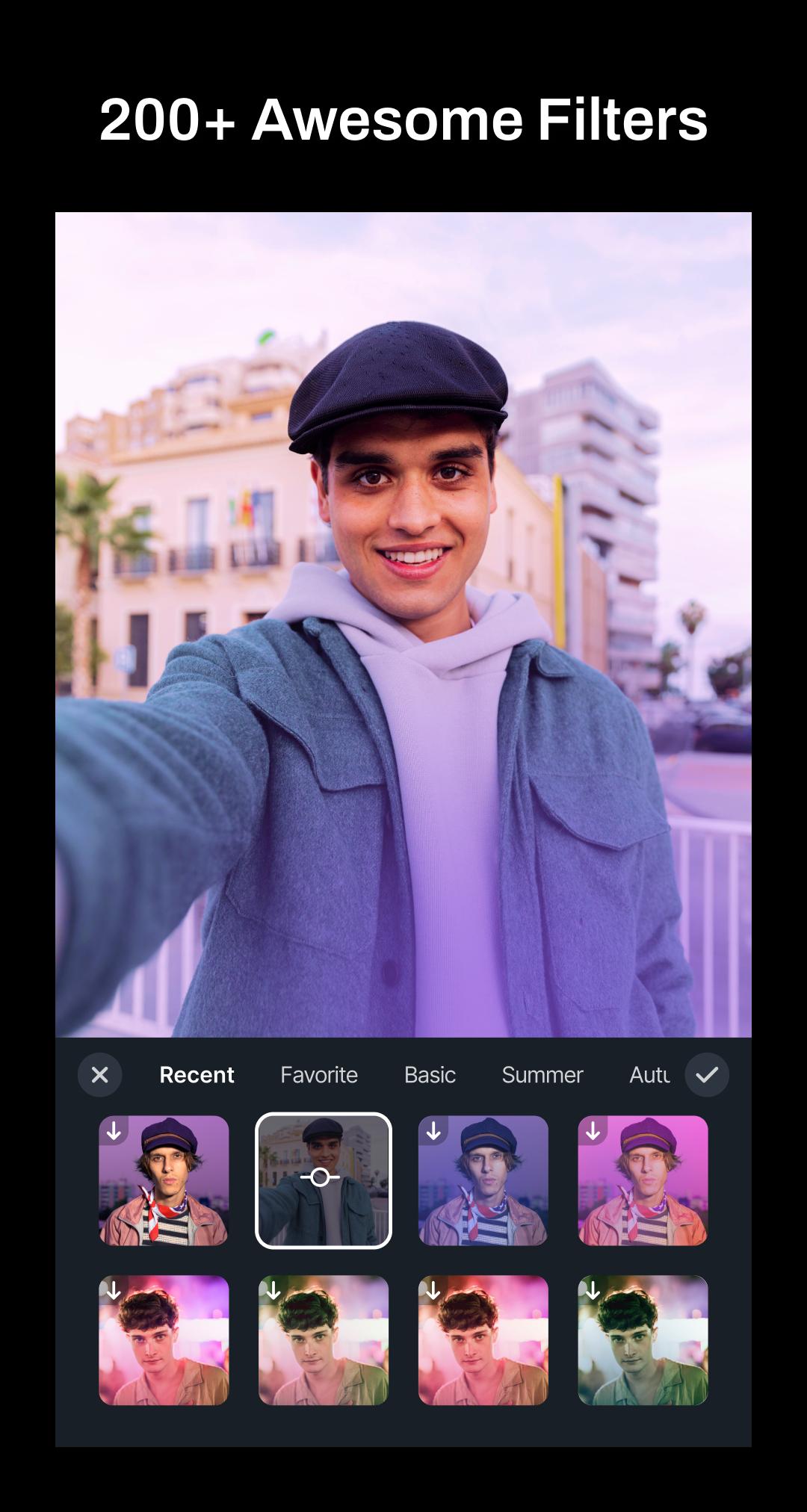
Filters & Effects:
Choose from a wide variety of stylish filters and cinematic effects to give your videos a professional-grade look with just one tap.
Adjustments:
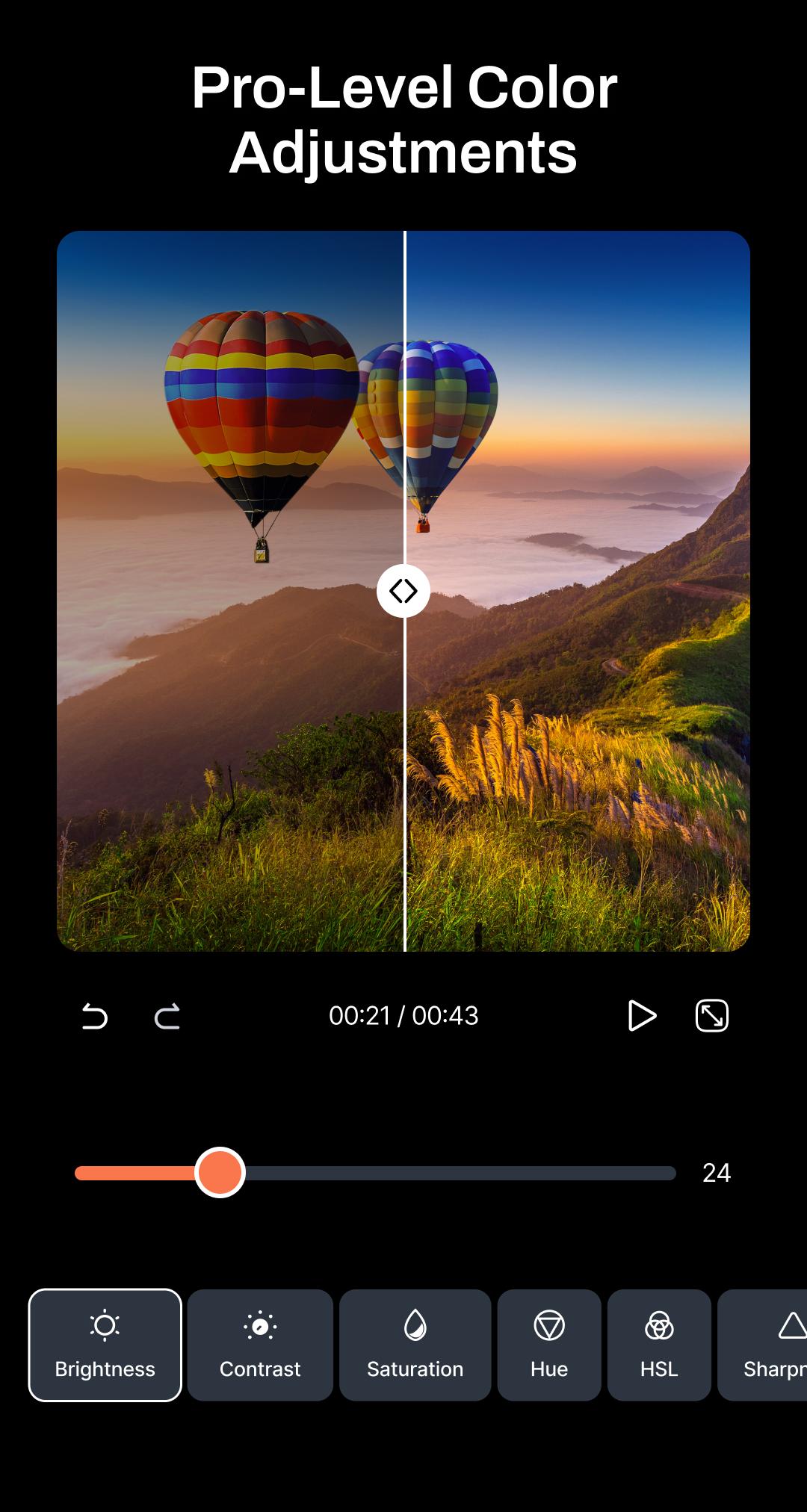
Fine-tune brightness, contrast, saturation, exposure, warmth, and more. Get the perfect tone and mood for every frame with precision adjustment tools.
Key Frames: Use keyframes to create custom zooms, pans, and cinematic transitions across your video.
4K Export & Share:
Export your videos in multiple resolutions and formats—optimized for every platform. Always crisp, always clear. Save in 4K and share directly to Instagram, YouTube, TikTok, or anywhere else.
Adjust Video Ratio:
By this video editing software, you can switch between 16:9 (YouTube), 1:1 (Instagram), or 9:16 (Reels & TikTok) effortlessly to match any format.
Add Music & Audio:
Import your own music or choose from your library to set the perfect mood.
Stickers:
Add customizable text and fun stickers to personalize your video.
Transitions:
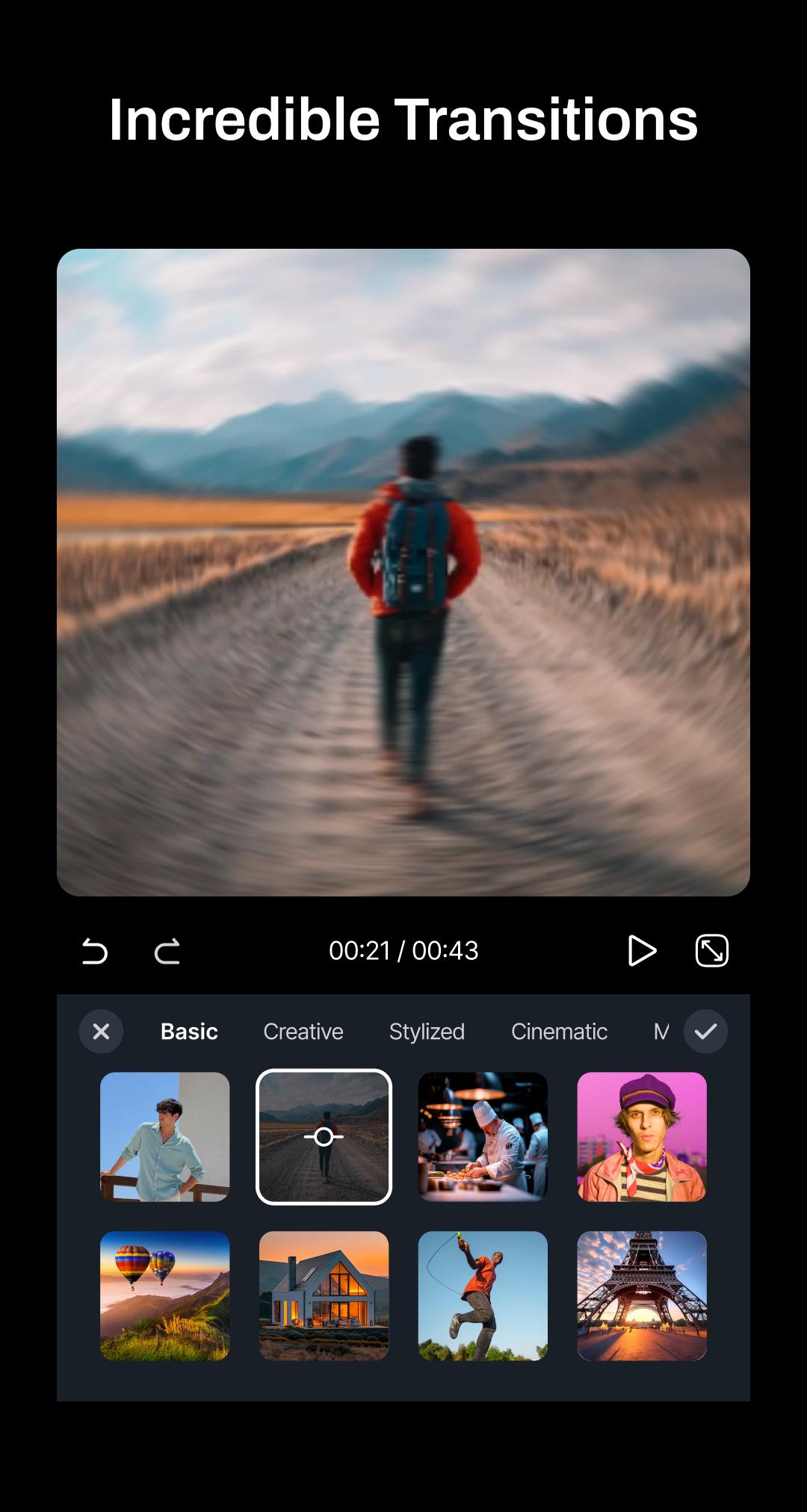
For smooth and trendy transition, you can use this app as video transition editor.
Speed: Adjust video speed easily with our video speed editor. Slow motion & fast motion controls to speed up or slow down videos within very good range - 0.1x to 20x. Create smooth slow-mo, extreme speed-up, and fast-forward clips. Perfect for reels, TikTok, YouTube & video editing.
Overlay:
For adding something on top or anywhere of the main video, you can use overlay feature (both video and image).
Video Collage:
Create stylish video collage applying customized ratio, filter, layouts & volume. You can easily replace, rotate & flip of individual video.
AI Features
Noise Reducer: Remove background noise from your videos or audio.
Vocal-Music Separator: Separate voice and music from any video or song with AI.
Auto Caption: For accurate subtitles this feature is using AI speech recognition. Customize fonts and timing to match your video perfectly—ideal for social media, reels, and multilingual content creation.
Why VidArt?
- Best Video editor for Youtube content creator, for short or full-length videos.
- Perfect for TikTok content creator or stunning Instagram reels.
- Easy-to-use interface for beginners
- Powerful tools for advanced editors
Latest Version
9.1.0Uploaded by
Phong Huynh
Requires Android
Android 10.0+
Category
Free Video Players & Editors AppContent Rating
Everyone
Security Report
Report
Flag as inappropriateLast updated on May 10, 2026
- Optimized app performance for a smoother editing experience
- Fixed multiple bugs and issues

APKPure - A multi-platform app store primarily focused on Android, providing extensive app-related content. Discover the app you want easier, faster, and safer, with quick and efficient downloads and installations.