

Viber Messages & Calls Guide helps new and returning users understand how to get started with chats and calls on the Viber app. It explains core concepts in clear steps, then builds on that foundation with practical tips for privacy, groups, and communities. As an unofficial companion, it focuses on Android tasks and real examples, so you can learn and apply each tip at your own pace. For convenient access on mobile, you can download Viber Messages & Calls Guide latest version APK from APKPure and read topics anywhere.
Simple Android setup
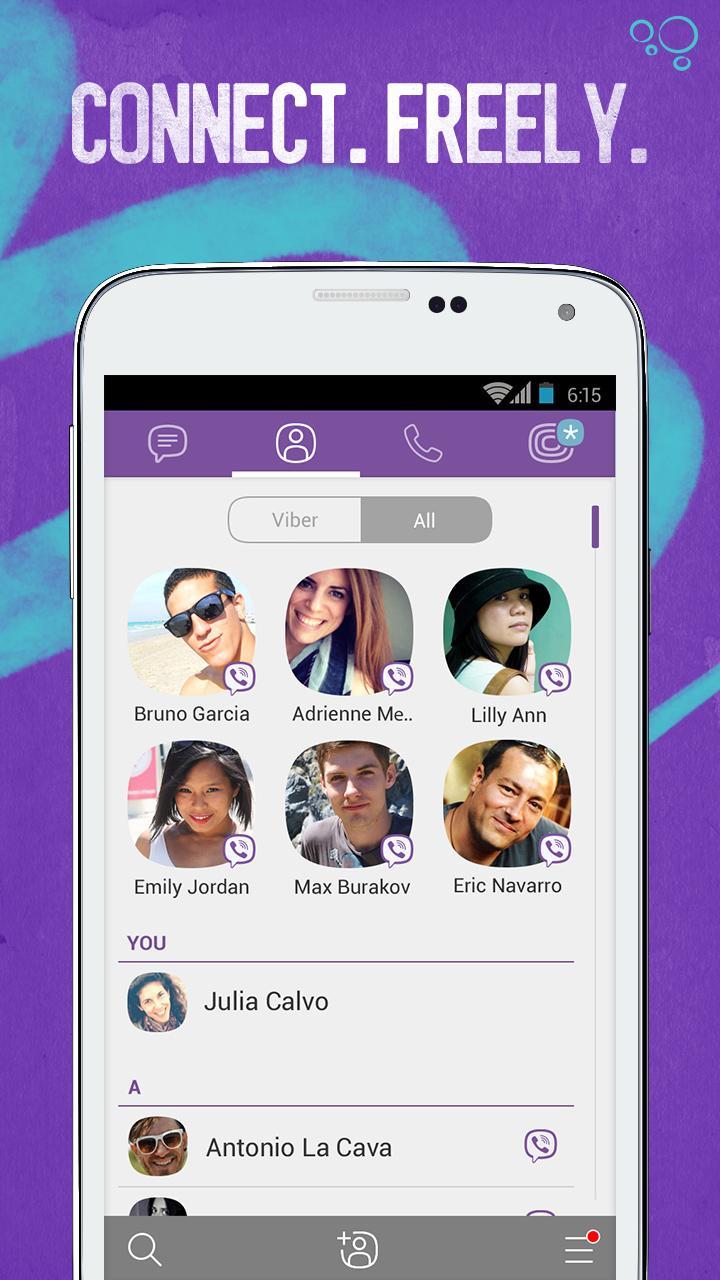
Viber Messages & Calls Guide walks you through signing in with your phone number as your Viber ID. You learn how to sync contacts so the app can show who already uses Viber, which makes starting chats easier. The guide also points out how to confirm your number and how to handle common setup questions on Android.
Chat essentials and media sharing
You get clear steps for sending text messages, photos, videos, voice notes, and your location inside chats. The guide explains how push notifications work, how to mute or unmute a chat, and how to check message status. It also covers stickers and GIFs, including how to download packs, organize them, and keep your favorite reactions easy to find.
Free calls and Viber Out basics
Viber Messages & Calls Guide shows the difference between free Viber to Viber calls and paid calls to non-Viber numbers using Viber Out. You learn when a voice or video call is free, how to start a group call, and what to expect in terms of call quality. The guide also explains how Viber Out credits work, how to check your balance, and simple tips to avoid running out mid-call. In addition, it notes how chats and calls stay in sync when you use both a phone and a tablet.
Groups and Communities
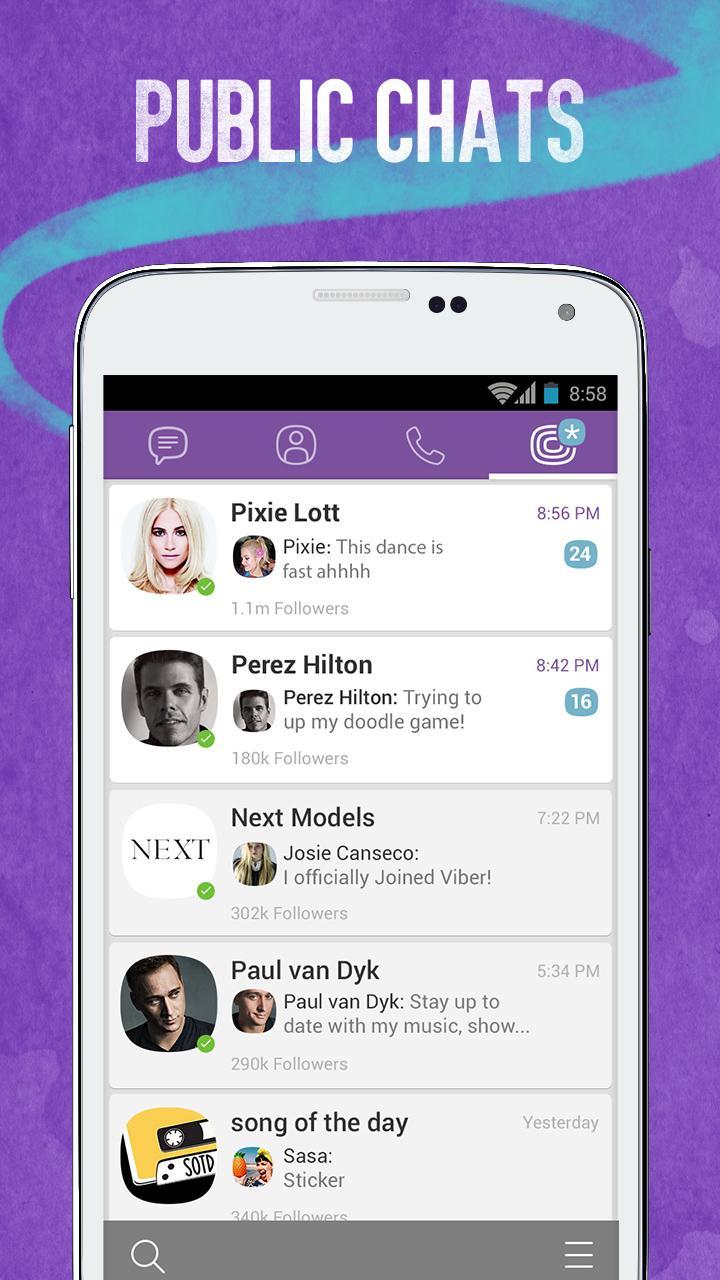
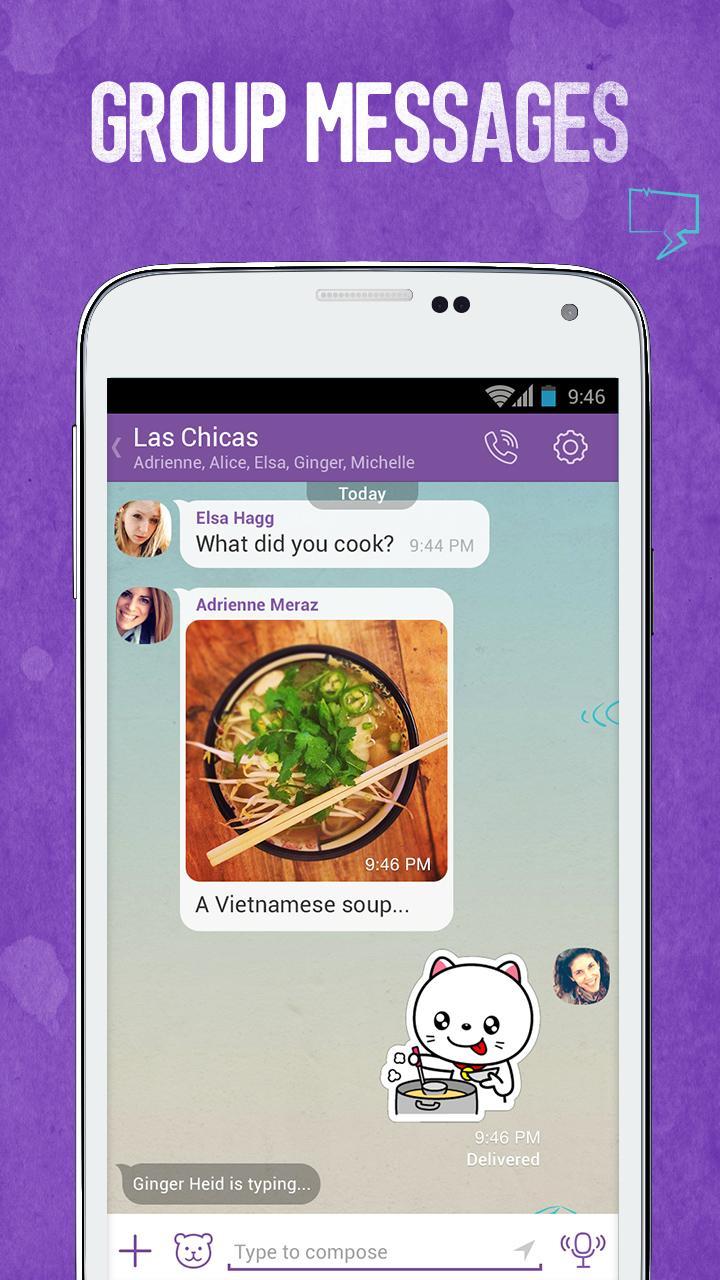
You learn how to create a group chat, add or remove members, and set basic admin controls. The guide then helps you explore Viber Communities by topic, with advice on finding relevant spaces and managing notifications. It also introduces moderation basics and simple etiquette so your participation stays on topic and respectful.
Privacy made understandable
Viber Messages & Calls Guide explains end-to-end encryption in plain language and shows how it protects one-to-one and group chats. You also learn how to send disappearing messages for time-bound conversations and how to use hidden chats for extra privacy on a shared device. Practical examples help you decide when to use each option and where to find the settings.
This content is an independent learning resource and is not affiliated with or endorsed by Rakuten Viber. It does not place calls or send messages and is not the Viber app itself. If you are looking for the Viber download, this guide explains how Viber works and when different features are used.
The guide clarifies that Viber to Viber calls are free, while Viber Out calls to non-Viber numbers use prepaid credits. You learn how to monitor credit usage and avoid surprise costs. The guide does not sell credits and does not process payments. It only explains where these options appear in the Viber app and how to manage them.
The instructions focus on Android phones and tablets to keep steps simple and consistent. Cross-device sync is covered at a high level, so you understand how your chats stay aligned between your devices. Detailed instructions for other platforms are out of scope.
Use this guide to learn the basics, then practice each action inside the Viber app. For the best experience, read the topics in order or jump to the section you need in the Viber Messages & Calls Guide latest version.
Install and open the guide on your Android phone, then allow it to load the main topics.
From the home screen, pick a category such as Setup, Chats, Calls, Communities, or Privacy to match what you want to learn.
Read the steps, then switch to the Viber app and try the action, such as starting a chat or adjusting a notification setting.
Return to the guide for quick tips, common mistakes to avoid, and links to related topics like stickers or group controls.
Continue through advanced sections when ready, and revisit any topic when you need a refresher.
Viber Messages & Calls Guide helps you set up, chat, call, and manage privacy on Android with clear, practical steps. To begin learning on your phone, download Viber Messages & Calls Guide latest version and follow the topics that match your needs.
For official service details from Rakuten Viber, visit the link below. This external resource is provided for reference.
Latest Version
5.5.0.2472Uploaded by
Mhmood Farees
Requires Android
Android 2.3.2+
Category
Free Communication AppContent Rating
Teen
Report
Flag as inappropriateLast updated on Aug 29, 2015
Minor bug fixes and improvements. Install or update to the newest version to check it out!




APKPure - A multi-platform app store primarily focused on Android, providing extensive app-related content. Discover the app you want easier, faster, and safer, with quick and efficient downloads and installations.