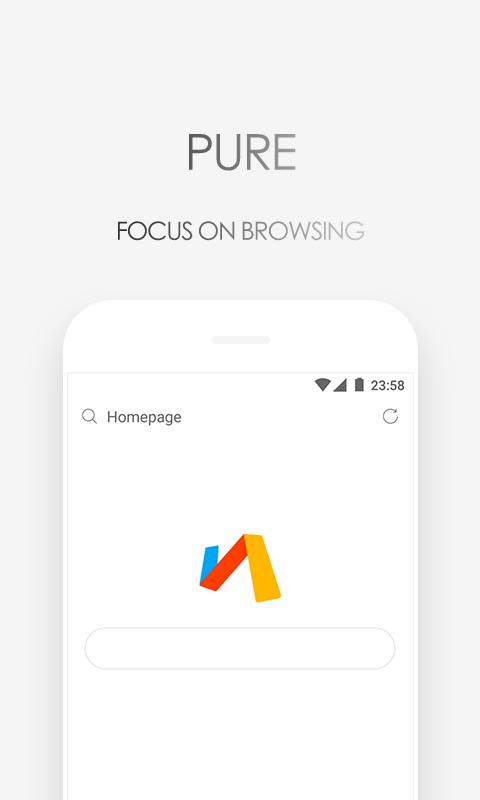
Via Browser keeps things simple so pages open quickly and the interface stays clean. It is designed for Android users who want a quiet browser with no extra push content. The app focuses on speed, privacy, and small size, so it runs well even on older phones. You can make the start page your own and keep control of what loads and what is blocked. This approach helps you save data and reduce distractions during daily browsing. In addition, Via Browser supports flexible settings that respect your choices without slowing down your device.
Features
Fast loading and smooth scrolling
Via focuses on speed so pages load quickly and scrolling feels steady. The browser avoids heavy extras, so content shows up without delay. Therefore you spend less time waiting and more time reading or searching.
Powerful ad block built in
Via blocks intrusive ads and trackers to cut clutter and reduce data use. Pages often feel lighter, and elements that slow you down are removed. Moreover, the built in blocker can help speed up your browsing on slow networks.
Flexible customization and scripts
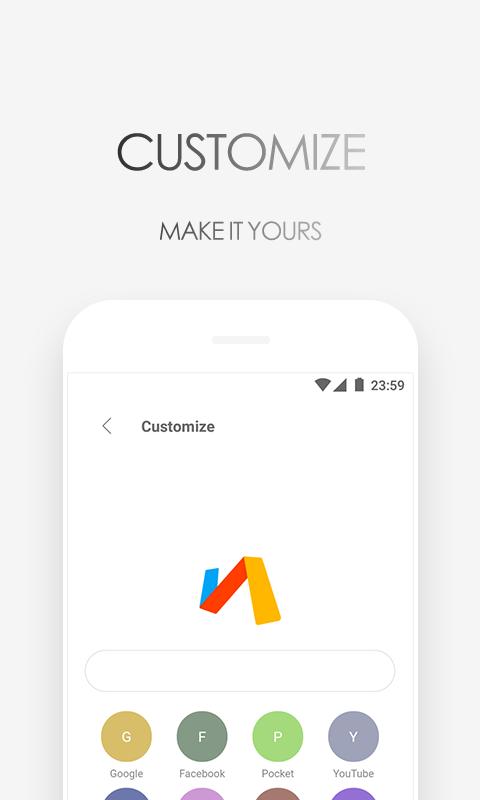
Via lets you design your homepage, switch search engines, and install add ons. You can also load user scripts to tailor how sites behave. In addition, these tools make Via work the way you prefer without adding bloat.
Privacy controls and data saving
Via includes Privacy Protect, quick data saver toggles, and a night mode. You can control what is stored and clear it with a few taps. As a result, your daily browsing can stay private and lighter on data.
Practical tools for everyday browsing
Via supports bookmarks, saving pages for offline reading, and desktop mode. It also includes translate and find in page so you can work inside one app. In addition, these tools stay easy to reach without crowding the screen.
How to use Via Browser on Android
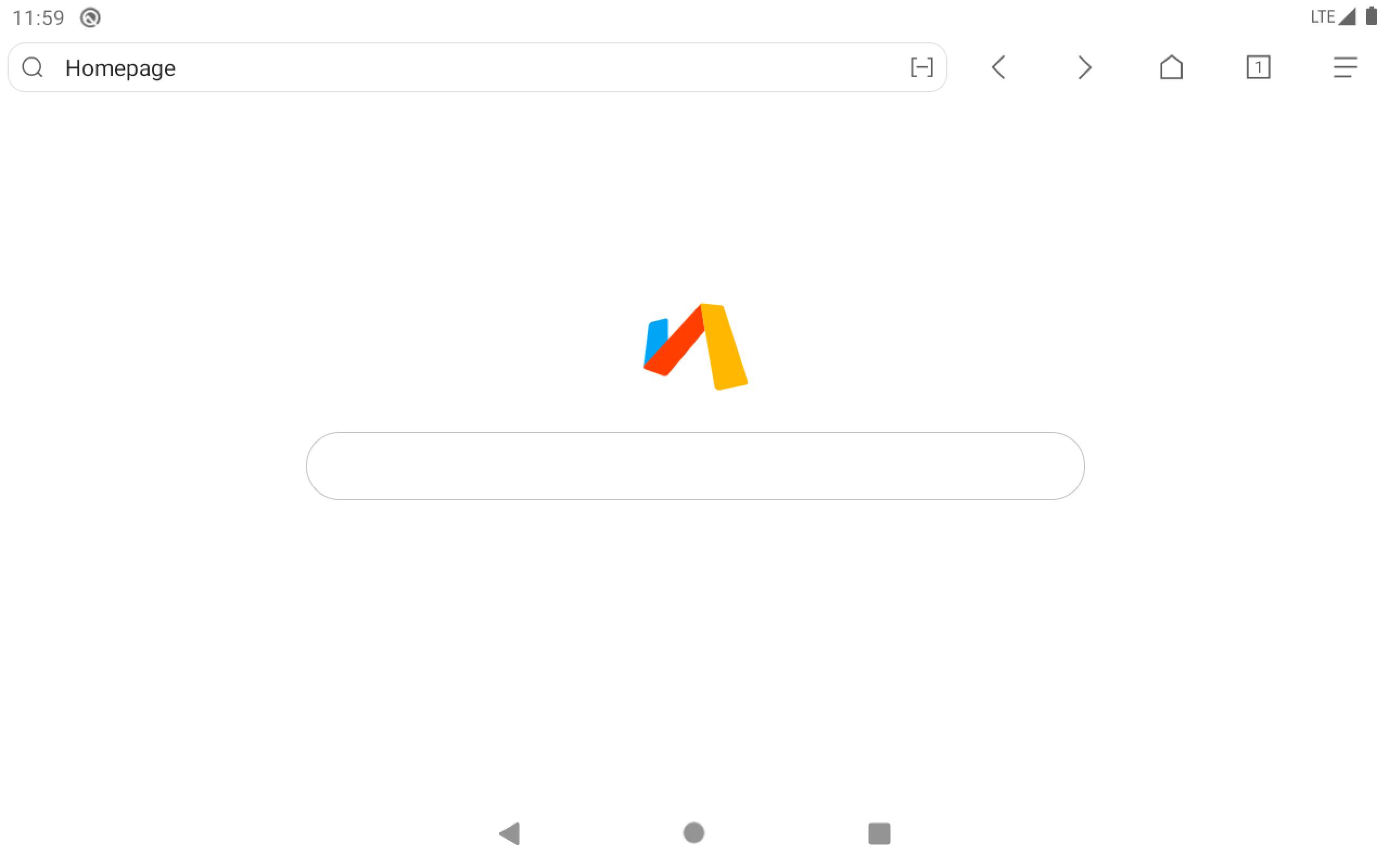
Getting started with Via is quick. The app opens to a clean start page, and most controls are a tap away. Follow the steps below to set it up and browse efficiently.
Download Via APK from APKPure and install it on your Android device.
Open Via, review permissions, and set it as your default browser if you prefer.
Customize the homepage by adding site shortcuts and widgets, then choose your preferred search engine in Settings.
Go to Settings and turn on ad block and data saver. Adjust privacy options such as clearing data on exit if needed.
Add add ons or user scripts to extend features. Use desktop mode, translate, and find in page when you need specific site tools.
Download Via Browser today
Via Browser keeps browsing fast, quiet, and flexible on Android. Click "Download APK" to get the Via APK latest version on APKPure to enjoy a tiny install size, fast loading, and practical privacy tools.
For official information, visit: