
The app removes ads from Vehicle Sounds application
Procedure of removing ads:
- close the Vehicle Sounds app by pressing back button of android system (not home button),
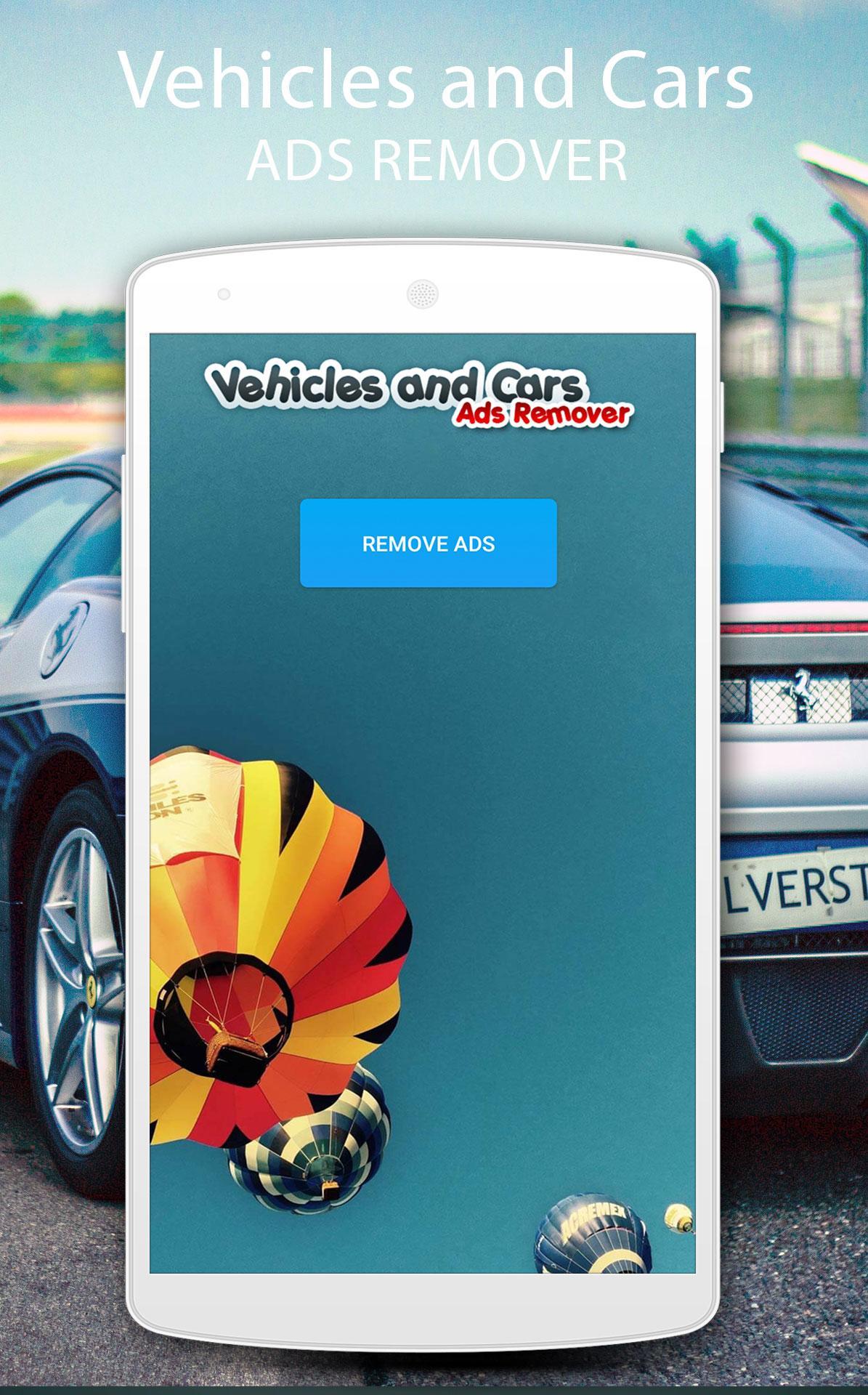
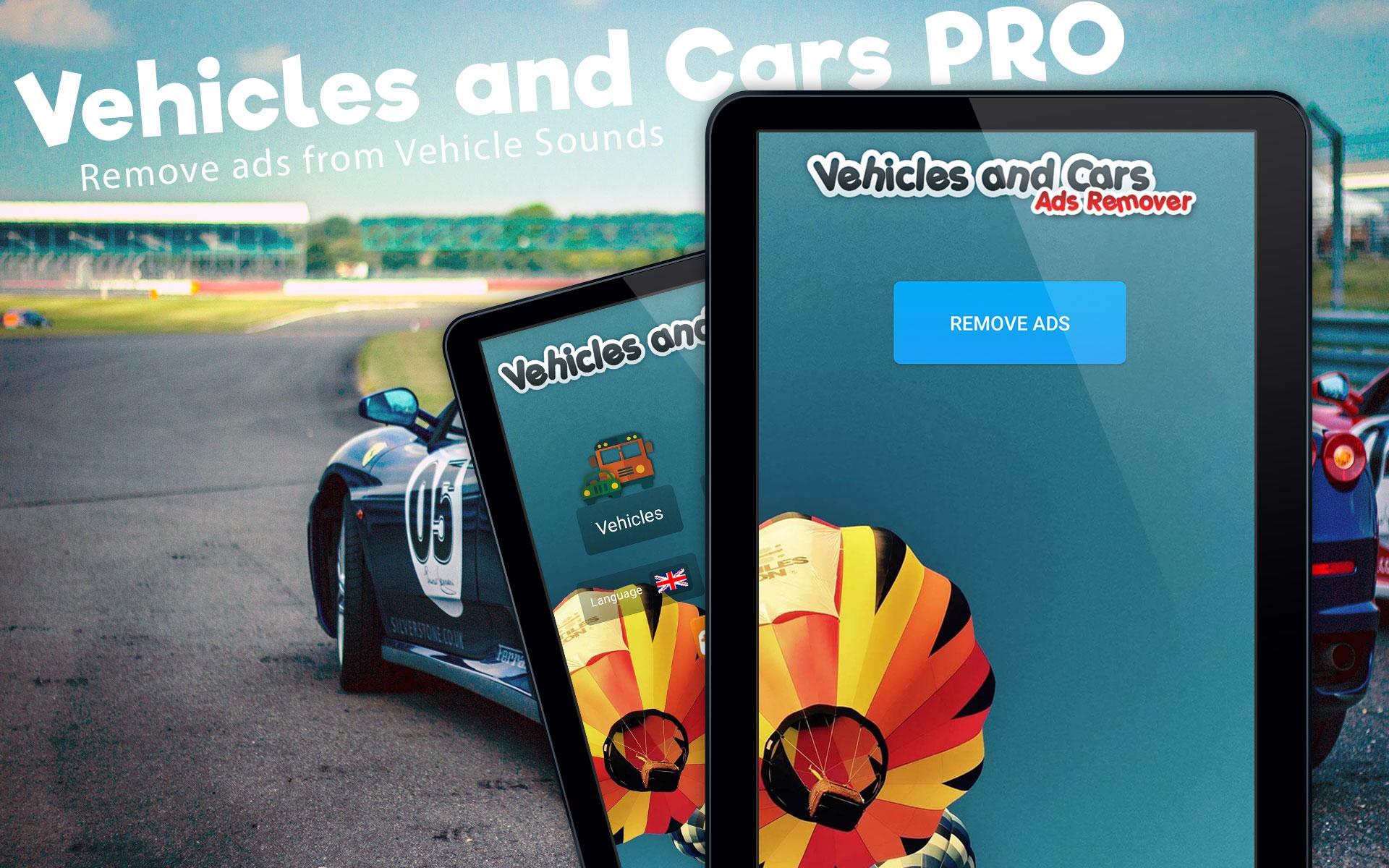
- start Vehicle Sounds PRO app and press "Remove Ads" button,
- now you can start Vehicle Sounds without ads.
Alternatively you can reboot your phone, then start Vehicle Sounds Pro app and press Remove Ads button.
Latest Version
Varies with deviceRequires Android
Category
Tools AppContent Rating
Everyone
Report
Flag as inappropriateLast updated on Feb 11, 2026
Minor bug fixes and improvements. Install or update to the newest version to check it out!

APKPure - A multi-platform app store primarily focused on Android, providing extensive app-related content. Discover the app you want easier, faster, and safer, with quick and efficient downloads and installations.











