
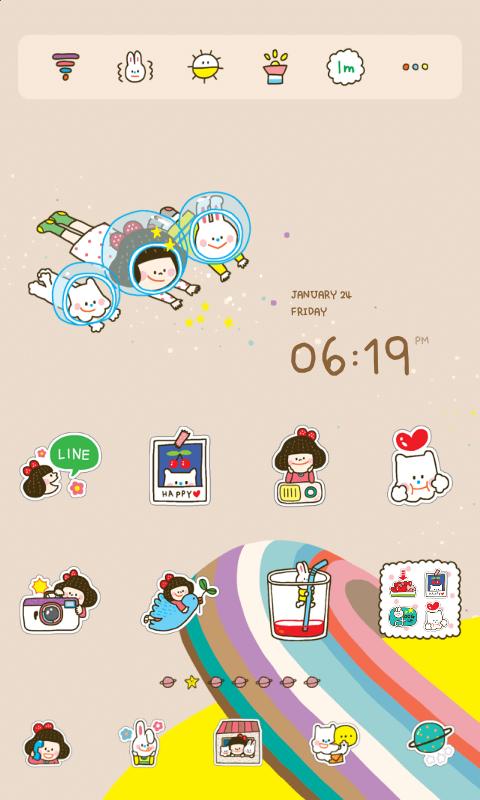
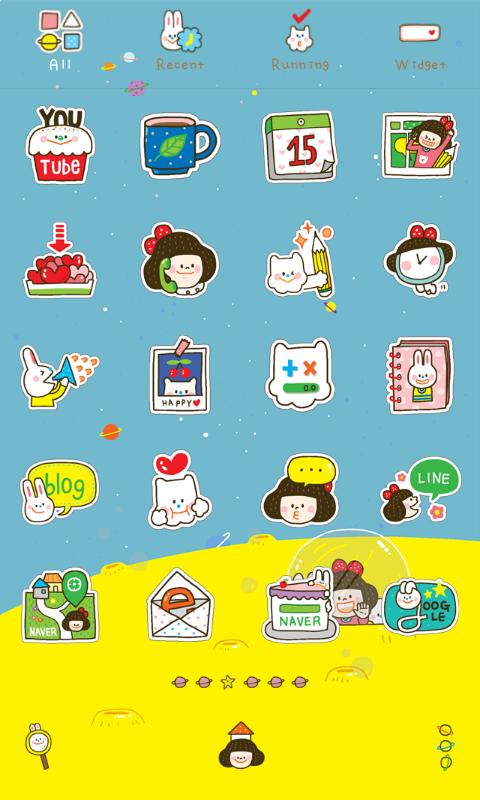
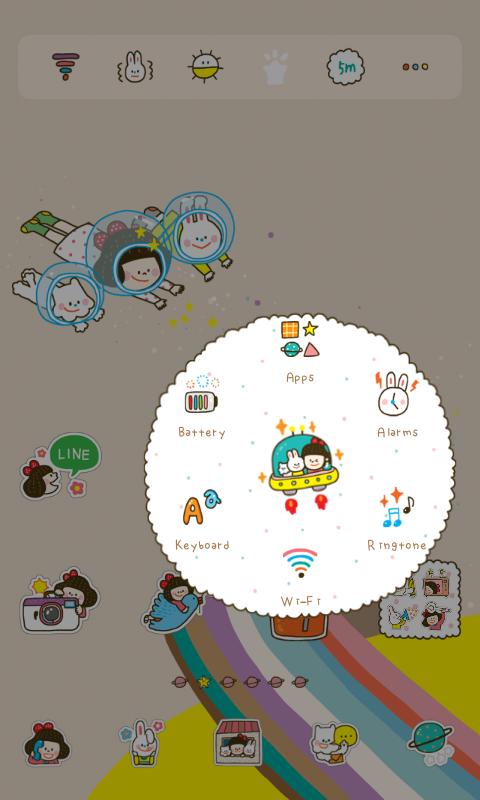
Varietysum n space LINE Launcher theme
Designed by Varietysum.
- http://www.varietysum.com
* Apply the theme to transform your background screen, icon and launcher widget! :D
* How to apply a theme
- Install LINE Launcher (if you haven't yet).
- Press the home button and set the LINE Launcher as the default home launcher by selecting [Use as default value for this task] or [Always].
- Open the launcher menu by swiping the home screen upwards, select the [Theme] menu, then select and apply the theme of your choice.
***Customer Support***
- Facebook: https://www.facebook.com/linelauncher
***Precaution***
- Is available only in Android ver. 4.0.3 and above (ICS, Jellybean)
- Some functions cannot be applied in certain devices
Latest Version
4.2Uploaded by
Chan Phatz Ku
Requires Android
Android 4.0.3+
Category
Free Personalization AppContent Rating
Everyone
Report
Flag as inappropriateLast updated on Sep 26, 2015
Minor bug fixes and improvements. Install or update to the newest version to check it out!



APKPure - A multi-platform app store primarily focused on Android, providing extensive app-related content. Discover the app you want easier, faster, and safer, with quick and efficient downloads and installations.