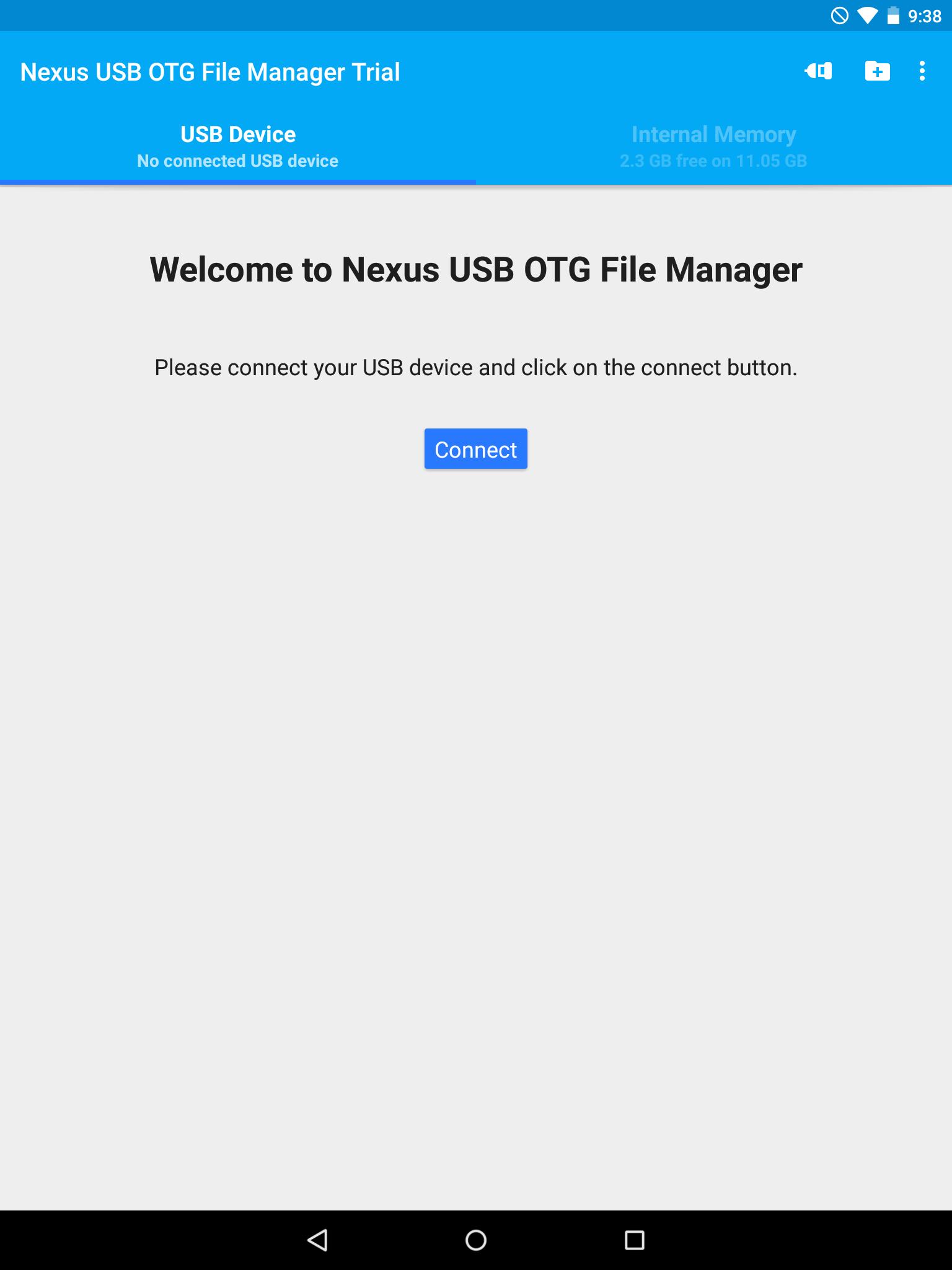
This is the free trial version of USB OTG File Manager for Nexus. You can test all functions on your USB device except the file copy and the file opening which have been disabled.
If you want to copy or open files, please get the full version.
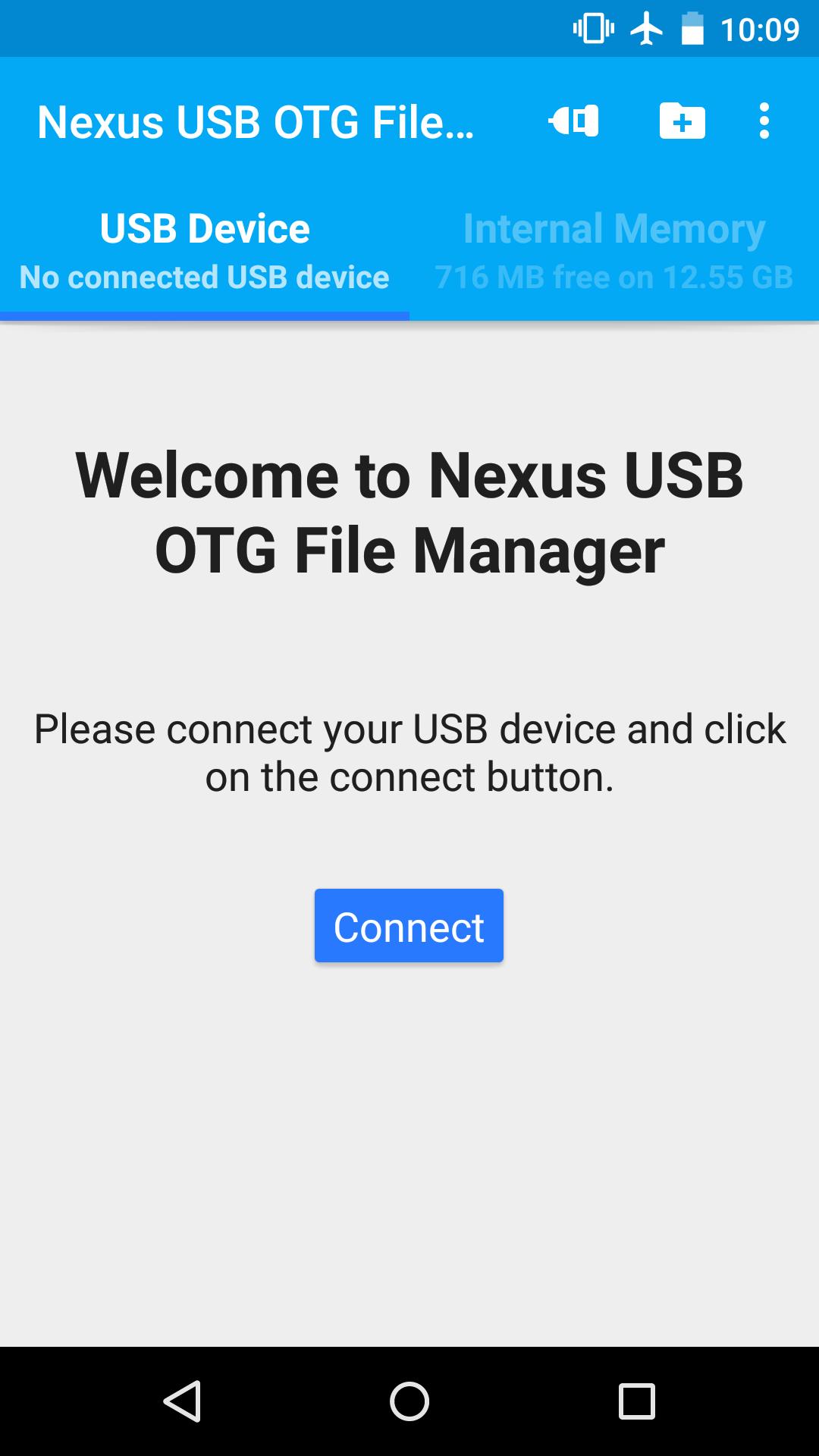
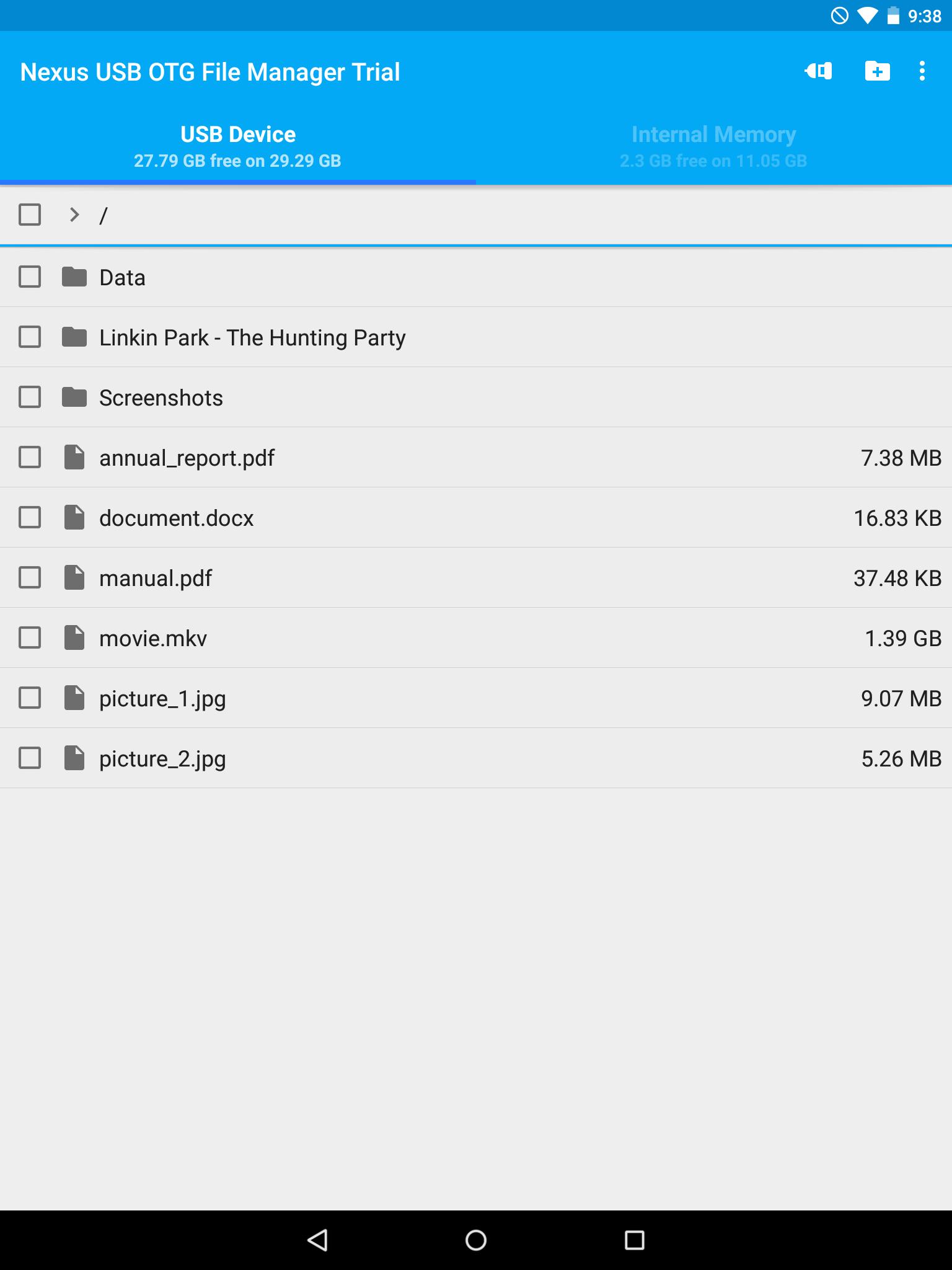
USB OTG File Manager for Nexus allows you to open and copy files from any USB mass storage device with a FAT32 or NTFS filesystem using the USB OTG port of your device, tablet or phone.
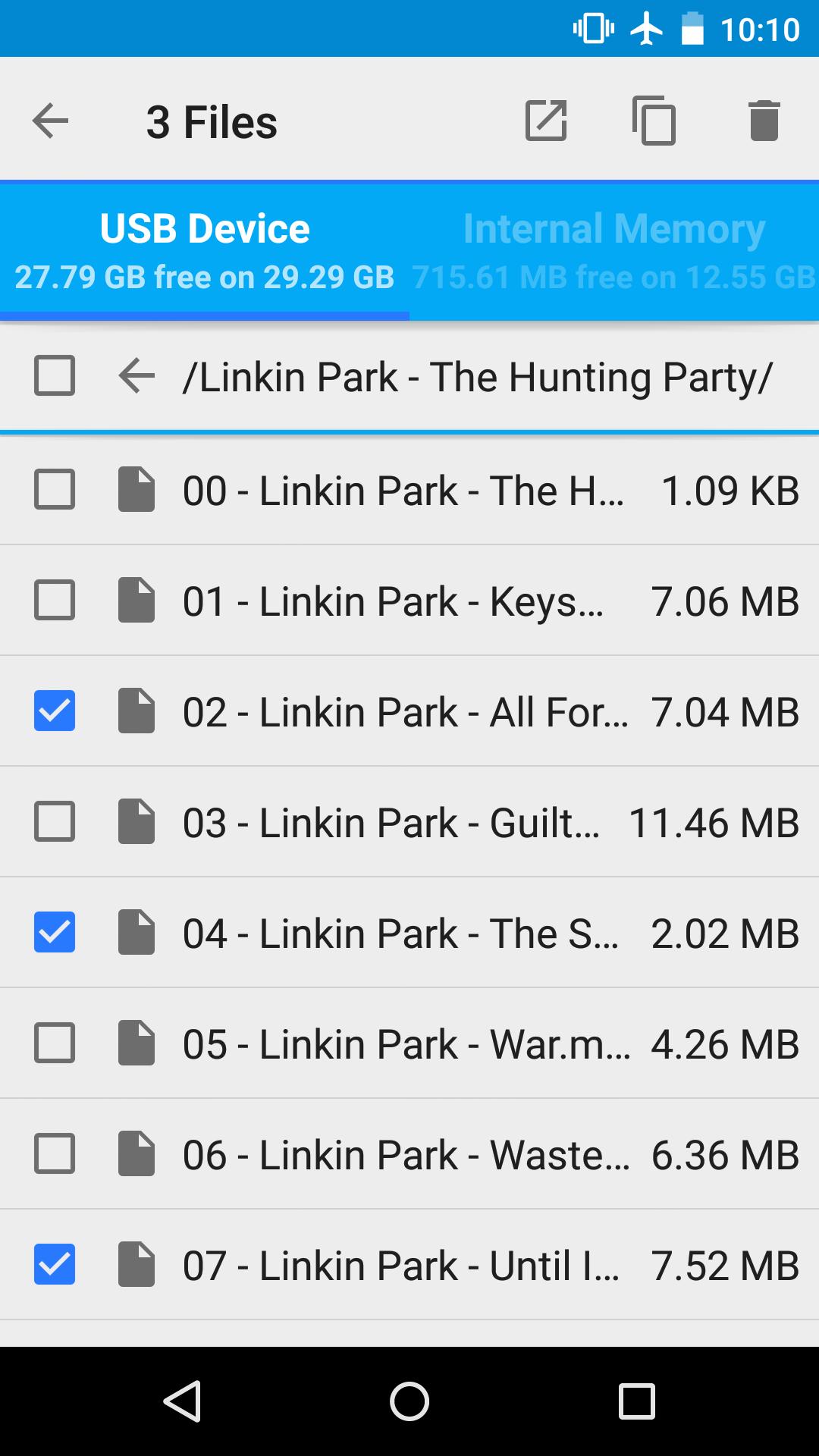
With a FAT32 filesystem, you can copy files to any USB mass storage device and manage your files on it (edit filenames, add directories, delete files) too.
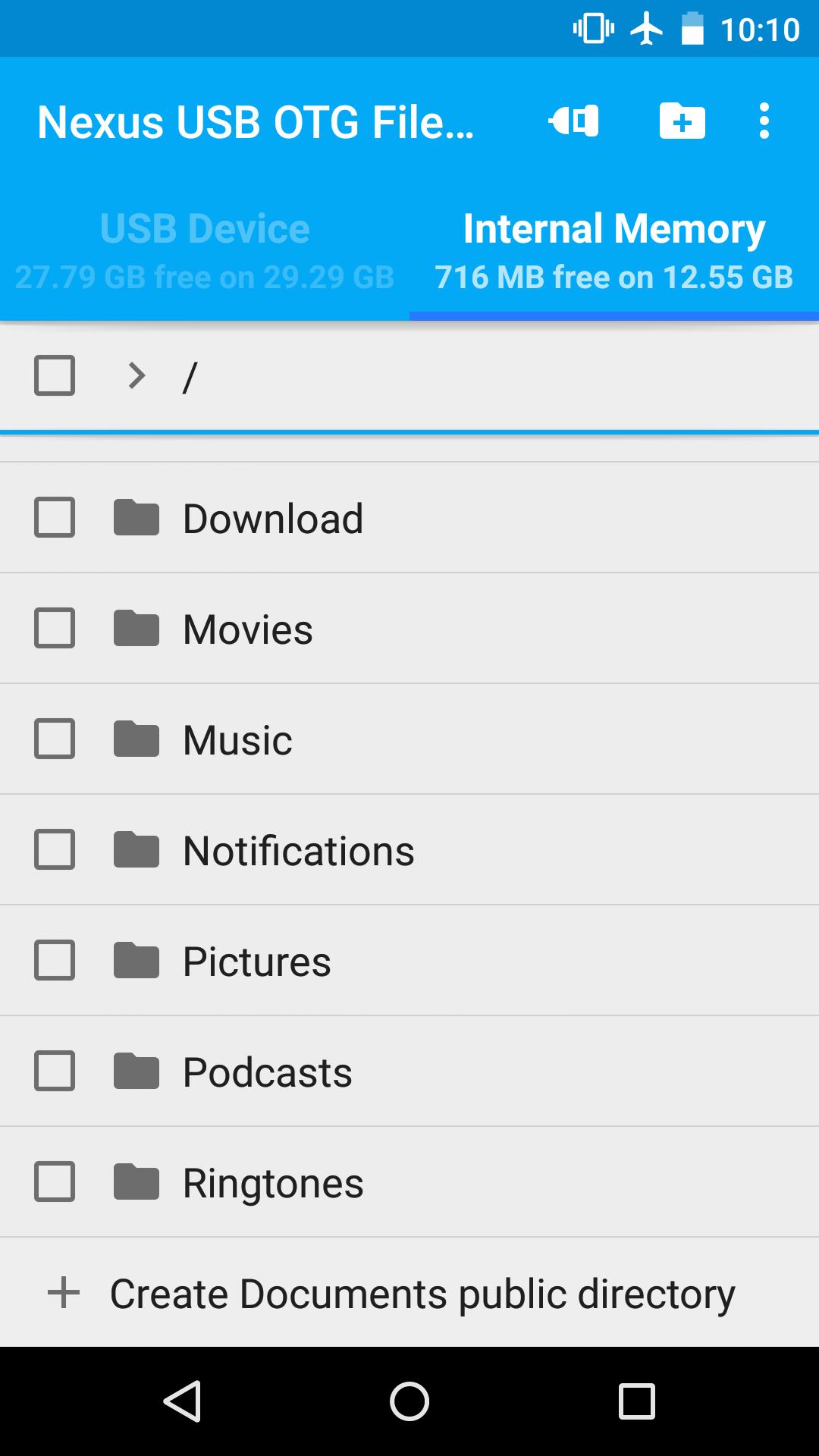
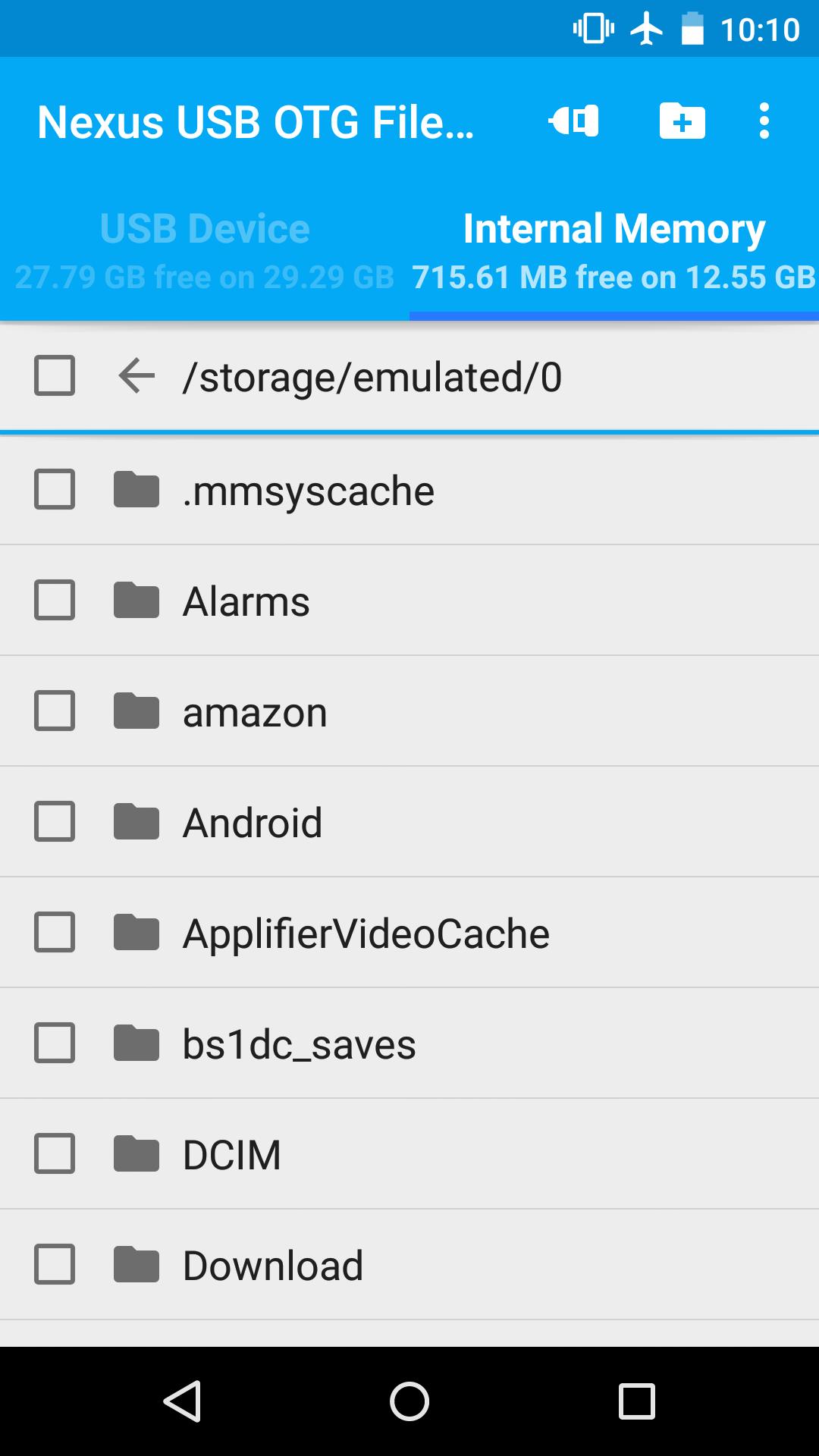
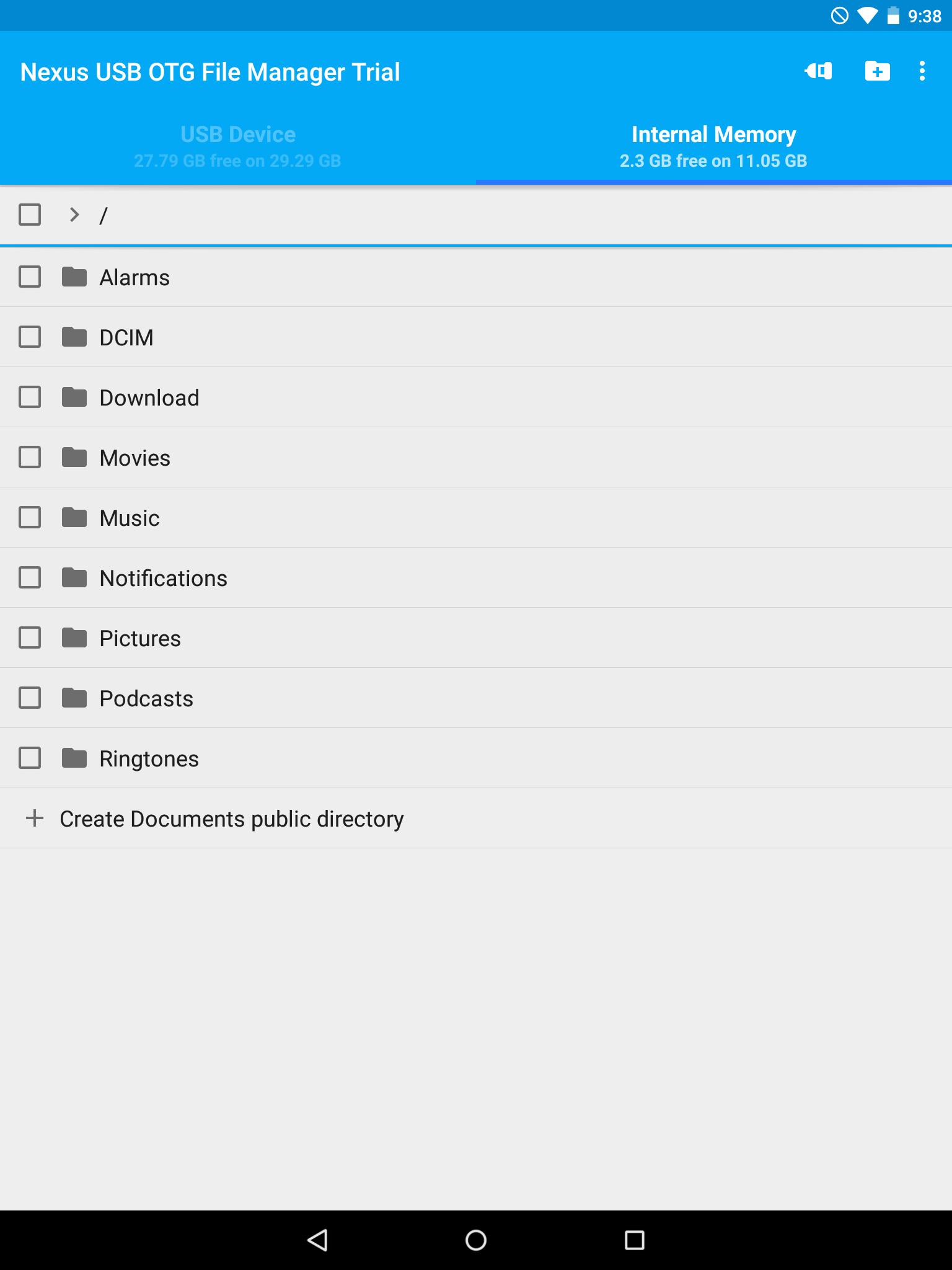
You can also manage your files in the internal memory of your device.
This application has been designed for Nexus products which have an USB "OnTheGo" port, as the Nexus 5, Nexus 7 and Nexus 10, and the brand new Nexus 6 and Nexus 9. But it could work on any device with an USB OTG port Under Android 4.0 or later, including the last Android 5.0 Lollipop.
Root privileges are NOT necessary!
For now, FAT32 filesystem is supported for data read and write, and NTFS filesystem is only supported for data read. You can use USB sticks or SD card readers with any compatible USB OTG cable.
*** NEW FEATURE ***
You can now play playlists (m3u and m3u8 files) and multiple audio files (mp3, aac, m4a, flac, ogg and wav files) at the same time from your USB OTG mass storage device. For that, you need to install my new app Simple Music Player which exists in two versions:
- Free version: https://play.google.com/store/apps/details?id=com.kyuudroid.simplemusicplayer.free
- Paid version to support my developments and get some additional features in the future:
https://play.google.com/store/apps/details?id=com.kyuudroid.simplemusicplayer
Once Simple Music Player is installed, select the files you want to play on your USB device, push the open button and select the Simple Music Player app.
This is a brand new feature, so if you have any issue, don't hesitate to send me an e-mail! Your feedback would be appreciated too.
*** FEATURES ***
USB OTG File Manager for Nexus allows you to open your files directly from your USB device! You just need to have an app that can handle it. For audio and video, I advise you to use VLC.
The new Network Access authorization is only here for local use to be able to open the files. The app NEVER send or receive data to/from Internet.
USB OTG File Manager for Nexus supports devices with multiple logical units (like a GPS with an internal memory and an additional SD card) and allows you to choose which logical unit you want to read.
USB OTG File Manager for Nexus now includes an "Advanced Mode" which allows you to access to all the files of your device. You can now create files and directories outside of the official Android public directories. This is for advanced users only!
This is not an official Google application. Nexus brand is the property of Google.
Latest Version
2.12Uploaded by
برزان جوده ألفنوني
Requires Android
Android 4.0+
Category
Free Tools AppContent Rating
Everyone
Report
Flag as inappropriateLast updated on Dec 26, 2015
v2.12:
* Bug fixes
v2.11
* Bug fix
v2.1:
* Getting ready for Android 6.0 and new Nexus 5X and 6P
* SDK updates
v2.04:
* Bug fixes
v2.03
* Change of the app name at Google's request
* Minor bug fixes
v2.02
* Minor bug fixes
v2.01
* Adding error codes to ease user support
* The app now scrolls back to the parent directory when you go back
* Bug fixes
v2.0:
* New app icon
* New Material design
* Bug fixes


APKPure - A multi-platform app store primarily focused on Android, providing extensive app-related content. Discover the app you want easier, faster, and safer, with quick and efficient downloads and installations.











