


اسکین کی تاریخ:Nov 26, 2025
مزید دکھائیں

Notice for Android KitKat or later:
Need root access due to permission changes!
More details on our blog:
http://uzumapps.blogspot.jp/2015/07/what-happened-to-wakelock-detector.html
_______________________________________
Ever wondered why your smartphone screen doesnt turn off automatically when it should have, the screen wakes up all of a sudden or you find your phone battery drained even when you exited apps and turned off the screen? This might be due to wakelock holding apps. ”Wakelock Detector” helps you to detect battery draining apps in your Android phone by checking wakelock usage history. Now you can easily find out what keep your phone awake and drain your battery when it is idle!
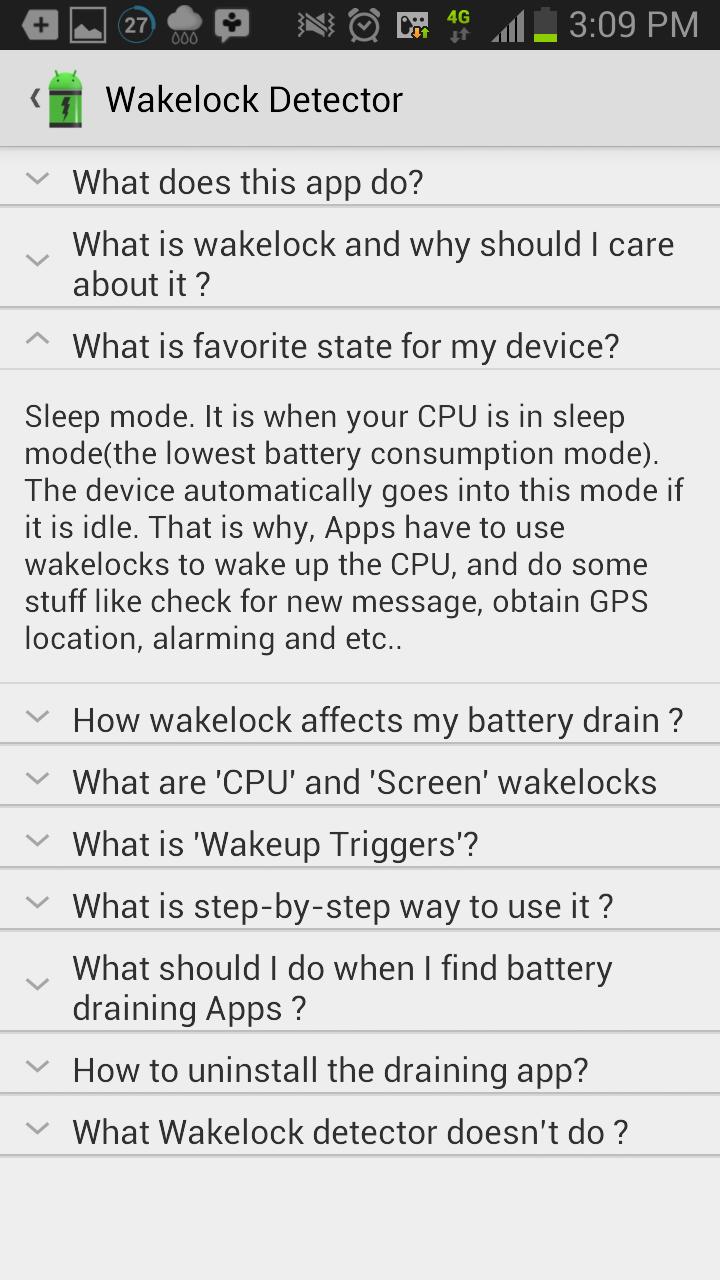
“Wakelock” is a mechanism of power management service in Android OS, which can be used to keep CPU awake (Partial wakelock) and keep the screen on(Full wakelock). Applications which use wakelock privilege improperly leads to situations where the CPU or phone screen stays active without user's knowledge and thus causing dramatic battery drain.
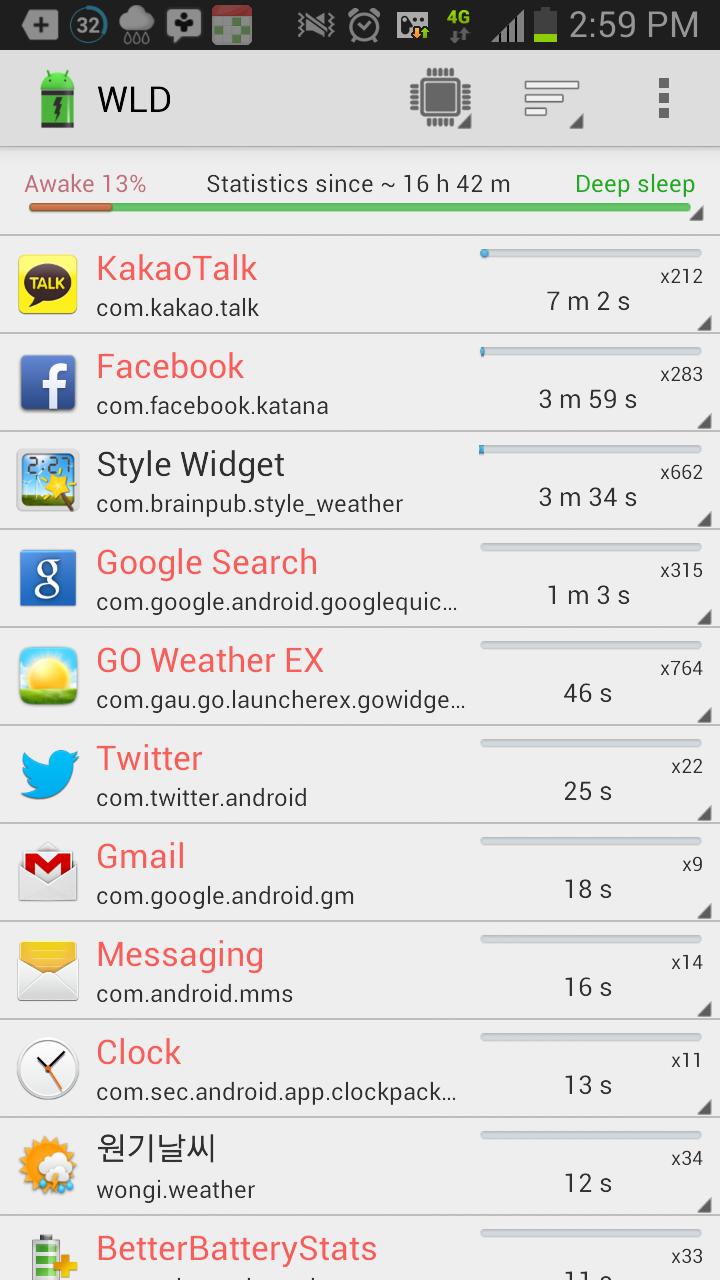
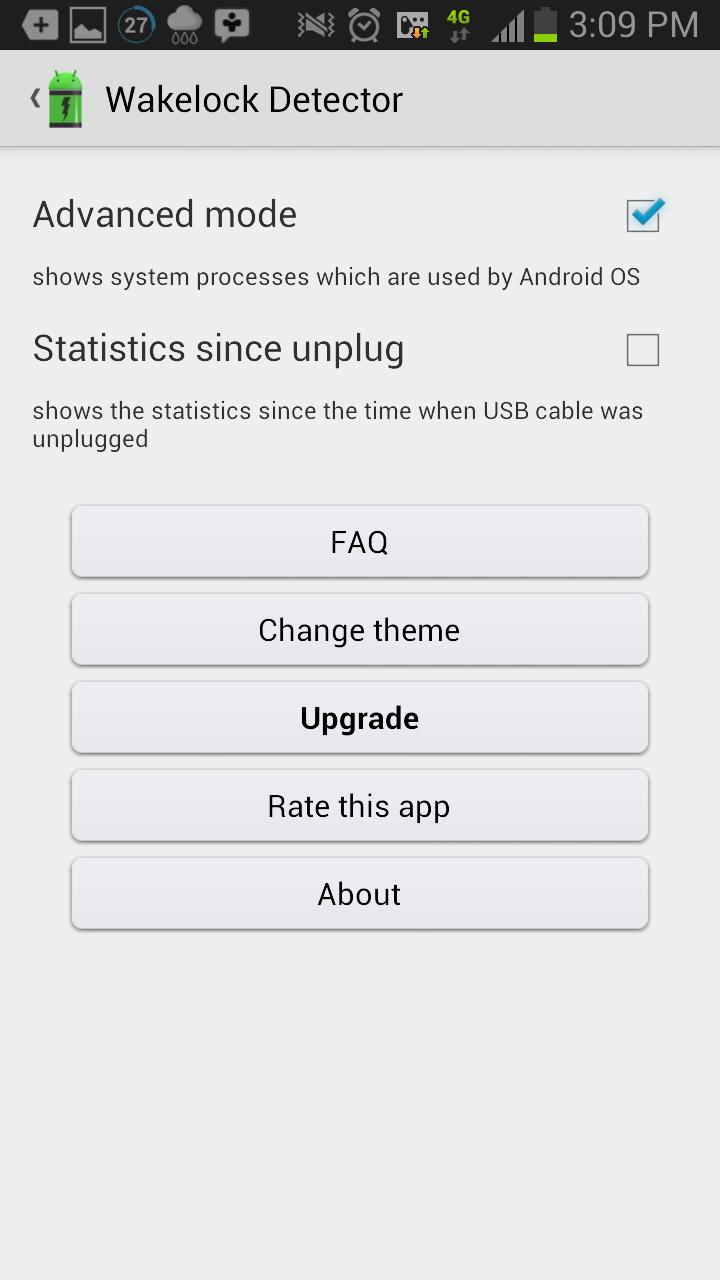
“Wakelock Detector” shows wakelock usage statistics for all applications, which ever held wakelock since boot. By default it displays CPU wakelocks sorting by the longest usage time. Further, you can choose Screen wakelock type to see screen related wakelocks. For instance, if your screen is keeping on even after screen timeout or your screen turns on randomly by itself, then you can choose Screen wakelock type on the top (Brightness icon) to see which apps are using screen wakelock. Furthermore, if you are interested in currently running applications then you can change sorting type to "Active" which shows active running applications on the top. For further details please refer to FAQ inside Settings.
Main features:
# shows both CPU wakelock (Partial wakelock) and (Full wakelock) ;
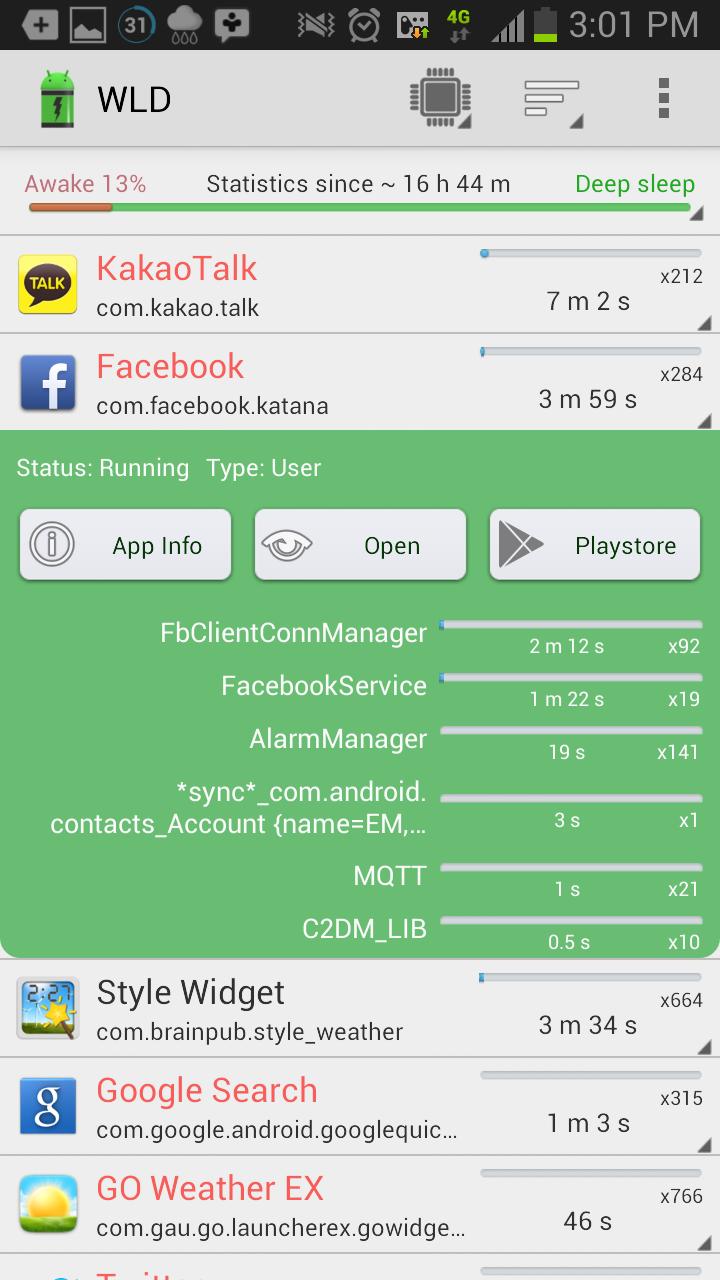
# merges wakelocks of corresponding app into one expandable view for better user experience;
# currently active running applications are shown in red color;
# allows easy sorting options by Running state , Wakelock time and Alphabetical order;
How to use:
#1 Charge your phone above 90% and unplug cable (or just reboot the phone)
#2 Give it a time (1-2 hours) to accumulate some wakelock usage statistics
#3 Open “Wakelock Detector”
#4 Check the apps on the top, if they show very long wakelock usage time then you found the cause of your battery drain!
#Notice
We are working on improving the performance of the “Wakelock Detector” by adding new features regarding wakelock issues users usually face. We are trying to follow up all your comments. And we know that the application is not ideal yet. We would appreciate if you send us email before giving negative comments in the Play Store. Your feedbacks are always welcome!
* MIUI users - Make sure that battery service is turned on.
#Reviews
XDA - http://www.xda-developers.com/android/defend-your-battery-with-wakelock-detector/
HowToGeek - http://www.howtogeek.com/142654/find-out-which-apps-are-keeping-your-android-awake-with-wakelock-detector/
LifeHacker - http://lifehacker.com/5993706/wakelock-detector-shows-you-the-apps-that-keep-your-phone-awake
DotTech - http://dottech.org/103671/android-review-wakelock-detector/
Temefy - http://temefy.com/defend-your-battery-with-wakelock-detector
Facebook - http://www.facebook.com/wakelockdetector
Wakelock PPT [recommended] - http://goo.gl/7WgGz
**We are planning to keep this app free and free of ads. If you like this app and want to show your appreciation to developers who invest their time to maintain and improve this app, then please consider donating by purchasing extra features like widgets and knowledge base**
** Translation **
You can translate or improve the existing one here:
https://osumqlt.oneskyapp.com
تازہ ترین ورژن
2.0.1اپ لوڈ کردہ
MoHammad Tahir
Android درکار ہے
Android 2.1+
کٹیگری
مفت پیداواریت ایپمواد کی درجہ بندی
Everyone
سیکیورٹی رپورٹ
رپورٹ کریں
فلیگ غیر موزوں ہےLast updated on Mar 15, 2016
Changes
- Material design improvement
- Added option to revoke Installed System app
- Added WIFI state permission to support Marshmallow
- Support for Marshmallow (both native api and dump sys)
- Bug fix
Note: if you have a ROOT, you can use WLD with or without installing it as a system app.



APKPure - ایک ملٹی پلیٹ فارم ایپ اسٹور جو بنیادی طور پر اینڈروئیڈ پر مرکوز ہے، جو وسیع ایپ سے متعلق مواد فراہم کرتا ہے۔ اپنی مرضی کی ایپ کو آسانی سے، تیزی سے اور محفوظ طریقے سے دریافت کریں، تیز اور موثر ڈاؤن لوڈز اور انسٹالیشنز کے ساتھ، جو آپ کی ضروریات کو پورا کرتے ہیں۔



![[ROOT] HEBF Battery Saver APK](https://image.winudf.com/v2/image1/Y29tLmFuZHJvaWR2aXAuaGViZl9pY29uXzE1NjcwNzQ0ODJfMDE0/icon.png?w=102&fakeurl=1)


![Wakelock Detector [LITE] APK](https://image.winudf.com/v2/image/Y29tLnV6dW1hcHBzLndha2Vsb2NrZGV0ZWN0b3Iubm9yb290X2ljb25fYWNzOXM0dnI/icon.png?w=102&fakeurl=1)







![Wakelock Detector [ROOT]](https://static.apkpures.xyz/www/static/imgs/lazy.png)
![Wakelock Detector [ROOT] آئیکن](https://image.winudf.com/v2/image1/Y29tLnV6dW1hcHBzLndha2Vsb2NrZGV0ZWN0b3JfaWNvbl8xNTY2OTk2MDc0XzA2MA/icon.png?w=106&fakeurl=1 "Wakelock Detector [ROOT] آئیکن")