
Reduce battery capacity loss of your Android device by limiting extreme charging using smart home automation
ABOUT THIS APP (No Root Required)
Set Charge works with Philips Hue bridge compatible smart plug devices on your home network to provide a controlled charging solution of your smartphone and tablet battery. Reducing the level of charge each time you plug in your device can reduce battery capacity loss and extend the life of your android device.
EXTEND BATTERY LIFE
Repeated 100% charging of your phone can increase degradation of its lithium battery. Continued cycling results in lower battery capacity meaning shorter time between device recharges. Limiting the charge to a lower value each time you charge can reduce battery degradation and extend the useful life of your smartphone. It is recommended to keep your phone between 20%-80% charged to reduce degradation while providing usable durations between charges.
USING SETCHARGE
Initial bridge setup and smart plug connection should take place in the application for Philips Hue ensuring your device Wi-Fi is on and connected to your home network.
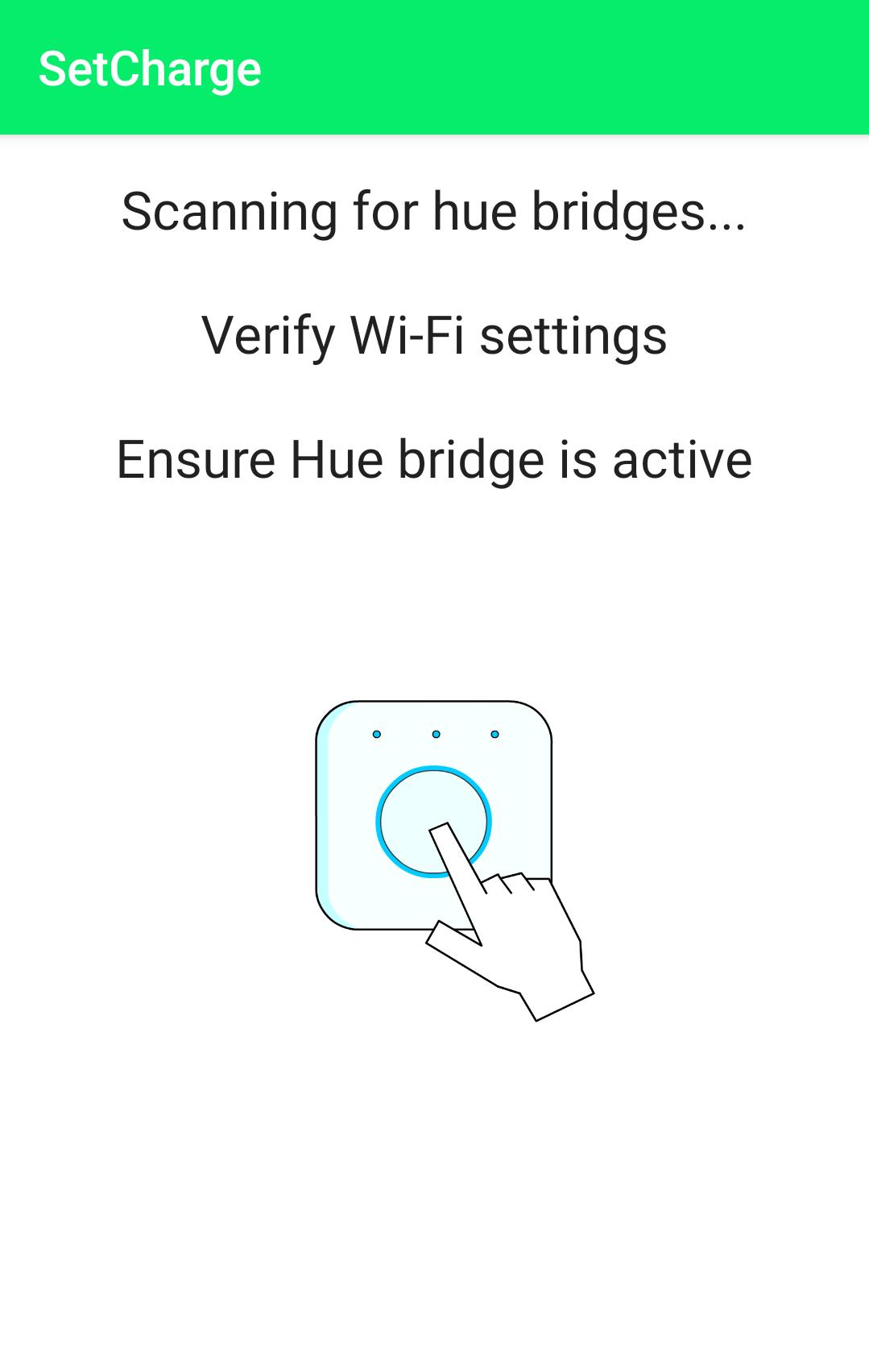
Launch SetCharge and follow instructions to pair to your bridge. Connect your phone to your factory charger and plug into the bridge compatible smart plug. Search for available plugs, enter a charge target and start charging. SetCharge will verify the plug you are connected to, check your battery status during charging, and exit the application once charging is complete. For best results, ensure the android device and smart plug have adequate connection to home Wi-Fi and hue bridge during use.
REQUIREMENTS
Home internet connection with Wi-Fi
SetCharge app
App for Philips Hue (for initial bridge setup)
Phillips Hue Bridge
Compatible Smart Plugs (Tested)
• Philips Hue Smart Plug
• Innr Zigbee Smart Plug
LIMITATIONS
Usage of this app can cause other plugs to be momentarily energized while verifying your plug selection. Users should be aware of other hue bridge connected smart plug devices. SetCharge and its developers take no liability for incorrect use of this software in conjunction with Philips hue hardware.
While measures have been taken to provide the best user experience, incompatibilities may exist between Android versions, device settings, Wi-Fi coverage, etc. that may prevent seamless use of this application.
تازہ ترین ورژن
1.4اپ لوڈ کردہ
May Baranilthtun
Android درکار ہے
Android 4.4+
کٹیگری
مفت ٹولز ایپمواد کی درجہ بندی
Everyone
رپورٹ کریں
فلیگ غیر موزوں ہےLast updated on Dec 9, 2021
Update makes turning switch off at the end of charging more reliable.



APKPure - ایک ملٹی پلیٹ فارم ایپ اسٹور جو بنیادی طور پر اینڈروئیڈ پر مرکوز ہے، جو وسیع ایپ سے متعلق مواد فراہم کرتا ہے۔ اپنی مرضی کی ایپ کو آسانی سے، تیزی سے اور محفوظ طریقے سے دریافت کریں، تیز اور موثر ڈاؤن لوڈز اور انسٹالیشنز کے ساتھ، جو آپ کی ضروریات کو پورا کرتے ہیں۔
















