With Office Remote, you can start your PowerPoint presentation, advance the slides, see your speaker notes, and control an on-screen laser pointer with a touch of your finger — all from your phone. You can also navigate between Excel worksheets and graphs, and control data slicers from the palm of your hand. And you can scroll through a Word document or quickly jump to specific sections or comments.
App requirements:
- Microsoft Office 2013. This app does not work with Office 2013 RT or earlier versions of Office.
- Bluetooth on your PC
- The desktop add-in for Office Remote must be installed on your PC http://aka.ms/officeremotepc
Office Remote has the following features:
PowerPoint:
- View current slide and laser point using touch on your phone
- Next slide preview
- Play and pause embedded audio and video files
- View slide thumbnails and jump to a slide
- View speaker notes on your phone
- View presentation timer and slide numbers
Excel:
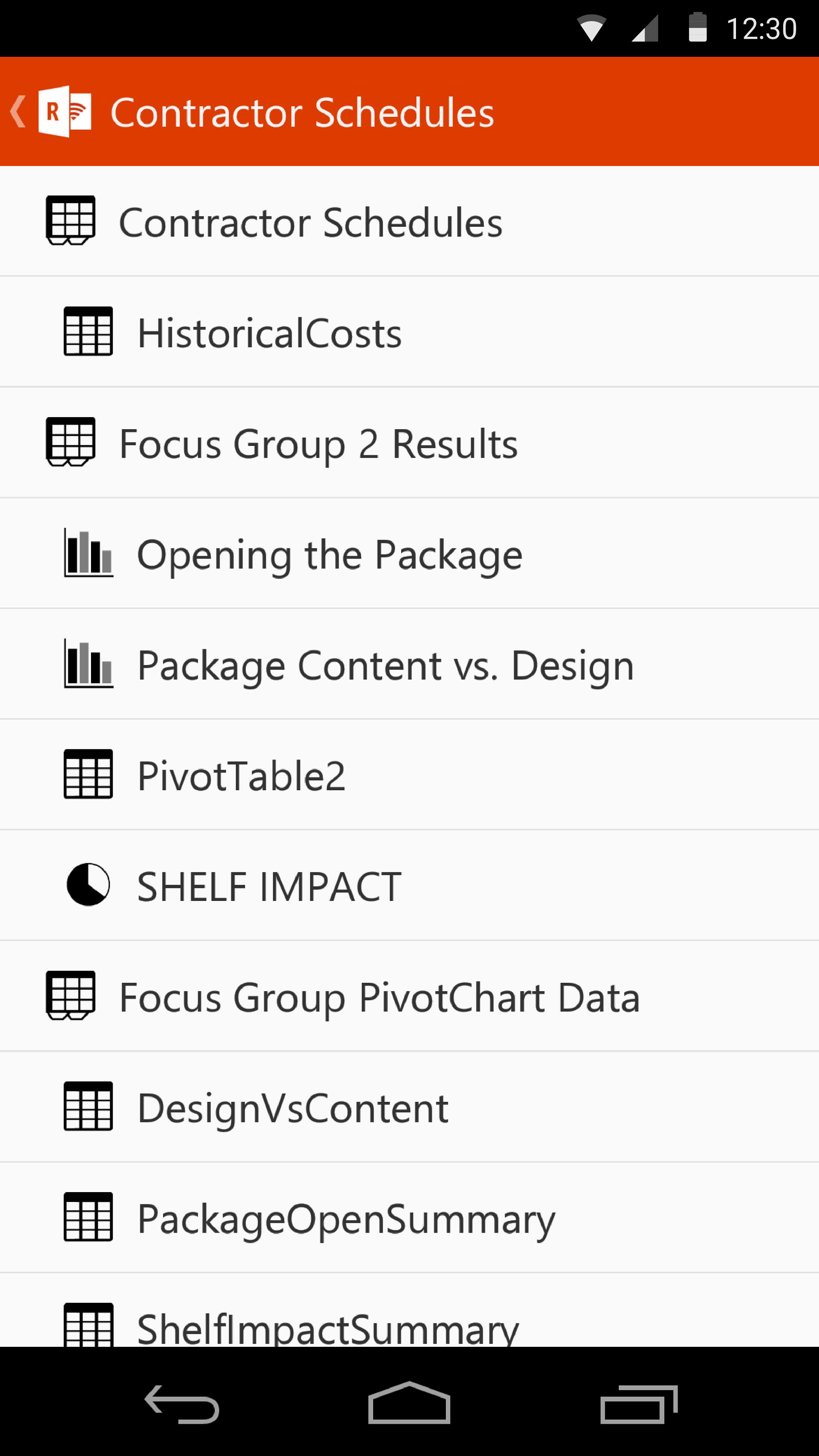
- Change worksheets by swiping
- Use Slicers, PivotTable, and Filters
- Jump to any named object in your workbook
- Move up or down the worksheet
- Change the zoom level
Word:
- Jump to headings
- Jump to comments
- Screen up/down
- Line up/down
- Change the zoom level
تازہ ترین ورژن
1.2.0.0اپ لوڈ کردہ
Josue Recinos
Android درکار ہے
Android 4.0.3+
کٹیگری
مفت کاروبار ایپمواد کی درجہ بندی
Everyone
رپورٹ کریں
فلیگ غیر موزوں ہےLast updated on Jul 19, 2015
اس ورژن میں معمولی بگ فکسز اور عمومی بہتریاں شامل ہیں۔ بہترین تجربے کے لیے تازہ ترین ورژن پر اپ ڈیٹ کریں۔





APKPure - ایک ملٹی پلیٹ فارم ایپ اسٹور جو بنیادی طور پر اینڈروئیڈ پر مرکوز ہے، جو وسیع ایپ سے متعلق مواد فراہم کرتا ہے۔ اپنی مرضی کی ایپ کو آسانی سے، تیزی سے اور محفوظ طریقے سے دریافت کریں، تیز اور موثر ڈاؤن لوڈز اور انسٹالیشنز کے ساتھ، جو آپ کی ضروریات کو پورا کرتے ہیں۔