
NOTE: Light Manager 2 has the same functionality as the original Light Manager with reduce permissions and better permission handling. However it contains persistent app icon. If you do not like persistent icon, you may try the original Light Manager app that can remove persistent icon.
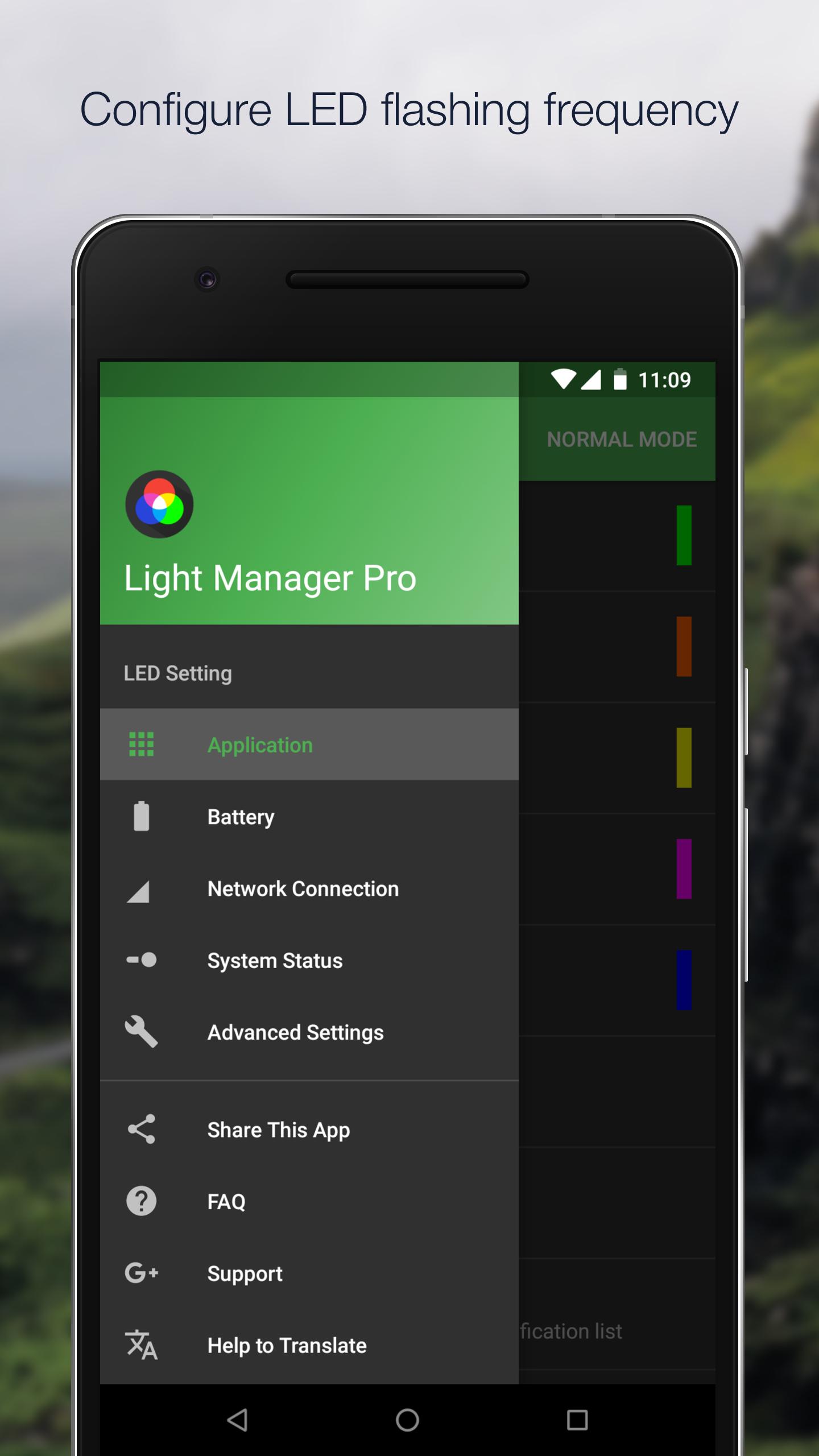
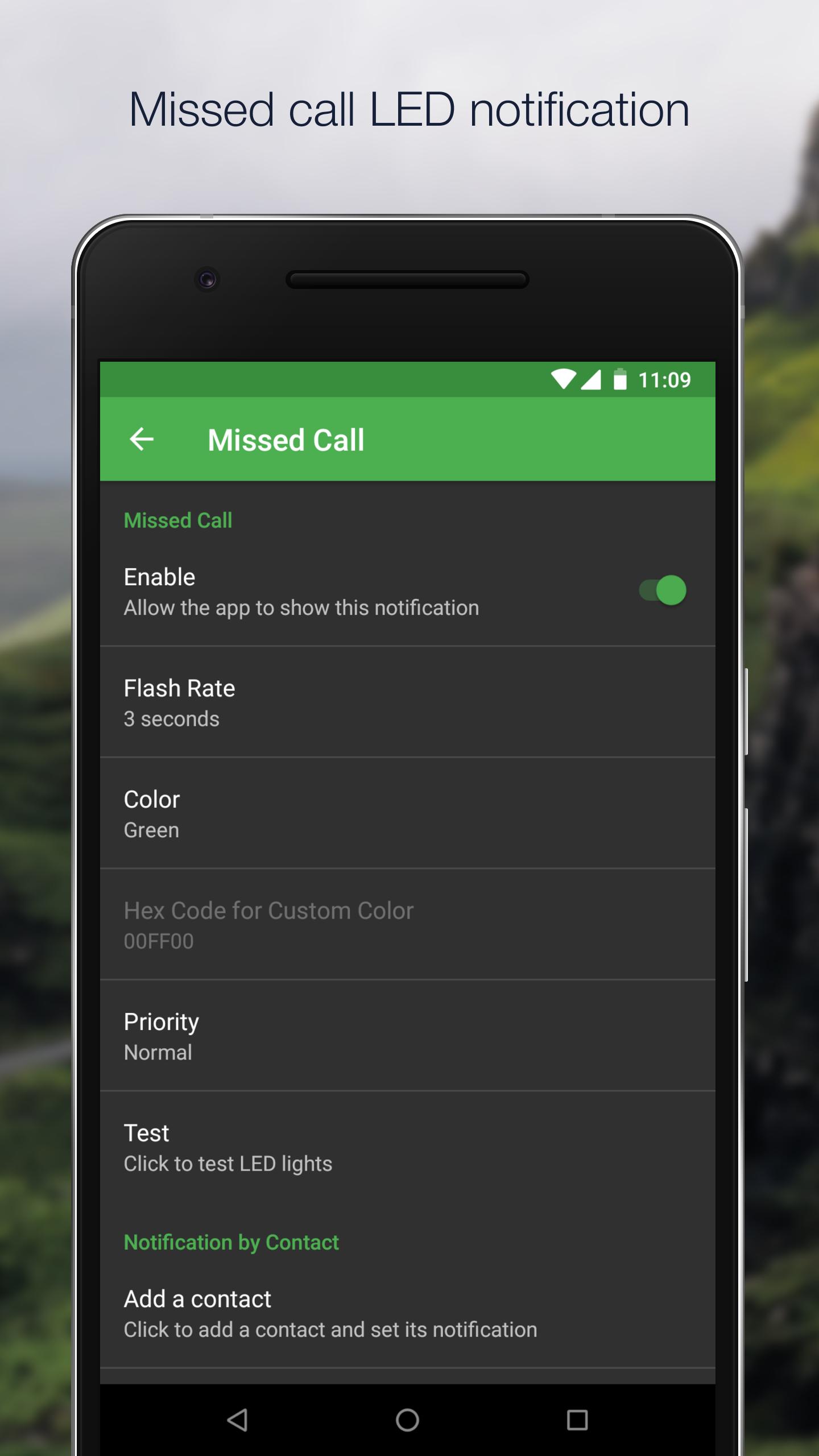
Configure LED color and its flashing frequency for notification as shown below:
- Miss call
- SMS
- MMS
- Gmail
- Calendar reminder
- Hangouts
- *Facebook Messenger
- *BBM
- *LINE
- *GO SMS Pro
- *Handcent SMS
- *chomp SMS
- *Textra SMS
- *Verizon Messages
- *Any 3rd party apps
- Low battery
- Battery charging
- Battery charged
- No signal
- Roaming
- No 3G/4G
- No Wifi
- Airplane Mode On
- Silent Mode On
- Vibration Mode On
- Ringer Mode On
- Mobile Data On
- Wifi On
- Wifi Hotspot On
- GPS On
- Bluetooth On
- NFC On
On Android 4.1 and 4.2, ROOT is required for those mark with asterisk *. After grant the ROOT permission, you need to restart Light Manager for changes to take effect. However ROOT is not required anymore from Android 4.3 onwards. You need to enable the Notification Access for Light Manager at Setting > Security > Notification Access > Light Manager.
There are three operating modes:
1) Normal Mode - Only LED color for the first notification will be flashing
2) Alternating Mode - A few LED colors will be flashing alternately when multiple notifications are received
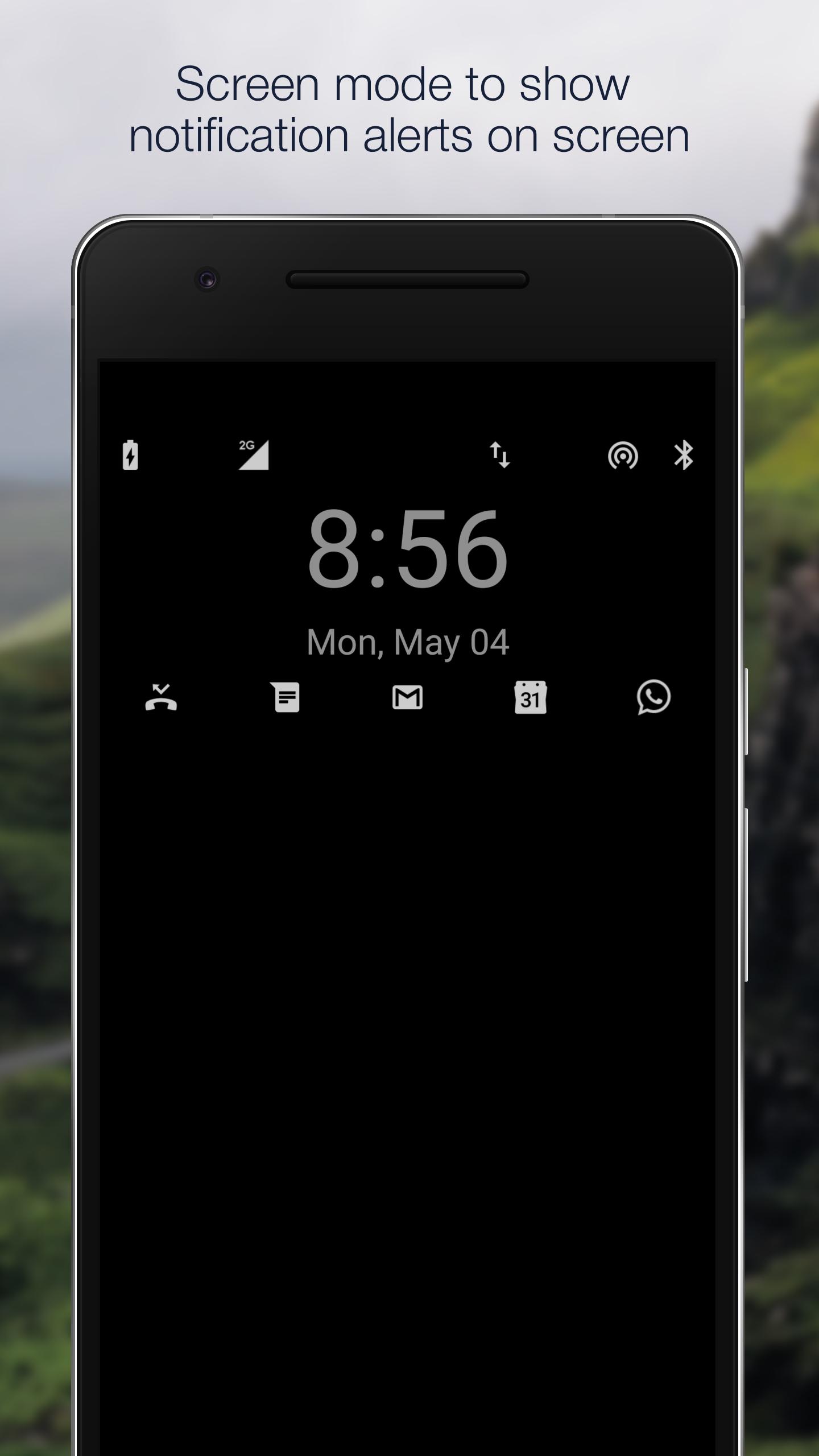
3) Screen Mode - Notifications alert will be shown on screen (For those devices without a physical notification LED, only available for Android 4.3 and above)
You may go to the test section to test whether this app works for your device.
For Samsung devices:
- Device's screen needs to be turned off in order for the notification LED to work
- You need to go to Setting > Display > LED indicator and enable "Notifications" in order for this application to work
For supported devices list and FAQ, you may go to the link below:
https://docs.google.com/document/d/1t26evGufoC4Fha1Vjyho1cgBKHY6MLJGBPHcsGKZVLc/edit
تازہ ترین ورژن
130.1اپ لوڈ کردہ
Daniel Agrigoroaei
Android درکار ہے
Android 6.0+
کٹیگری
مفت پیداواریت ایپمواد کی درجہ بندی
Everyone
رپورٹ کریں
فلیگ غیر موزوں ہےLast updated on Mar 28, 2019
Publish again





APKPure - ایک ملٹی پلیٹ فارم ایپ اسٹور جو بنیادی طور پر اینڈروئیڈ پر مرکوز ہے، جو وسیع ایپ سے متعلق مواد فراہم کرتا ہے۔ اپنی مرضی کی ایپ کو آسانی سے، تیزی سے اور محفوظ طریقے سے دریافت کریں، تیز اور موثر ڈاؤن لوڈز اور انسٹالیشنز کے ساتھ، جو آپ کی ضروریات کو پورا کرتے ہیں۔