BrailleBack is an Accessibility Service that helps blind users make use of braille devices. It works together with the TalkBack app to give a combined braille and speech experience.
This app lets you connect a supported refreshable braille display to your device via Bluetooth. Screen content will be presented on the braille display and you can navigate and interact with your device using the keys on the display. It is possible to input text using the braille keyboard.
Devices supported in this version:
• APH Refreshabraille
• Baum VarioConnect
• Baum VarioUltra
• Esys EuroBraille
• Freedom Scientific Focus Blue (14 and 40 cell models)
• HandyTech (Basic Braille, Active Braille, Braille Star, Braille Wave, Braillino, Easy Braille)
• Harpo (Braillepen 12, Braillepen 12 Touch)
• HIMS (BrailleSense, Braille EDGE)
• Humanware Brailliant (1st generation and BI models)
• Optelec Alva (BC640, BC680), Easylink 12 touch
• Orbit Reader 20
• Papenmeier Braillex Trio
• Seika (notetaker and 40 cell display)
This app is not active by default.
Steps to activate this app:
• Go to Settings
• Select Accessibility
• Select BrailleBack, and turn on the switch
• Go back to Settings
• Select Bluetooth
• If your Bluetooth braille display is not paired, make sure that the display is in pairing mode, and pair your display via Bluetooth Settings
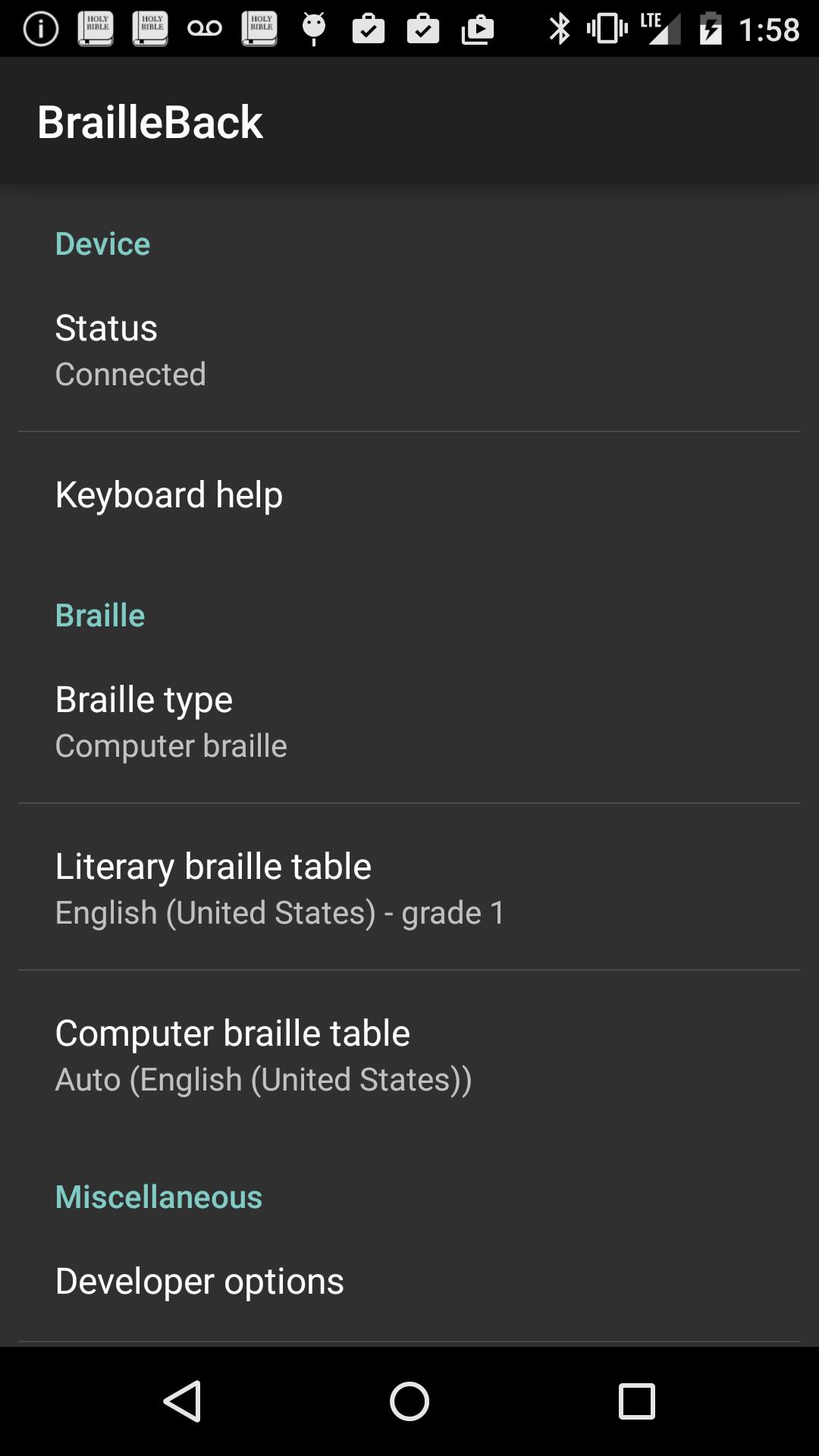
For further instructions, press the space bar and dots 1, 2 and 3 on the display at the same time. If your display doesn't have braille input keys, choose Keyboard help in BrailleBack settings.
تازہ ترین ورژن
0.97.0.313699921اپ لوڈ کردہ
João Vitor
Android درکار ہے
Android 4.1+
کٹیگری
مفت ٹولز ایپمواد کی درجہ بندی
Everyone
رپورٹ کریں
فلیگ غیر موزوں ہےLast updated on Jun 16, 2020
• Use grade 2 mode for Braille tables that support it.
• Switch between grade 1 and grade 2 input with shortcut space + g.
• Turn word wrapping on or off.
• Support for VarioUltra Braille display, Orbit Reader 20 low-cost Braille display.
• New earcons.




APKPure - ایک ملٹی پلیٹ فارم ایپ اسٹور جو بنیادی طور پر اینڈروئیڈ پر مرکوز ہے، جو وسیع ایپ سے متعلق مواد فراہم کرتا ہے۔ اپنی مرضی کی ایپ کو آسانی سے، تیزی سے اور محفوظ طریقے سے دریافت کریں، تیز اور موثر ڈاؤن لوڈز اور انسٹالیشنز کے ساتھ، جو آپ کی ضروریات کو پورا کرتے ہیں۔