Scan Date:May 2, 2024
Show More


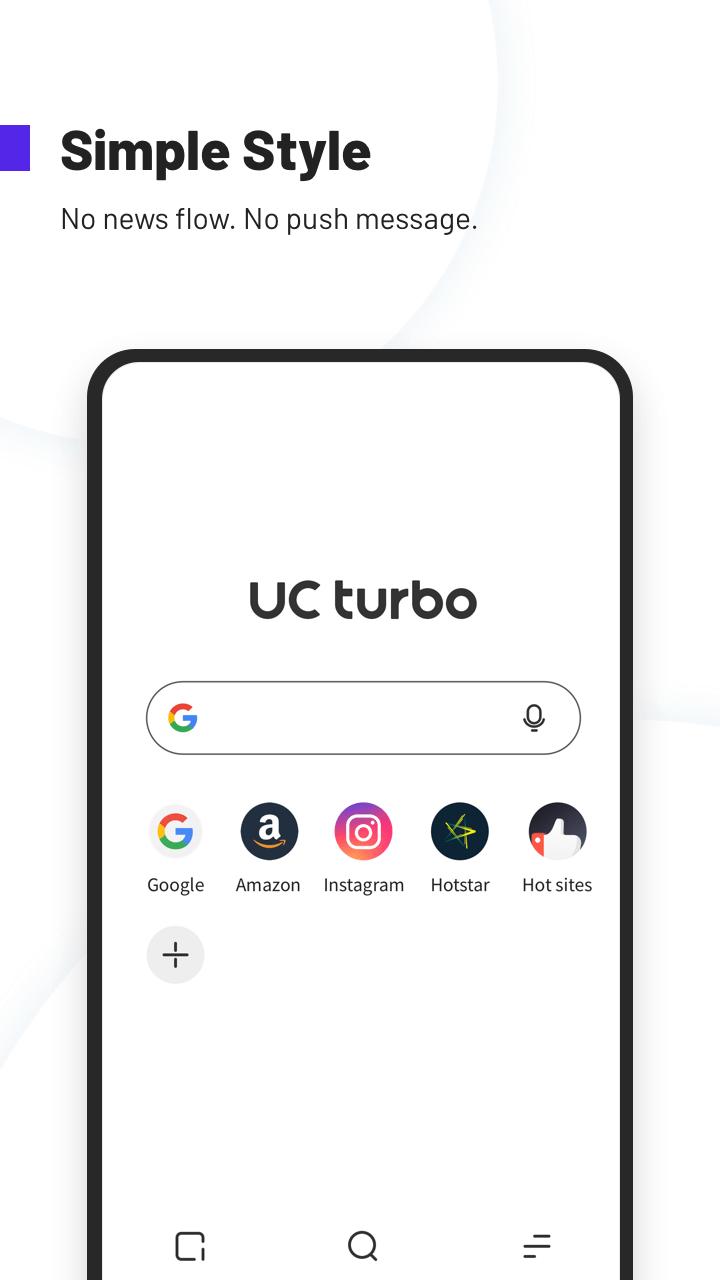
UC Turbo suits users who prefer a simple browser without a news feed or push messages. It keeps pages quick to open and helps reduce data use on slow or limited connections. Privacy tools make it easier to keep personal files separate, while the tidy layout keeps controls within easy reach. With fewer distractions and a focus on core tasks, it supports everyday browsing with less clutter. If you need a straightforward install, the UC Turbo APK offers an easy setup path.
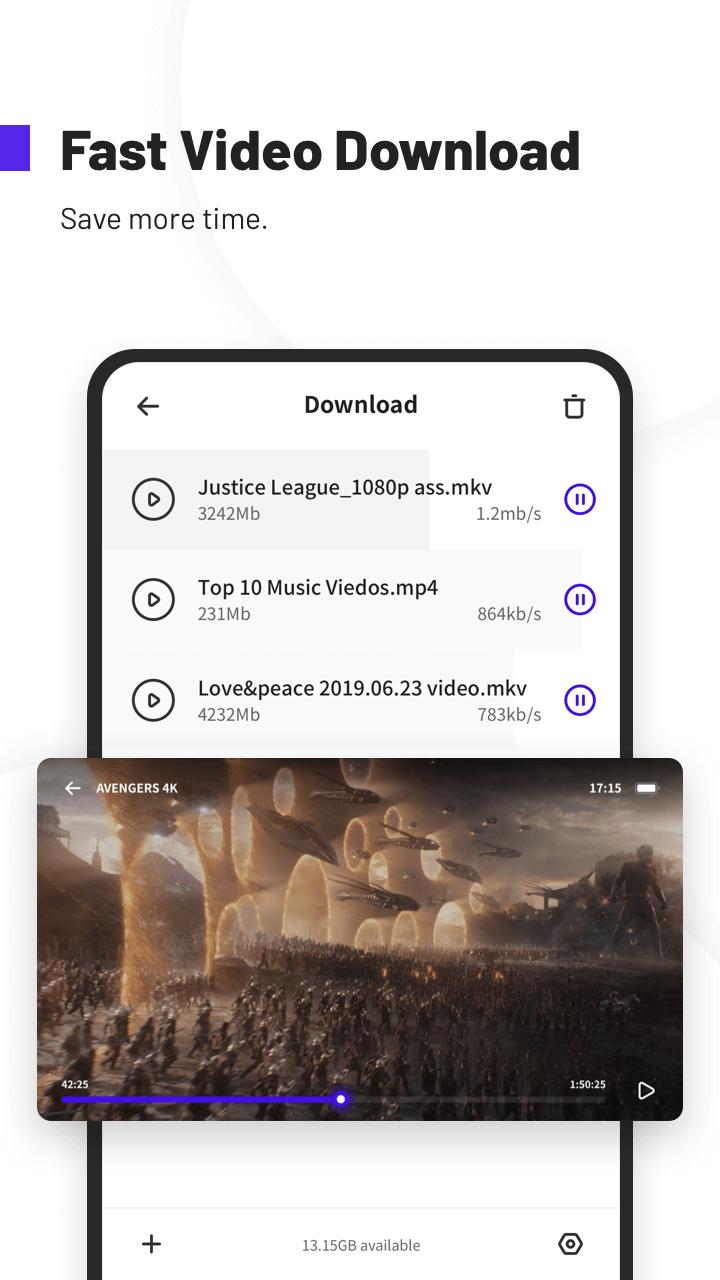
UC Turbo uses multi threaded downloading with server acceleration to improve speed and stability. Large files start quickly and continue reliably, even on spotty connections. You can queue videos and keep browsing while downloads run in the background to save time.
Ad blocking and cleaner pagesYou can block banners, pop ups, and video overlays to reduce on-page distractions. When the same type of ad appears again, mark similar items to block them in the future. Pages feel cleaner and load with fewer interruptions, which helps with reading and scrolling.
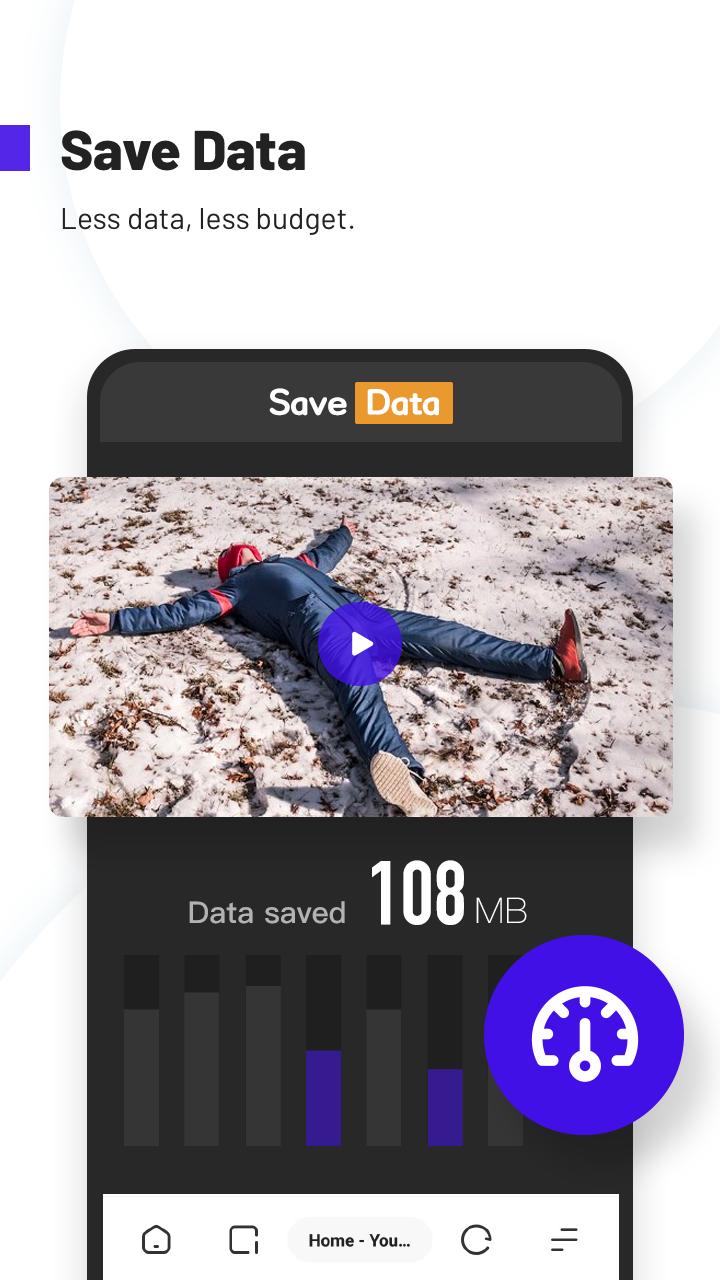
Data Saver up to 90 percentUC Turbo compresses web pages and downloads to use less mobile data. This is useful if you have a limited plan or are traveling on slower networks. With lighter pages, sites open faster and video playback can start with less buffering.
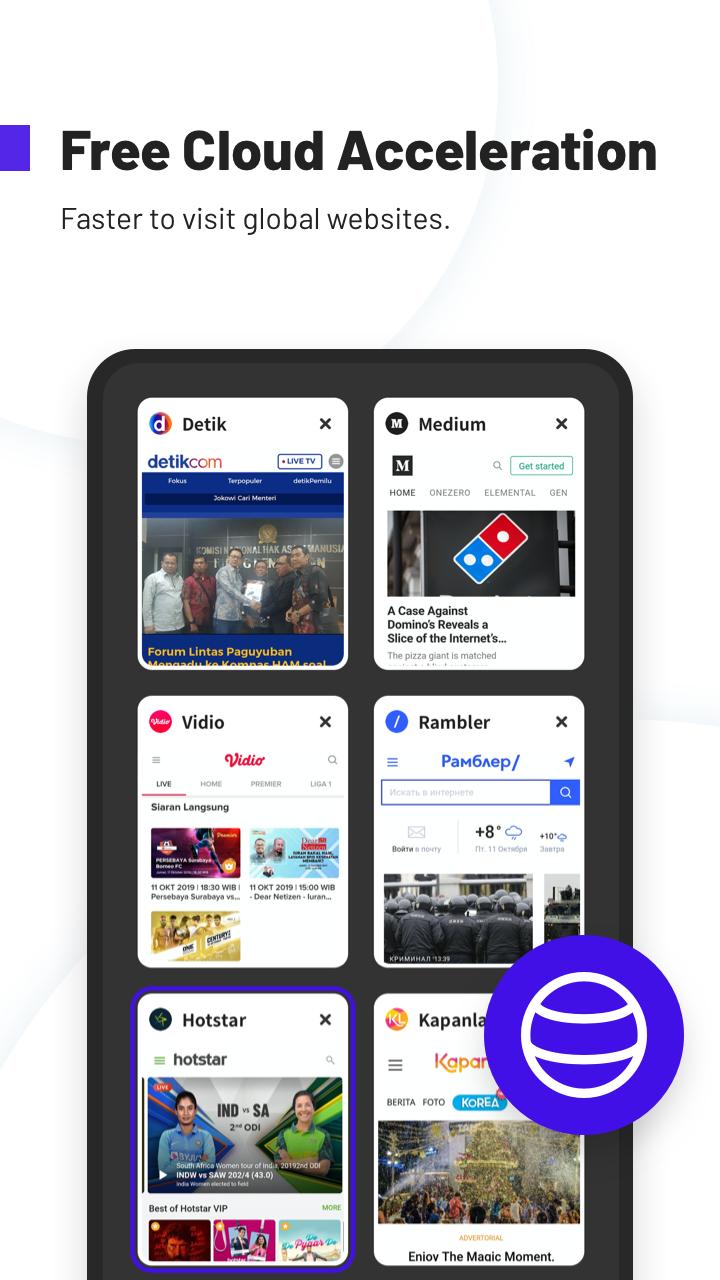
Free Cloud AccelerationCloud Acceleration routes traffic through optimized servers to help open sites and videos more smoothly. It works in a way similar to a VPN, improving speed and stability for content that is far from your location. This can make streaming and browsing feel more consistent during busy hours.
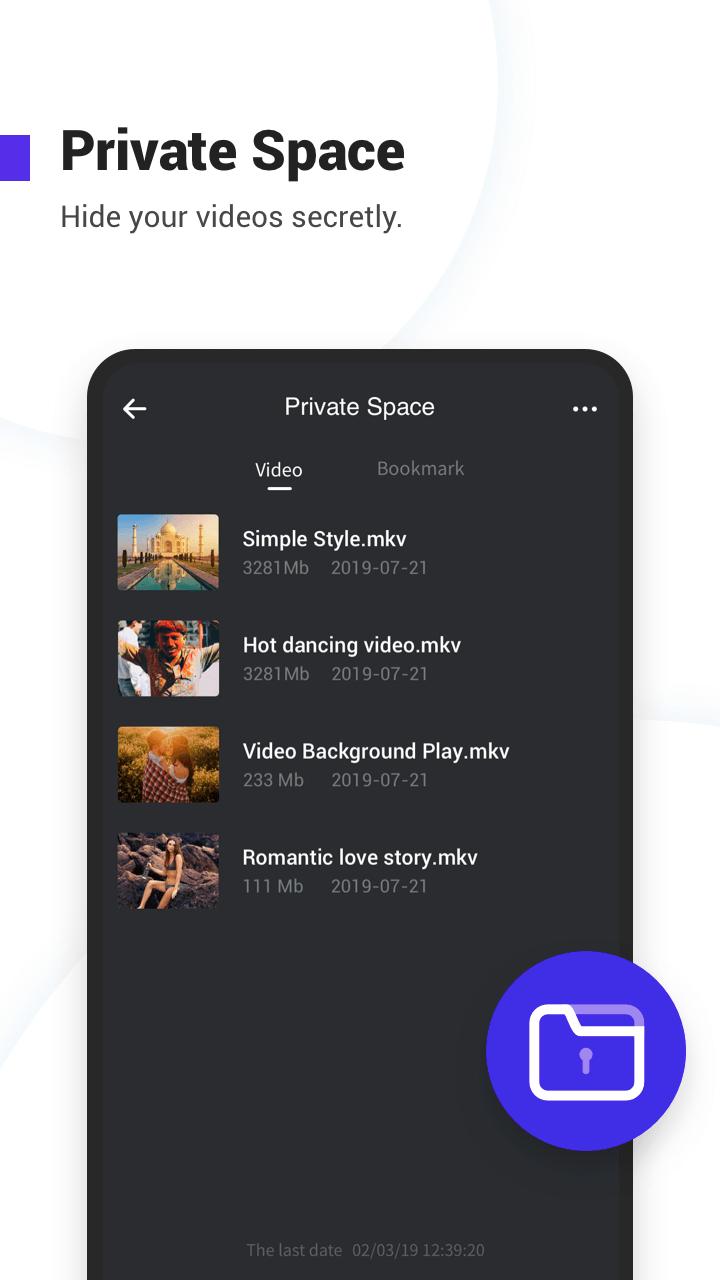
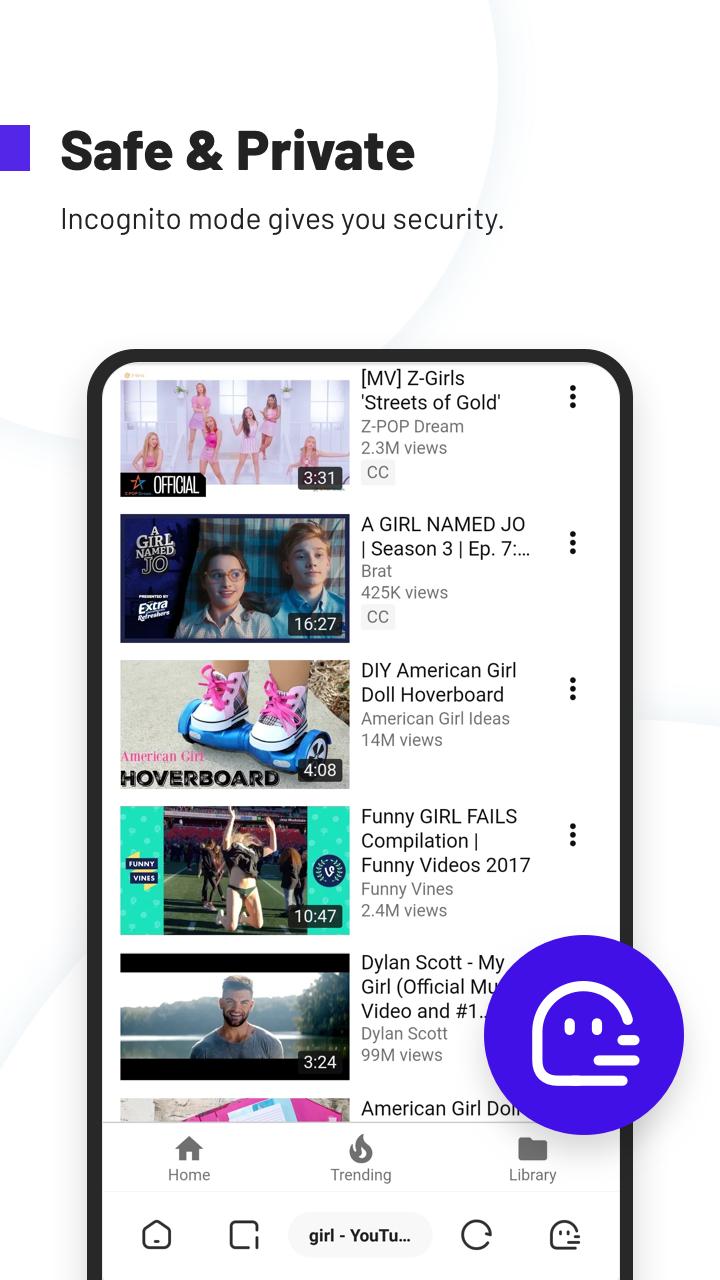
Private viewing and storageUse Incognito mode when you do not want to save history, cookies, or cache. Private Space lets you hide and password protect downloaded files in a separate area. You can also keep videos playing in the background, even in incognito, and save clips for offline viewing when there is no connection.
UC Turbo is the minimalist variant from the UC Browser team, designed without a news feed or push messages. If you want a feed or frequent content alerts, this app keeps those out to maintain a clean experience. The name UC Turbo may also appear as UC Browser Turbo in some references, and both refer to the same app. This page focuses on official releases rather than modified packages, and version details can change as new builds arrive. You can check version numbers and availability directly on this page before installing.
After installing the UC Turbo latest version, you can begin with a few quick steps. The interface is simple, so you can browse, download, and manage files without extra setup.
UC Turbo delivers a clean browser focused on speed, data saving, and private storage. To begin, download UC Turbo and install it on your Android device.
For official support and more information, use the resources below.
Latest Version
1.10.9.900Uploaded by
Samsudeen Asansamsu
Requires Android
Android 4.1+
Category
Free Communication AppContent Rating
Everyone
Security Report
Report
Flag as inappropriateLast updated on Nov 16, 2021
1. Fix bugs that log-in sometimes doesn't work.
2. Several other bug fixes.



APKPure - A multi-platform app store primarily focused on Android, providing extensive app-related content. Discover the app you want easier, faster, and safer, with quick and efficient downloads and installations.