
Launcher for Ubuntu style gives your android phone Ubuntu and Linux computer style look. You love the Ubuntu and Linux Style? Check this Ubuntu style launcher available for your Android (TM) smart phones.
Ubuntu Linux UI Design:
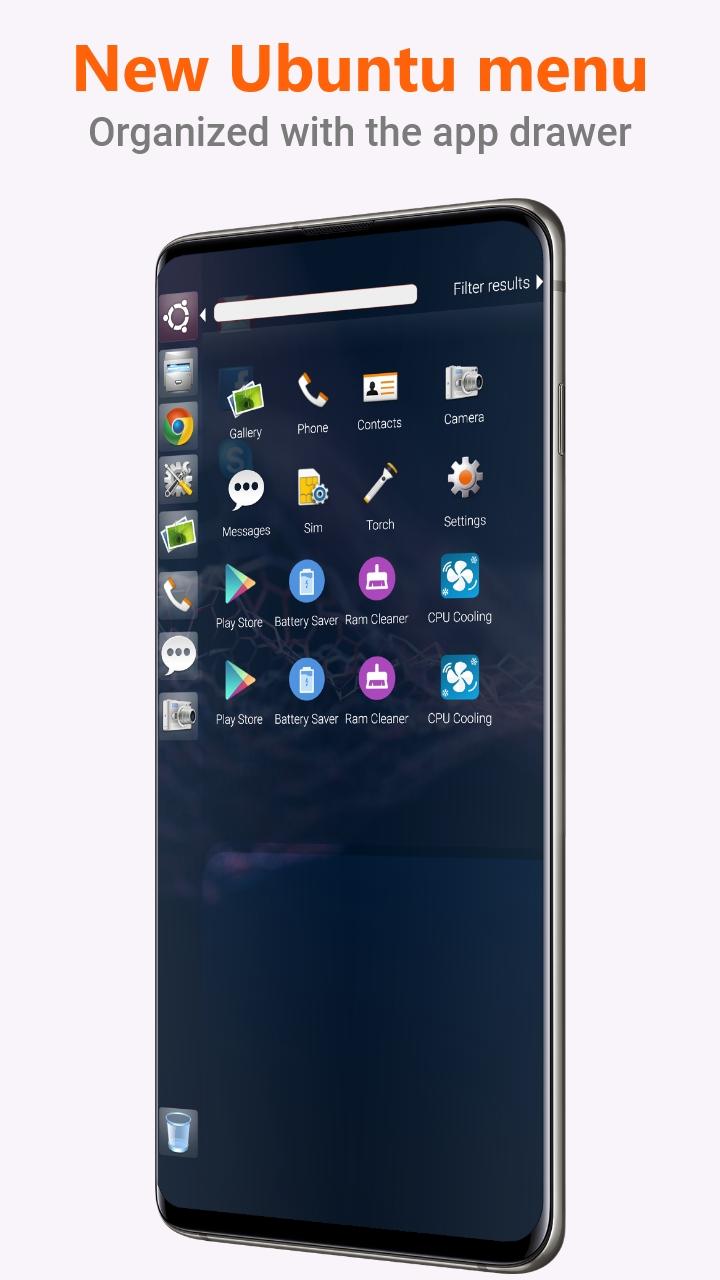
Ubuntu Launcher for Mobile is here for you (Inspired by Ubuntu). Customize your phone with unique look and feel of the fastest launcher. Astonish your loved ones with Ubuntu look of your Android phone and also share it with your loved ones.
Support of Ubuntu Linux File Manager:
With built-in support of File Explore and File Manager you can search and explore your files and perform different action on it like create folder, Copy, Paste, Zip/Unzip, RAR, Delete Files, Share Files etc.
Explore your file system with this simple and efficient file explorer and file manager in native desktop computer design. You will be amazed by using Ubuntu style interface
Features:
- Start Menu for Ubuntu Linux
- Android applications in Ubuntu Style Start Menu
- Best application are available on One Click - Create Shortcuts of most used application on Desktop by press and Hold Feature.
- Easy Navigation to the Apps
- Built-In support of File Explorer in Ubuntu theme
- Create Folders, Cut, Copy, Paste, Move, Share etc.
- Listing of all of your drives, SD Card, Storage, audio and video files and pictures in PC style.
- Taskbar for Ubuntu style
- put the files to Recycle Bin and delete later in Ubuntu style
- Built-in ZIP support allows you to compress/decompress or extract files
- Notification dot appear on desktop apps just like android (Notification Access Required)
- Lock Screens
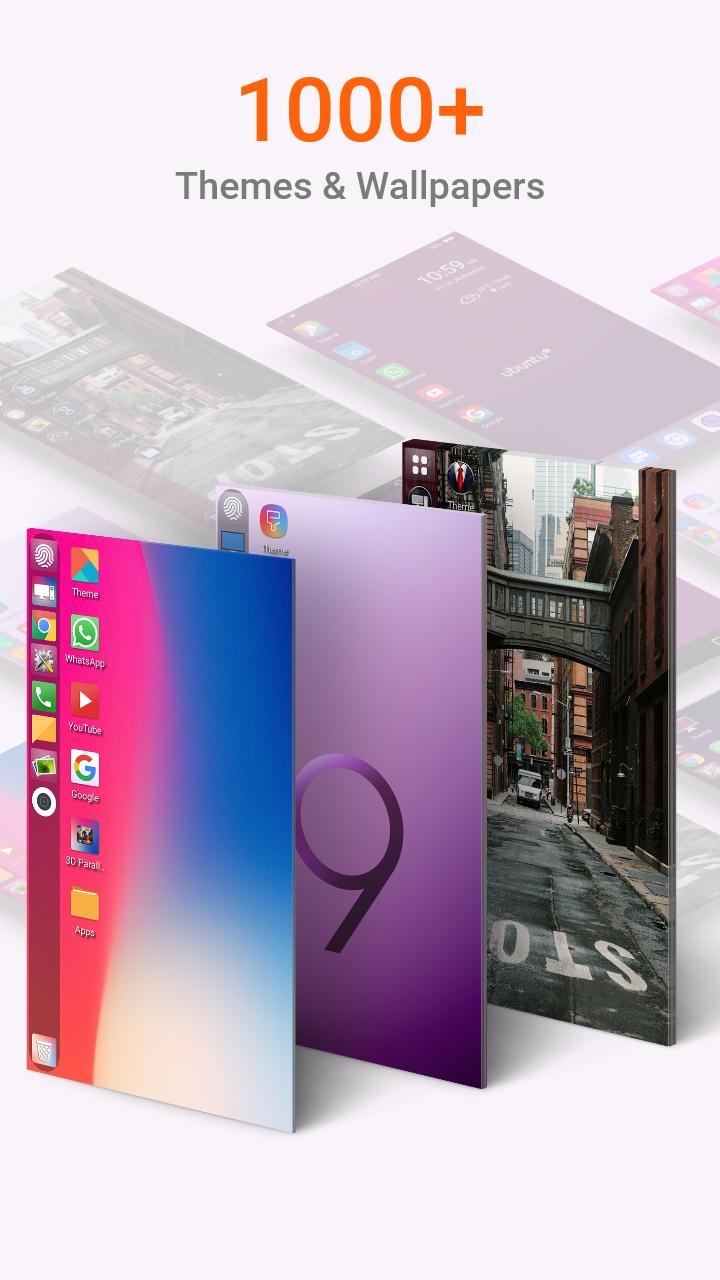
- Multi Color Support for Task bar and menu
- Themes and Icon Pack
- Built-in File Manager
- Supports System Widgets
- Desktop Widgets
- Android P supported
- Drag and drop
- Clock Widget
- Weather Widget
- RAM info widget
- Music Player widget
- Storage widget
- Search widget
- Battery widget
- Changeable desktop folders
- Live Wallpapers
- Desktop App Folders
- Android TV /Tablet support
- Hide Applications
- Desktop Icons Removable
- Change applications in Task-bar (Press and Hold)
- Built in Photo viewer
Latest Version
3.2Uploaded by
Madhusudan Singh
Requires Android
Android 4.1+
Category
Free Personalization AppContent Rating
Everyone
Report
Flag as inappropriateLast updated on Oct 29, 2020
- Bug fixes





APKPure - A multi-platform app store primarily focused on Android, providing extensive app-related content. Discover the app you want easier, faster, and safer, with quick and efficient downloads and installations.











