Serial port (UART) Terminal to communicate with embedded devices / boards.
Supported boards / chips:
Arduino (original and clones)
ESP8266 boards
ESP32 boards
NodeMCU
ESP32-CAM-MB
STM32 Nucleo-64 (ST-LINK/V2-1)
FTDI
PL2303
CP210x
CH34x
many CDC ACM devices
Connection:
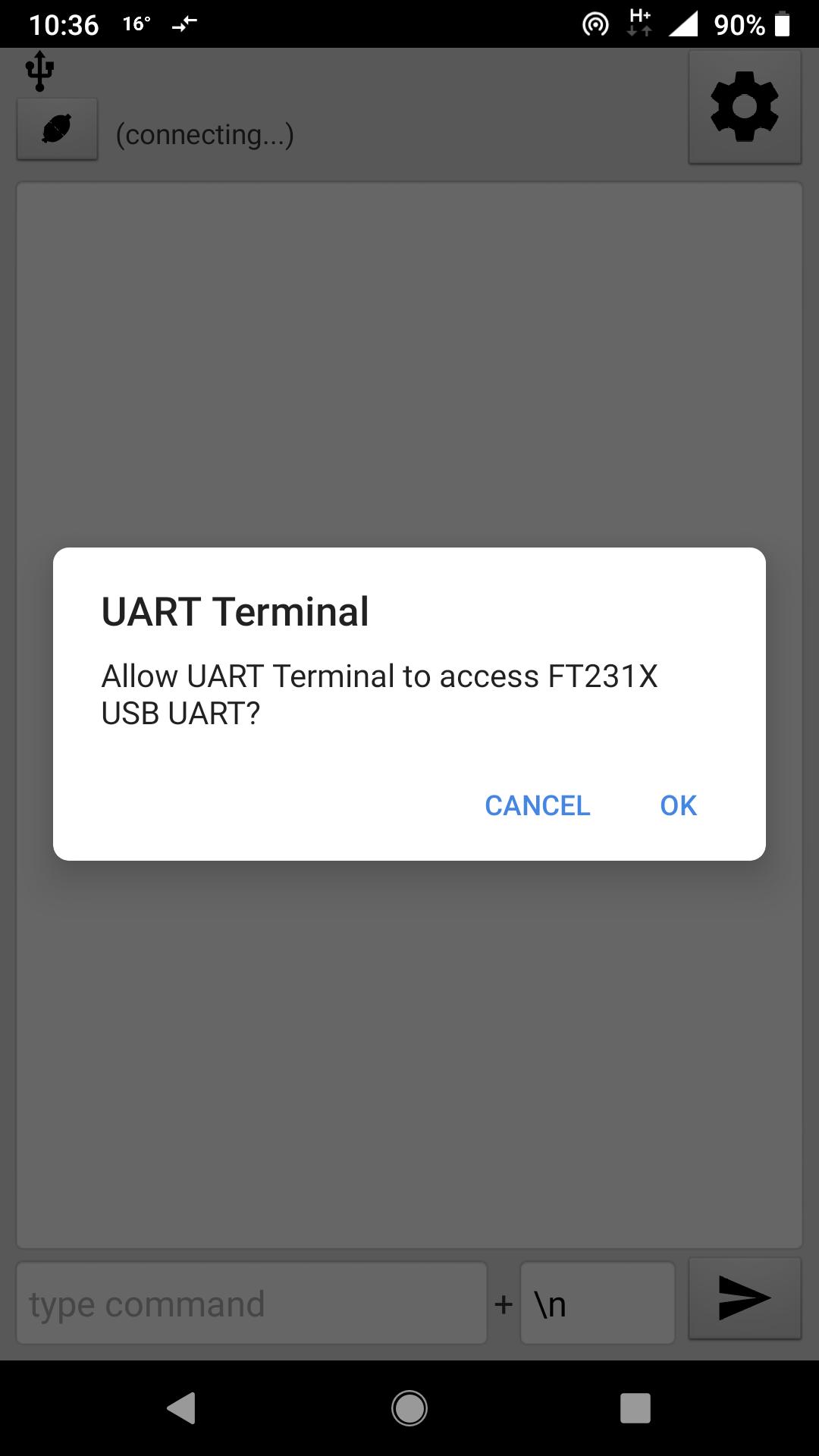
Phone must have USB OTG function and be able to provide power to the connected USB device (most phones nowadays).
Use USB OTG adapter cable (test the adapter works by connecting a computer mouse).
Use normal USB cable to connect your embedded board to the OTG adapter.
Note: symmetrical USB C - USB C cable might not work. Use normal cable and OTG adapter.
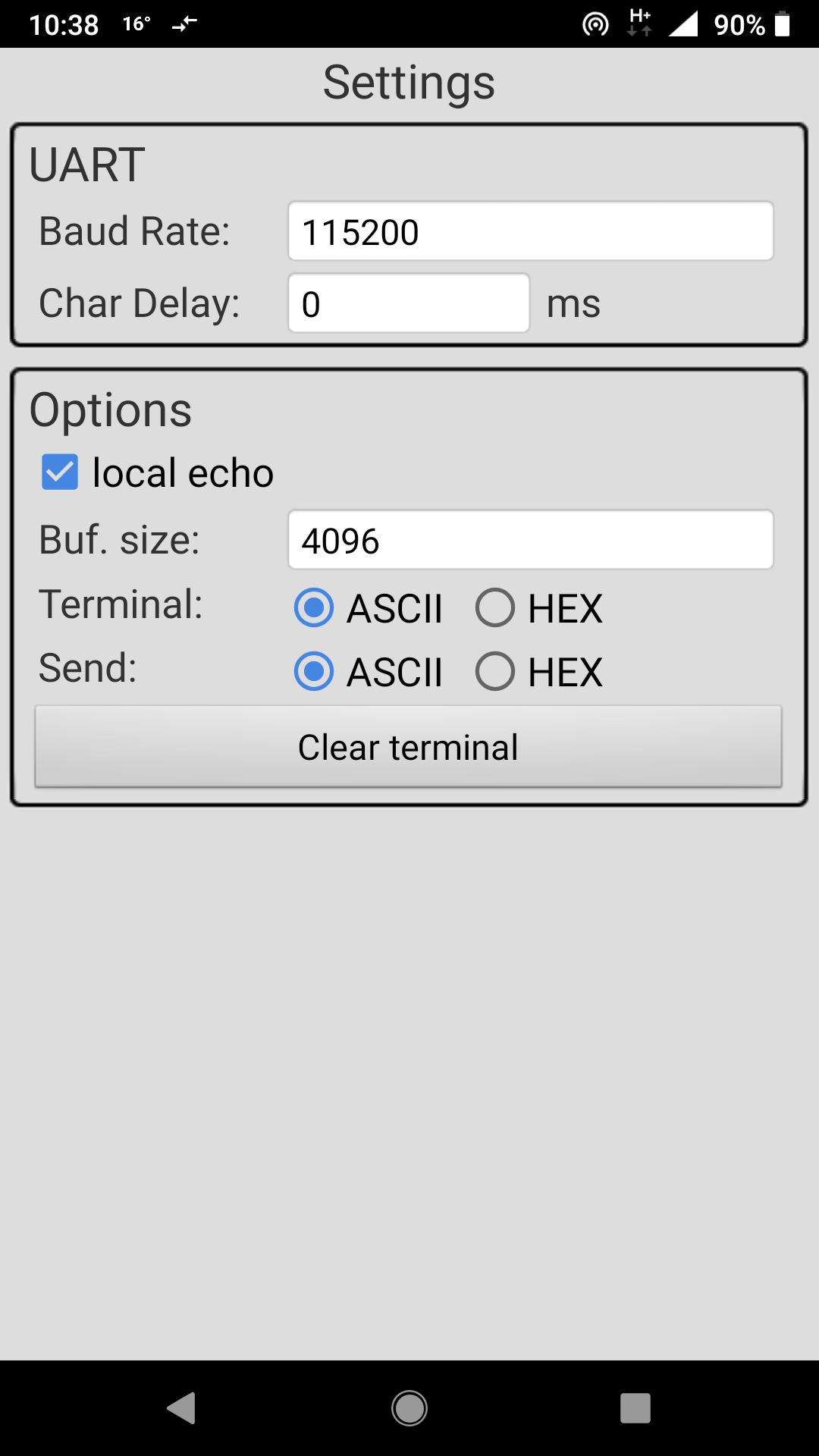
User can select ASCII / HEX mode separately for terminal screen and command input.
User can also select the command ending (the characters to append at the end of each command).
Local echo option: to also see what you sent.
Baud Rate selection: any integer number, not limited by app, but make sure the connected device supports what you enter.
Char Delay option: for slow MCUs - wait a given number of milliseconds after each sent byte, so the connected MCU has enough time to process it.
Make sure your connected device is supported, before buying this app !!!
You can test it with our free app TCPUART
https://play.google.com/store/apps/details?id=com.hardcodedjoy.tcpuart
Enjoy :)
End-User License Agreement:
https://www.hardcodedjoy.com/app-eula?id=com.hardcodedjoy.uartterminal
Latest Version
1.2.1Requires Android
3.1
Category
Tools AppContent Rating
Everyone
Report
Flag as inappropriateLast updated on Sep 6, 2023
Minor bug fixes and improvements. Install or update to the newest version to check it out!






APKPure - A multi-platform app store primarily focused on Android, providing extensive app-related content. Discover the app you want easier, faster, and safer, with quick and efficient downloads and installations.