
Scan Date:Apr 21, 2026
Show More
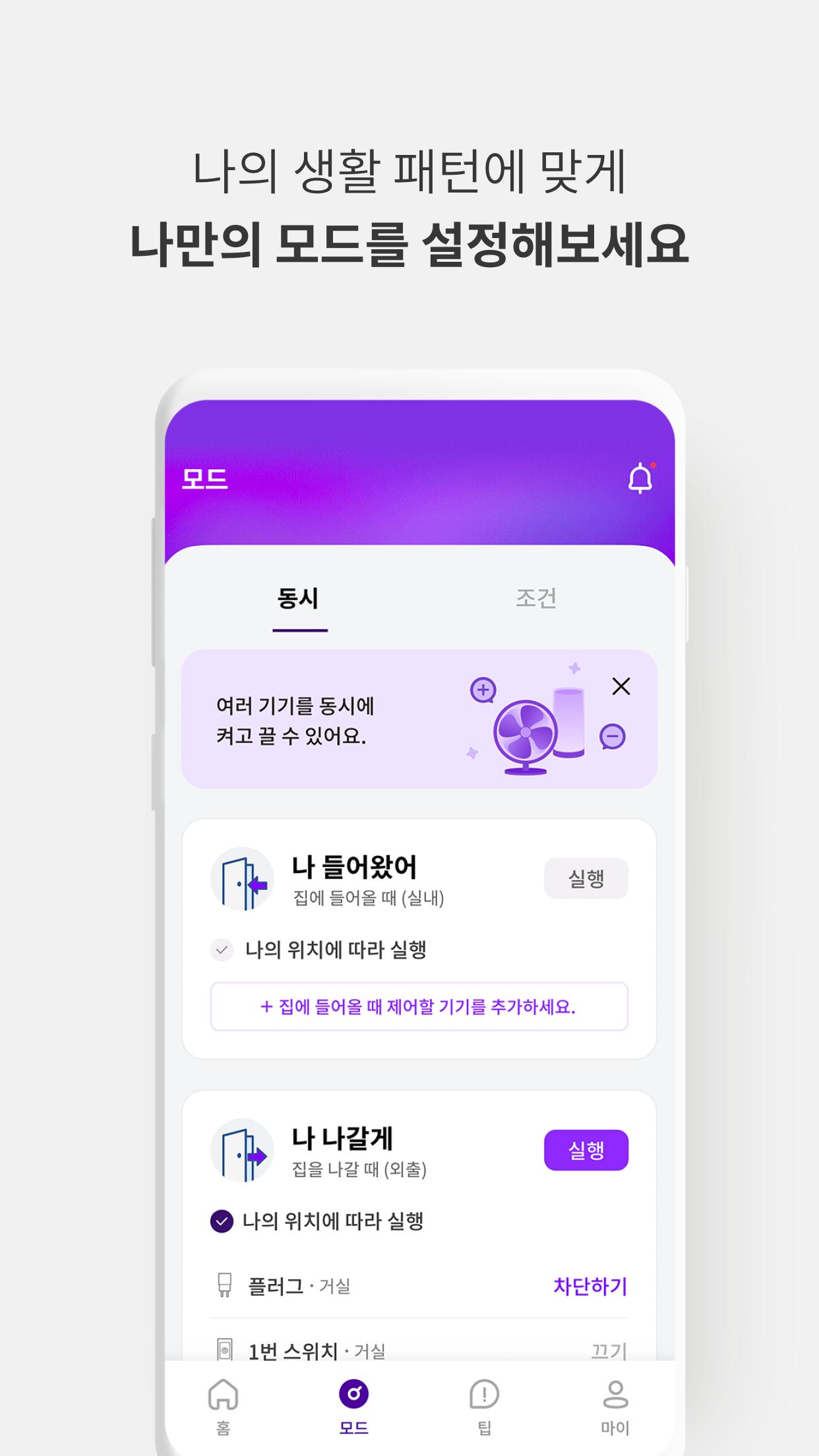
U+ Smart Home is a service that allows you to check the status of your home and family anytime, anywhere, and control devices via smartphone, voice, or automatic control. This saves energy and time, ensures the safety of your home and family, and provides peace of mind and body.
* U+ Smart Home is available regardless of your mobile carrier.
* If you signed up for U+ Smart Home through the customer center or U+shop, please log in using your mobile phone number or U+ ID.
■ U+ Smart Home Devices/Services
You can sign up for a plan at https://www.lguplus.com/ or by calling the customer center (101) without the area code.
[Hub]
- AI Remote Control Hub: Connect to control not only U+ Smart Home devices but also older home appliances via voice or remote control.
[Energy]
- Multi-tap: Control four appliances simultaneously for double the convenience and energy savings!
- Electricity Meter: Save energy by checking your electricity bill, tiering, and comparing with neighbors in real time!
- Plug: Block standby power, even when you don't pay attention, saving on progressive tax rates and electricity bills!
- Switch: Stay safe even when you leave the lights on or are away for long periods of time!
[Safety/Health]
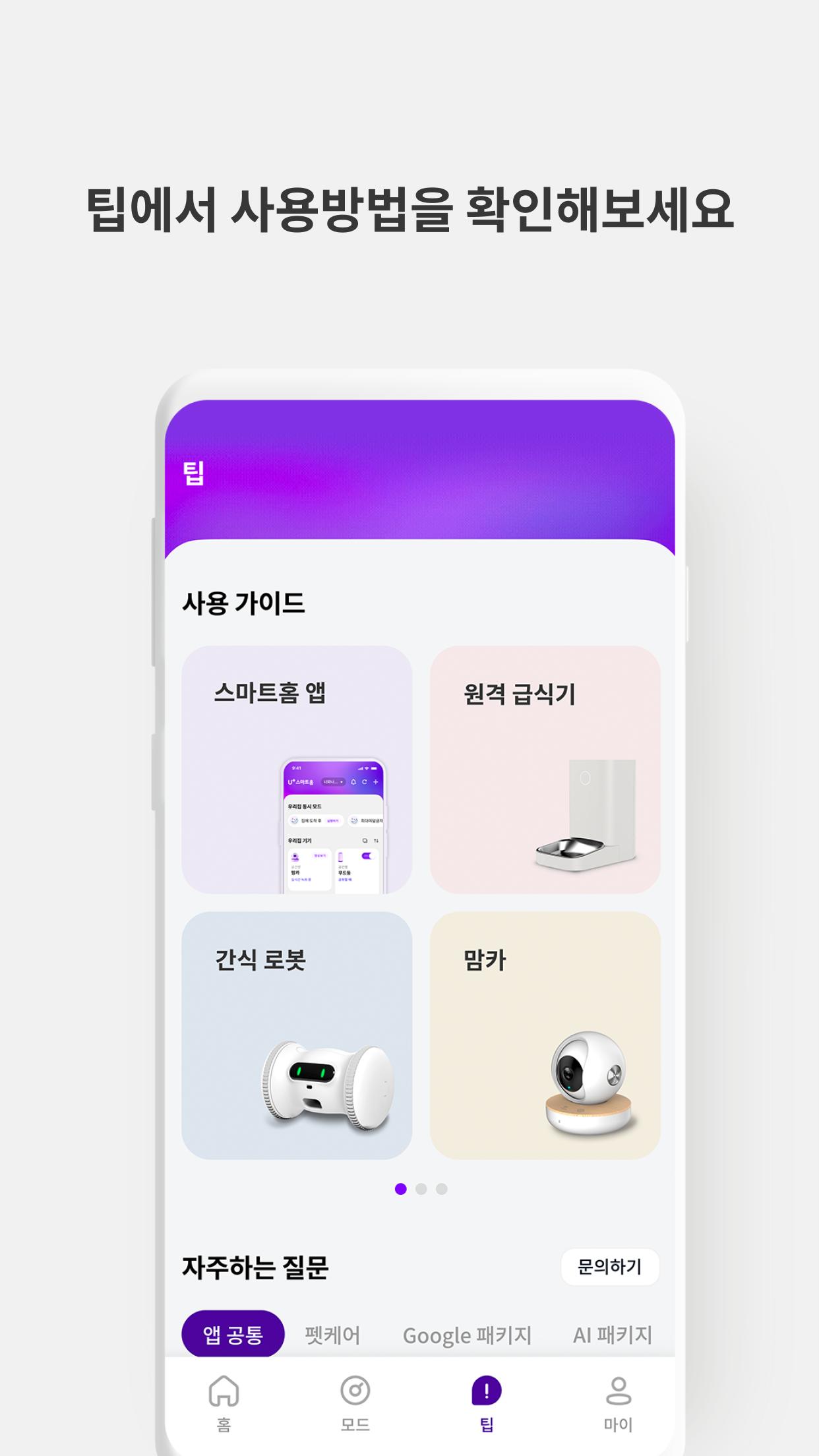
- Pet Care: This exquisite pet life, U+ Smart Home Pet Care
- My Home Guardian: A package that prevents theft caused by intrusions and even provides compensation.
- Air Sensor: A sensor that compares indoor and surrounding air quality in real time and alerts you when to ventilate.
- Momca: A camera that provides peace of mind through real-time communication.
- Door Sensor: A smart sensor that easily attaches to alert you to intrusions through windows and doors.
- Gas Lock: Remotely lock the forgotten gas valve from outside without worry!
- Motion Sensor: A sensor that sounds a siren and notifies your smartphone when motion is detected.
■ Access Permissions Guide
[Required Access Permissions]
#Phone – Used for logging in using your mobile phone number and connecting to the customer center by phone.
#Bluetooth – Required for registering Bluetooth devices, entering safe passwords, and using the HomeNet automatic access pass feature. (Required for Android OS 12 and above; optional for Android OS 11 and below.)
This app also uses the #AccurateAlarm permission for the following functions:
- Scheduling feature to accurately activate IoT devices at a set time.
- Providing users with important notifications generated by security devices such as Momca and door sensors at a set time.
[Optional Access Permissions]
You can use the service without consent.
#Notifications – If you consent to receiving notifications, sounds, vibrations, and icon layouts provided by the app may be included in notifications.
#Microphone – Used for using the Momca device's talk function and the front door CCTV audio transmission feature.
#Contacts – Used for registering emergency call contacts with the quick button and accessing the address book to add family members.
#Storage – Used for using the Momca/Petca features (screen capture, 5-minute recording, loading Petca profile photos, etc.) and storing front door CCTV photos.
#Location – This is used to run the app based on your location, check your current location when registering your home location, and register/deregister certain devices.
#Camera – This is used to capture Petka profile images.
#Bluetooth – This is required for registering Bluetooth devices, entering your safe password, and using the HomeNet automatic access pass feature. (Required for Android OS 12 and above, optional for Android OS 11 and below.)
※ If you are using a version of Android lower than 6.0, you cannot individually grant optional permissions. Therefore, we recommend that you check if your device's operating system can be upgraded to Android 6.0 or higher before updating. To reset access permissions after an update, please delete the installed app and reinstall it.
*Operating systems available for the U+ Smart Home app: Android 8 and above. New updates are available.
* Please contact us for any inquiries or inconveniences regarding the app service. We will do our best to resolve them.
(Customer Center ☎ 101)
* Email: uplussmart@lguplus.co.kr
Latest Version
03.27.02Uploaded by
Abigial Nanasidu
Requires Android
Android 8.0+
Category
Free Lifestyle AppContent Rating
Everyone
Security Report
Report
Flag as inappropriateLast updated on Apr 24, 2026
안정적인 사용을 위한 앱 성능 개선




APKPure - A multi-platform app store primarily focused on Android, providing extensive app-related content. Discover the app you want easier, faster, and safer, with quick and efficient downloads and installations.