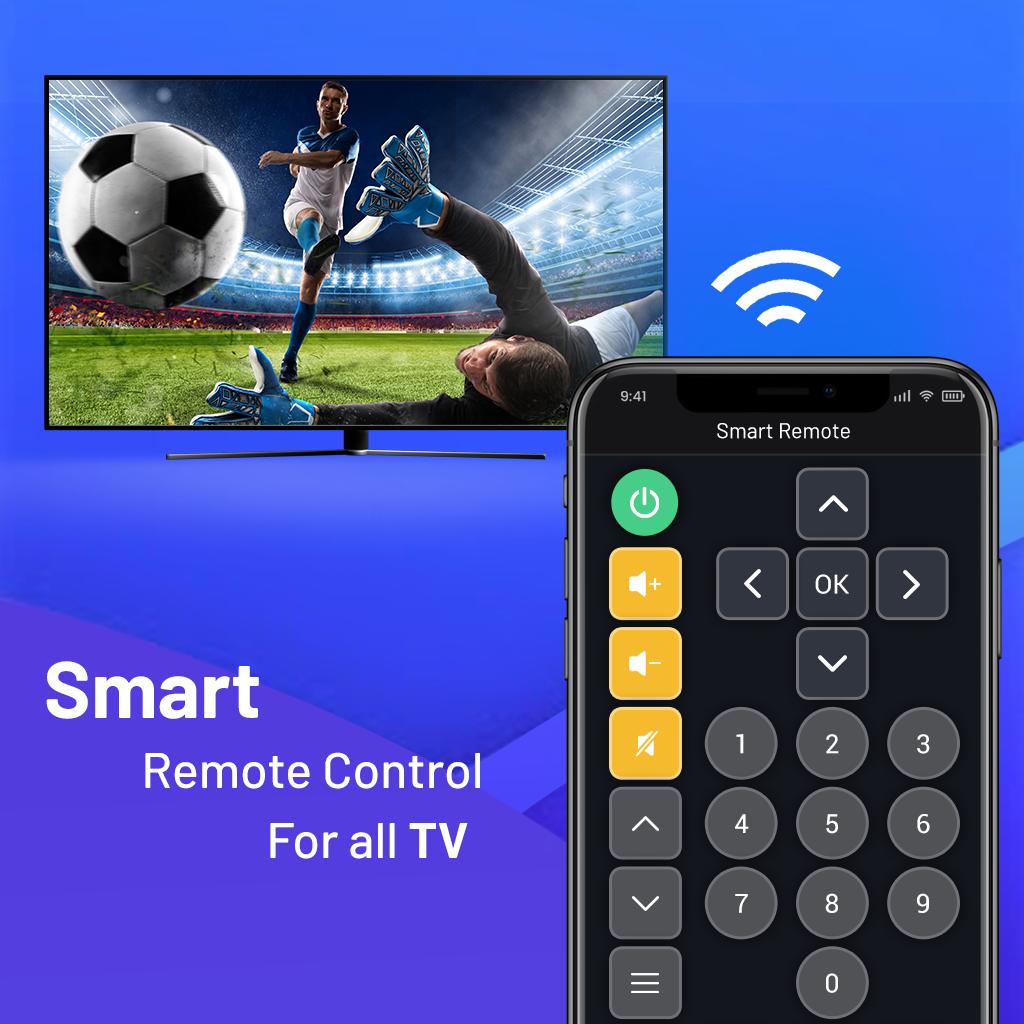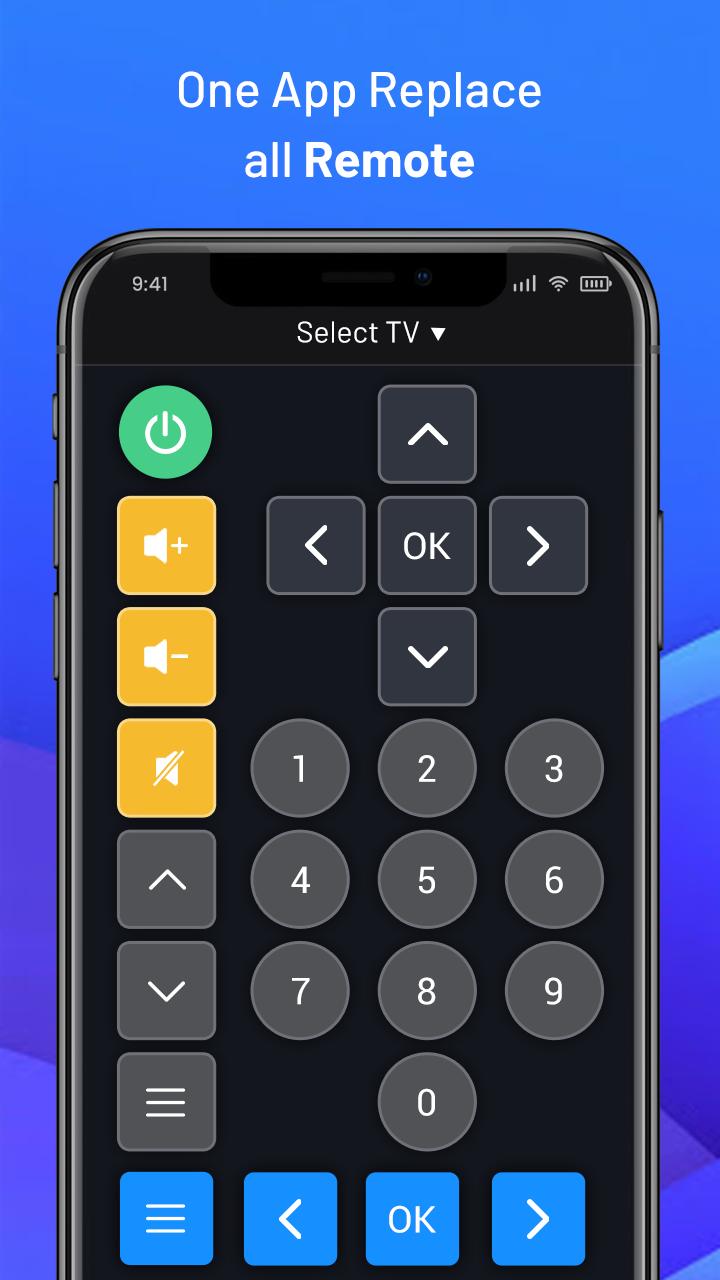
Introducing a TV remote evolved to have a variety of convenient features, so you can live smarter.
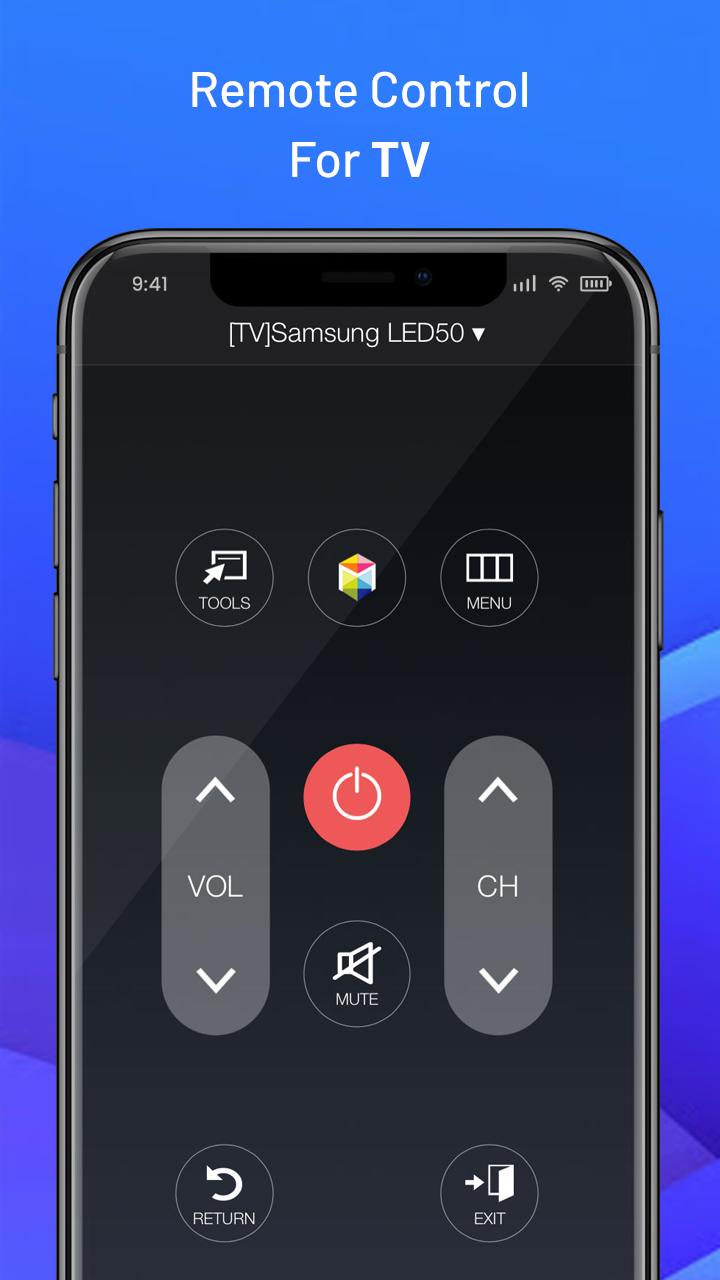
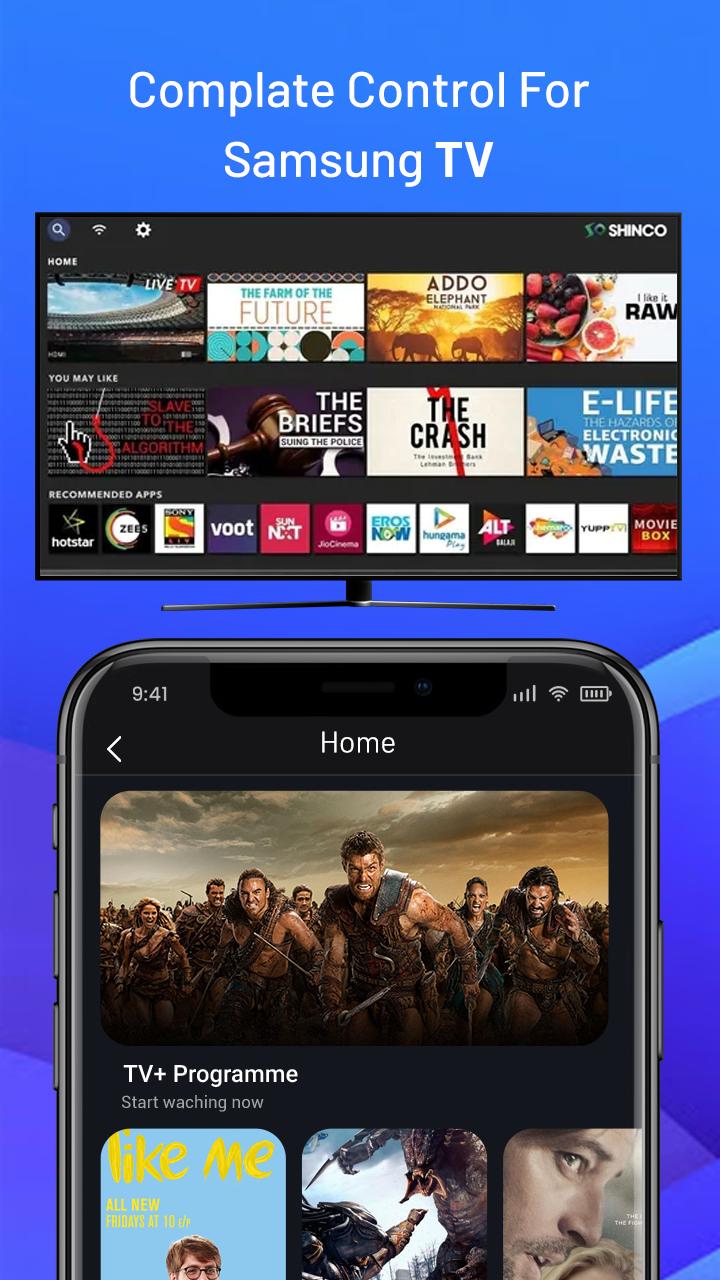
Control your Smartthings Samsung TV. Replace the physical remote and reduce battery disposal!
Control almost any Smart TV and Streaming Devices from popular manufacturers directly from your device with TV Remote app.
Intuitive trackpad that supports touch, swipe, drag gestures, allows you to easily navigate.Quick access to your favorite apps like Prime Video, Smartthings, Netflix, Hulu, YouTube, HBO, and so on.
Features:
+ Touch / Swipe / Drag trackpad.
+ Scroll through channels including switch and input.
+ Increase / Decrease volume.
+ Quick access to your favorite apps.
TV & Remote is a virtual remote control that lets you control your smart TV. Transform your Android smartphone into a universal remote.
To use the remote control, you must have your mobile / tablet is on the same wifi network as your TV and you accept the message that appears on your TV. Because the application runs through the wireless network , it is not necessary to be close to the TV .
With the widespread use of Smart TVs, you can now enjoy a wide range of video content from general broadcasting, movies, dramas, music, games, sports and even streaming services such as Netflix and YouTube. The high consumption of various content on TVs means that a remote control that helps you find content quickly and easily has become more important.
There are a few things that make up the optimal remote control. It should not be complicated by unnecessary buttons and should provide a concise design with intuitive navigation. It should provide voice recognition to quickly search for titles instead of having to type them out, and should have hot keys for frequently used apps so you can access them with a single press of a button. All this makes for a remote optimized for convenient use and quick searching.
Universal TV Remote is an app that transforms your Android into a universal remote control that you can use with practically any TV. For older TVs, of course, your Android will need infrared rays, but if you have a more modern Smart TV, just make sure both devices are connected to the same WiFi network.
With Universal TV Remote, you can change the channel without getting up. You can also turn the volume up or down, pause, skip ahead, select Smart TV apps, and much more. You'll see a certain remote control model depending on the TV you have. You can also save a remote control to your favorites.
Universal TV Remote is a useful app thanks to which you'll never need a separate remote control again. All you need is your Android smartphone and enough battery to use this app.
TV & Remote app Equipped with various buttons and controls, this remote lets you adjust settings of your LED LCD & Plasma TV easily with the comfort of your sofa or bed.
*** Universal LED TV Remote Control Smart Controller ****
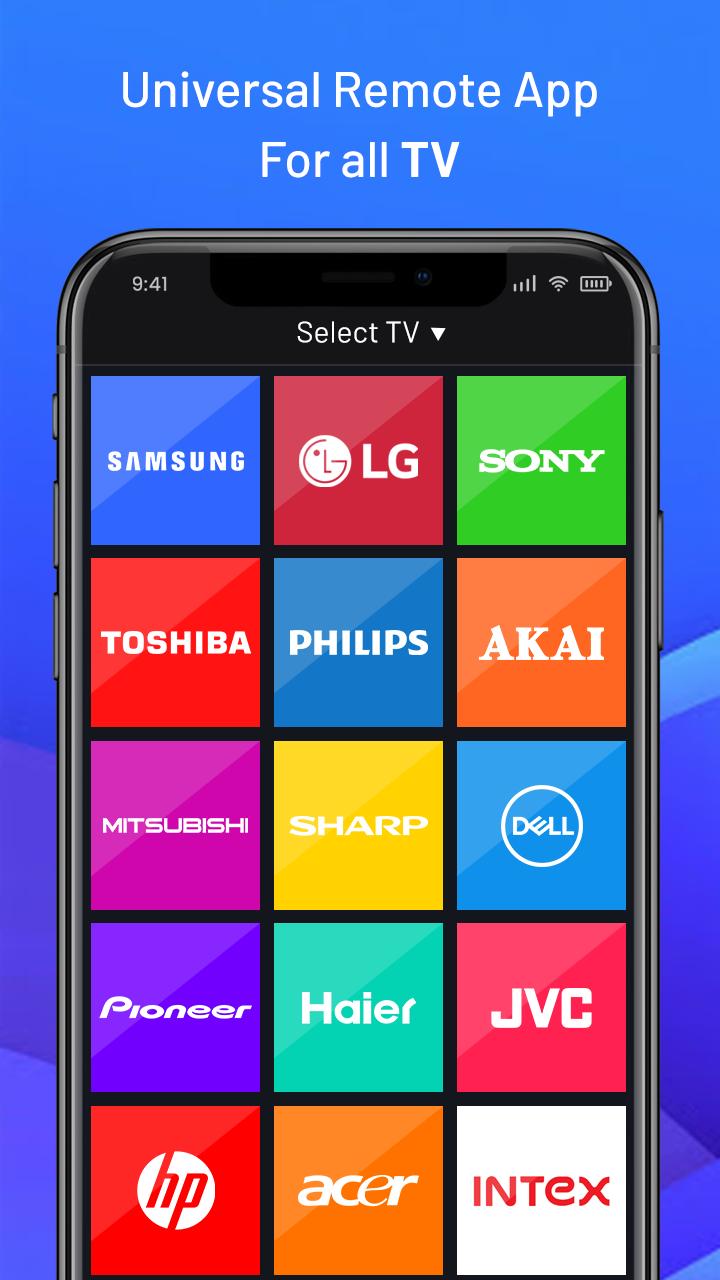
This app is a virtual remote that allows you to control your Smart TV from your Android phone. works with Samsung, LG, Sony, Philips, Panasonic,TCL Roku,Roku sticks,Hitachi, Telefunken, Grundig, Continental Edison TV and more...
Virtual remote control that allows you to easily enter digits, control content, and activate functions on the screen.
Last updated on 2021年10月06日
此版本包含小幅錯誤修正和一般改善。請更新至最新版本,以獲得最佳體驗。