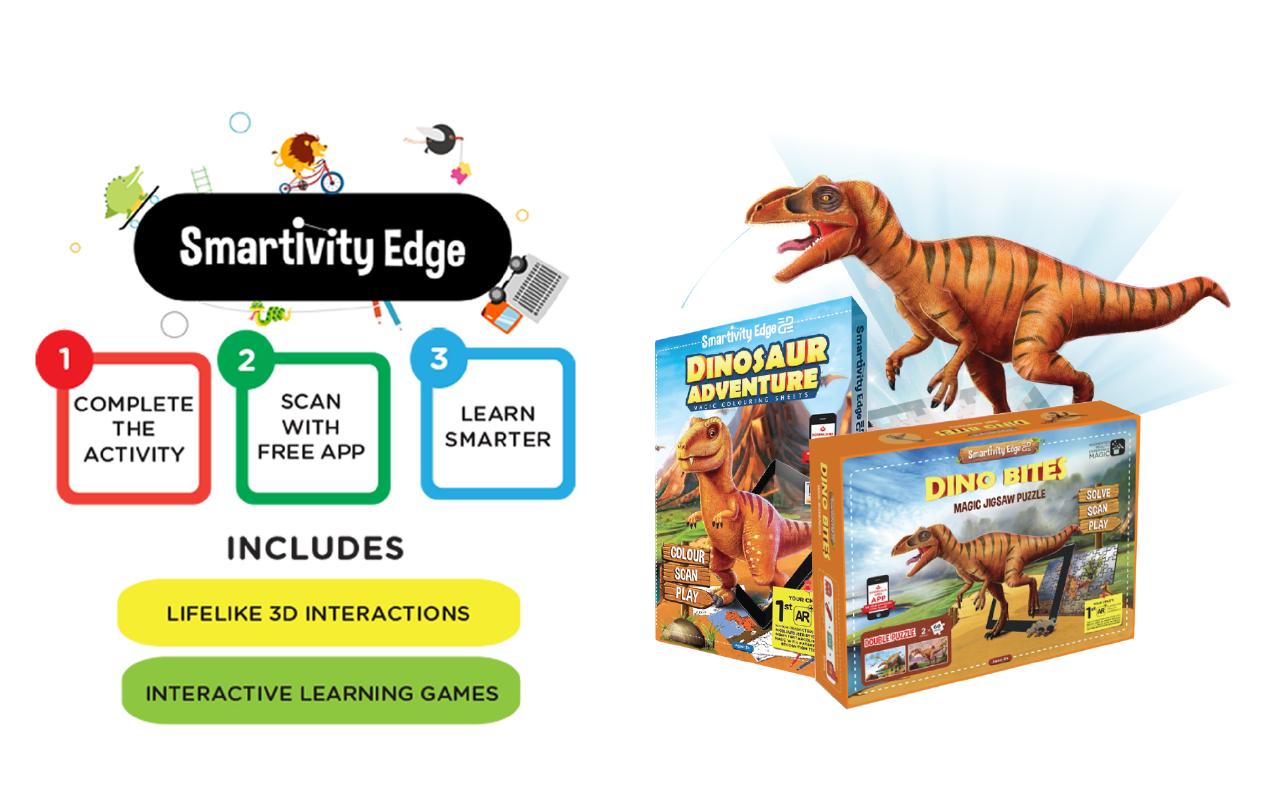
Download free Smartivity EDGE App to transform traditional coloring activity into a magical experience filled with interactive learning for children.Inspire wonder. Fuel curiosity. Be amazed. A pink lion, a purple gorilla, a yellow elephant… Give wings to your li’l one’s imagination. And watch their unique creations come to life in a jiffy.
Learning has never been so much fun. Smartivity EDGE App brings coloring sheets to life, in the same colors that kids have painted them with.
This app works in tandem with Smartivity Edge Coloring Sheets Pack. You can purchase Smartivity Edge Sheets in your nearest toy stores or though www.smartivity.in/edge. Use the Smartivity pencil colors which comes with the sheet to bring your coloring to life.
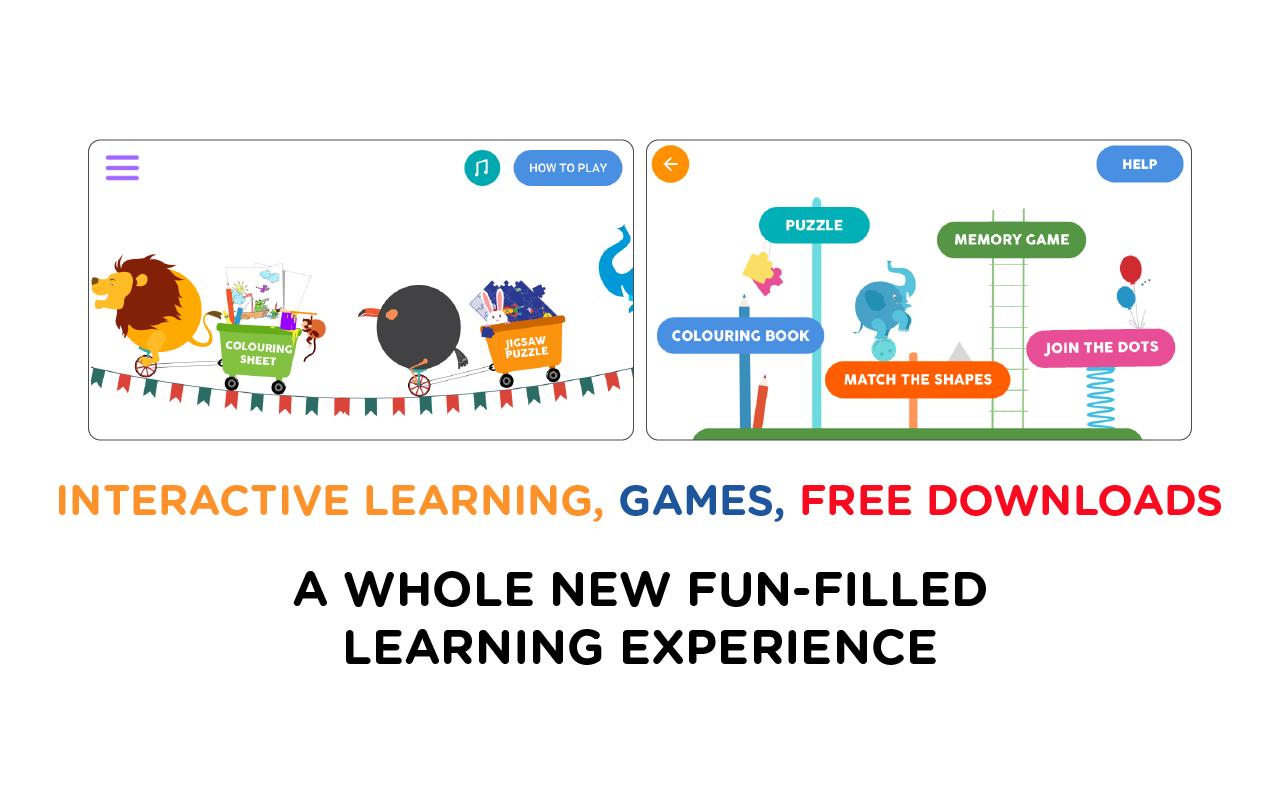
Smartivity EDGE App’s cutting edge image and texture recognition algorithm identifies the colors filled by your li’l one and displays their creations in dazzling details. The interactive features of the app are designed to introduce new concepts and reinforce familiar concepts in a fun and playful way. Each sheet comes with its own unique experience and learning. The attractive interface and unique learning exercises will encourage your child to complete them to discover the Augmented Reality wonders hidden in each sheet.
Smartivity EDGE is powered WowFlux Interactive
HOW TO USE:
COLOR the Smartivity EDGE coloring sheet.
PLACE the coloring sheet on a flat surface.
DOWNLOAD the free Smartivity EDGE app.
PRESS the Play button.
SELECT the coloring sheet on the app.
HOLD the smartphone/tablet with camera facing the sheet.
SCAN the colored sheet and match the corners of the sheet with the corners.
ALIGN the corners of the coloring sheet with the corners on the app screen.
WATCH the coloring sheet come to live in the same colors that have been filled in.
TIPS:
Please ensure that you are connected to the Internet while using the app.
Use of pencil colors or crayons for best results. It ensures that each stroke and detail is rendered in the virtual model.
Works best in ambient light to capture the true colors as that on the coloring sheet.
Hold the camera in a steady and straight position, making sure that the it is just close enough to align the corners of the sheet with the corners in the camera feed.
Allow the app a few seconds to recognize the page.
FEATURES:
The characters on the sheet are displayed in the exact same colors as painted by your child.
Loaded with Augmented Reality enabled 3D interactive features.
Each sheet comes with its own set of interactive, rich-media learning features.
You can take pictures of the Augmented Reality characters rendered by the app by simply tapping on the screen.
Smartivity mascots Jay and Ria take your child on an exciting learning adventure as they explain basic concepts, share facts and encourage your li’l one to interact with learning based games.
Last updated on 2020年05月31日
-Minor bug fixes
V 8.6