Want to know about How To Draw Minecraft?
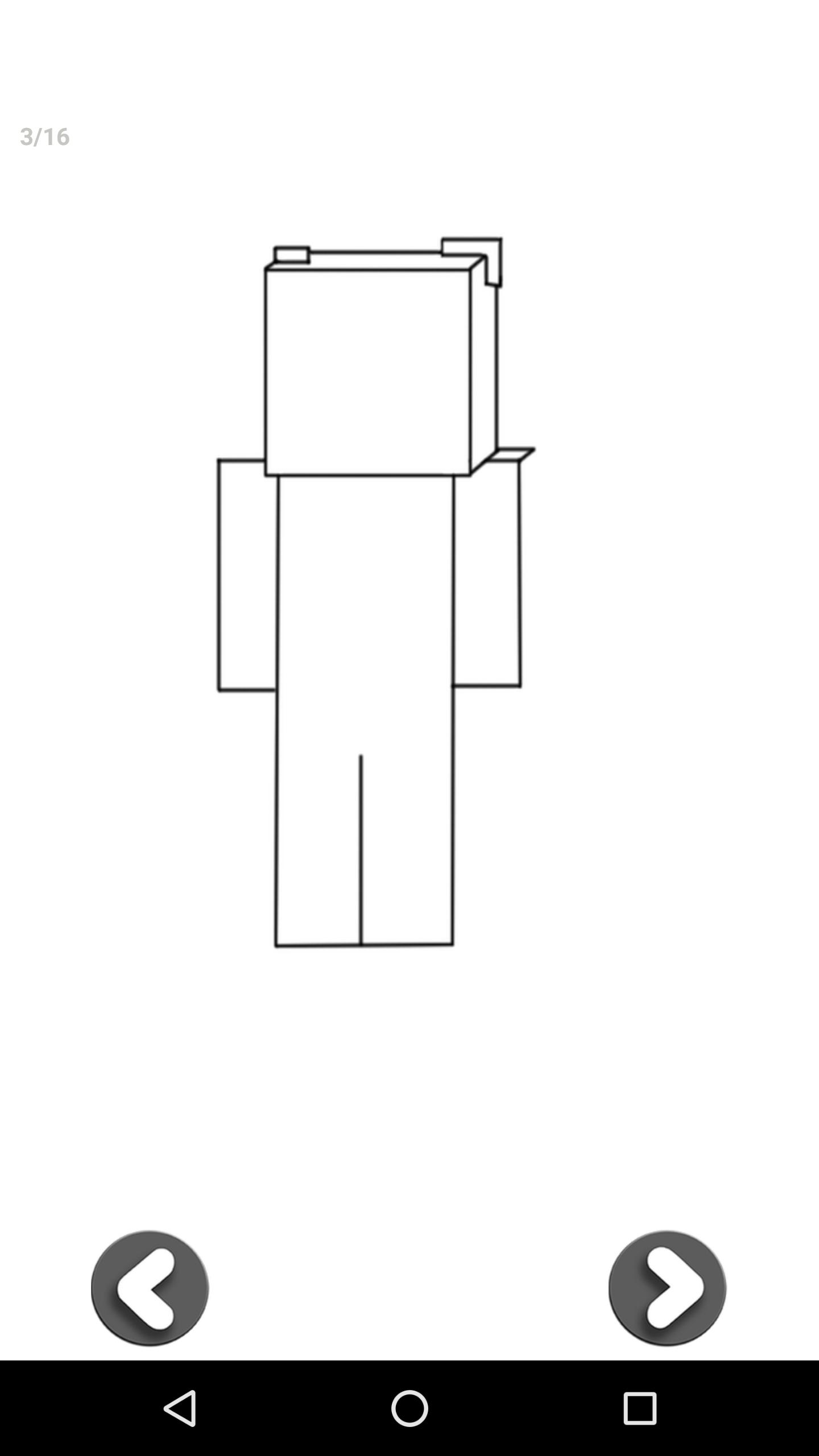
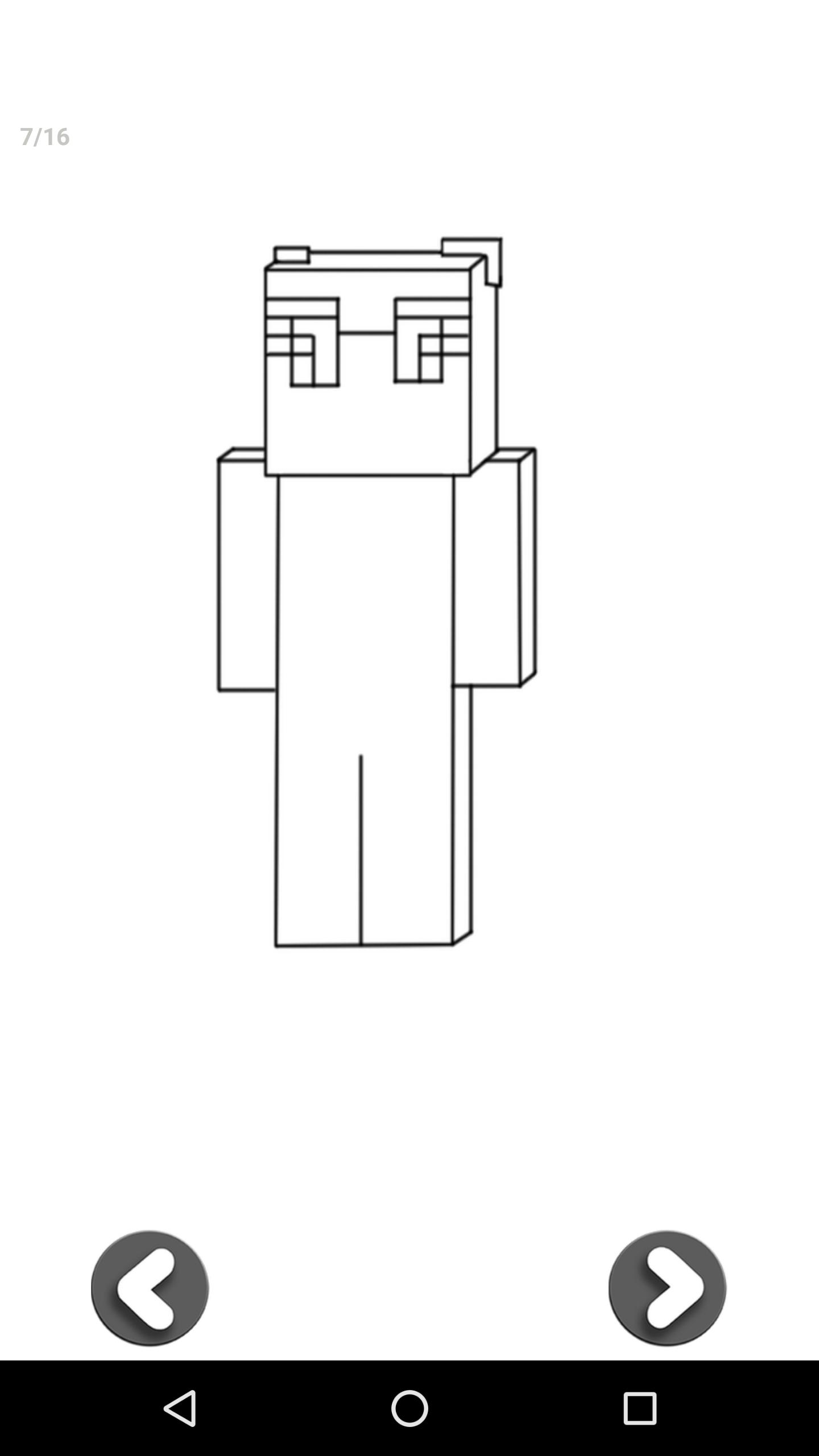
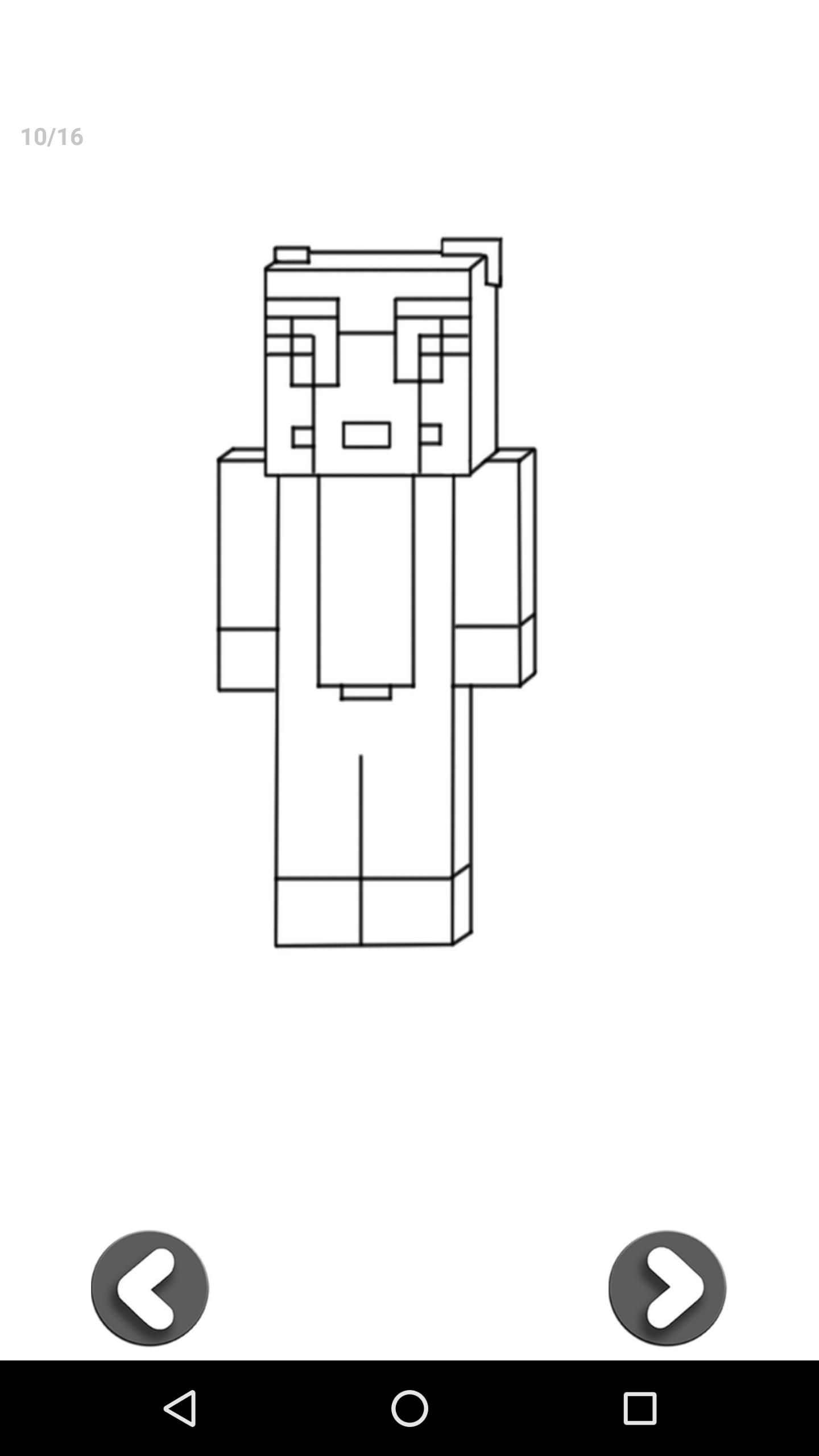
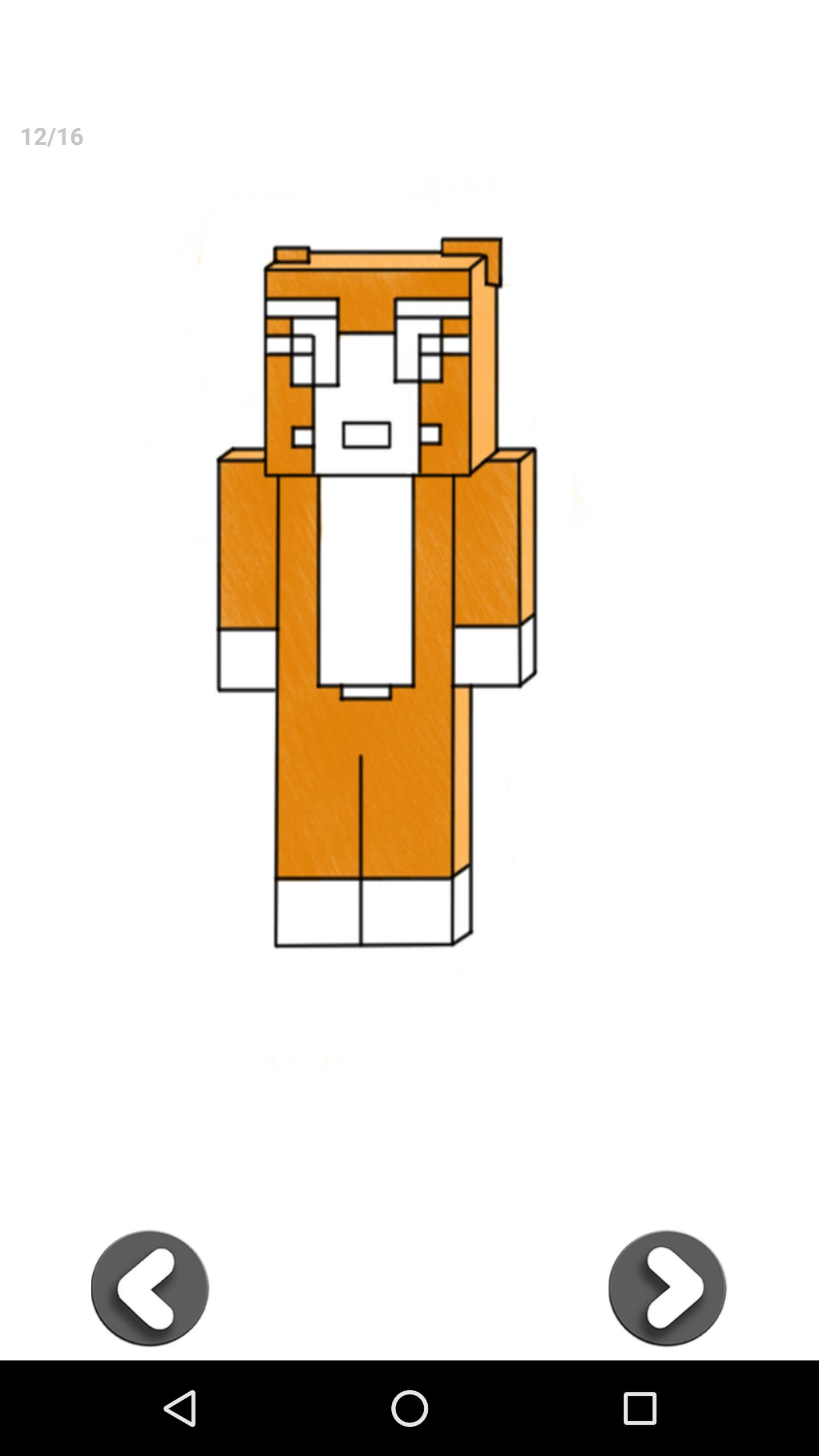
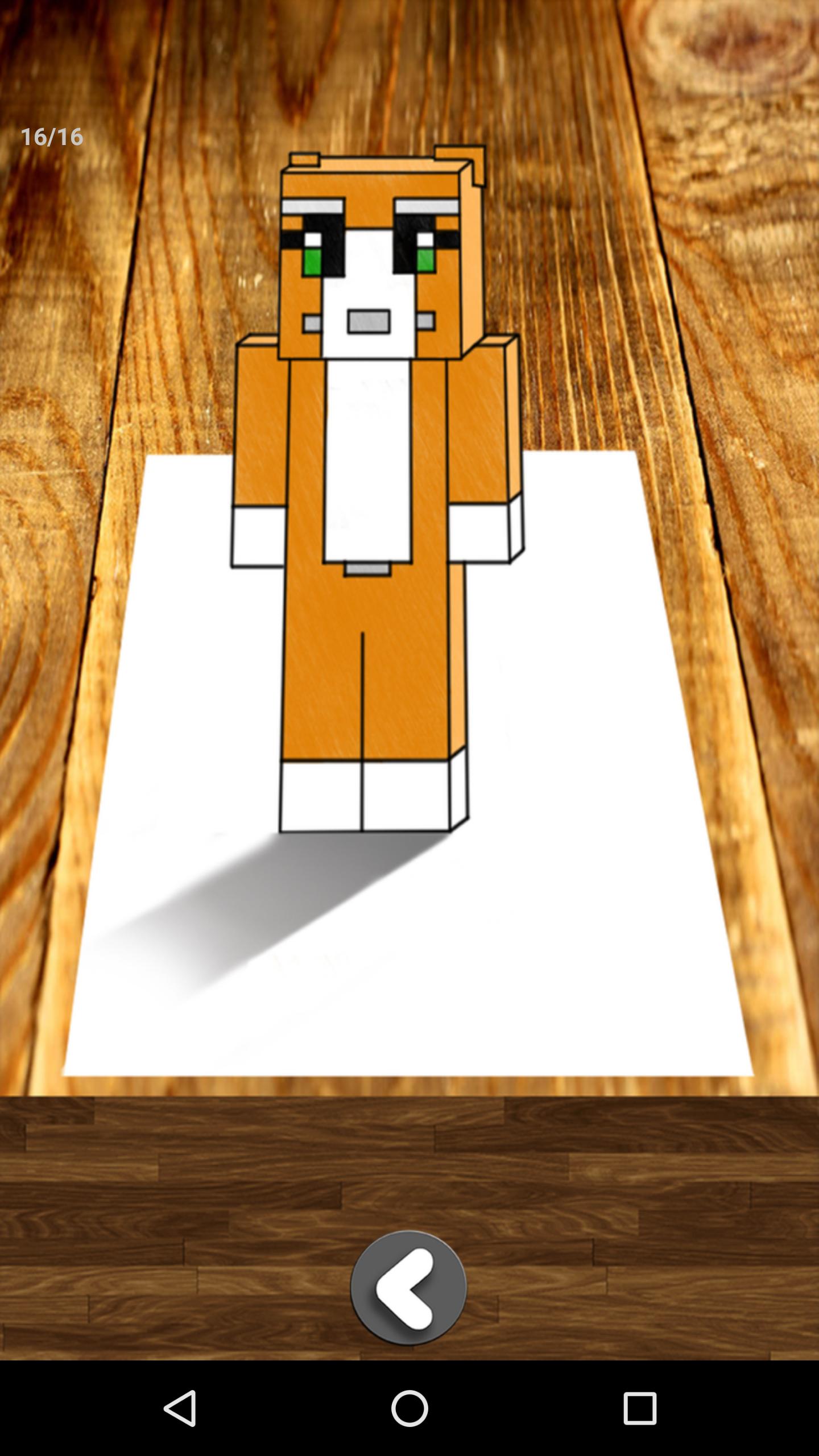
This app is a step by step demonstration that will teach you how easy it is to draw Ghast, Steve, Creeper, Sceleton, Ocelet, Wolf, Enderman, Stampylonghead, You don't need any special skills it’s self-teaching.
In simple steps allow you to perform fantastic Minecraft drawings, just take a paper and a pencil, choose the character you like and follow step by step instructions. No limits! Perfect for any age!
Main Features:
• the app includes 3D drawings lessons such as:
How To Draw 3D Drawings Tutorial Easy Optical Illusions,
How to Draw Ghast
How to Draw Steve
How to Draw Creeper
How to Draw Sceleton
How to Draw Ocelet
How to Draw Wolf
How to Draw Enderman
How to Draw Stampylonghead
How to Draw Sheep and much more!
• each drawing is divided into a number of steps which are easy to draw.
• starting from a few lines, you’ll end up with a complete picture.
Last updated on 2016年02月04日
此版本包含小幅錯誤修正和一般改善。請更新至最新版本,以獲得最佳體驗。