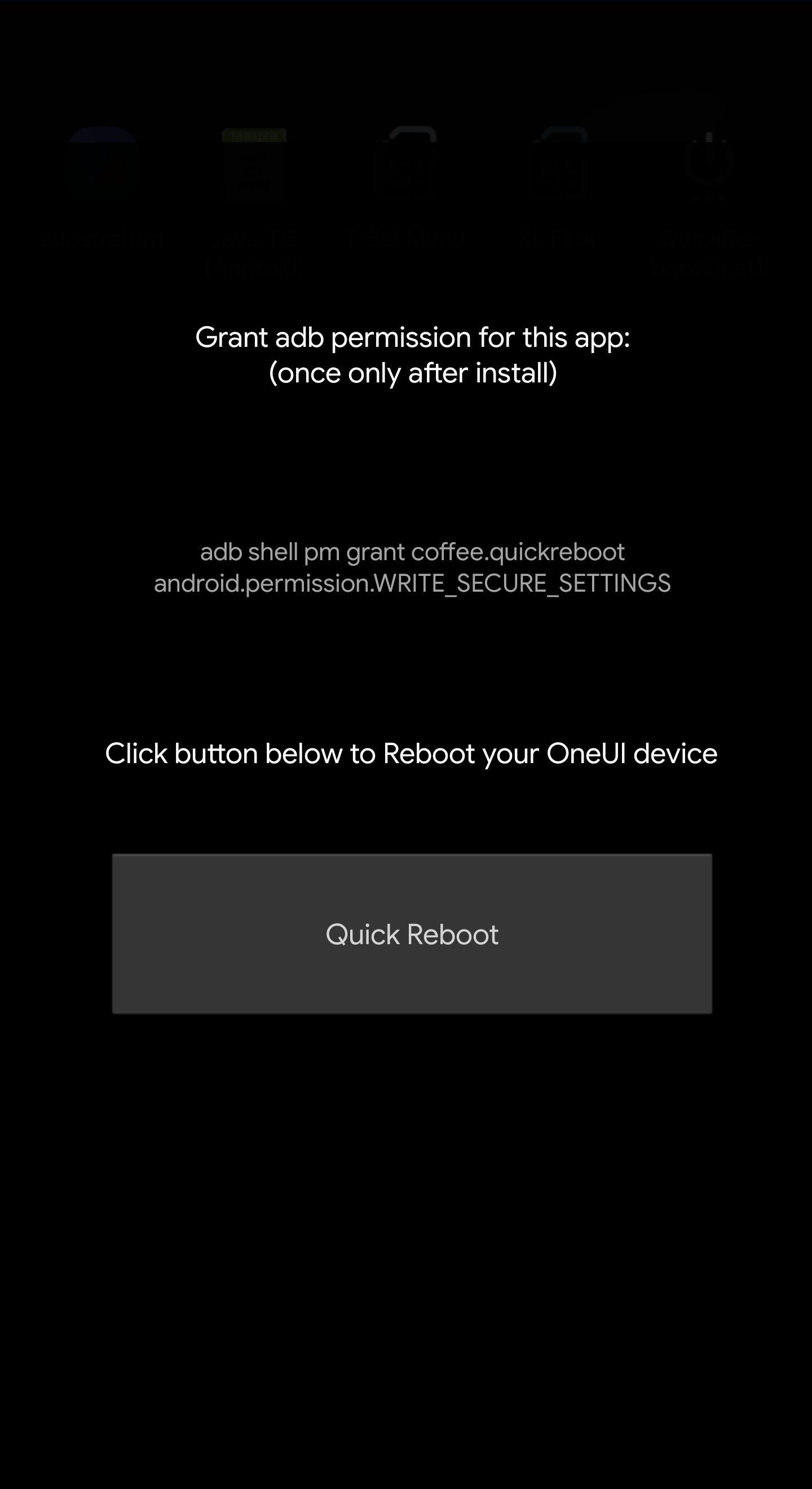
This app needs adb permission set once after install (plug in to PC )
- Only for Samsung Oneui devices
- Quick Reboot faster
- Refresh systemui for themes
- Less battery drain for reboot process
if you update from previous version, please Clear Data of the app first.
- install the app from playstore, open it and with adb grant write secure setting permission (as written / instructed in app)
- click Exit from within the app, then enter app setting info for notification, turn off notif for Monitor, Placeholder and Warning (if any)
- open App, then you can use Quick Reboot button, or tick instant reboot option then exit, for Instant reboot on next app click
- To reset / undo Instant Reboot, Clear Data of the app, then the page will show again.
- You can add QS shortcut to launch QuickReboot app with 3rd party app like Quicktile, or put in button/gesture mapper.
Last updated on 2019年12月13日
QuickReboot OneUI 2.0 now supports OneUI 2.0 !!!
*For Oneui2.0 please backup your phone first before using this tool, since this app is still experimental for 2.0, it can cause bootloop and may need factory reset.
Read app description for user manual / usage instruction.