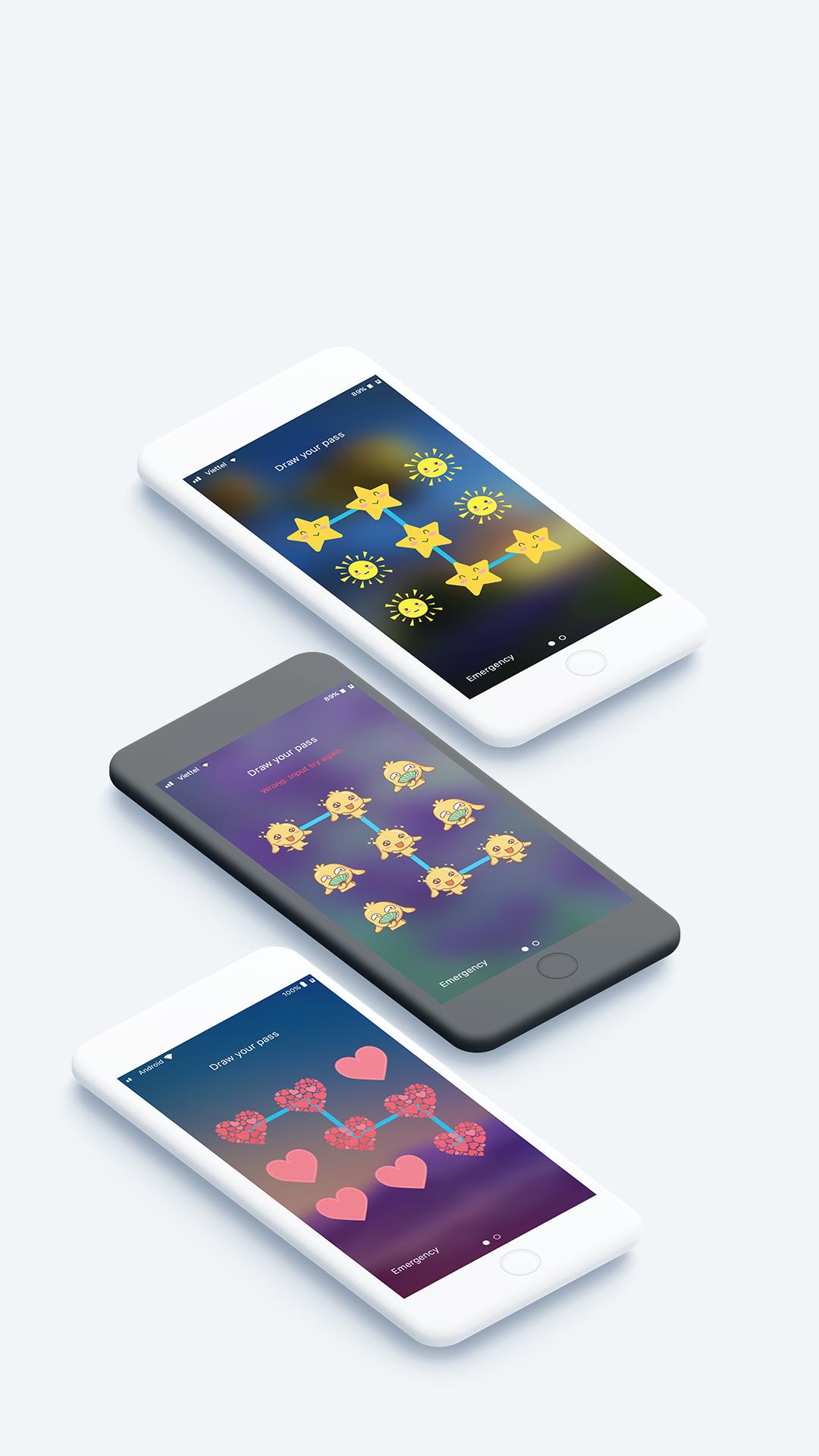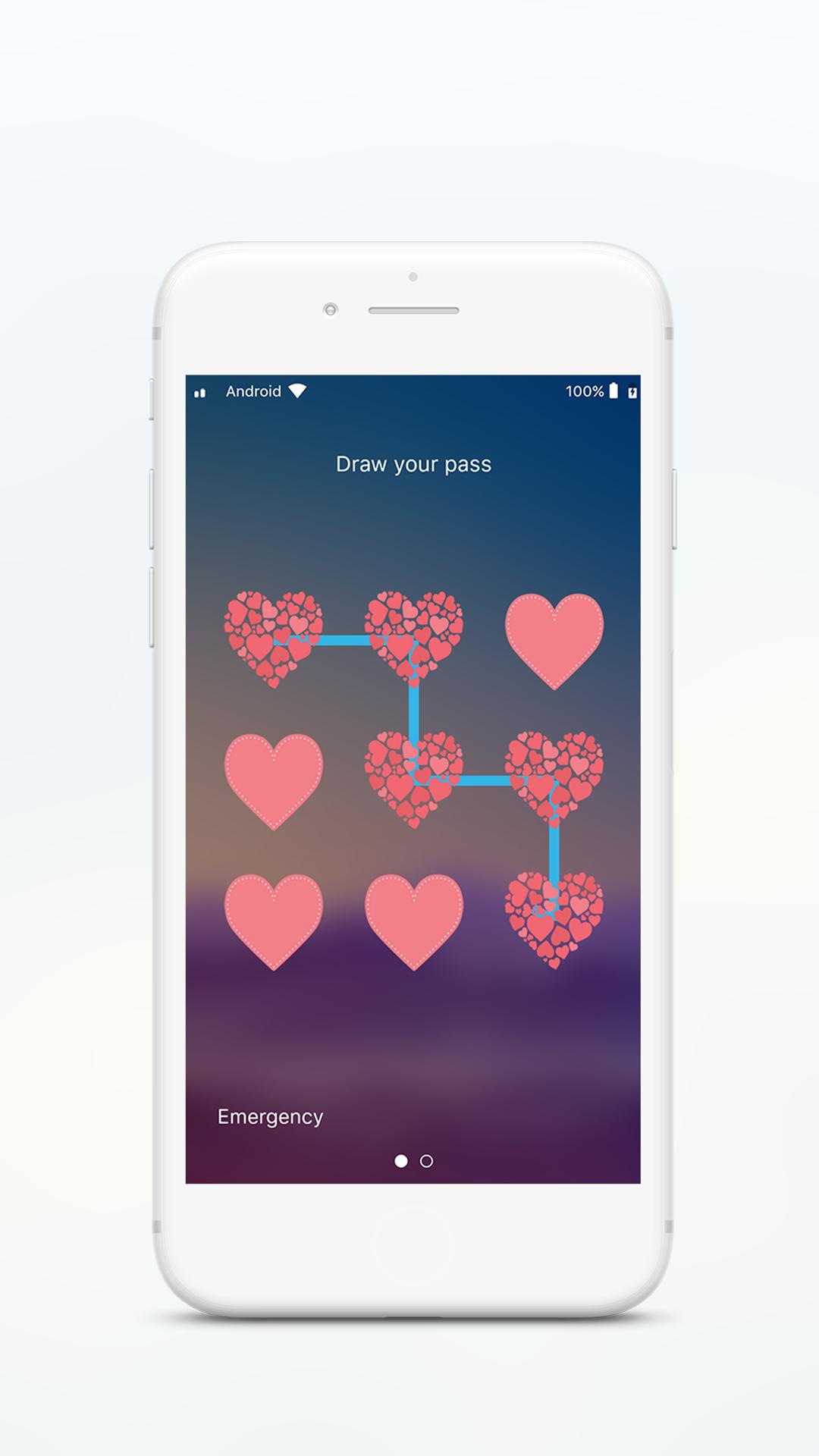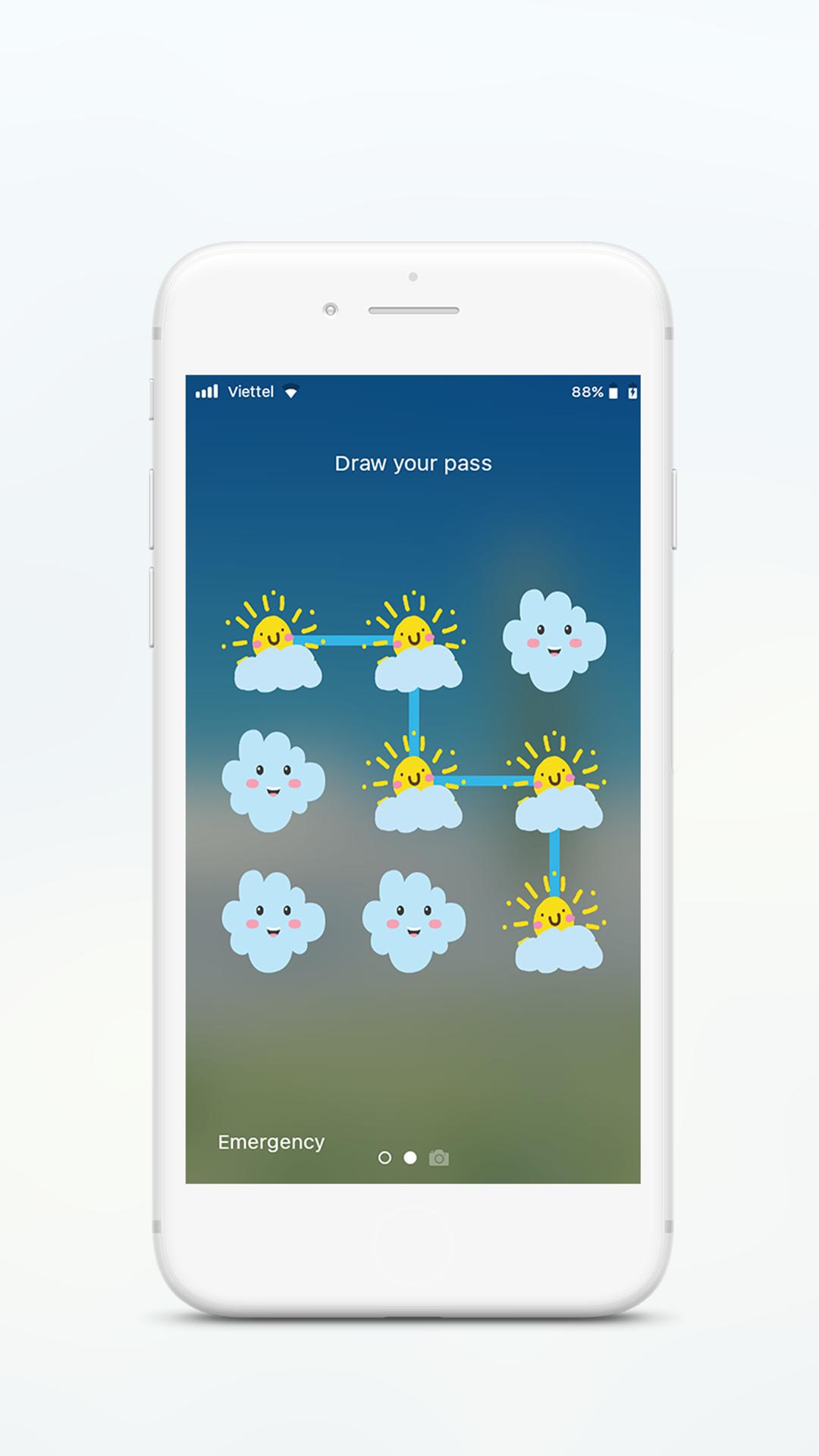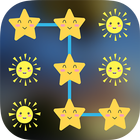
With Pattern screen lock, You can not only Slide to unlock your screen lock, but also Set pattern password to enhance your phone security.
Provide turn off screen feature for power button deranged, hard to press or if you want protect power button
This Pattern lock screen is the best choice for who are getting bored of his/her default launcher lock screen and the best looking lock screen designed for all those people who want to have something different.
Main features of Pattern lock screen
- The simple and intuitive interface, flat design
- Easy to use, fast, simple, and very beautiful
- Set PIN to enhance screen lock security
- Block HOME/MENU/BACK key, no one can access your phone without correct password.
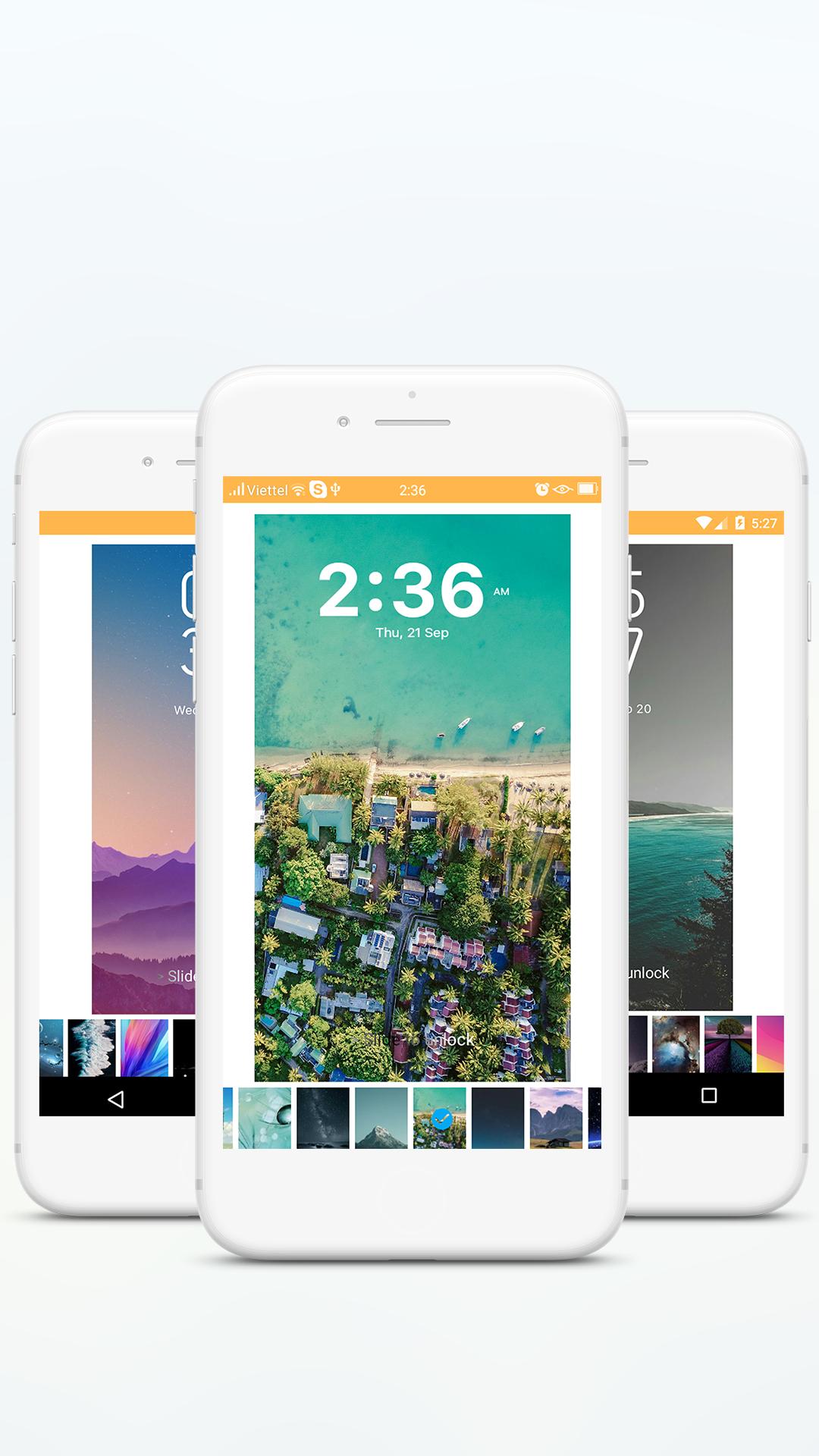
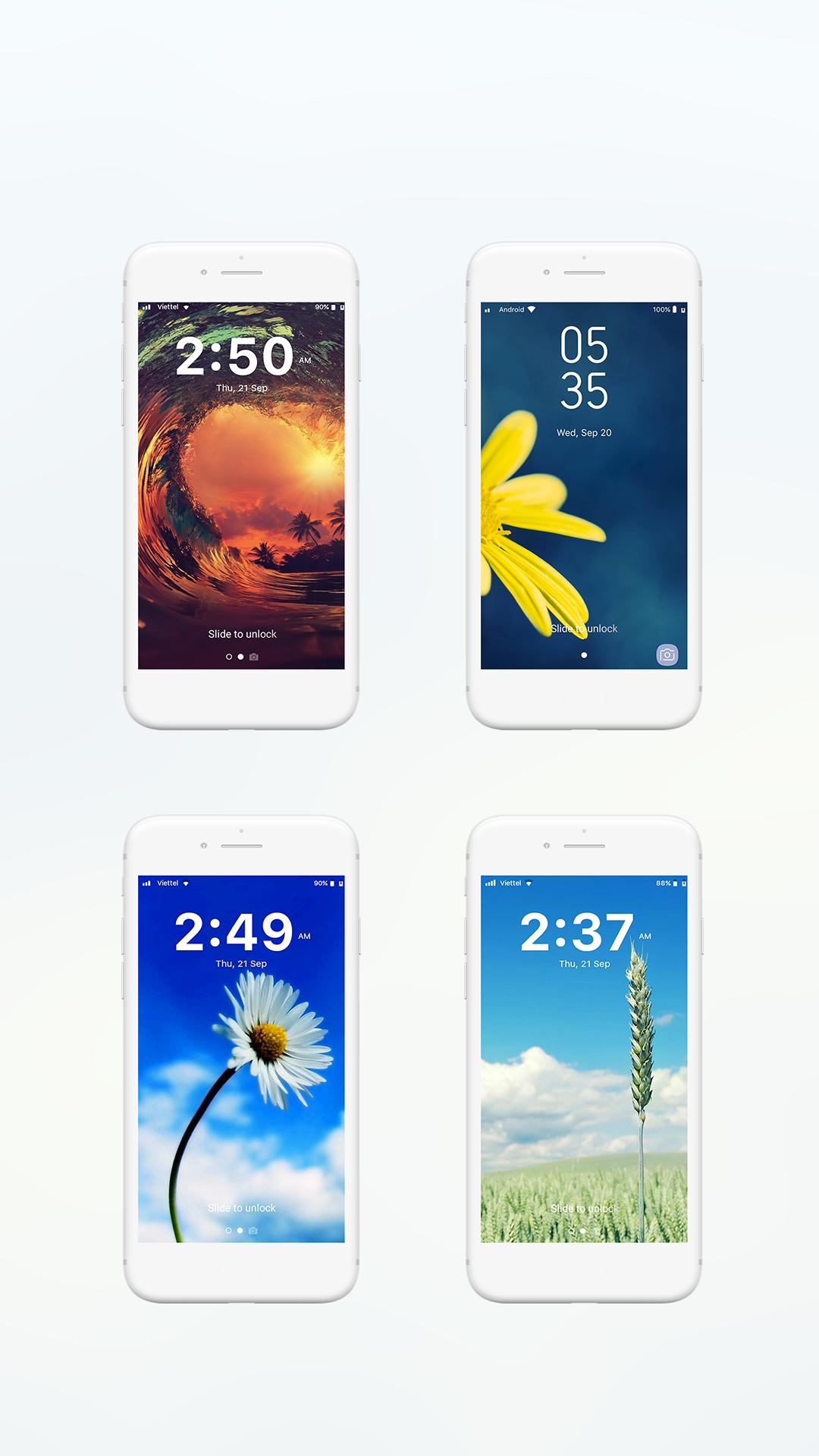
- Beautiful Retina Wallpaper HD, Custom background from gallery to set for Lock screen
- Display real time clock and date.
- Use iPhone IOS blur effect
- Support "Slide to unlock" on your lock screen
- Set pattern lock screen to enhance the security lock of your phone.
- Support customization for Pattern lock screen
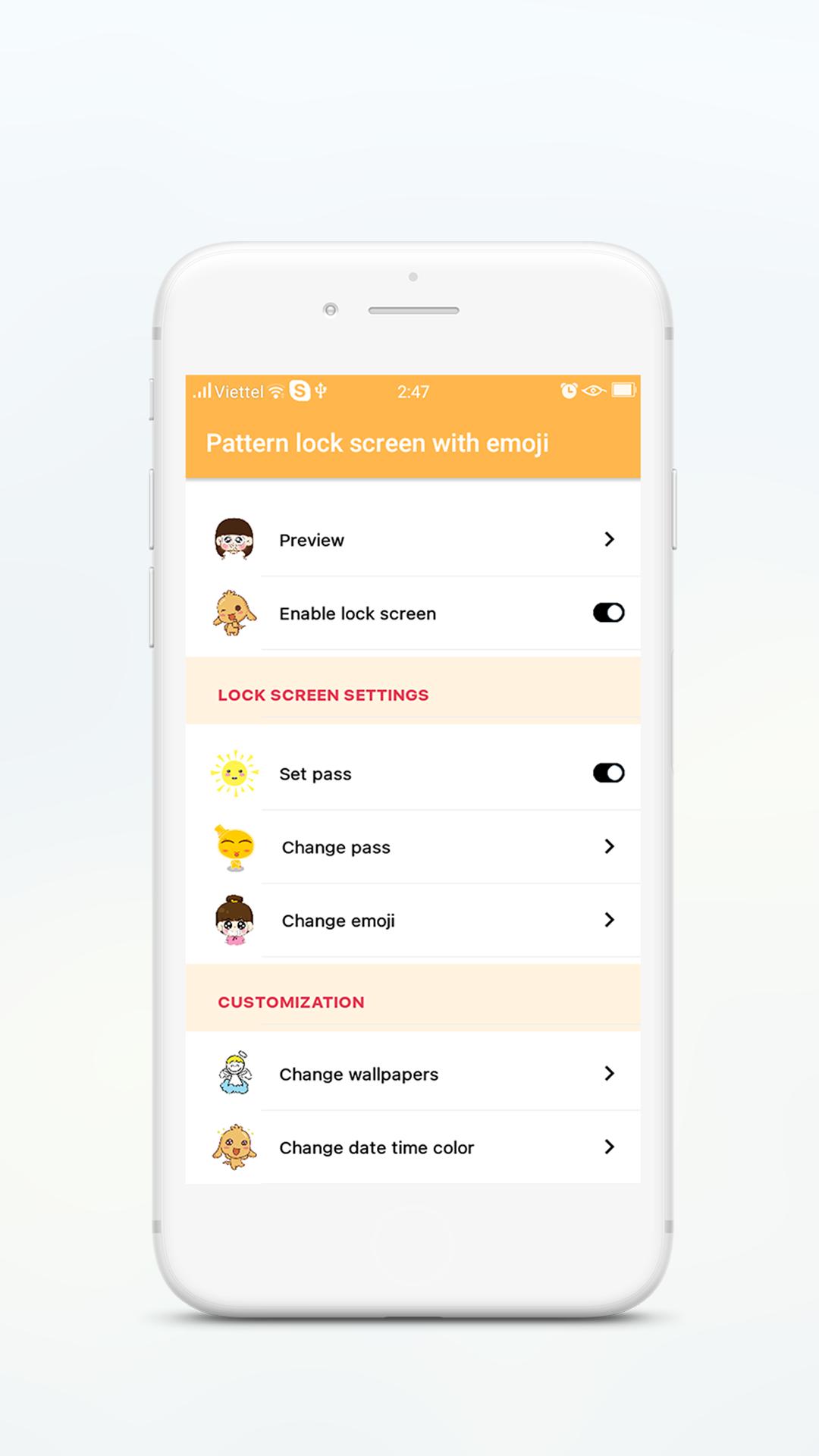
• Enable/Disable Pattern lock screen
• Change pattern password
• Change color and size of date/time on lock screen
• Change format for date time (12h or 24h)
• Support customized unlock sentence(default is "> Gesture to unlock")
• Enable/Disable sound
• Enable/Disable vibration
• Set time to show for lock screen
• Set custom background, theme, wallpaper for your lockscreen
• Custom background from gallery.
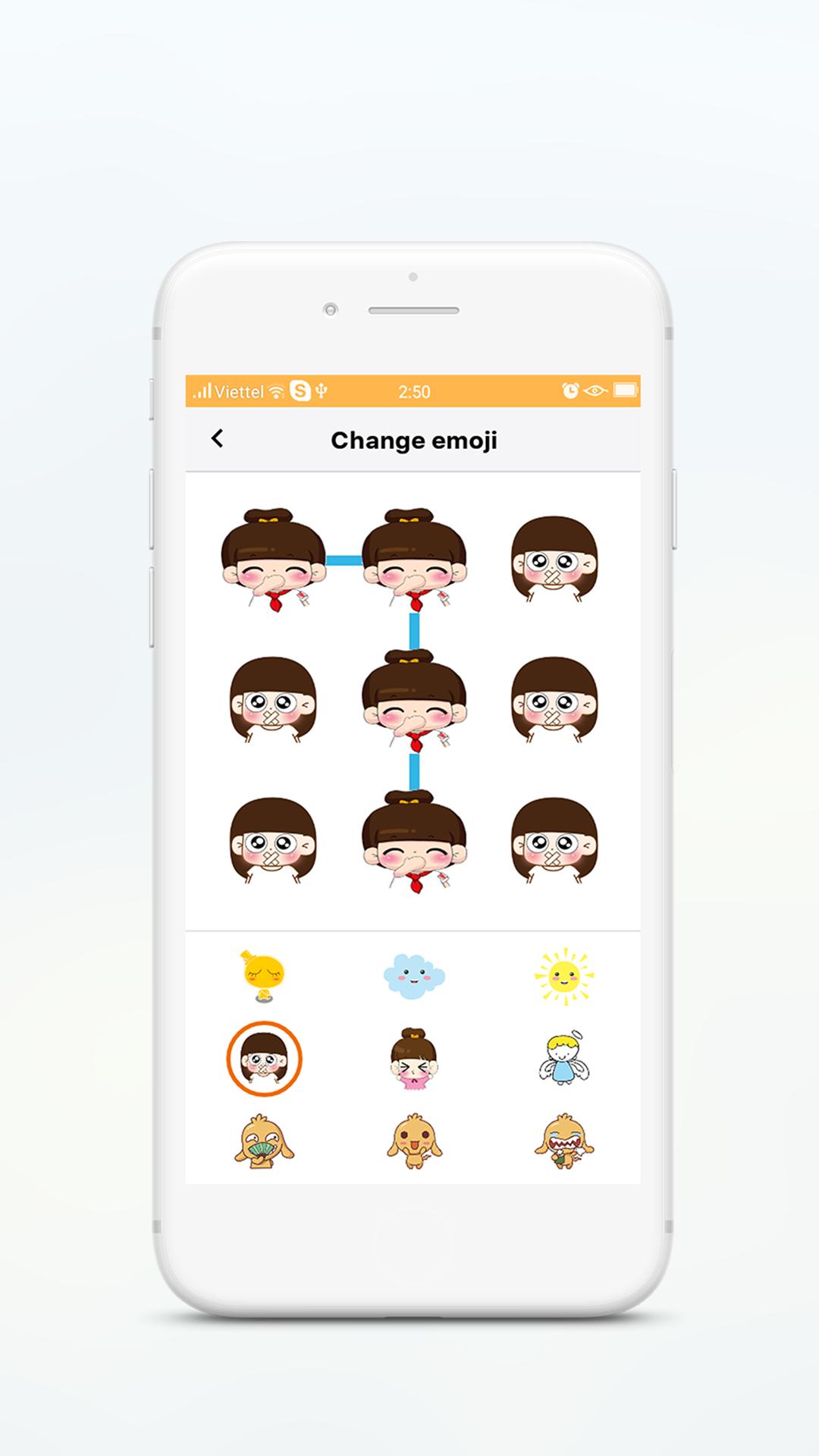
- Many emoji/ sticker / smiley for you to set pattern lock screen theme
Emoji Pattern Lock Screen is a very beautiful application. It protect your phone.
"Pattern Lock Screen" has been tested extensively on following devices: Galaxy S2,Galaxy S3,Galaxy S4,Galaxy S5,Galaxy S, Galaxy Y, HTC One, HTC Explorer, HTC M8HTC One, HTC Explorer, HTC M8. LG2,LG3, Xperia Z1,Xperia Z2,Xperia Z3, Nexus 4,Nexus 5,Nexus 7, OPPO, Samsung Galaxy S8....
How to use "Pattern Lock screen" app?
1. Download and install Pattern lock screen app on Google Play.
2. Open app and go to settings
3. Enable Pattern lock screen
4. Enable and set pattern password for lock screen
5. Change emoji/ sticker/ smiley for pattern lock screen
6. Go to "Change wallpaper" to change pattern wallpaper on lock screen
Download Pattern lock screen and experience Now!
If you encounter any problems while using my application or would like to contribute to my application, you just feedback to my Gmail: Tedofu1306@gmail.com
I will hard working for your problems or solution.
Your feedback is important with me. Submit your review!!
If you love this Pattern locker application, please give 5 stars to encourage developers..
Thank you so much!
Last updated on 2018年09月28日
- Fix bug "SecurityException"