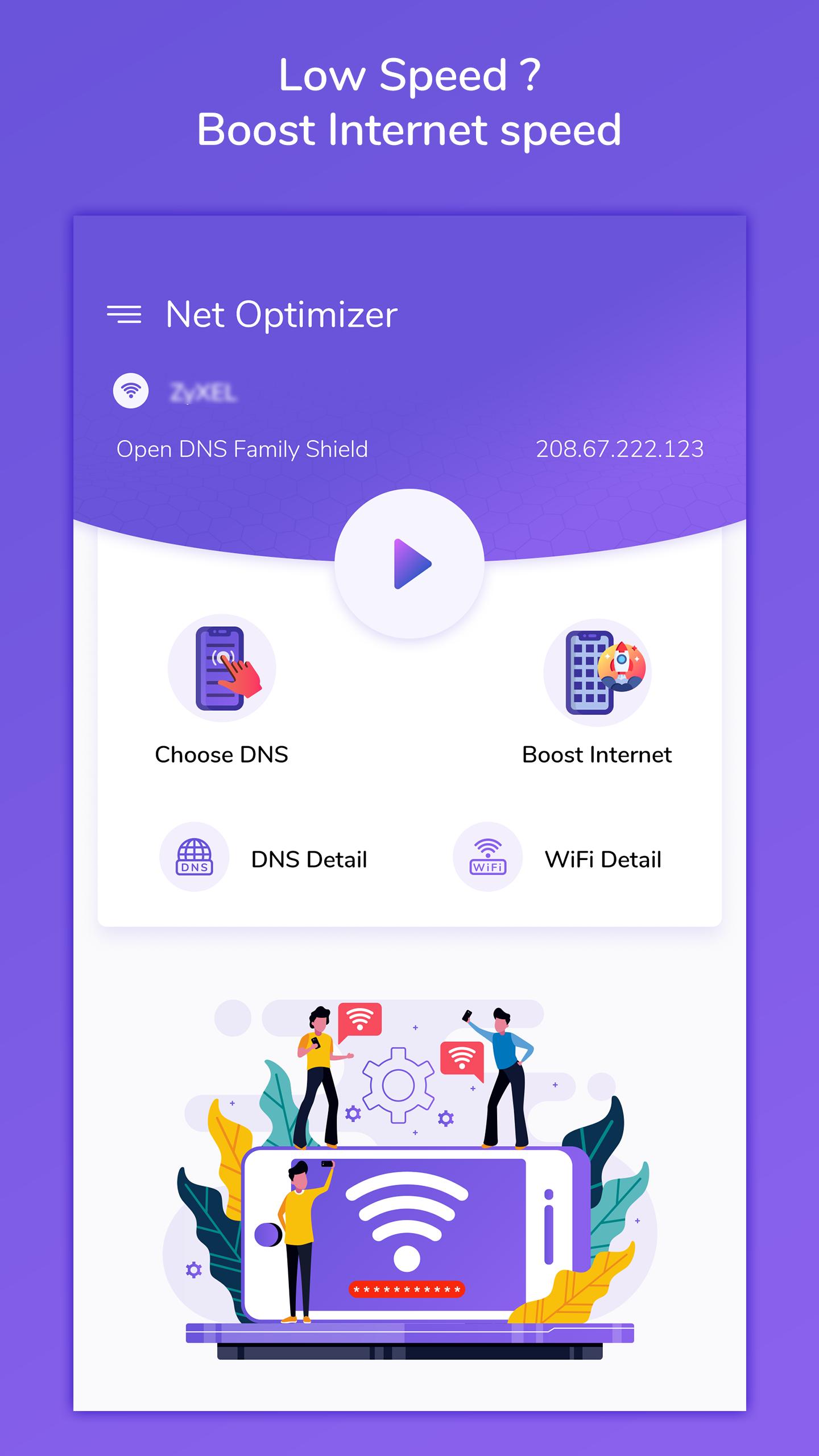
Optimize your internet browsing experience by boosting your internet speed using 'Net Optimize : DNS Changer'. This app will allow you to select your own DNS server with lowest ping to increase your internet speed.
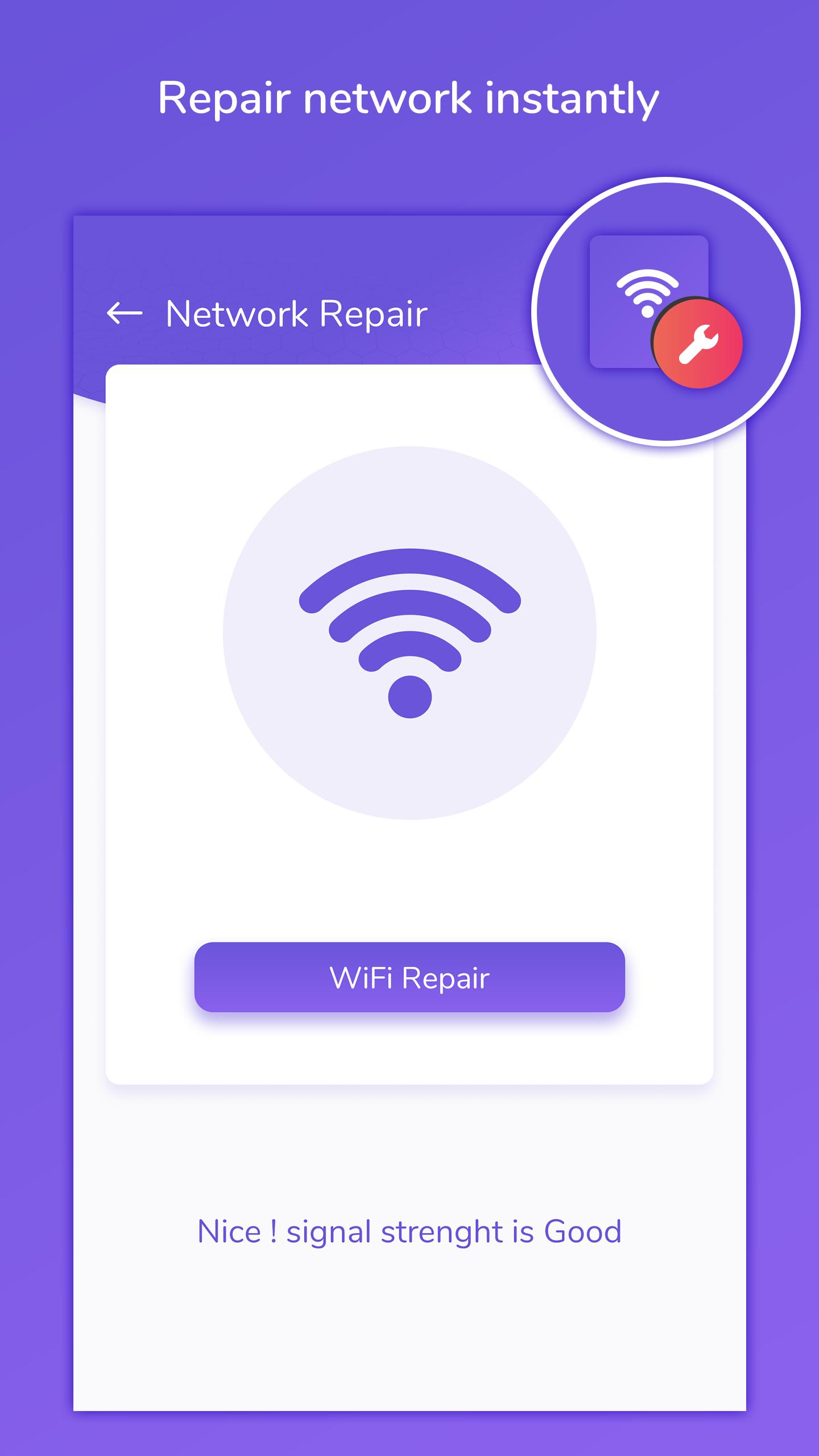
Get details of your current DNS server. Know what ping are you getting. Change DNS server to lower the ping. Also get full details of available WiFi connections. Test your current WiFi network speed and security. Repair WiFi signal strength.
To do all this you do need to root your device.
# App Features:
- Connect with best DNS server which have shortest response time at real time.
- Get the list of DNS with ping time and user can choose the DNS.
- Complete list of running apps which are using internet and to boost internet for better browsing.
- On connection change of WiFi or mobile data, it opens a dialog to optimize DNS and user can optimize DNS by clicking optimize button.
- User can view history of mostly used DNS servers with its time and can connect with that server.
- Repair WiFi connection & get full list of WiFi connections available.
- Detect WiFi to check and verify its security, also can view details of connected WiFi.
# Permission:
- Usage state : to get list of running apps for boost internet.
- Location : to get near by WiFi list from our location and to get WiFi info in pie devices.
- VPN access : to connect with DNS server.
Last updated on 2019年10月22日
此版本包含小幅錯誤修正和一般改善。請更新至最新版本,以獲得最佳體驗。