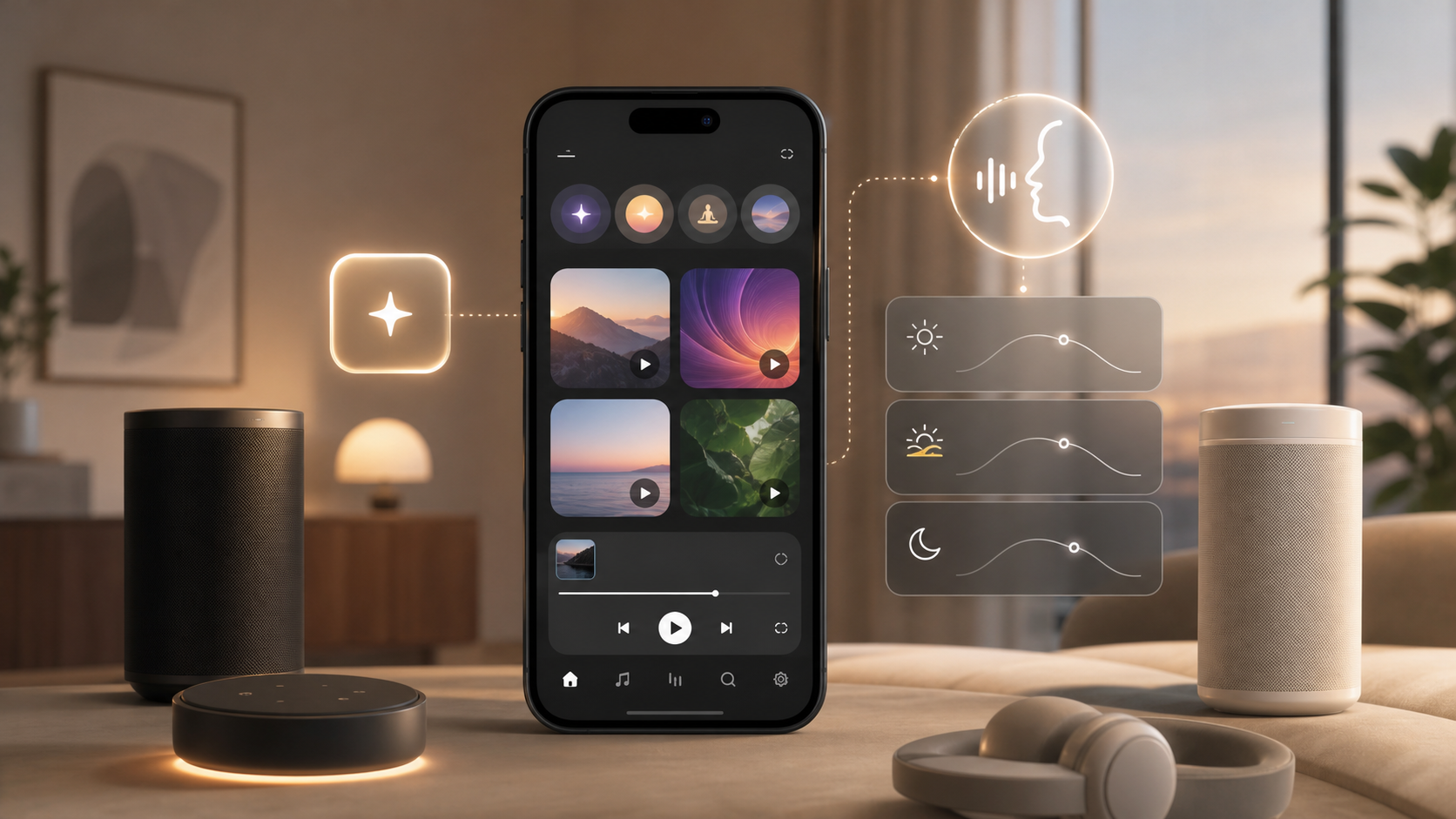
Open websites and dial numbers with one tap of the live case button. More features will be added in the future upon request...
To start using this app follow these steps:
Step 1: Download the My Live Case app from the Google Play store
Step 2: Open the My Live Case app and set the action as opening the (Live Case +) app
Step 3: Enjoy faster actions
NOTE: DO NOT OPEN THE LIVE CASE + APP FROM THE DRAWER AS IT WILL DO THE ACTION YOU HAVE SET. IF YOU NEED TO CHANGE THE SETTINGS PLEASE PRESS THE BUTTON ON THE LIVE CASE AND THERE WILL BE A NOTIFICATION THAT WILL ALLOW YOU TO CHANGE THE SETTINGS
Last updated on 2017年04月16日
此版本包含小幅錯誤修正和一般改善。請更新至最新版本,以獲得最佳體驗。