套件名稱:com.etb.json.jsoneditor.jsonviewer.codeeditor.codeedit.fileeditor
SHA-256:3a321f20233cfa5f0b5cba39d002a952530194502003a77e3391708219d0d1a6
更多

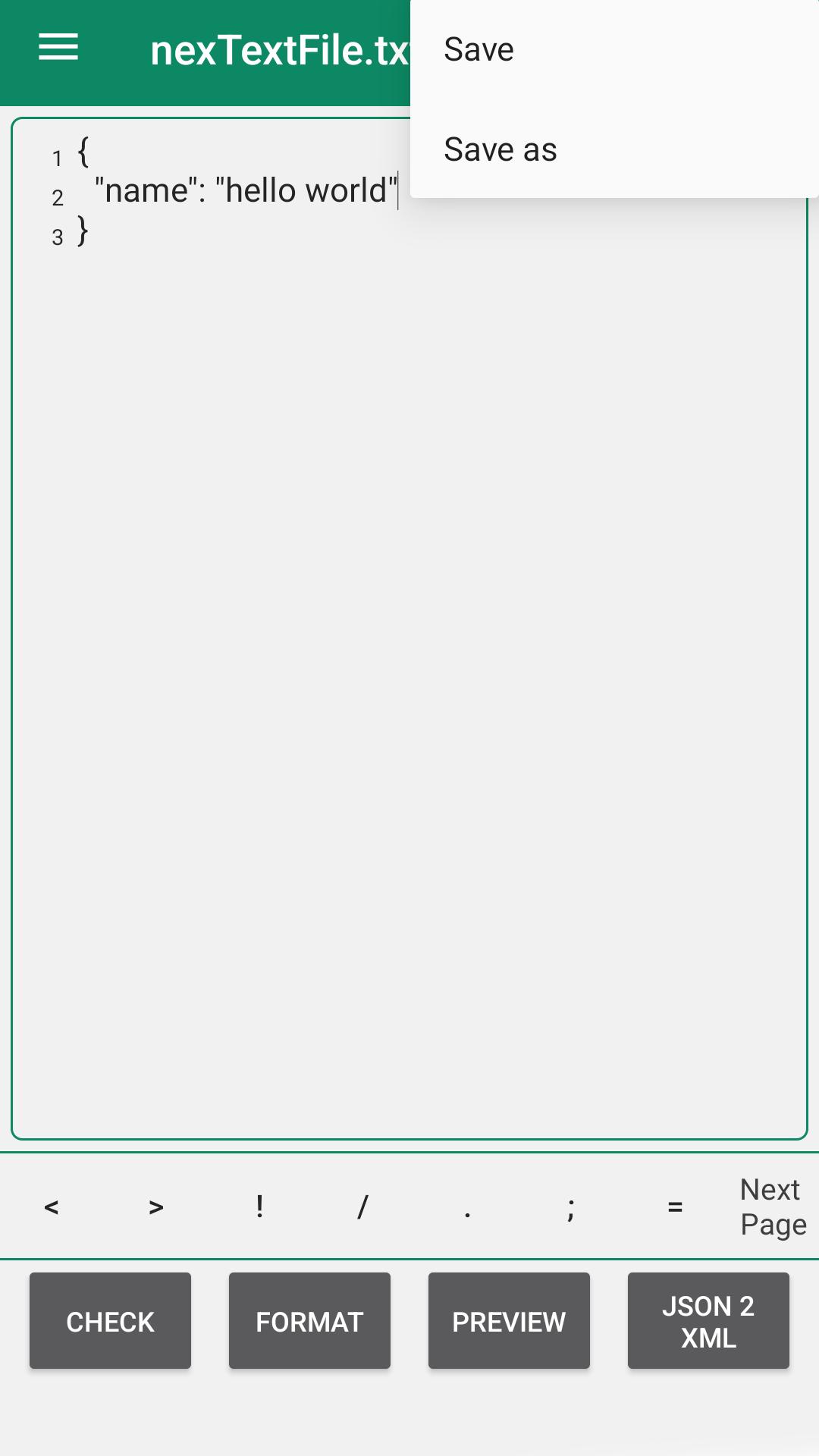
Json Viewer, Editor 是一個非常有用的應用程序,用於編輯和查看 Json 文件。它的速度驚人地快,這真的讓事情變得更加美好。這是一個輕量級的應用程序,具有許多功能,如語法支持、行號等。您可以使用此應用程序輕鬆查看 Json 文件。借助 Json 編輯器,您可以編輯、修改和預覽您的 Json 文件。它還支持重做撤消支持。
您可以查看、編輯、添加、克隆和刪除 Json 文件中的對象/數組/值。編輯現有的,甚至刪除數組/對象/值
Json 查看器和編輯器的特點
• 在 Json Viewer 中查看 Json 文件。
• 語法顏色支持。
• 輕鬆保存Json 文件。
• 轉到行號。
• 重做、撤消。
• 編輯器中顯示的行號。
• 簡單的設計和簡單的使用。
• 更改編輯器的字體大小以便於閱讀
• 使用Json 編輯器編輯Json 文件。
• json 到 xml 轉換器
• 使用Json 編輯器預覽Json 文件。
• 閱讀模式
• 支持不同的編碼
• 在 json 文件中搜索文本
• 創建新的 json 文件
• 打開網絡 json 文件
• 預覽json | txt 文件直接從系統資源管理器
• 可以展開de-expand json節點方便查看
• json 格式化程序
• 檢查 json 結構的語法
• 驗證 json 結構的語法
• 自動保存選項
Last updated on 2024年02月29日
-json format bug fixed