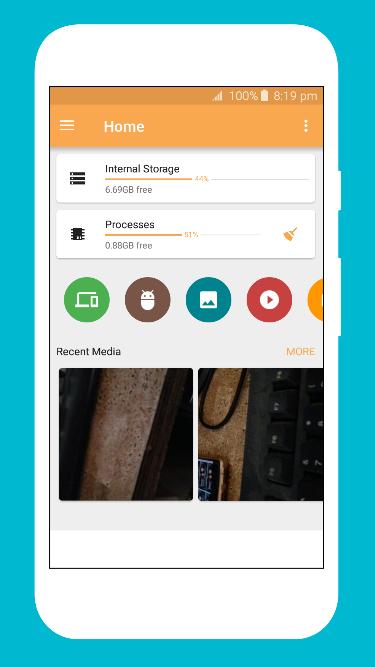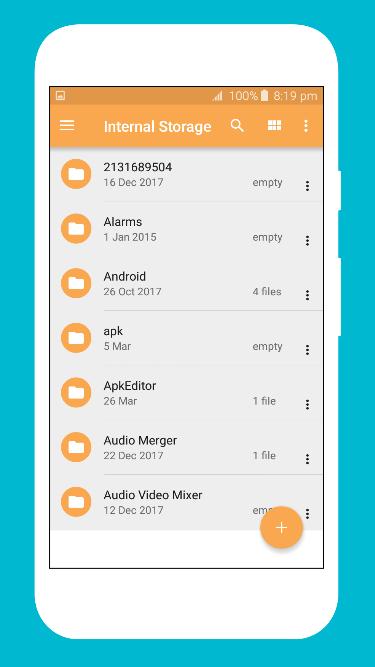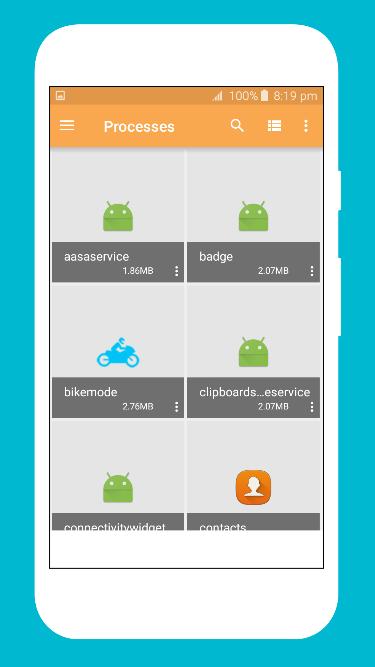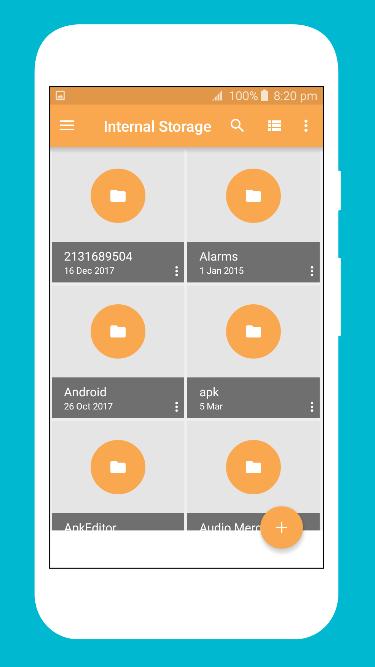
File Viewer is one of those apps that everyone has, but no one uses it to its full potential. On the surface, File viewer looks may like a regular File manager. But if you dig deeper, you will be surprised to see what File viewer is hiding in its bag. This single app can do the work of 15+ apps. For Instance, it can extract apk & uninstall multiple apps at once, transfer files from one smartphone to other, encrypted folders, edit host files and much more.
If you wish to hide the content of any folder, from appearing in your gallery then simply rename your folder, by adding a full stop in front of its name. Connect the two androids under same WiFi network. If you do not have WiFi, then you can create a hotspot from one device and connect the other one to it.
If you have sensitive data in your android, that you do not want other to see, then encryption is the best option. And you do not have to download an extra app for that. With File Viewer you can encrypt any file or folder with a password. And once you that the content will automatically be hidden from your gallery as well. Do not forget the password, through, or its almost impossible to get it back.
Very few people know that File Viewer built-in cloud storage. This is helpful because you do not need to install third-party application for cloud. Moreover moving files between cloud storage and SD card is much quicker as this feature is built in right into your file manager.
Key features
Recent: View the files you worked with recently without looking for them.
Categories: Files are organized into categories by their formats. From there, you can access to frequently used apps quickly.
Storage: View your storage stats and manage all folders on your device.
Cleaner: Free up storage space on your device by deleting cache and junk files.
Global search: Enter keywords to find files.
Multiple file formats support: Open videos, music, documents, APKs, and compressed files with one tap.
File compression: Compress and decompress ZIP/RAR archives.
Manage multiple files: Select multiple files for the same operation.
Last updated on 2018年08月12日
Minor bug fixes and improvements. Install or update to the newest version to check it out!