Scan Date:May 5, 2026
Show More
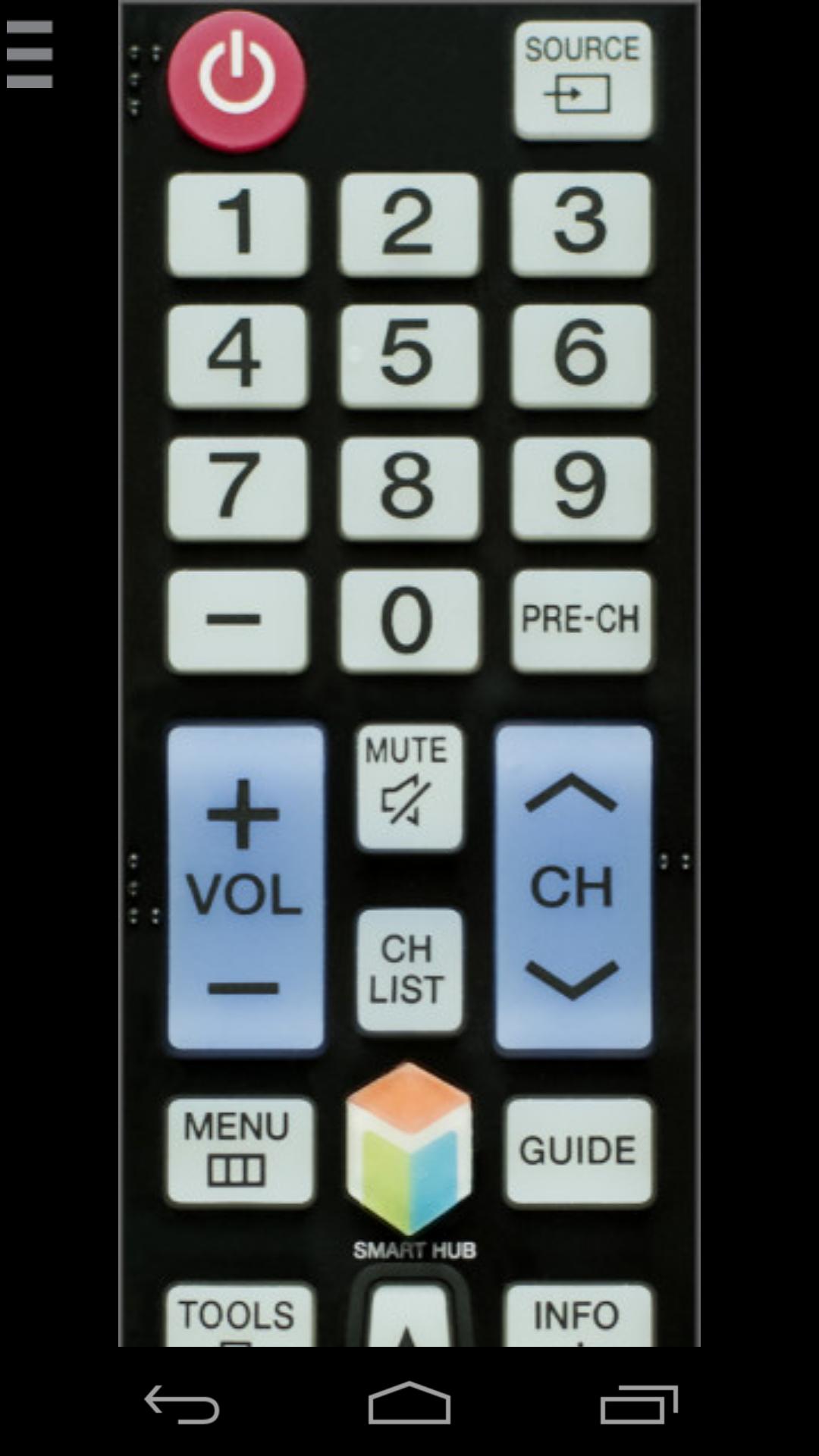
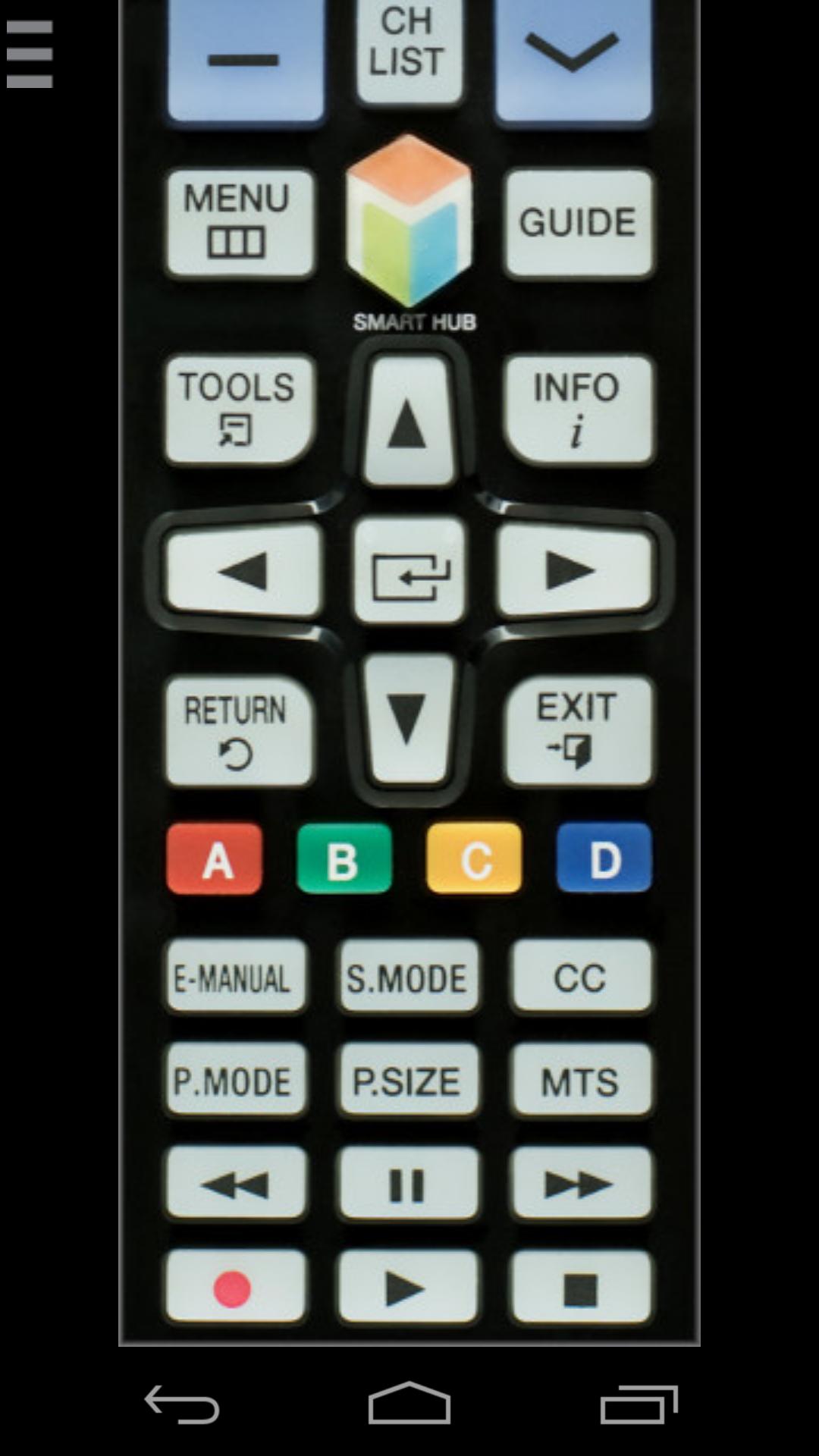
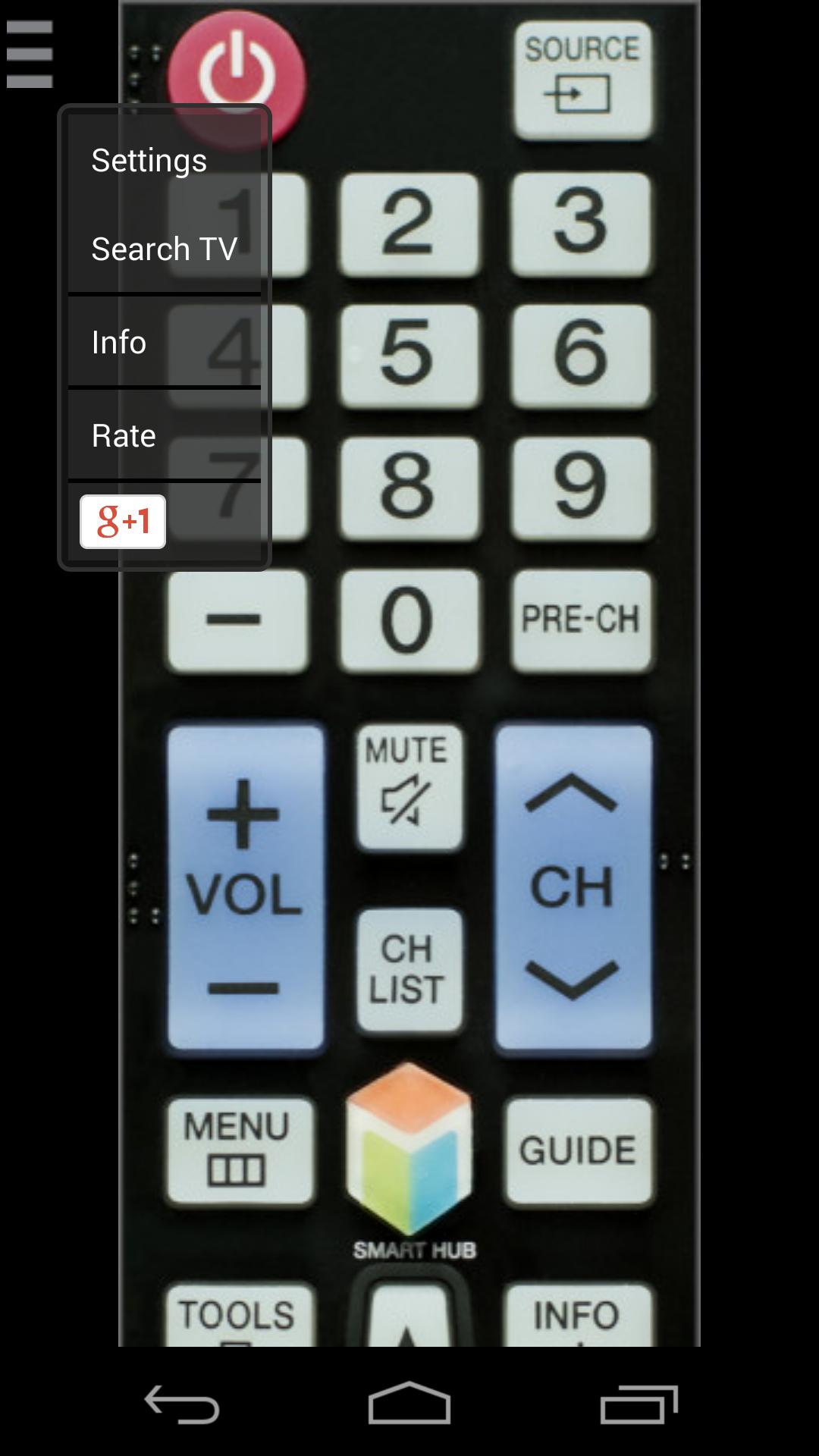
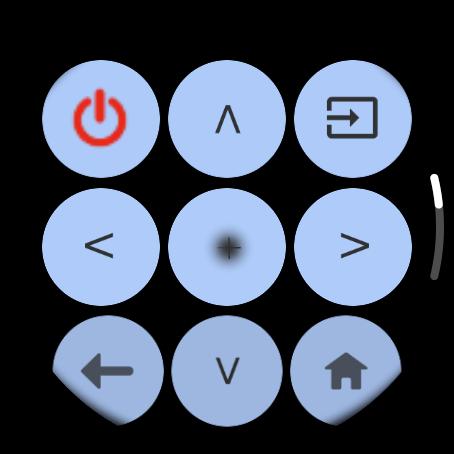
This remote control app allows you to control your Samsung Smart TV over the local network on your phone or from your wrist with Wear OS watch. It is tested with Samsung K-series Tizen TVs (2016 and later) and C, D, E, F, H, J (manufactured between 2010 - 2015) TVs with network (LAN or WiFi) interface.
★ C-Series TV (2010) with Internet TV feature
The function "Remote Control" in the settings of the TV must be enabled)! It's usuallly located at Menu -> System Settings. If there is no such setting, then sadly your TV does not support remote control over network.
★ D-Series models (2011) with AllShare Smart TV feature
★ E(S/H)-Series (2012) with AllShare Smart TV feature
★ F-Series (2013) with AllShare Smart TV feature
App must be set as allowed remote application in the Allshare settings of the TV. If this app connects to your TV on the first time, then you have to accept the message that appears on your TV. If you have refused the confirmation message on your TV ("accept device"), it is possible later to change your selection by going to: Menu -> Network -> AllShare Settings or Menu/Tools -> Network -> Expert Settings -> Mobile Device Manager.
★ K-Series (2016+) Samsung Tizen models with MultiScreen Smart TV control feature your phone must be set as allowed device in Mobile Device Manager. If this app connects to your TV on the first time, then you have to accept the message that appears on your TV. If you have refused the confirmation message on your TV ("accept device"), it is possible later to change your selection by going to: Menu -> Network -> Expert Settings -> Mobile Device Manager.
NB! Make sure your television and phone or tablet are connected to the same local network. This app will work only then when your phone and TV are both on the same local network!
Thanks for downloading this app. If this app doesn't work with your phone or TV then feel free to e-mail me.
Disclaimer/Trademarks:
This app is made by me and is NOT affiliated with or endorsed by Samsung or any other developers.
Latest Version
1.6.9-releaseUploaded by
Fabiono Silva
Requires Android
Android 7.0+
Category
Free Entertainment AppContent Rating
Everyone
Security Report
Report
Flag as inappropriateLast updated on May 5, 2026
- Update for latest Samsung TV models and Android 15.
- Added trackpad and qwerty keyboard for Samsung TV (2016+ and newer).
- Comply with GDPR
- Bug fixes and overall improvements.




APKPure - A multi-platform app store primarily focused on Android, providing extensive app-related content. Discover the app you want easier, faster, and safer, with quick and efficient downloads and installations.