Scan Date:Mar 2, 2026
Show More

If you accidently deleted a file from your phone. You can use this tool to restore them back to your storage. This app support more than 150 file types, Wich gives you the opportunity to recovery all your videos, music, images, documents ... and more.
More than that it support support scanning internal and external memory.
HOW TO USE :
After starting the app you can press “Scan” Button from the menu to access scan section. After that you will have choice between two options which are:
1-BASIC SCAN : This type of scan doesn’t require root but it is limited to image search only. It will give you a good result but not as good as deep scan.
2-DEEP SCAN: This scan can give you the best result. And it support most known types of files including JPG,PNG,MP4,3GP,MP3,AMR...., But it requires your phone to be rooted.
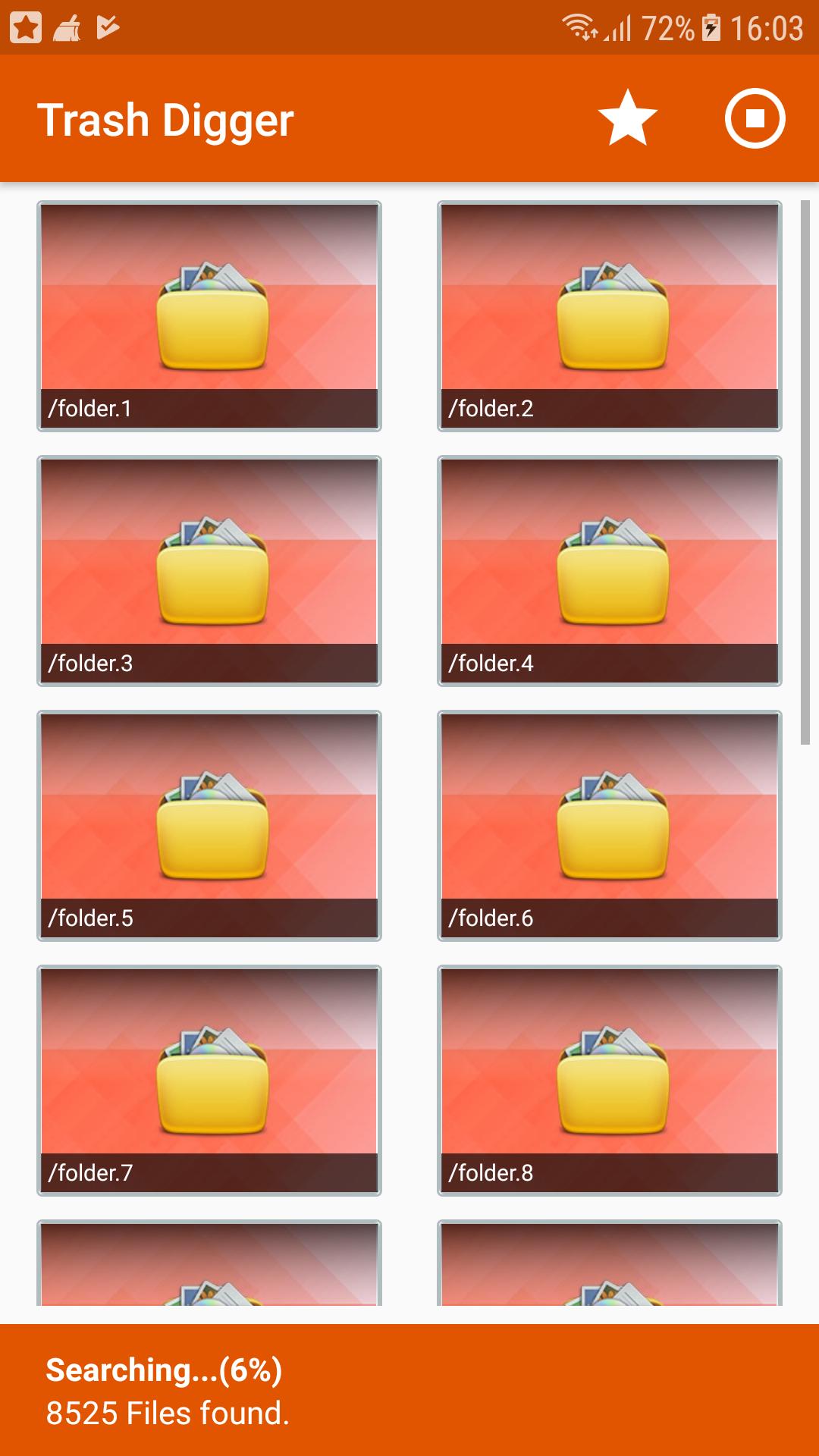
If you choose the second option all what you have to do is to select the memory to scan (Internal Storage, Or external SD Card). And wait for results to appear.
Finally you can select files to recover from the list and press save button to store them in your storage again.
FEATURES :
1 - Scan both internal and external memory ( SD Card ).
2 - Easy to use.
3 – Fast Scan.
4 – Contains ROOT and NON ROOT mode .
5 - Restore all files types .
N.B :
This app may show some pictures even if they are not deleted yet. That because there is already some other copies of the same file in your phone’s memory. Just keep looking and you will find photos you are looking for.
This is not a recycle bin, it a standalone app that can recover files even ones that have been deleted before the app was installed.
Latest Version
5.0Uploaded by
Roberto CQ
Requires Android
Android 5.0+
Category
Free Tools AppContent Rating
Everyone
Security Report
Report
Flag as inappropriateLast updated on Jul 16, 2025
Updated target SDK





APKPure - A multi-platform app store primarily focused on Android, providing extensive app-related content. Discover the app you want easier, faster, and safer, with quick and efficient downloads and installations.