Package Name:com.invotech.traktiveadmin
SHA-256:0f4db48964e976d8ac6f0b6c03abbd348efaa9de5d216ec3dc5ce838d11eb98a
Show More
Traktive Admin app is made specifically for admins who manage large sales teams of an industry or a company. Every individual in sales team has access to the Teams app as provided to them by their Admin. Every member is provided with a username and password as set by the Admin.
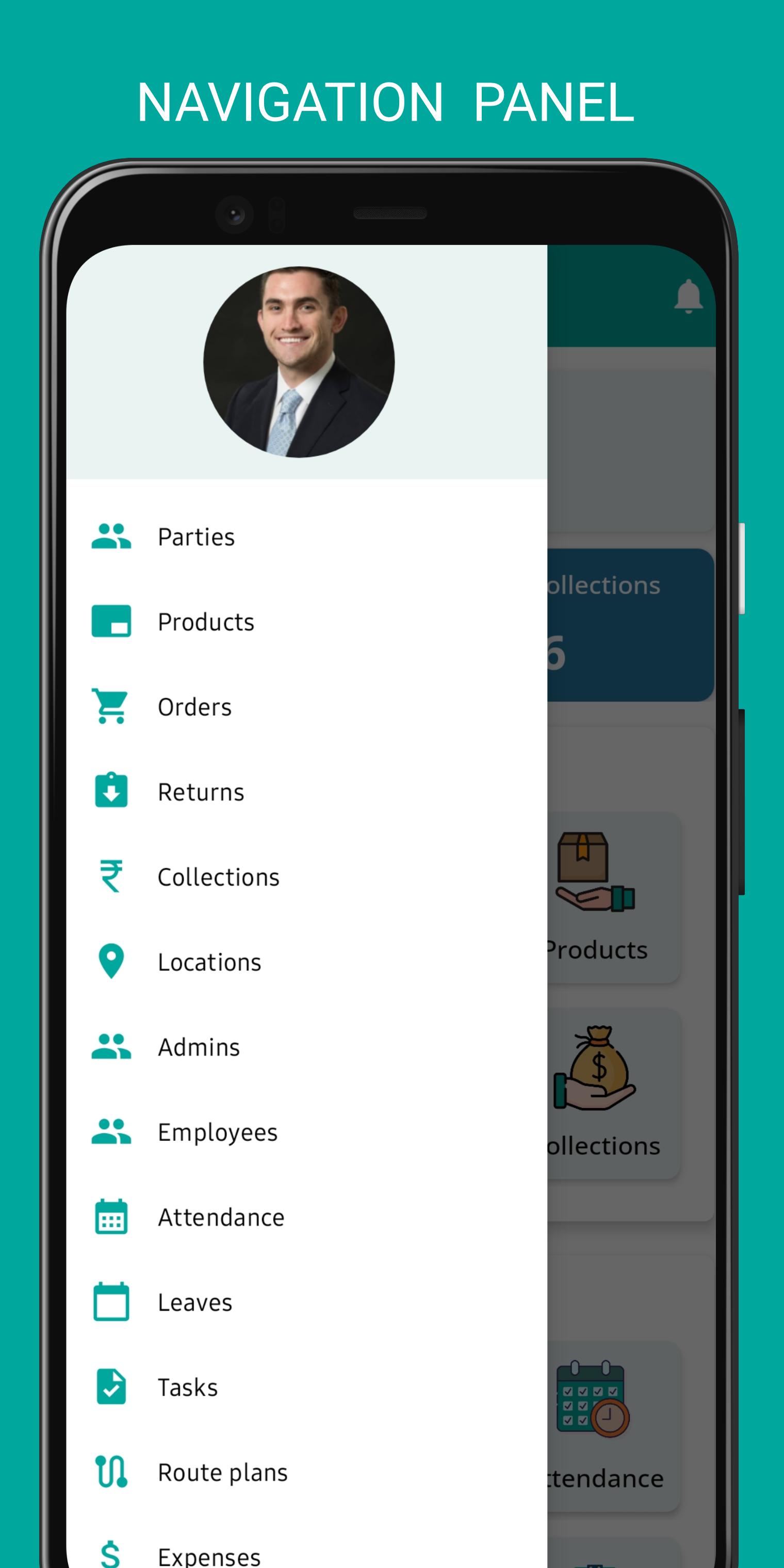
The main features of Traktive admin app are as follows :
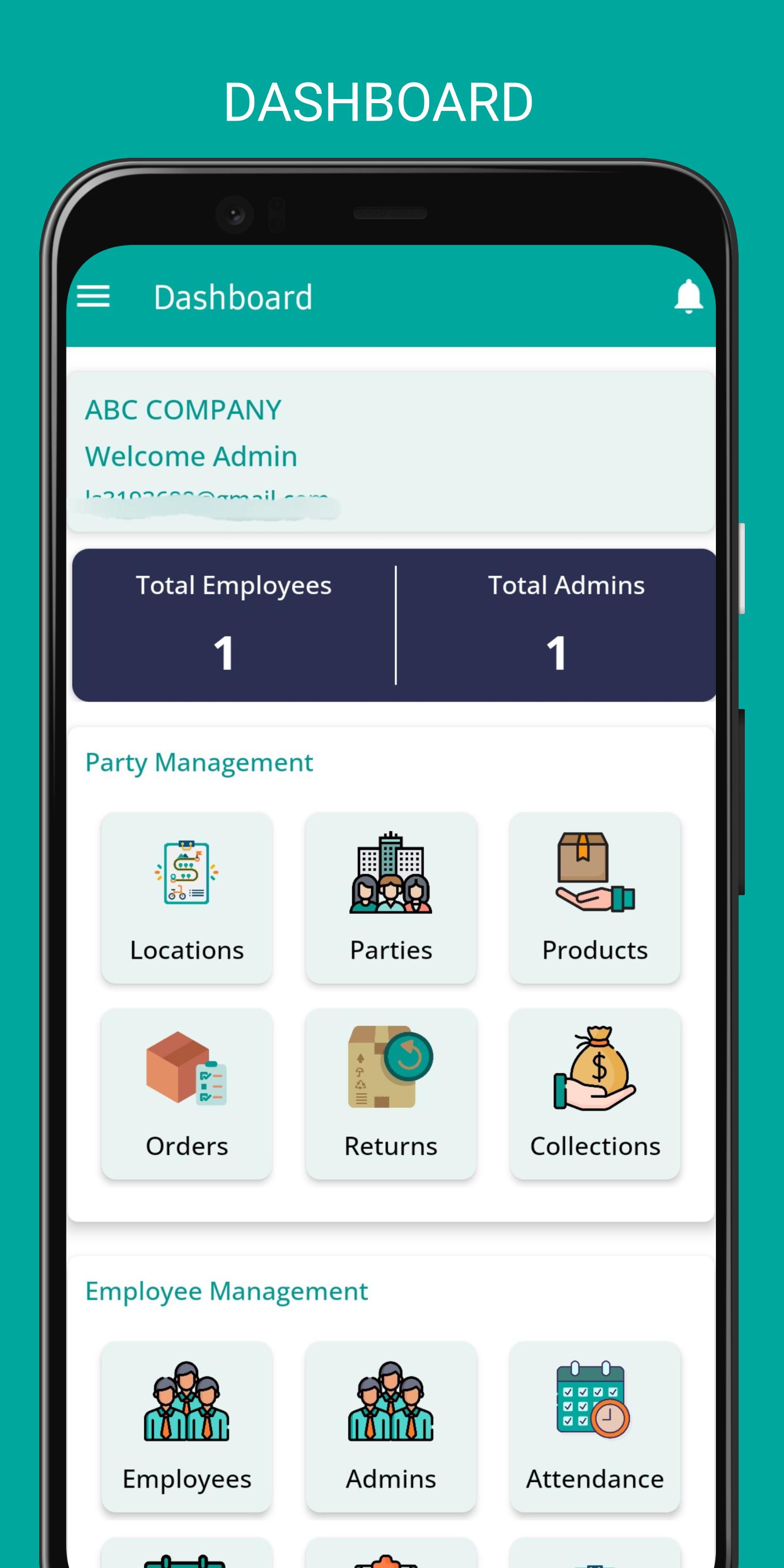
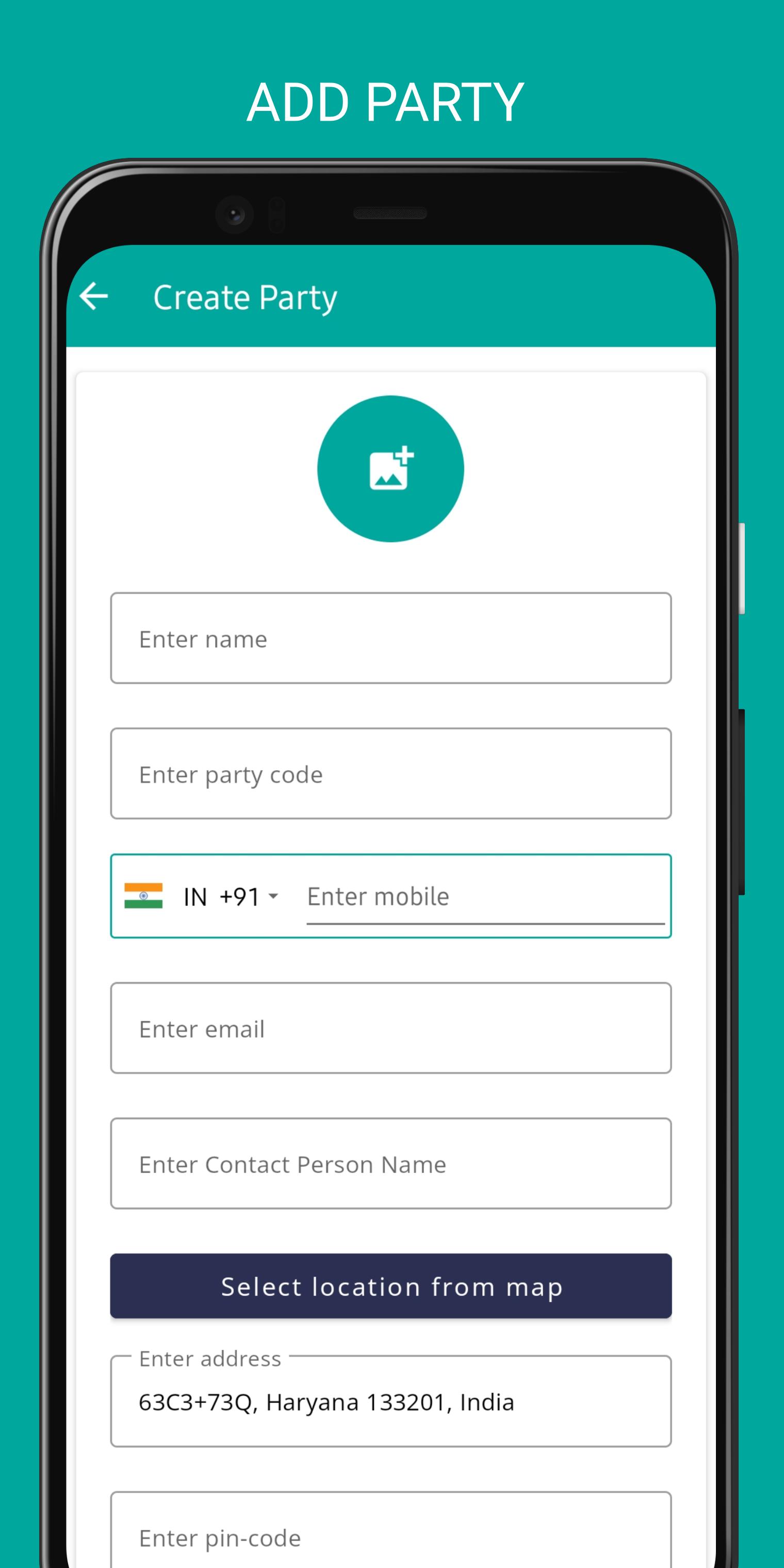
Party Management -
Only Admins can create or add parties. Employees will use these parties while creating orders or taking returns.
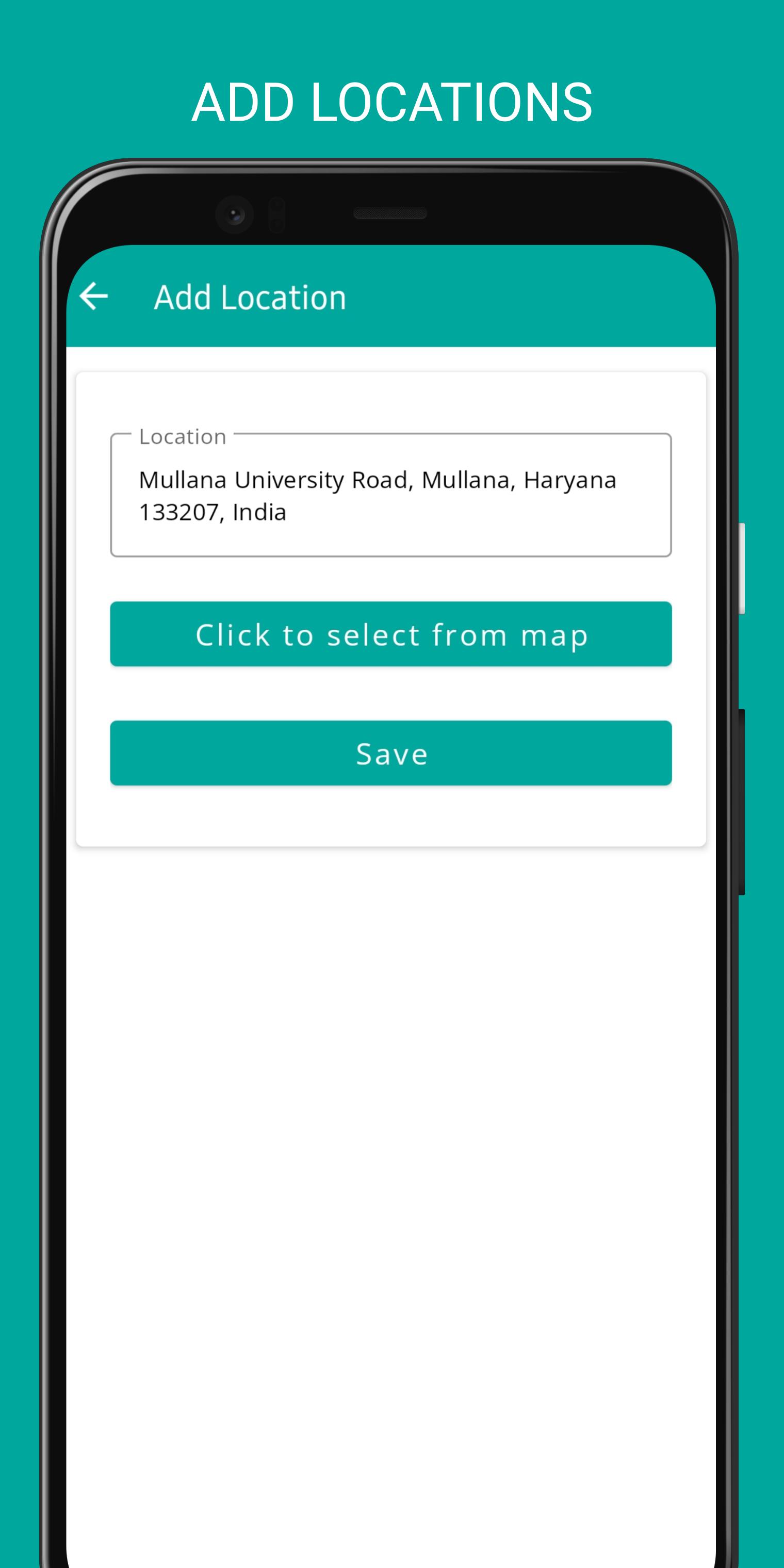
Add Locations -
Admins have access to add locations. They can either add location manually oy click to select from map.
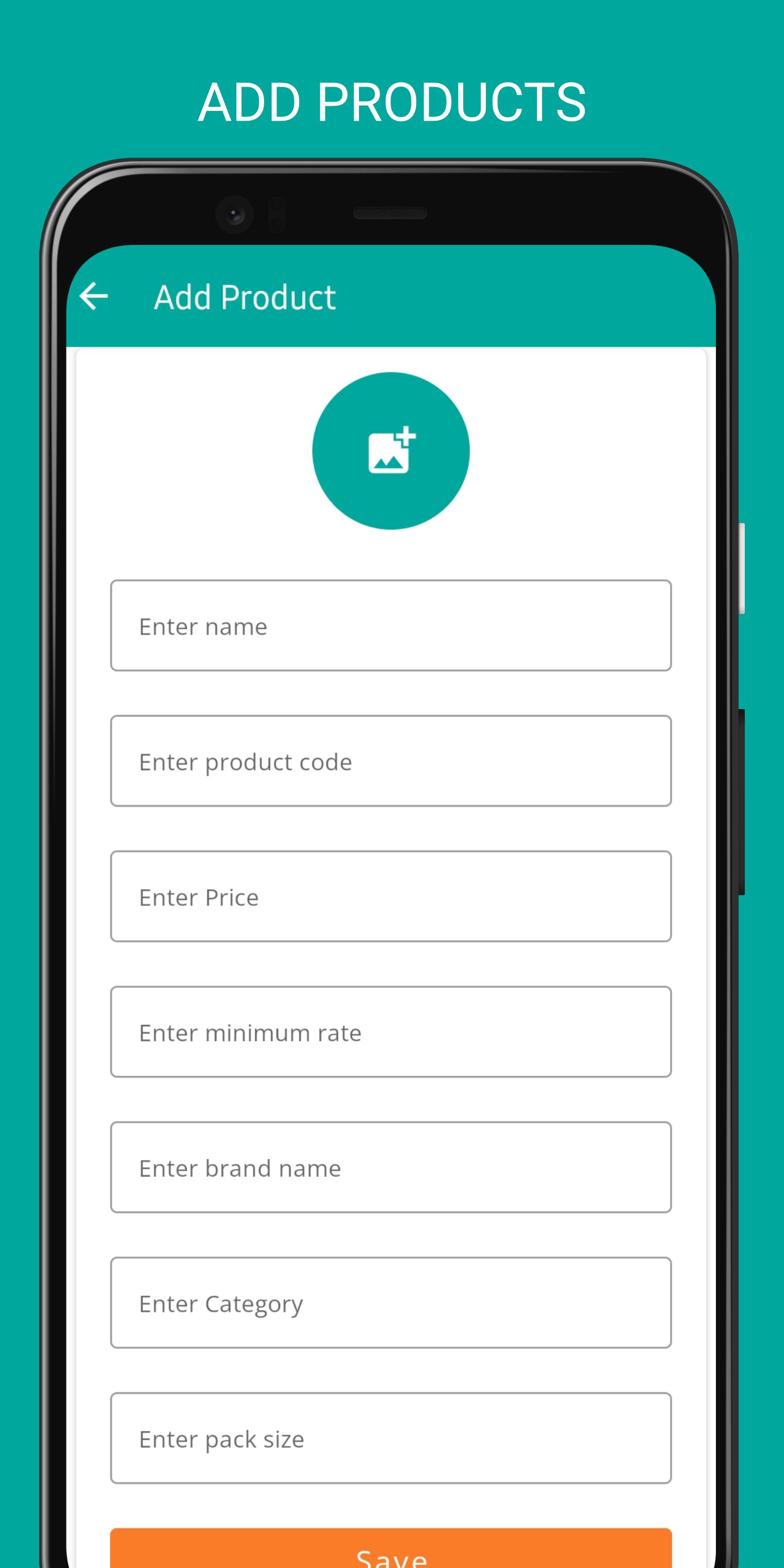
Add Products -
Only Admins can add, edit or remove products. Click on add product button and fill out the details.
Orders And Returns Reporting -
The employee can take an order from a party and report it through the app in Orders section. Admin can also take orders or returns just like employee. Click to add an order and fill out the necessary details. Same goes for the Returns section. Admin will be notified of all the orders and returns automatically as an employee posts them.
Collections and Expenses -
Collections can be in form of cash or cheque or UPI. Employee can report any form of collection from a party directly into the app. If the employee had to bear any expenses regarding travelling, food, etc., he can report the same in Expenses section. Both will be approved by admin and can be added by admin as well.
Route Plans-
Employee can create a route plan regarding visits to the parties on a particular date. Create route plan by filling the details like date, locations, distance, etc. and submit to admin for approval. The visited locations will show in party visits section in route plans. Admin approves the route plan.
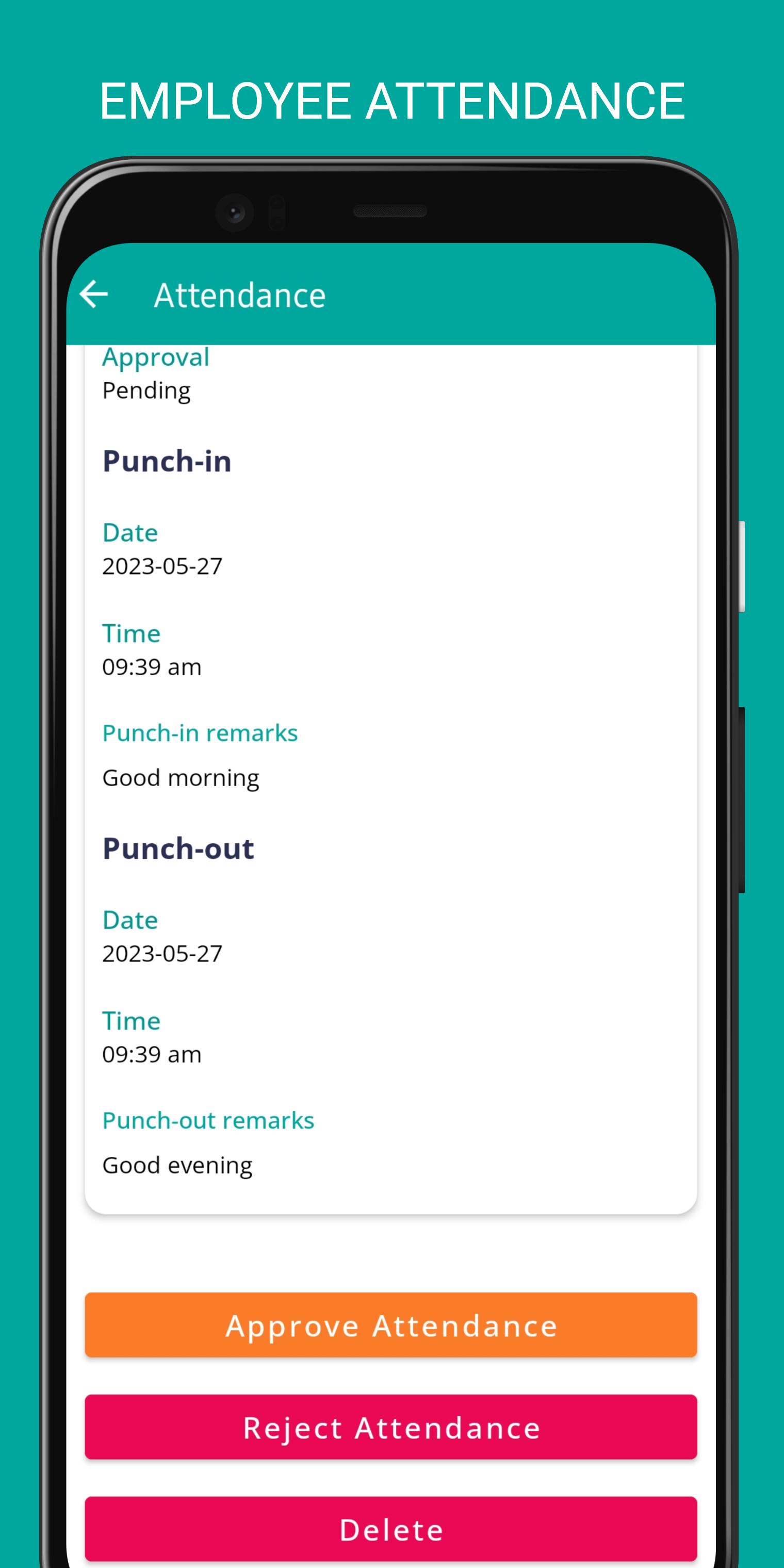
Attendance-
Employee can punch-in and punch-out attendance in one click. As soon as the attendance is punched, employee's live location is tracked by the application and sent to the admin at regular intervals till the employee punches-out. Admin approves every attendance.
Leaves-
Employee can submit leaves in just few seconds under leaves section. The leave goes to admin for approval. Admin can both reject or approve.
Leads-
Employee can create and add Leads into the app using Lead Management Section. It contains lead name, code, address and other details. Admin can convert the lead to a regular party once employee submits it into the application.
Follow ups-
Team members can seamlessly add any follow up call or meeting with a party and Admin will be notified of the same.
Announcements-
If Admin makes any announcement for specific team member or all members, they will appear in announcements section.
E.O.Ds-
E.o.ds are end of day reports to be submitted by team members on a daily basis. It can include summary of all the tasks being carried out by employee on that particular day. Admin approves the e.o.ds.
Reports-
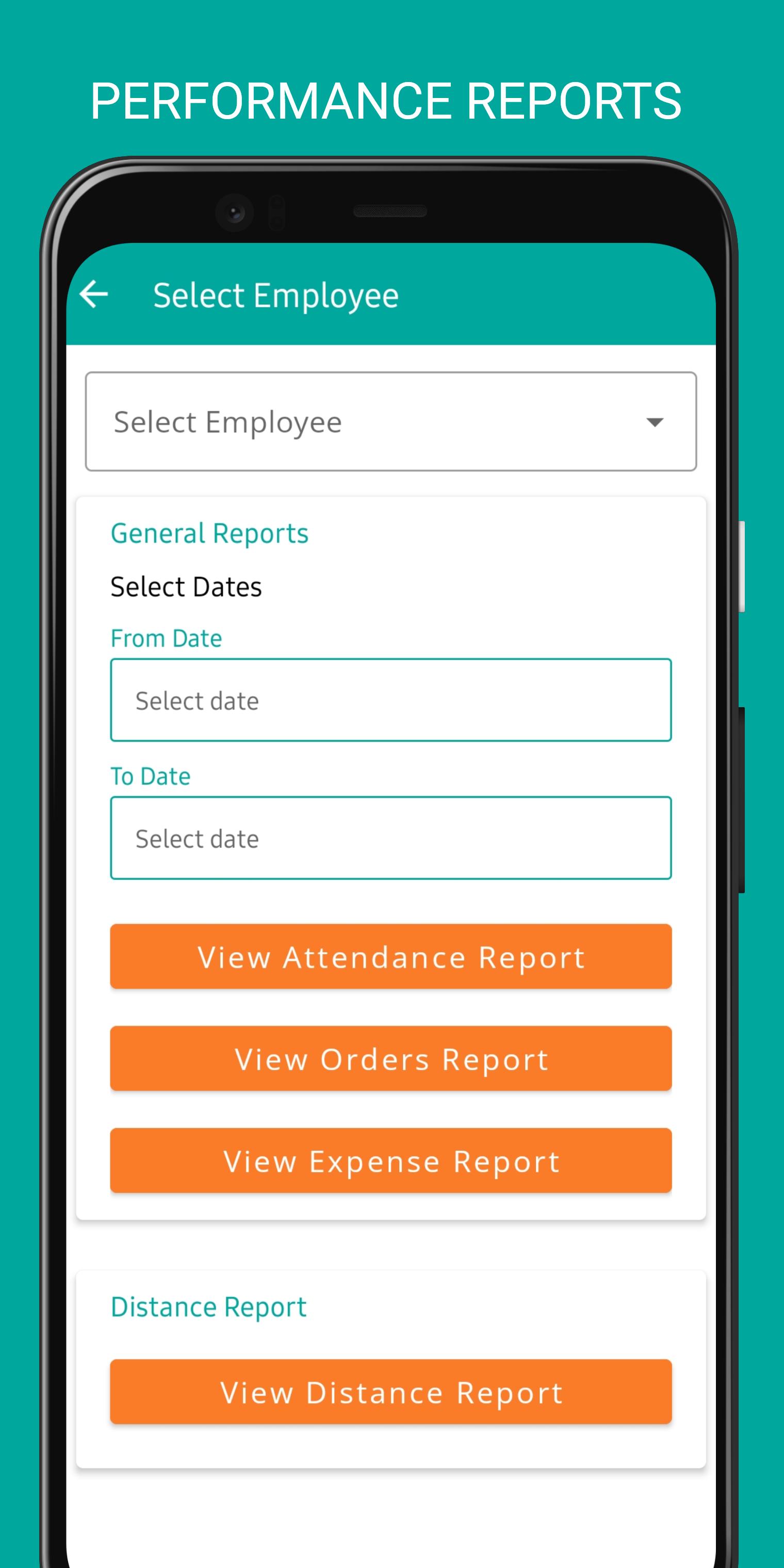
Admin can review every employee's performance for a particular date range regarding his attendance, orders, expenses and distance travelled.
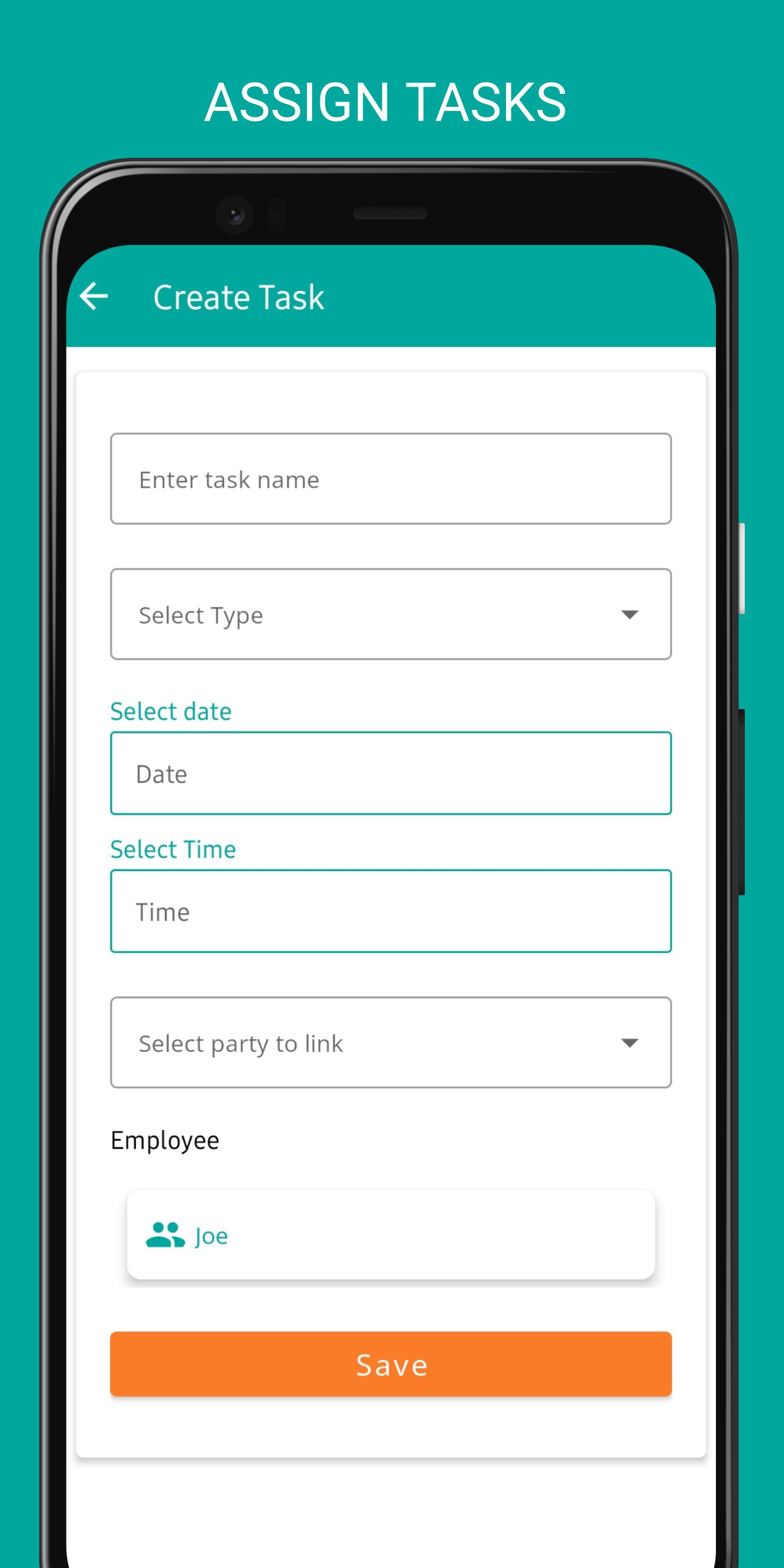
Tasks-
Tasks section contains daily tasks assigned to a member by the Admin on a particular day.
Employee can mark the task as completed once it finishes and Admin will be notified automatically.
Tracking -
Admin can track last known location of any employee at any time.
Latest Version
1.1.1Uploaded by
Ali Ali
Requires Android
Android 8.0+
Category
Free Business AppContent Rating
Everyone
Security Report
Check Now
Report
Flag as inappropriateLast updated on Jan 22, 2025
Minor bug fixes and improvements. Install or update to the newest version to check it out!

APKPure - A multi-platform app store primarily focused on Android, providing extensive app-related content. Discover the app you want easier, faster, and safer, with quick and efficient downloads and installations.