
Track Recorder Log Chart allows the user to save data and view them as a graph.
It can draw Line Chart
HOW TO USE
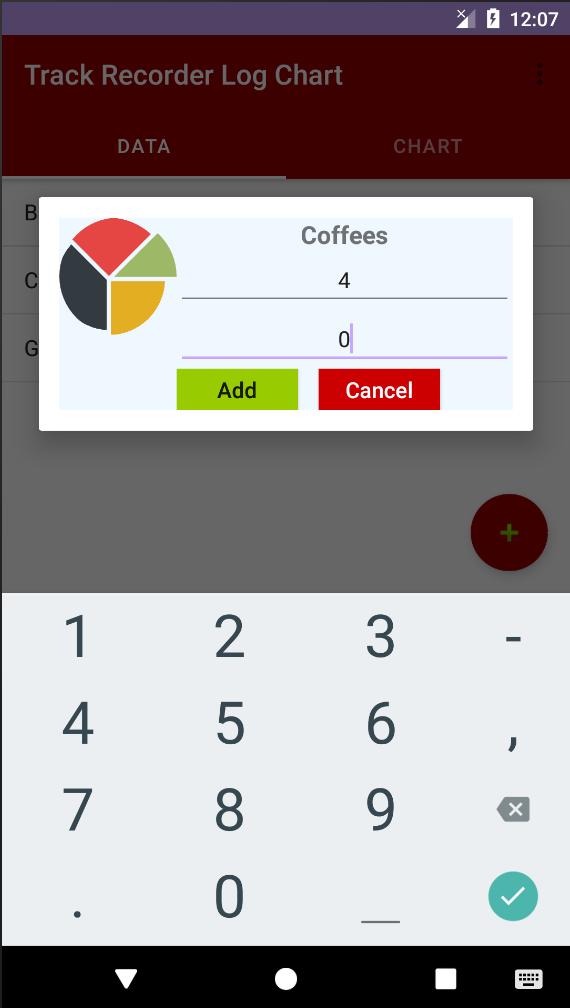
-Create a chart through the icon plus
-Complete all parameters (title, description, data and data)
-Click on chart name to add new data
-Click the settings icon to change or delete data
-Move "CHART" and click to see the chart
PROBLEMS
If you have any problems, you can contact me and I'll help you.
Enjoy
Latest Version
2.0Uploaded by
Jaspicy Khant Gyi
Requires Android
Android 4.0+
Category
Free Tools AppContent Rating
Everyone
Report
Flag as inappropriateLast updated on Aug 18, 2019
Minor bug fixes and improvements. Install or update to the newest version to check it out!






APKPure - A multi-platform app store primarily focused on Android, providing extensive app-related content. Discover the app you want easier, faster, and safer, with quick and efficient downloads and installations.













