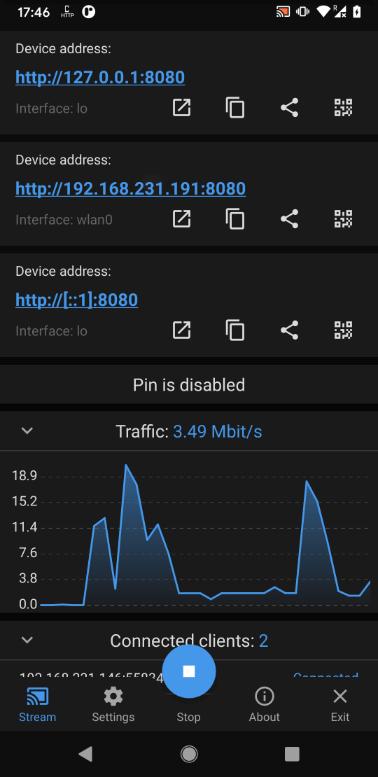
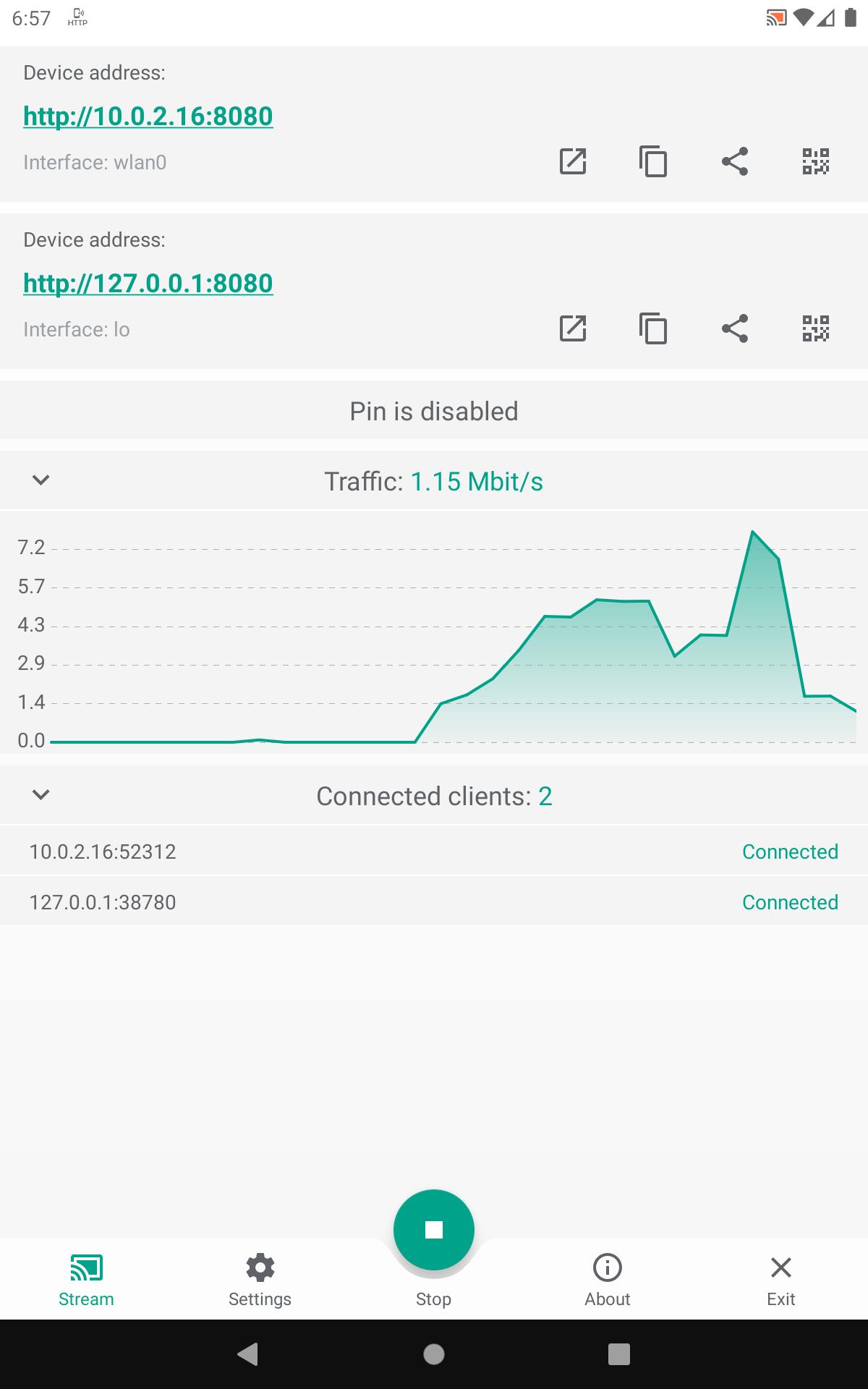
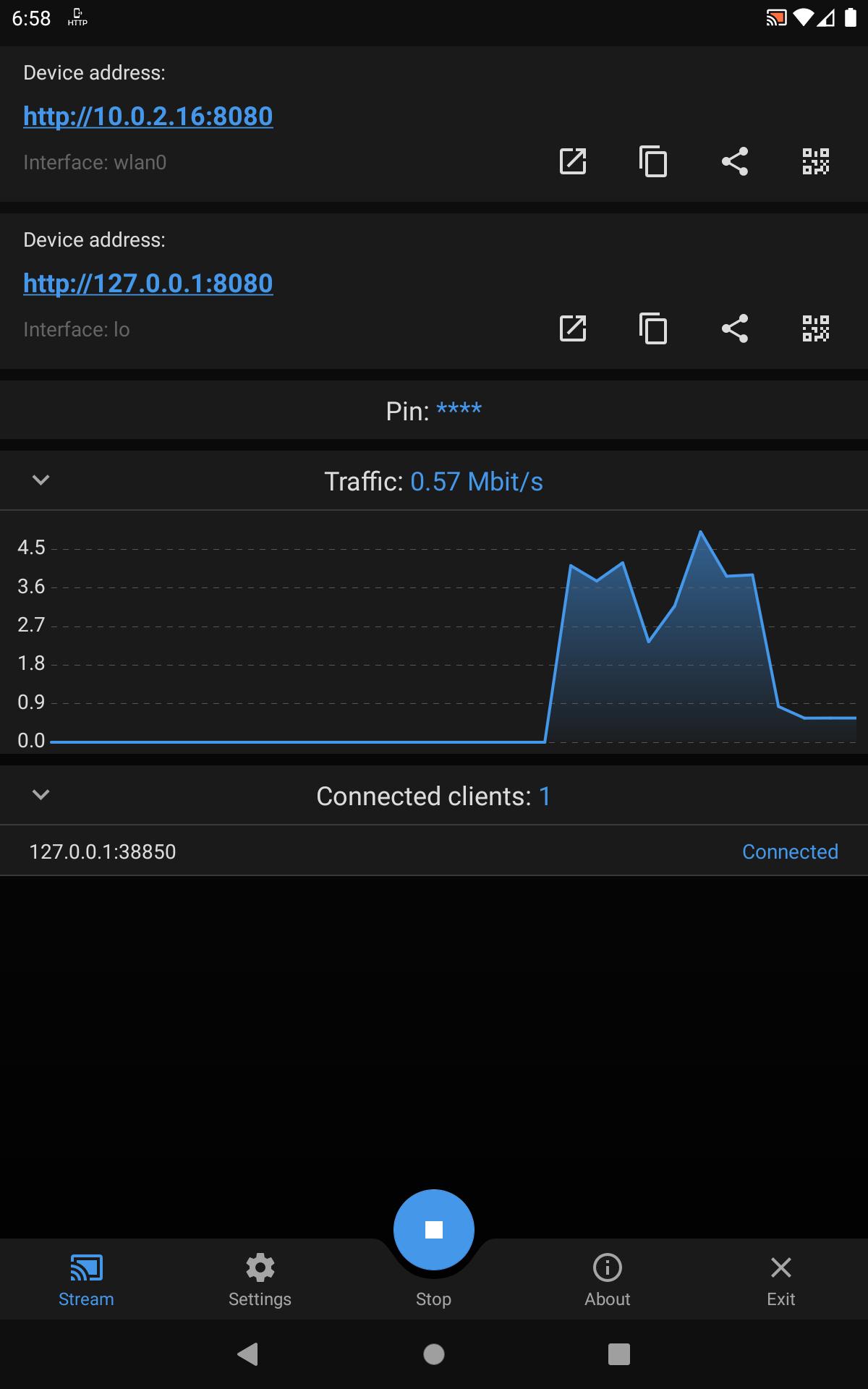
The application allows viewing the device screen in your web browser (no sound support).
No need of any additional software except for this app and a web browser.
The application works via WiFi and/or 3G/LTE network (If cell operator does not block incoming connections to device).
Supporting IPv4 and IPv6.
The main idea is to show your device screen during presentations and demos.
It uses MJPEG to encode screen images and send them through the network. So it works with any desktop or mobile browser which supports MJPEG (Chrome, Safari, EDGE, Firefox).
Fast and stable WiFi recommended because of high traffic and low network delay requirement. No Internet required, however, there must be a network connection between the client and the device.
The number of client connections is unlimited, but be aware that each of them requires some CPU resources and bandwidth to send data.
Application uses Android Cast feature and requires at least Android 5.0 to run.
WARNING: This is not a real time streaming app. Expected delay is at least 0.5-1 second or more on slow devices, bad WiFi or on heavy CPU load by other apps.
WARNING: This app is not designed for streaming video, especially HD video. Use Chromecast instead.
WARNING: This app does NOT support SOUND streaming, because MJPEG does not support sound.
WARNING: Some cell operators may block incoming connections to your device for security reasons, so, even if the device has an IP address from a cell operator, you may not be able to connect to the device on using this IP address.
WARNING: Some WiFi networks (mostly public/guest) block connections between its clients for security reasons, so you may not be able to connect to the device via WiFi. For example, a laptop and a phone in this such a WiFi network will not be able to connect to each other.
Known problems
1.On some devices, system returns image in unknown format. Mostly on devices with no official Android 5.0 or above. Possible Android bug. App will show an error message. No solution available.
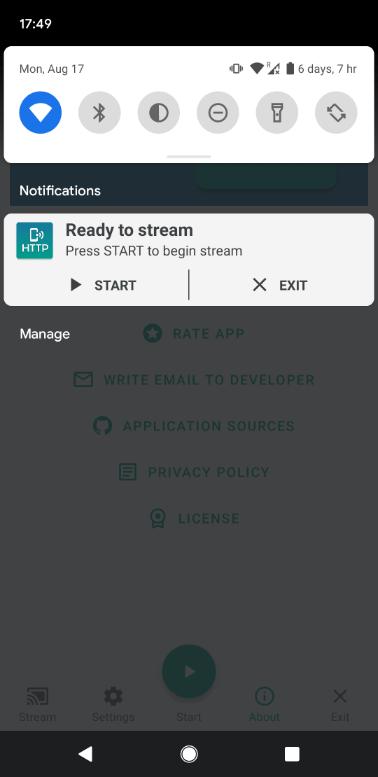
2.On some devices no notification icon showing but notification is present. Android bug: 213309.
If there are any issues or ideas feel free to contact me.
En Son Sürüm
1.0.2Yükleyen
Fabiane Rodrigues
Gereken Android sürümü
Android 5.0+
Kategori
Ücretsiz Araçlar UYGULAMAİçerik derecelendirmesi
Everyone
Bildir
Uygunsuz olarak işaretleLast updated on Oct 8, 2022
Add Keep awake option
Add Grayscale mode
Translations update
Dependency update
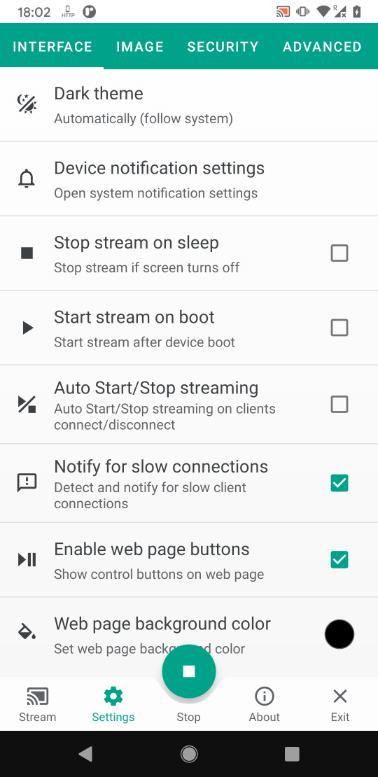
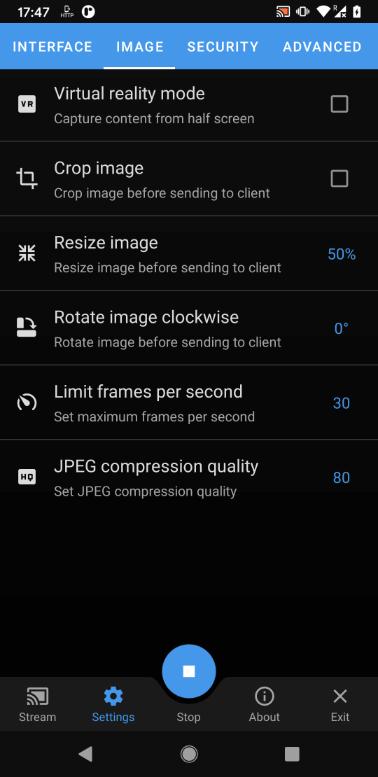
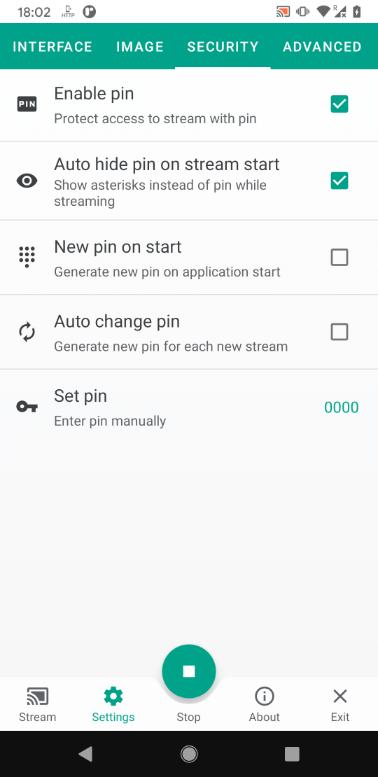
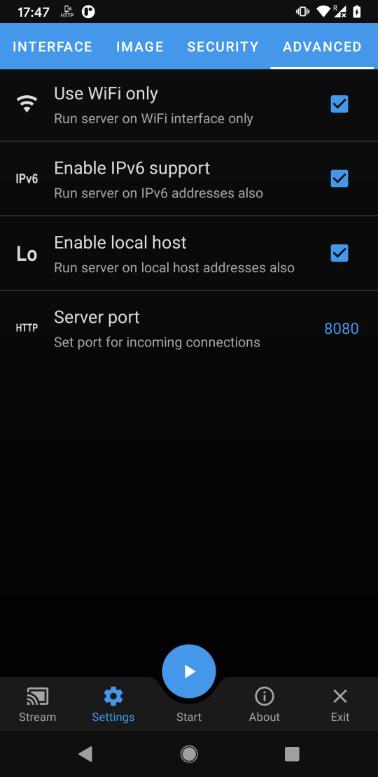

APKPure - Android ağırlıklı, çok platformlu bir uygulama mağazası olup, geniş uygulama içeriği sunmaktadır. İstediğiniz uygulamayı daha kolay, hızlı ve güvenli bir şekilde keşfedin, hızlı ve verimli indirme ve kurulum imkanlarıyla.