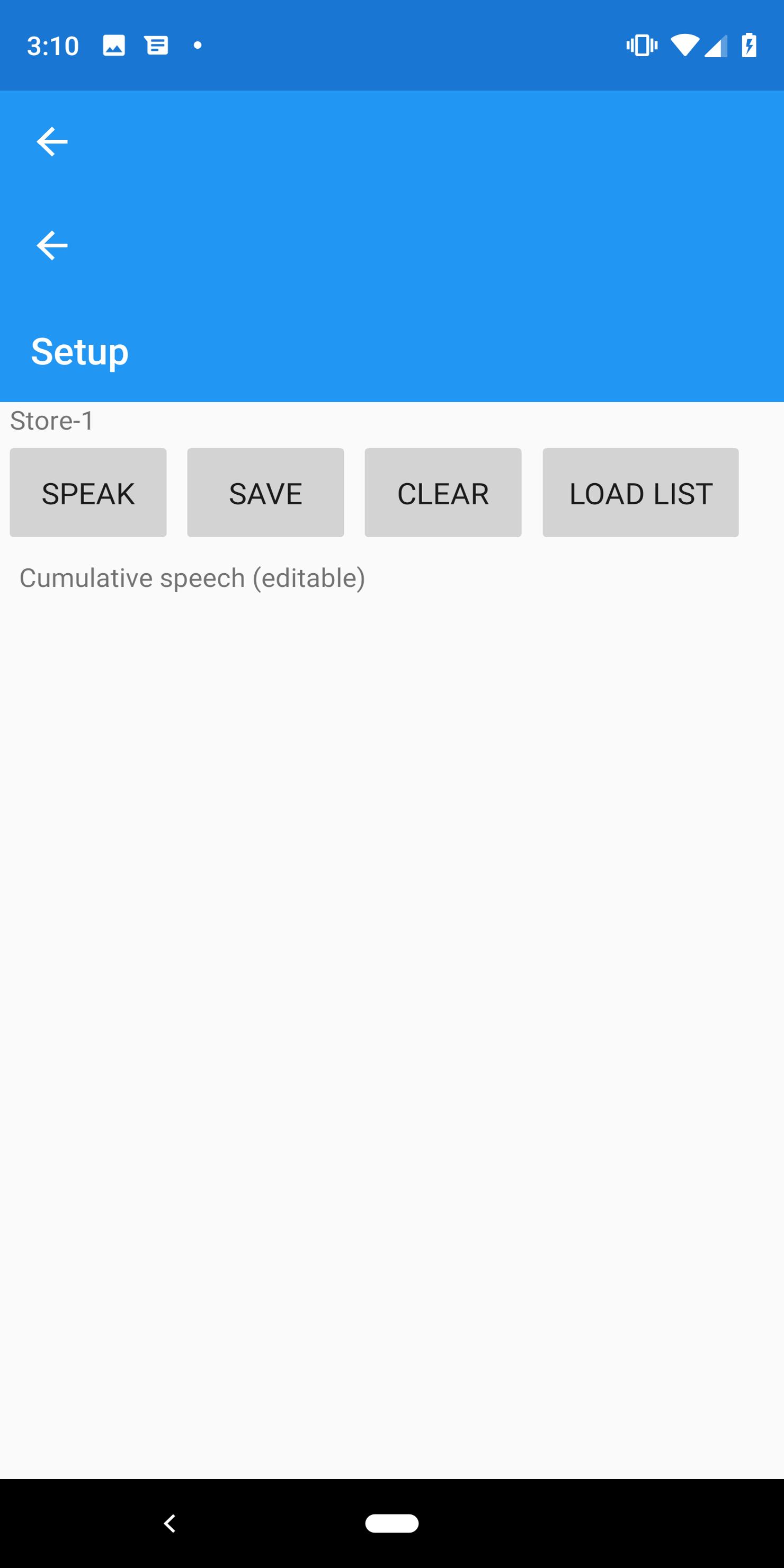
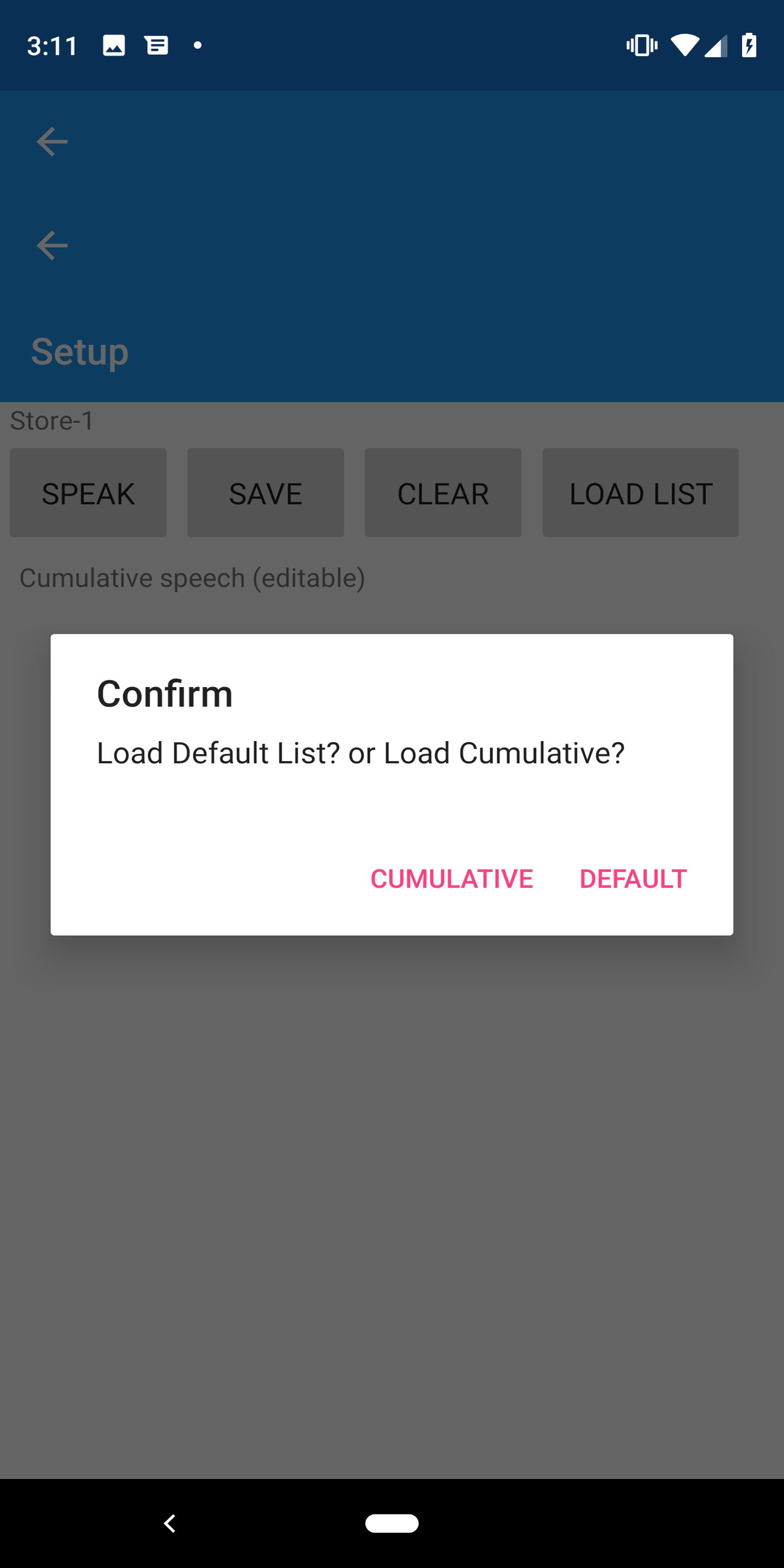
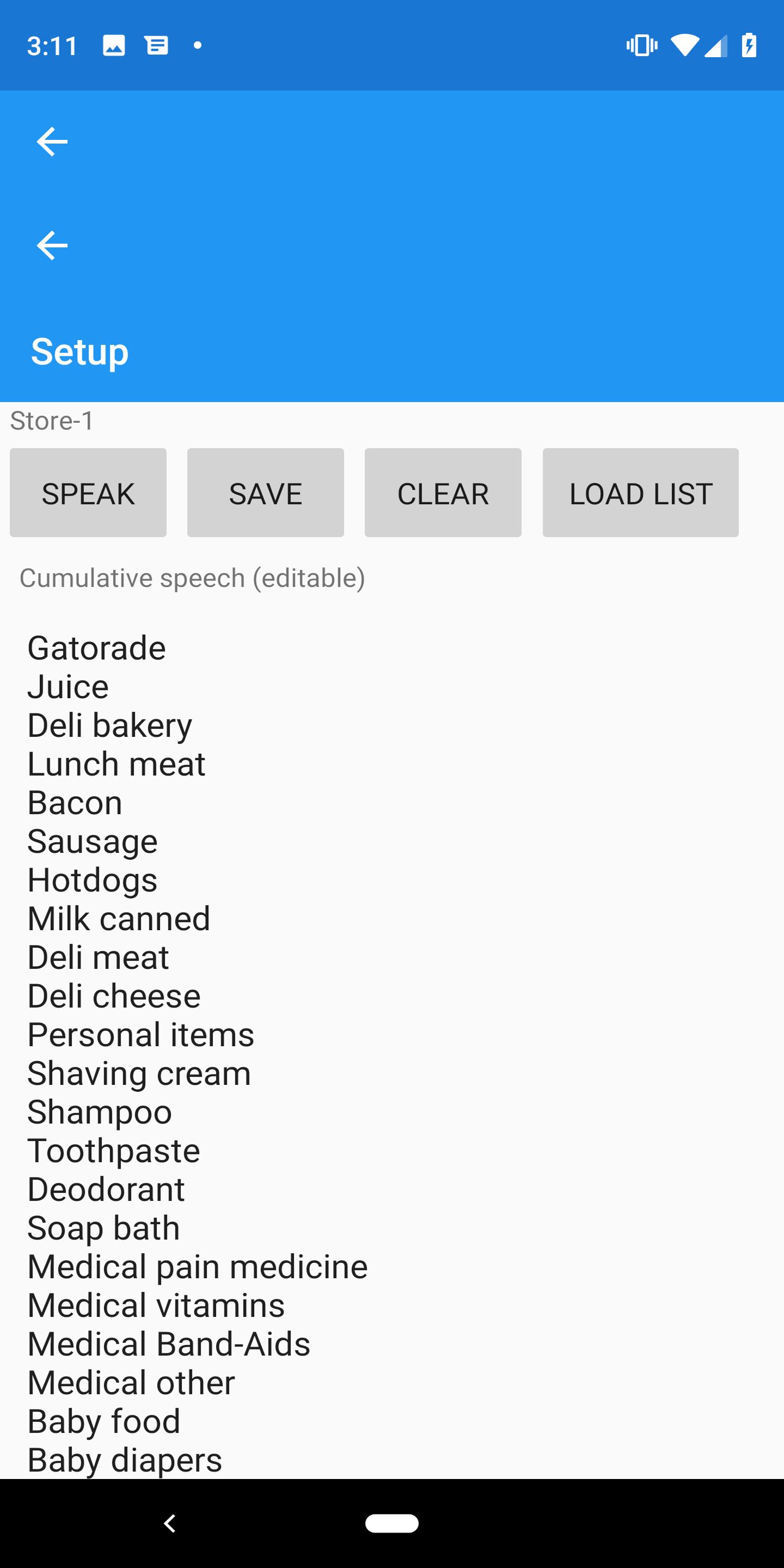
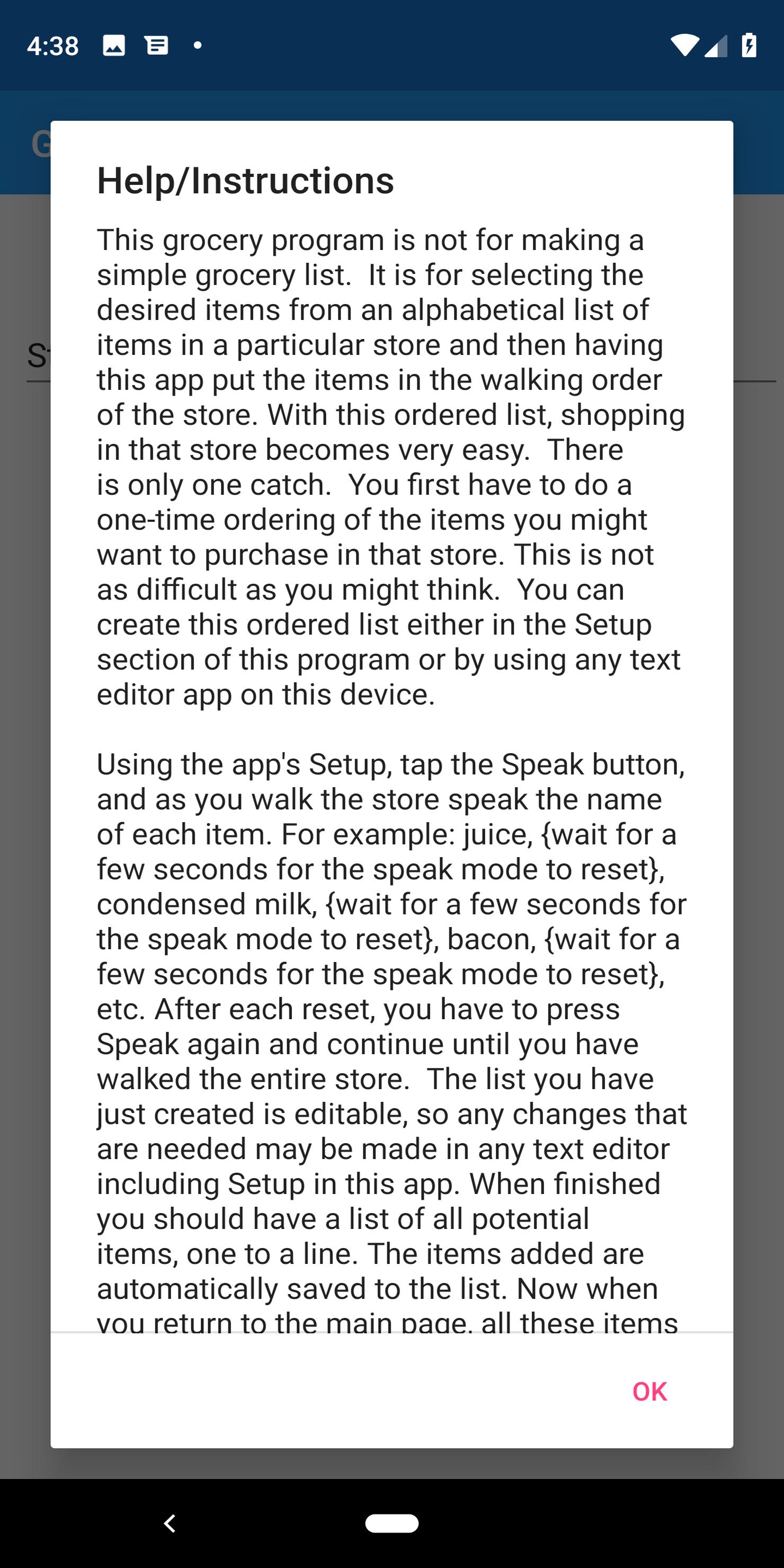
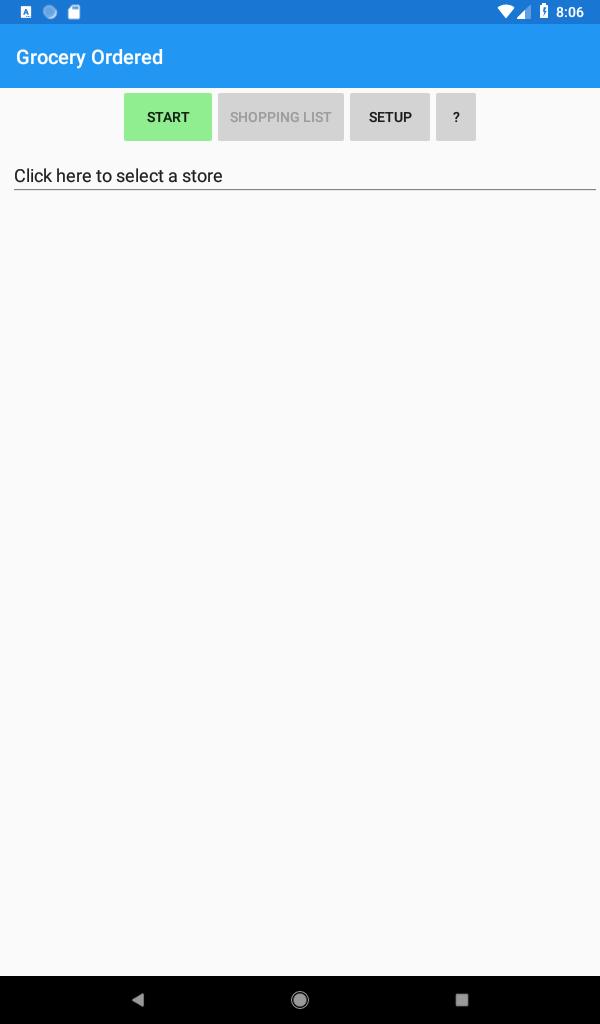
This grocery program is not for making a simple grocery list. It is for selecting the desired items from an alphabetical list of items in a particular store and then having this app put the items in the walking order of the store. With this ordered list, shopping in that store becomes very easy. There is only one catch. You first must do a one-time ordering of the items you might want to purchase in that store. This is not as difficult as you might think. You can create this ordered list either in the Setup section of this program or by using any text editor app on this device. Using the app's Setup, tap the Speak button, and as you walk the store speak the name of each item. For example: juice, {wait for a few seconds for the speak mode to reset}, condensed milk, {wait for a few seconds for the speak mode to reset}, bacon, {wait for a few seconds for the speak mode to reset}, etc. The list you have just created is editable, so any changes that are needed may be made in any text editor including Setup in this app. When finished you should have a list of all potential items, one to a line. If you use speech recognition to create the list, an Internet connection is required. The items added are automatically saved to the list. Now when you return to the main page, all these items will appear in alphabetical order from which you will make your shopping list. A Default list is provided for my local grocery. Of course, it will not be ordered as your own store. The app accommodates four separate stores.
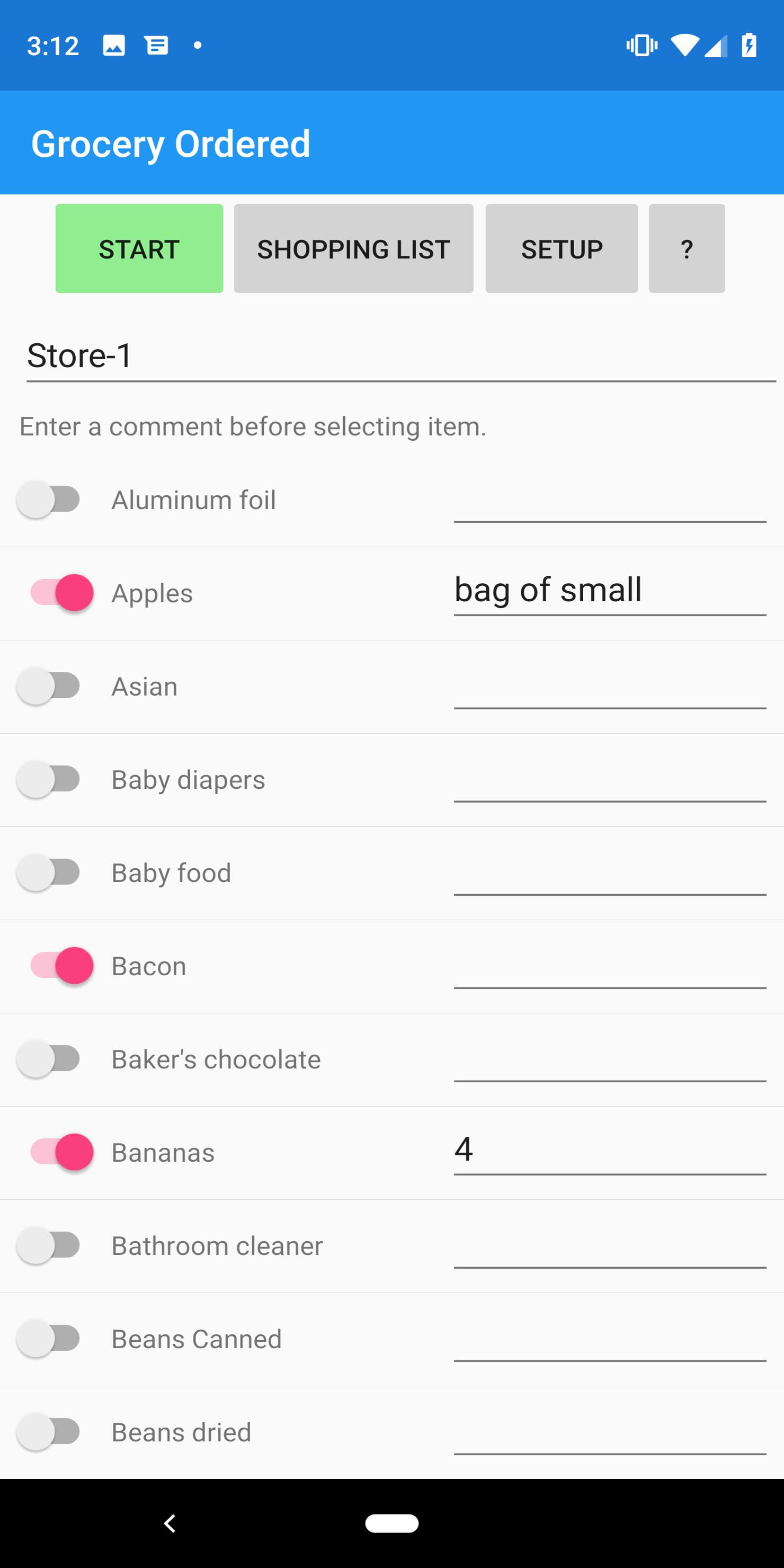
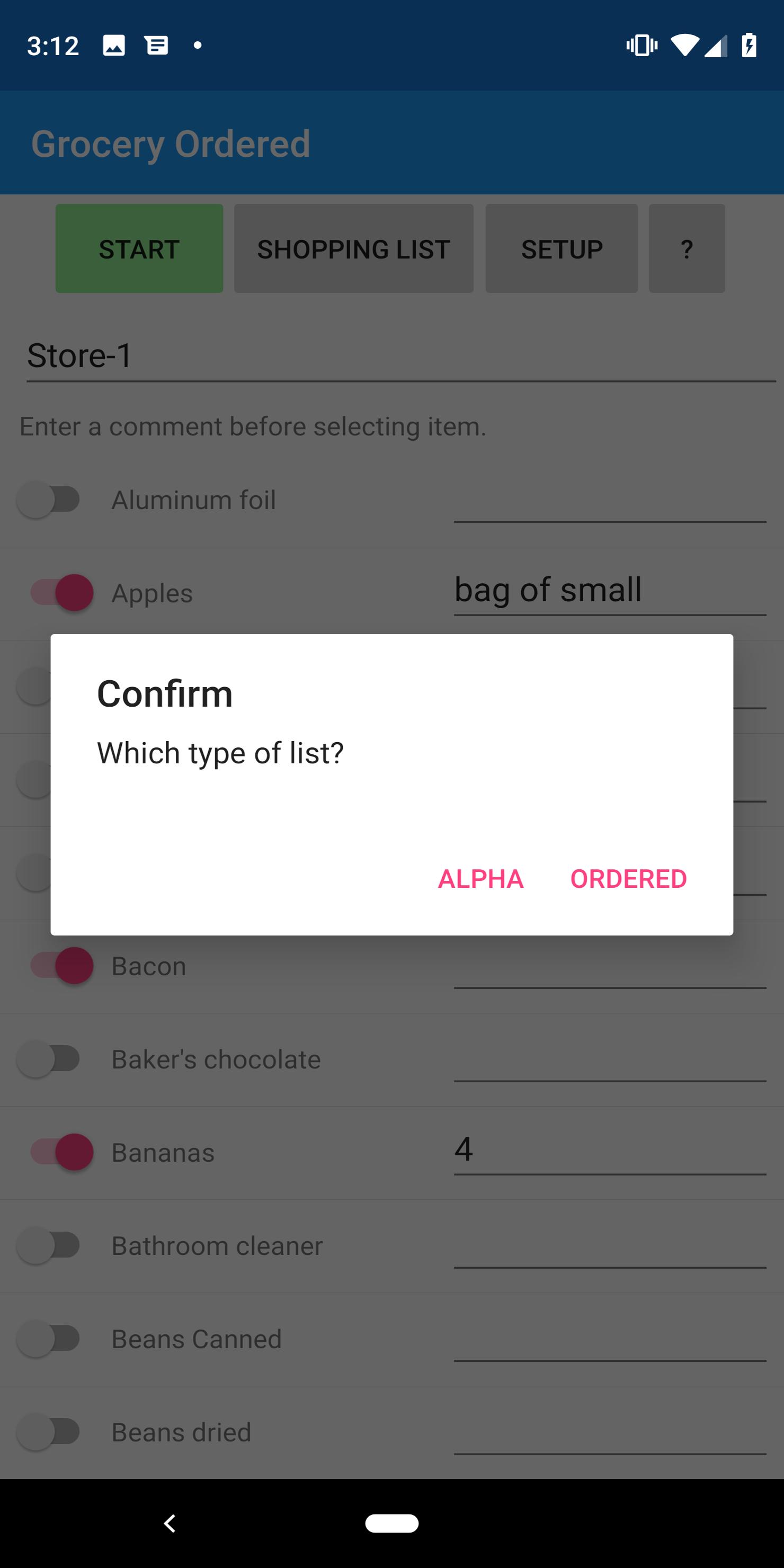
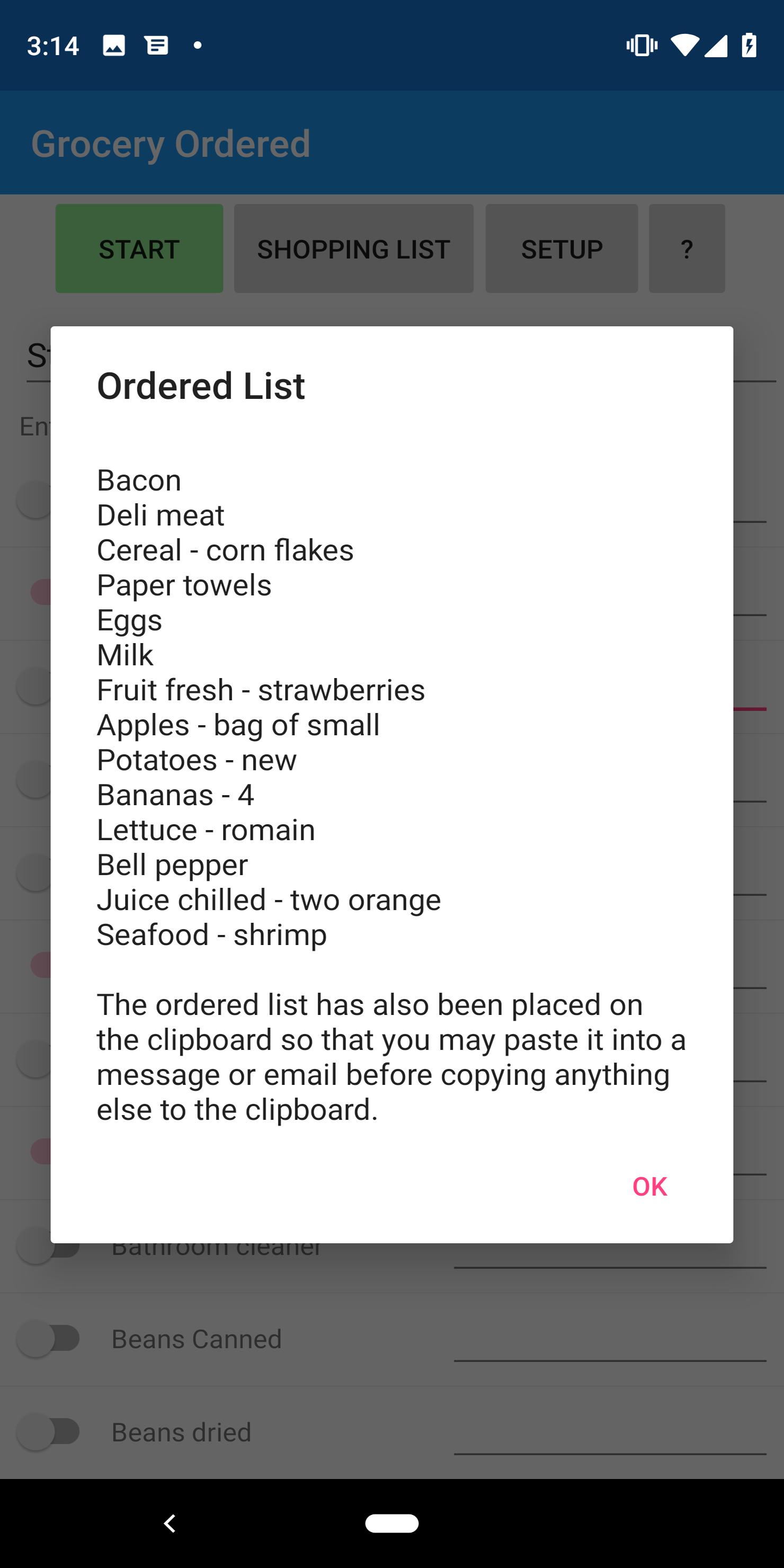
In selecting the items for your shopping trip, you may add a comment to each item--just be sure to add the comment before selecting the item so that the comment gets recorded. If you should make the comment first, simple deselect the item and reselect it. To see your shopping list, tap the List button, where you have the choice of an ordered list or an alphabetical one.
On first use, watching a two minute video within the app is required to introduce you to the app since on first glance at the app, it may appear to do little--but after viewing the video you will see that it enables you to do quite a lot. Happy shopping.
En Son Sürüm
2.5Gereken Android sürümü
5.0 and up
Kategori
Ücretsiz Alışveriş UYGULAMAİçerik derecelendirmesi
Everyone
Bildir
Uygunsuz olarak işaretleLast updated on Jul 22, 2019
Bu sürümde küçük hata düzeltmeleri ve genel iyileştirmeler bulunur. En iyi deneyim için en yeni sürüme güncelleyin.

APKPure - Android ağırlıklı, çok platformlu bir uygulama mağazası olup, geniş uygulama içeriği sunmaktadır. İstediğiniz uygulamayı daha kolay, hızlı ve güvenli bir şekilde keşfedin, hızlı ve verimli indirme ve kurulum imkanlarıyla.