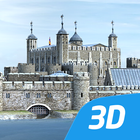
Tower of London (16th century)
The intriguing history of this historic castle spans nearly a thousand years.
Explore history with our interactive 3D scenes. Learn about historical sites, great works of architecture or events of the past. With our apps, learning becomes a playful experience.
Our 3D scenes have been designed for students between 8 and 18 years of age but can be interesting for everyone.
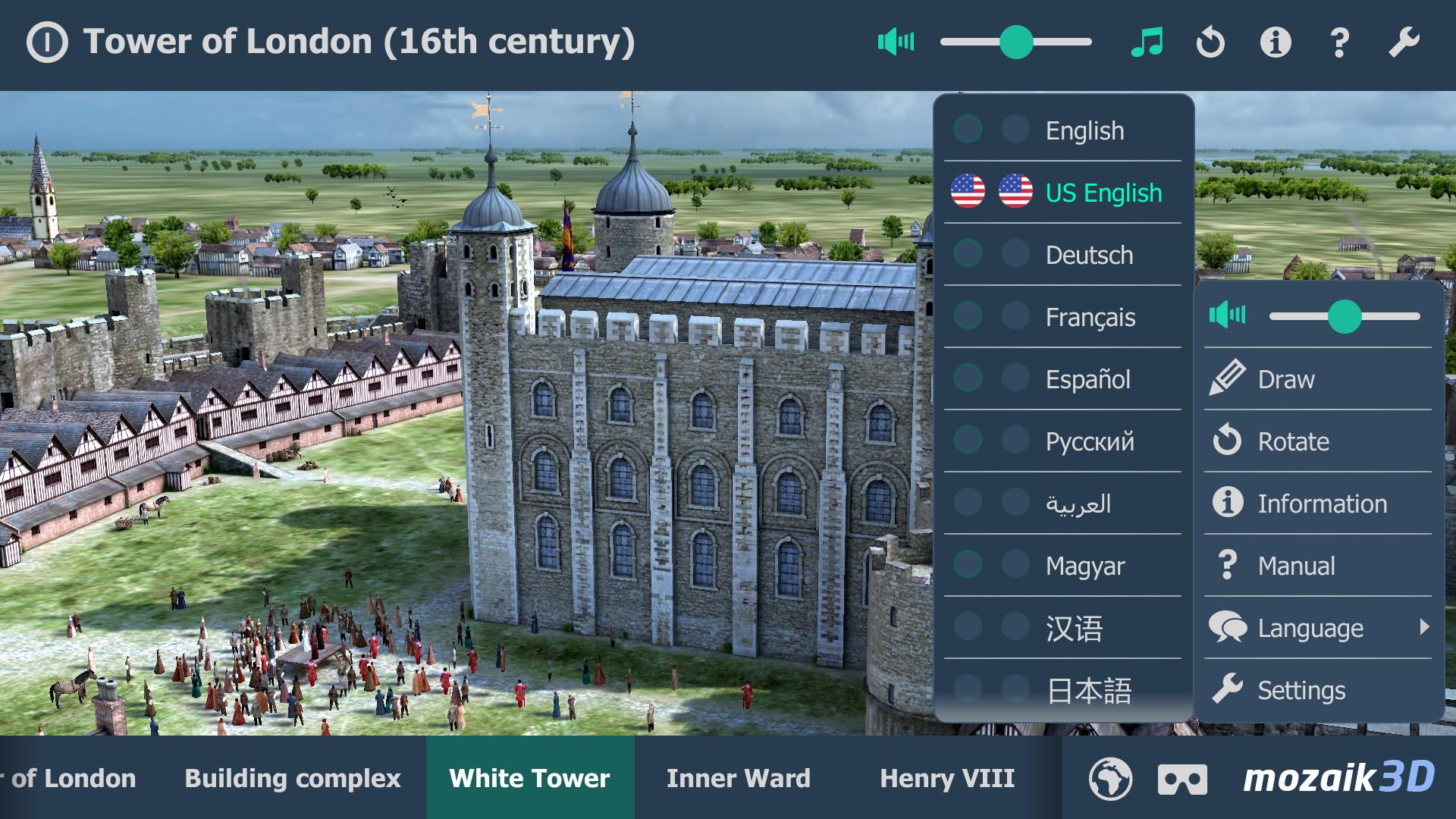
Available languages: English, American English, Deutsch, Français, Español, Русский, العربية, 日本語, 中文, 한국어, Italiano, Português, Svenska, Türkçe, Nederlands, Norsk, Polski, Magyar
With the mozaik3D App, available in the Google Play store, you can access more than 1200 similar 3D scenes.
Mozaik Interactive 3D
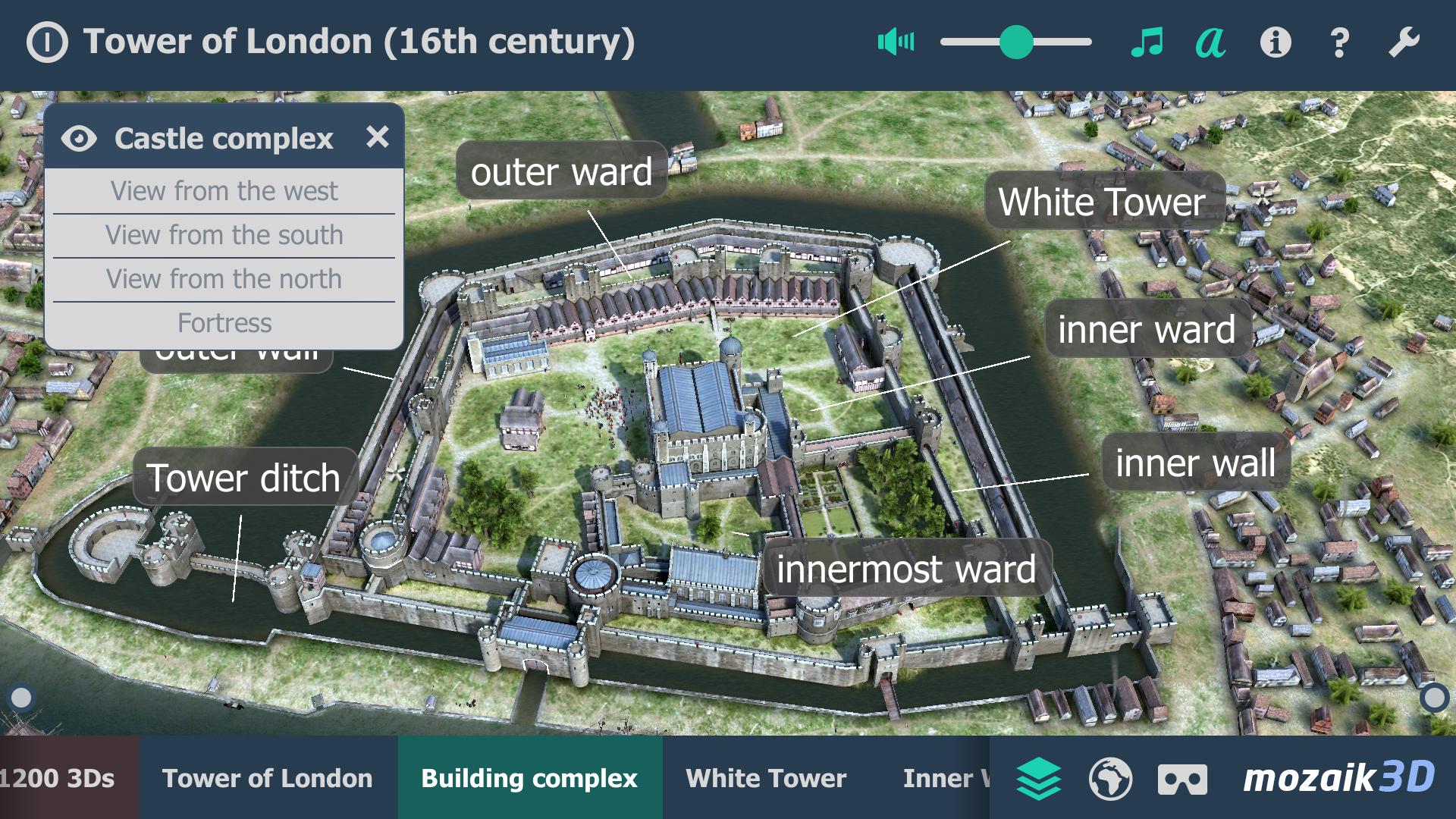
Our fully interactive scenes can be rotated, enlarged or viewed from pre-set angles. With the predefined views, you can easily navigate through the complex scenes. Some of the 3D scenes contain a Walk mode, enabling you to explore the scene yourself. Most of our 3D scenes include narrations and built-in animations. They also contain captions, entertaining animated quizzes and other visual elements. The 3D scenes are available in several languages, which also offers an opportunity to learn and practice foreign languages.
Usage and navigation
Rotate the scene by dragging your finger.
Zoom the scene in or out by pinching with your fingers.
Pan the view by dragging with three fingers.
Tap the buttons at the bottom to switch between predefined views.
If available in a specific view, use the virtual joystick to walk around.
You can change the language and set other functions in the context menu.
The context menu can be accessed by touching the bottom corners.
Activate VR mode by pressing the VR goggles icon in the bottom right corner.
In VR mode, tilt your head to right or left display the navigation panel. Look down to turn movement on or off during Walk.
Latest Version
1.15Uploaded by
فتاة خلوقھ
Requires Android
Android 4.4+
Category
Free Education AppContent Rating
Everyone
Report
Flag as inappropriateLast updated on Mar 6, 2019
- New languages added: Українська, Română, Português (Br)
- Bug fixes, minor improvements.





APKPure - A multi-platform app store primarily focused on Android, providing extensive app-related content. Discover the app you want easier, faster, and safer, with quick and efficient downloads and installations.