

TouchPal helps you type faster and more accurately on Android with glide input, strong autocorrect, and contextual predictions. It adds expressive tools such as emoji, GIFs, stickers, and flexible themes so messages look the way you want. Moreover, TouchPal supports a wide range of layouts and languages, and it has been recognized by industry awards and preloaded by major device makers. Therefore, it fits both casual chat and professional typing across phones and tablets. If you want a reliable keyboard upgrade, get the TouchPal APK latest version safely on APKPure.
Fast typing with glide input
TouchPal lets you slide your finger across letters to form words, which reduces taps and speeds up long messages. You can also switch to single hand mode for easier reach on larger screens. In everyday texting, this flow keeps your focus on the conversation.
AI predictions and autocorrect
TouchPal learns from your typing patterns to suggest the next word, an emoji, or a text face at the right moment. It corrects common mistakes and adapts as you use it more. As a result, you spend less time fixing typos and more time finishing your thoughts.
Emoji, GIFs, stickers, and themes
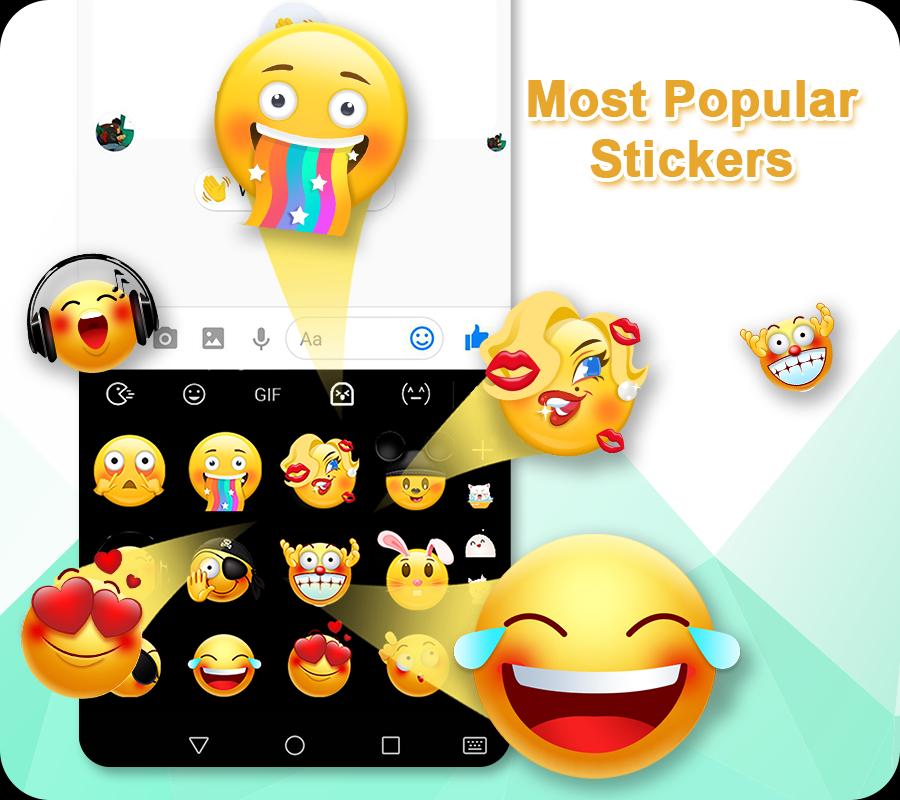
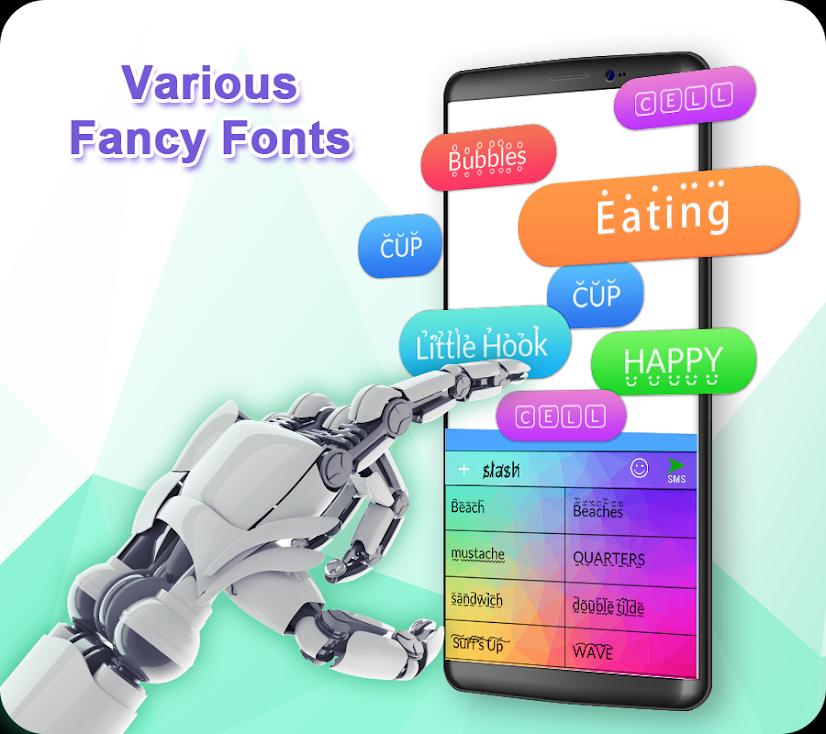
TouchPal offers quick access to emoji, GIFs, and stickers so you can add context without leaving the keyboard. You can browse many themes and even set a custom photo as the background. This way, your keyboard looks personal while staying practical.
Multiple layouts including T9 and T plus
TouchPal supports full QWERTY for standard typing and T9 or T plus for classic predictive keys. A permanent number row is available for quick input in forms or passwords. Therefore, you can choose the layout that matches your habits.
Voice typing when you need hands free
TouchPal lets you dictate messages by pressing and holding the microphone key. It is useful when walking or multitasking. Also, you can switch back to glide or tap typing without losing your place.
Multilingual input across many languages
TouchPal supports over 150 languages with associated layouts and dictionaries. You can enable multiple languages at once and switch while typing. This makes bilingual and multilingual conversations more efficient.
TouchPal has been preloaded by global manufacturers such as Lenovo, LG, Oppo, Vivo, Huawei, and ZTE. This presence shows that the keyboard integrates well with different Android ecosystems. In addition, enterprise partners use TouchPal technology in white label solutions.
TouchPal focuses on Android for phones and tablets today, and it also offers variants for wearables and larger screens. Some platforms outside Android are not actively updated, so users should set expectations accordingly. For a smooth setup on Android, download TouchPal APK on APKPure and follow the enable steps below.
Many users look for older releases to match a specific device or brand skin. You can find previous versions alongside the TouchPal APK latest version on APKPure to meet that need. Therefore, if you experience issues after an update such as moving to Android 14, Android 15, or One UI 7, try updating or testing an earlier build.
After you download TouchPal APK on APKPure and install it, you need to enable the keyboard before first use. The setup takes a minute and you only do it once. Then you can customize languages, themes, and layouts.
TouchPal brings glide input, AI predictions, and flexible layouts to everyday typing. For a quick and safe setup, download TouchPal APK on APKPure and follow the enable steps to make it your default keyboard.
Is TouchPal safe?
TouchPal is a long running keyboard used by major device makers, and it requests permissions that support typing, voice input, and personalization. TouchPal processes text to provide autocorrect and predictions, and cloud based features are optional in settings. For a trusted source, get the TouchPal APK on APKPure and review in app privacy options before you start.
How do I install TouchPal keyboard?
To install, download TouchPal APK from APKPure, open the file, and complete the install. Next, open TouchPal, tap Enable TouchPal, switch to TouchPal as the current keyboard, and grant needed permissions. Finally, select your languages and theme so TouchPal is ready for daily use.
Does TouchPal work on Android 15 or One UI 7?
TouchPal works on many Android versions, and most users can type normally after upgrading. If TouchPal stops working after a system update, update to the TouchPal APK latest version on APKPure, re enable it as the default keyboard, and grant permissions again. If issues continue, try an older version on APKPure that matches your device software.
Where can I get older versions of TouchPal?
You can find TouchPal Keyboard old version downloads on APKPure along with recent builds. This helps when a specific device or brand skin needs a particular release. Choose the version that best fits your phone and update later if needed.
What is TouchPal for Vivo or Oppo?
Some Vivo and Oppo phones ship with TouchPal or a customized variant preinstalled. Those builds may receive updates through the device maker, and the feature set can differ slightly from the standard app. If you want the generic experience, download TouchPal APK from APKPure and set it as your default keyboard.
Are there TouchPal keyboard clones for T9 typing?
If you want classic predictive typing, TouchPal already includes T9 and T plus layouts inside the app. You can enable them in Layouts without switching to another keyboard. Therefore, you get a TouchPal like clone experience without leaving TouchPal itself.
Latest Version
7.0.4.3Uploaded by
TouchPal
Requires Android
Android 4.0.3+
Category
Free Personalization AppContent Rating
Everyone
Report
Flag as inappropriateLast updated on Dec 9, 2024
Minor bug fixes and improvements. Install or update to the newest version to check it out!






APKPure - A multi-platform app store primarily focused on Android, providing extensive app-related content. Discover the app you want easier, faster, and safer, with quick and efficient downloads and installations.