touchHLE suits users who want to bring back classic iPhone apps and games on Android devices. It focuses on early iPhone OS releases, so it helps with titles that no longer open on modern phones. Getting started is straightforward, and you can keep compatible apps organized inside the emulator for quick access. Installing the touchHLE APK is a common approach for users who prefer everything stored locally on their Android device.
Simple setup on Android
Clear compatibility guidance
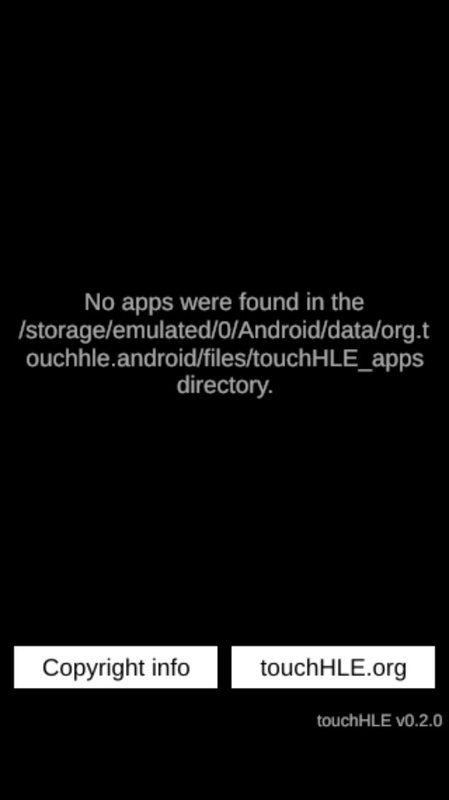
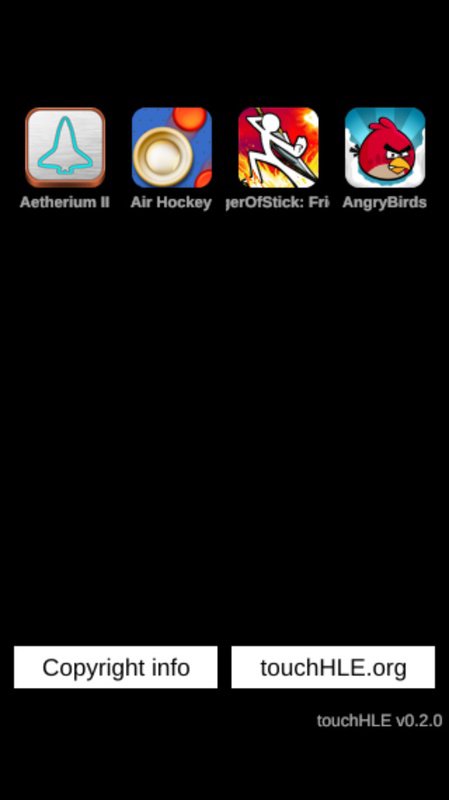
Before you try a title, check the compatibility list on the official website. If an app is not on that list, it will most likely not run as expected. The emulator targets older systems and does not support 64 bit versions of iOS. Focusing on confirmed titles saves time and avoids setup issues.
Focus on early iPhone OS versions
touchHLE is designed for apps from iPhone OS 2.x and later early releases. As development continues, updates add more supported operating system versions and newly working titles. Using the touchHLE latest version can improve your chances with specific apps, though results still depend on each title.
This emulator offers a practical way to try classic iPhone OS apps on Android. Review the compatibility list and prepare your files before launching. To begin, download touchHLE and then focus on titles confirmed to work for a smoother experience.
Latest Version
androidUploaded by
hikari-no-yume
Requires Android
Android 5.0+
Category
Free Action GameReport
Flag as inappropriateLast updated on Jan 3, 2025
This release includes minor bug fixes and general improvements. Update to the latest version for the best experience.


APKPure - A multi-platform app store primarily focused on Android, providing extensive app-related content. Discover the app you want easier, faster, and safer, with quick and efficient downloads and installations.