All in one touch lock screen for a complete security of your phone. These lock screen is designed to make you phone screen look elegant classy while is locked. Also to give you amazing experience of unlocking your touch screen beautiful gestures or one tap.
Main Features:
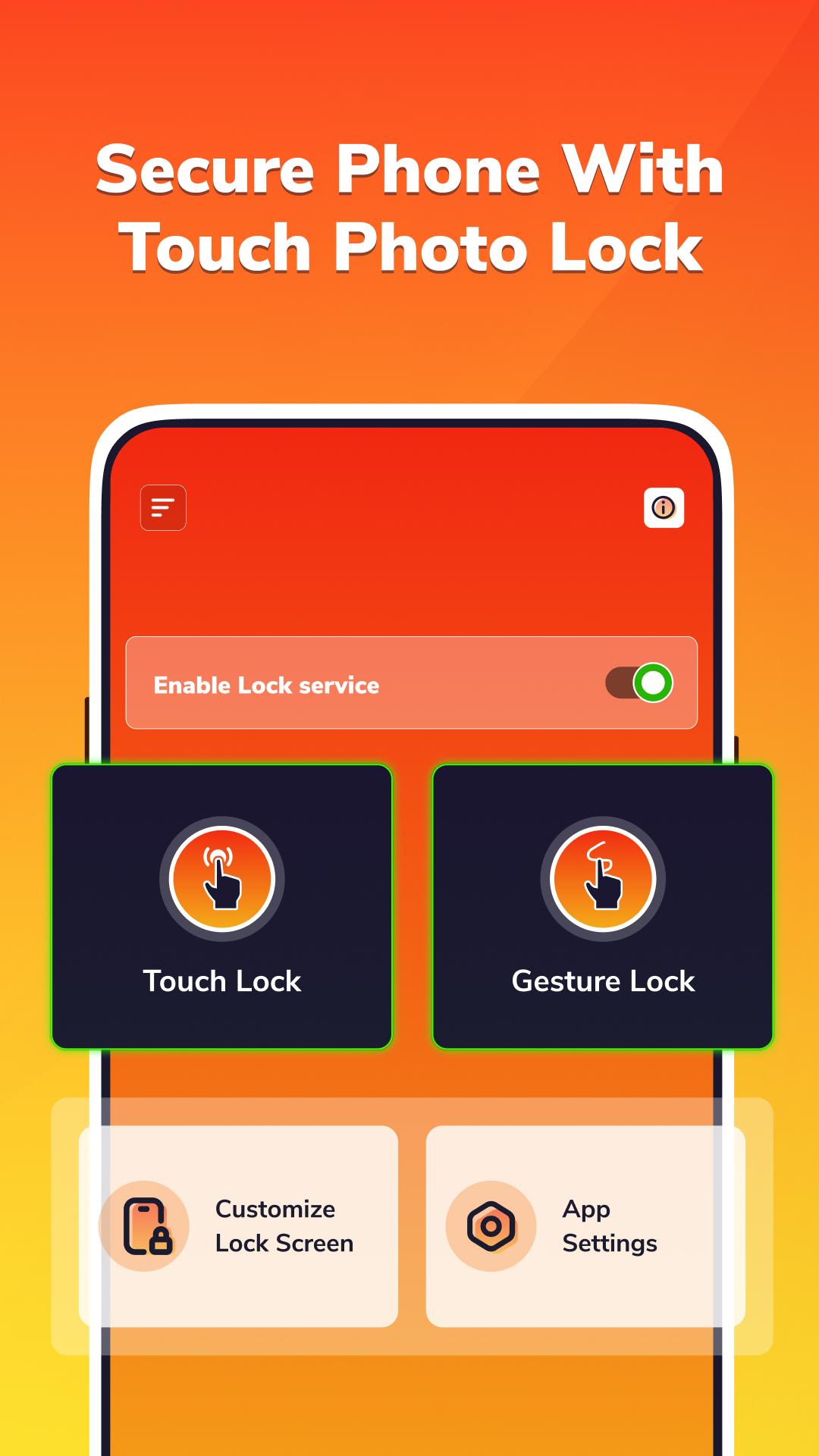
1.Photo Touch Lock Screen:
• Set your own photo from the gallery as the lock screen wallpaper, or choose default wallpapers or videos from the app.
• Define the specific touch positions on the photo to lock your screen.
• Set a password by touching 2-4 locations on the photo.
• Secure your screen with a backup PIN password.
2.Gesture Lock Screen:
• Set a unique gesture password on your preferred background image or videos.
• Draw a customized gesture on the screen for unlocking.
• Customize the gesture draw color to your liking.
• Choose gesture background images or videos from your gallery.
• Set a backup PIN password for unlocking the screen with gestures.
3.Customize Lock Screens:
• Apply different clock styles, weather information, battery status, and daily taglines with various patterns.
• Enable or disable tap sound on the lock screen.
• Control the visibility of gesture and touch lock on the lock screen.
4.App Settings:
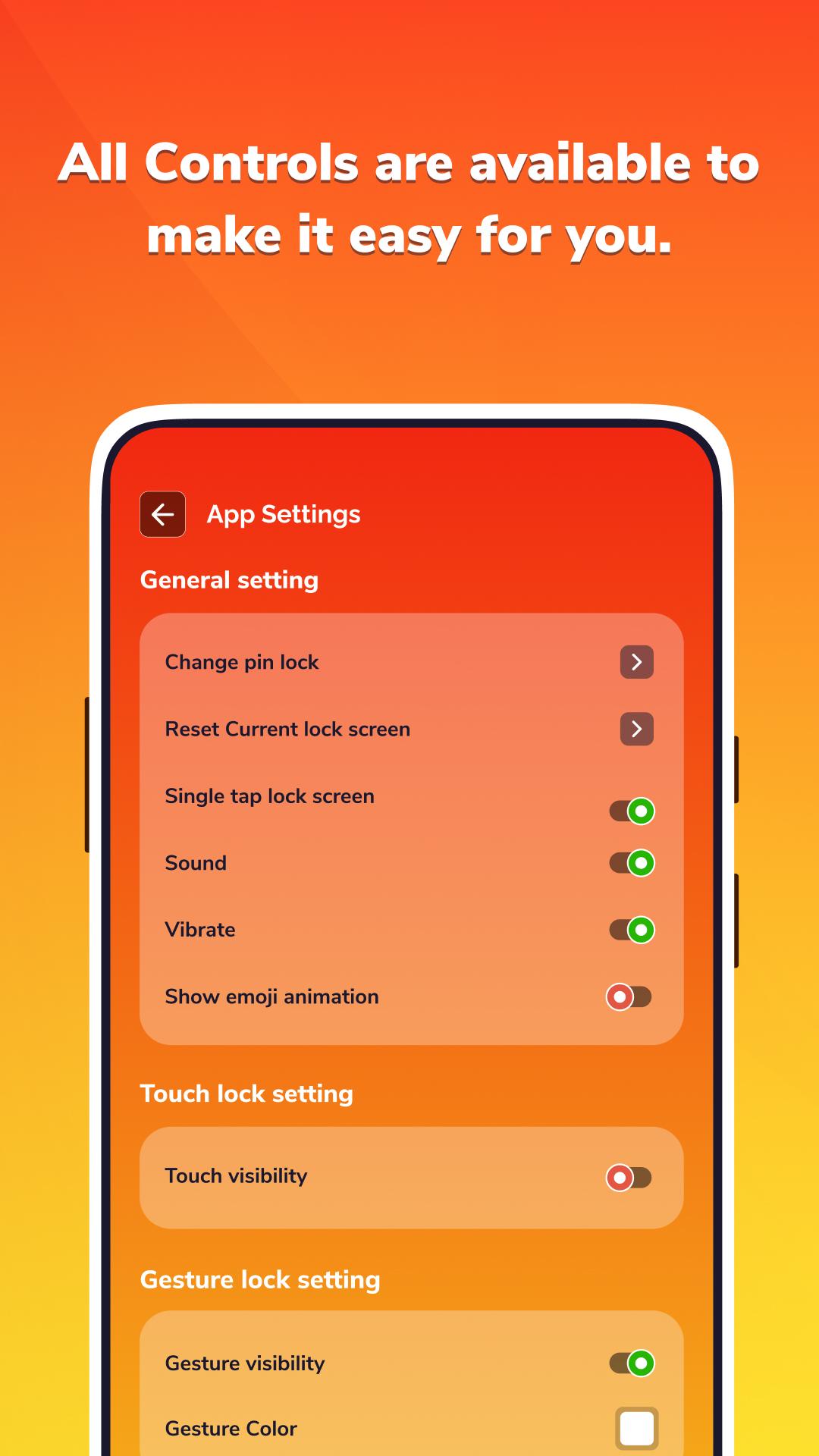
• Change the PIN lock for added security.
• Reset the current lock screen settings.
• Adjust sound and vibration settings.
• Enable or disable emoji animation.
• Configure Touch lock settings, such as visibility during screen lock or unlock.
• Customize Gesture lock settings, including visibility and gesture color.
5.One Touch Lock Screen:
• Lock your device screen with a single tap on the notification.
• Unlock your device by tapping the app icon on your screen, easily set up via app settings.
• Easy and smooth to use touch lock screens.
• Full customization support for lock screens.
- Secure your phone and make it look stunning with Touch Photo Lock Screen. Customize your lock screen, enjoy advanced security features, and add a personal touch to your phone's display.
* Permission :
-> Read-Write External Storage
- Retrieve photo from gallery and set lock screen background
-> Read Phone State
- Check your incoming phone call.
-> Screen Overlay
- We require the screen overlay permission to display screen lock view above other view.
Latest Version
2.0.0Uploaded by
Bruno Gomes
Requires Android
Android 5.0+
Category
Free Productivity AppContent Rating
Everyone
Report
Flag as inappropriateLast updated on May 27, 2023
- Apply different clock styles, weather information, battery status, and daily taglines with various patterns.





APKPure - A multi-platform app store primarily focused on Android, providing extensive app-related content. Discover the app you want easier, faster, and safer, with quick and efficient downloads and installations.











