The Best Productivity Apps for Android in 2026: Boost Your Efficiency

2026-01-21
Discover the top productivity apps for Android in 2026. From file management to communication, these apps are essential for boosting your productivity. Download them from APKPure today!
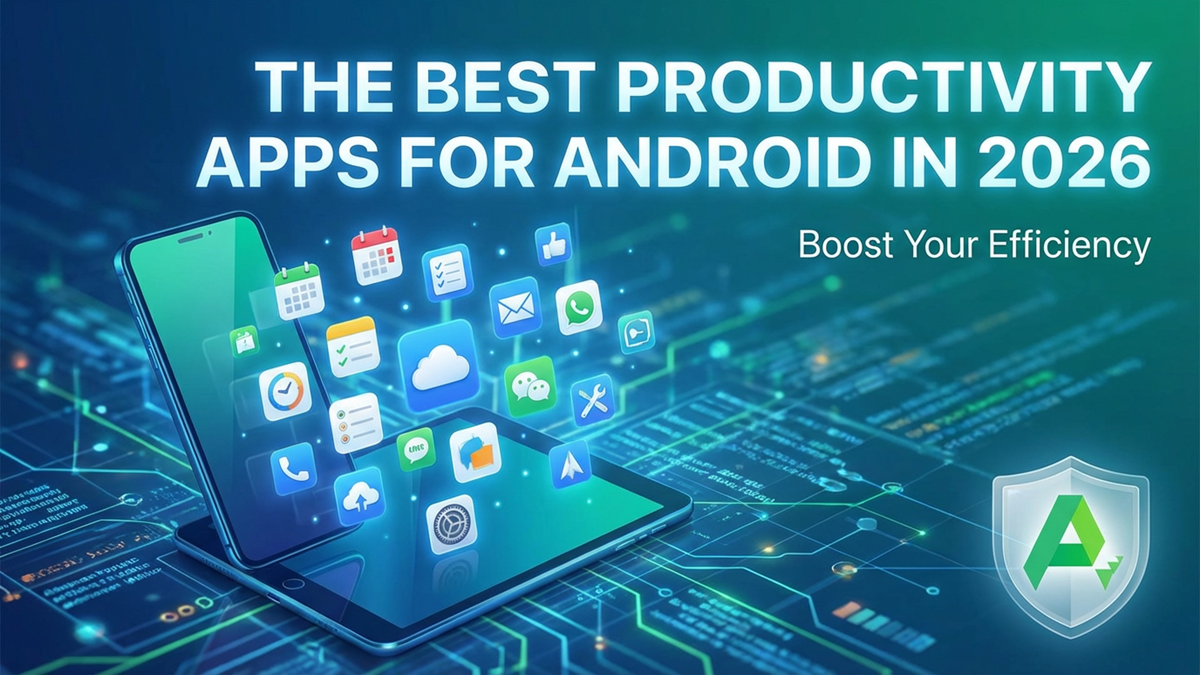
In today’s fast-paced world, productivity is more important than ever. Whether you're managing your work, organizing your life, or enhancing your efficiency, having the right tools can make all the difference. Android offers a plethora of apps designed to help you stay organized, focused, and productive. In this article, we explore some of the best productivity apps available in 2026 that can streamline your daily tasks and improve your workflow. And don't forget, you can easily download them from APKPure for the latest versions!
Top 15 Productivity Apps for Android
1. ES File Explorer
Introduction: ES File Explorer is one of the most popular file management apps for Android. It offers an intuitive interface that lets users easily organize their files, apps, and multimedia. With built-in features like cloud storage management, file transfer, and an integrated media player, it’s an all-in-one tool for managing your device.
| Pros | Cons |
|---|---|
| Easy-to-use interface | Contains ads in the free version |
| Cloud storage integration | Some advanced features require a paid version |
| Multi-functional tool | Can consume a lot of resources on older devices |
Who It's For: This app is perfect for users who need comprehensive file management and cloud storage options.
APKPure Recommendation: 9/10 – A must-have for Android users seeking efficient file management.
ES File Explorer is a file manager app that helps you browse, organize, and share files across local, SD card, network, and cloud storage.
2. Google Drive
Introduction: Google Drive is the go-to cloud storage solution for millions worldwide. With 15GB of free storage and seamless integration with other Google services, Drive allows you to store documents, photos, and videos securely while being accessible across devices. Share files, collaborate in real-time, and access your content from anywhere with this powerhouse app.
| Pros | Cons |
|---|---|
| Seamless integration with Google services | Limited free storage (15GB) |
| Excellent collaboration features | Can be slow at times with large files |
| Cross-platform support | Requires an internet connection for optimal use |
Who It's For: Ideal for individuals and teams who require easy collaboration and reliable cloud storage.
APKPure Recommendation: 10/10 – An essential app for anyone who uses Google services.

Google Drive is a cloud storage app that keeps your files organized and accessible across devices.

3. XHubs
Introduction: XHubs is a unique app that combines project management and communication tools into one powerful platform. It is designed for teams that need a centralized place to manage tasks, collaborate, and track progress on projects. With its integration with calendar apps and file-sharing capabilities, XHubs is an efficient tool for professional environments.
| Pros | Cons |
|---|---|
| Combines project management and communication | Some features may be overwhelming for new users |
| Calendar and task management integration | Limited features in the free version |
| Strong collaboration tools | User interface could be improved |
Who It's For: Ideal for teams and businesses that need a comprehensive productivity solution.
APKPure Recommendation: 8/10 – Great for teams but could use a more intuitive interface.

4. M365 Copilot
Introduction: M365 Copilot is an AI-driven assistant that helps streamline office tasks. From scheduling meetings to suggesting content in Microsoft Word, this app leverages AI to assist with everyday work tasks. M365 Copilot integrates deeply with Microsoft 365 apps, enhancing the functionality of Word, Excel, and Outlook.
| Pros | Cons |
|---|---|
| AI-powered assistance | Requires a Microsoft 365 subscription |
| Seamless integration with Office apps | Can be resource-heavy |
| Smart scheduling and task management | Limited to Office apps for now |
Who It's For: Perfect for those heavily invested in the Microsoft ecosystem, especially office workers and business users.
APKPure Recommendation: 9/10 – A game-changer for Microsoft 365 users.

Microsoft 365 Copilot is a productivity app that brings chat, content, and file tools into one place.
5. Microsoft Word
Introduction: Microsoft Word remains one of the most essential apps for anyone who needs to create, edit, and format documents. The app’s rich features, real-time collaboration, and robust formatting tools make it indispensable for both personal and professional use. Whether you're drafting a report or writing a novel, Word is the ultimate writing tool.
| Pros | Cons |
|---|---|
| Rich formatting options | Requires a subscription for full features |
| Real-time collaboration | Can be resource-intensive |
| Cloud integration with OneDrive | Some features are only available online |
Who It's For: Anyone needing to create professional documents or collaborate on projects.
APKPure Recommendation: 10/10 – Essential for anyone who works with text documents.

Microsoft Word: Edit Documents is a productivity app that lets you create, edit, and share documents on Android.
6. Outlook
Introduction: Outlook is Microsoft’s leading email app, offering robust features that go beyond simple inbox management. With integrated calendar, task management, and contact organization, Outlook is more than just an email app—it’s a complete productivity tool for managing communications and schedules.
| Pros | Cons |
|---|---|
| Great integration with Microsoft services | Spam filtering could be improved |
| Powerful calendar and task features | Can be cluttered with too many features |
| Efficient email sorting | Some features are locked behind a subscription |
Who It's For: A must-have for users who rely on Microsoft services for email and productivity.
APKPure Recommendation: 9/10 – A robust email client that also manages tasks and schedules.

Microsoft Outlook is an email and calendar app that organizes your mail, schedule, contacts, and files in one place.
7. WPS Office
Introduction: WPS Office is a powerful alternative to Microsoft Office, offering tools for word processing, spreadsheets, and presentations. It supports multiple file formats and offers a cloud-sync feature for seamless access across devices. It's perfect for Android users who need to create, edit, and share documents on the go.
| Pros | Cons |
|---|---|
| Free to use with robust features | Contains ads in the free version |
| Supports a wide range of file formats | Some features require a paid version |
| Cloud integration | Can be slow when handling large documents |
Who It's For: Ideal for users who need office tools without the Microsoft Office subscription.
APKPure Recommendation: 8/10 – A strong competitor to Microsoft Office, especially for those on a budget.

WPS Office is a mobile office app that creates, edits, converts, and shares documents and PDFs.
8. ChatGPT
Introduction: ChatGPT, powered by OpenAI, is an AI-driven conversational assistant designed to help with writing, coding, and information retrieval. This app uses advanced natural language processing to assist with any task, from drafting emails to answering complex questions.
| Pros | Cons |
|---|---|
| Advanced AI with natural language understanding | Requires an internet connection |
| Can assist with a wide range of tasks | Some advanced features require a premium version |
| Great for brainstorming and writing assistance | Responses may not always be 100% accurate |
Who It's For: Perfect for anyone who needs AI-powered help with writing, learning, or problem-solving.
APKPure Recommendation: 10/10 – An indispensable tool for both work and personal use.

9. Google Translator
Introduction: Google Translator breaks down language barriers by offering instant translation of over 100 languages. Whether you're traveling or working on a multilingual project, this app is essential for quick and accurate translations.
| Pros | Cons |
|---|---|
| Supports over 100 languages | Some translations may not be perfect |
| Offline translation available | Limited contextual understanding |
| Voice input and camera translation | Sometimes slow with large text |
Who It's For: Essential for travelers, language learners, and anyone working with multilingual content.
APKPure Recommendation: 10/10 – A must-have translation tool for global communication.

Translate your written and spoken words into over 70 languages instantly.
10. CamScanner
Introduction: CamScanner turns your Android device into a powerful scanner. You can scan documents, receipts, notes, and more, and store them as PDFs or images. It offers features like auto-enhancing scans, OCR (Optical Character Recognition), and cloud integration for easy access to your documents anywhere.
| Pros | Cons |
|---|---|
| High-quality scans | Ads in the free version |
| OCR feature for text recognition | Some features require a premium subscription |
| Easy cloud integration | Limited features without a premium account |
Who It's For: Ideal for anyone who needs to scan documents on the go.
APKPure Recommendation: 9/10 – A top choice for document scanning.

CamScanner is a document scanning and PDF toolkit app that turns your phone into a portable scanner.
11. File Manager +
Introduction: File Manager + is a straightforward file management app that helps you organize your files and folders efficiently. It also offers features like app management, cloud storage support, and compression tools.
| Pros | Cons |
|---|---|
| User-friendly interface | Lacks advanced features like file sharing |
| Cloud storage integration | Ads in the free version |
| Lightweight and fast | Some features require a premium version |
Who It's For: Perfect for users who need a simple and efficient file management tool.
APKPure Recommendation: 8/10 – Great for users who need basic file management features.

File Manager is a file management app that helps you browse, organize, and share files across local, external, and cloud storage on Android.
12. Mobizen
Introduction: Mobizen is a screen recording app that lets you record your Android device’s screen in high definition. It’s useful for creating tutorials, gaming videos, or recording important moments.
| Pros | Cons |
|---|---|
| High-quality screen recording | Contains ads in the free version |
| Easy-to-use interface | Some features require a premium subscription |
| Multiple recording modes | Limited editing tools |
Who It's For: Great for gamers, content creators, and anyone needing to record their device's screen.
APKPure Recommendation: 9/10 – A reliable screen recording app with great functionality.

Mobizen Screen Recorder is a screen recording app that captures your Android screen with one tap.
13. Google Calendar
Introduction: Google Calendar is a powerful scheduling tool that helps you manage your events, tasks, and reminders. With cross-platform sync, Google Calendar ensures you never miss an important event or meeting.
| Pros | Cons |
|---|---|
| Seamless integration with Google services | Lacks some advanced features of other calendar apps |
| Easy to use | Can get cluttered with too many events |
| Cross-platform support | Needs an internet connection for syncing |
Who It's For: Perfect for anyone who needs a reliable and easy-to-use calendar.
APKPure Recommendation: 10/10 – A must-have app for managing your time effectively.

Google Calendar is a productivity app that helps you plan schedules and manage events.
14. MEGA
Introduction: MEGA is a cloud storage app known for its generous 20GB of free storage and end-to-end encryption. It’s ideal for users who prioritize privacy and need a secure place to store their files.
| Pros | Cons |
|---|---|
| 20GB free storage | Speed can be slow at times |
| End-to-end encryption | Limited free storage |
| Easy-to-use interface | Premium features require a subscription |
Who It's For: Ideal for privacy-conscious users and those in need of secure cloud storage.
APKPure Recommendation: 9/10 – Secure and reliable cloud storage for Android users.

15. Microsoft Excel
Introduction: Microsoft Excel is the go-to spreadsheet app for anyone who needs to manage data, analyze trends, or create budgets. With powerful features like formulas, data visualization tools, and collaboration capabilities, Excel remains the standard for spreadsheets.
| Pros | Cons |
|---|---|
| Comprehensive feature set | Requires a subscription for full access |
| Real-time collaboration | Can be slow with large files |
| Strong data analysis tools | Some advanced features are online-only |
Who It's For: Anyone who works with data or needs to create complex spreadsheets.
APKPure Recommendation: 10/10 – The best spreadsheet app for Android.

Microsoft Excel: Spreadsheets is a productivity app that lets you build and manage spreadsheets on Android.
Boosting productivity has never been easier with these amazing Android apps. From file management to cloud storage, task management, and more, these tools are designed to help you get the most out of your day. Download them now from APKPure to get the latest versions and start working smarter today!
 NEWS
NEWS REVIEWS
 HOWTO
HOWTO