
Toolbox for Minecraft: PE works alongside Minecraft Bedrock Edition and adds a floating M button inside the game. This menu brings common tasks into one place so you can manage items, tweak world settings, and fine tune gameplay without leaving your world. It serves builders, explorers, and redstone tinkerers who want faster access to helpful tools. Moreover, the launcher keeps the interface simple so you can open tools quickly, apply changes, and return to play with minimal taps. Therefore, creators can focus on their projects while the app handles setup and repetitive actions.
Instant items and inventory control
Toolbox for Minecraft: PE lets you give yourself items, browse crafting recipes, and manage your inventory faster. You can search, spawn, and organize without breaking your building flow. As a result, gathering materials for tests or creative builds takes seconds.
Exploration helpers for caves and mining
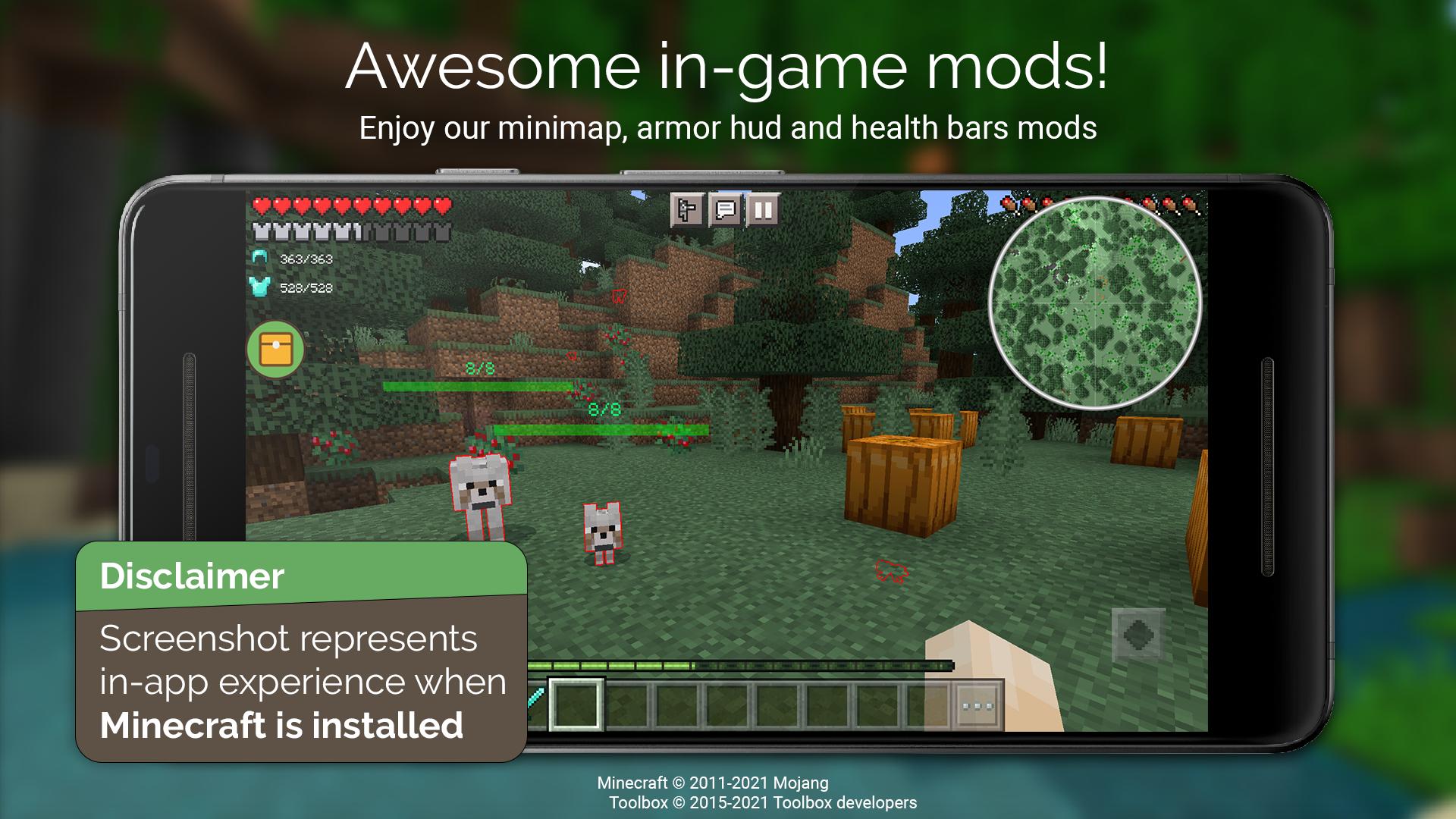
Turn on X Ray to highlight valuable ores and switch on Fullbright to brighten dark areas. A simple on screen minimap helps with navigation and awareness as you travel. In addition, you can keep track of your location while you plan routes or mark points of interest.
World and player controls on demand
Change time of day and weather, switch between survival and creative, and enable fly mode when needed. You can set your spawn or teleport to coordinates to move quickly. Therefore, testing builds or setting up screenshots becomes faster and more consistent.
Combat and progression shortcuts
Apply potion effects, heal, and restore hunger directly from the menu. You can also enchant items through the interface without a table. Moreover, these options help you test gear setups and fine tune balance before you play for real.
Faster building with pro tools
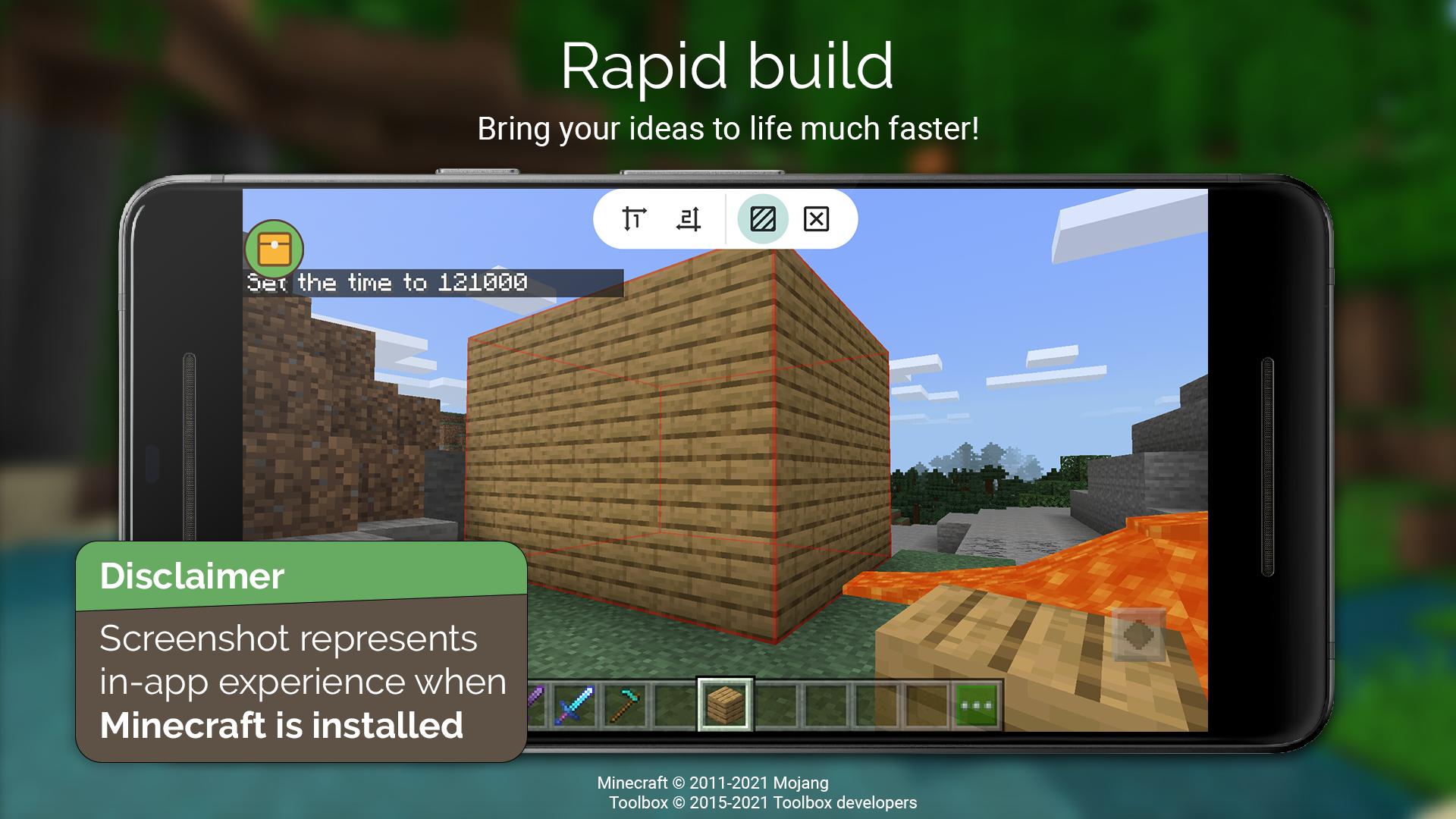
Use Rapid Build and Reach to place blocks efficiently across larger areas. WorldEdit style options and Tree Capitator speed up terrain changes and cleanup. In addition, a customizable GUI lets you keep essential tools close to your thumb.
Simple launcher with the M button menu
Open Toolbox for Minecraft: PE, start the game through the launcher, and tap the M button to access tools. The layout feels familiar if you used BlockLauncher workflows before. As a result, you can adopt the toolkit quickly and keep your attention on the build.
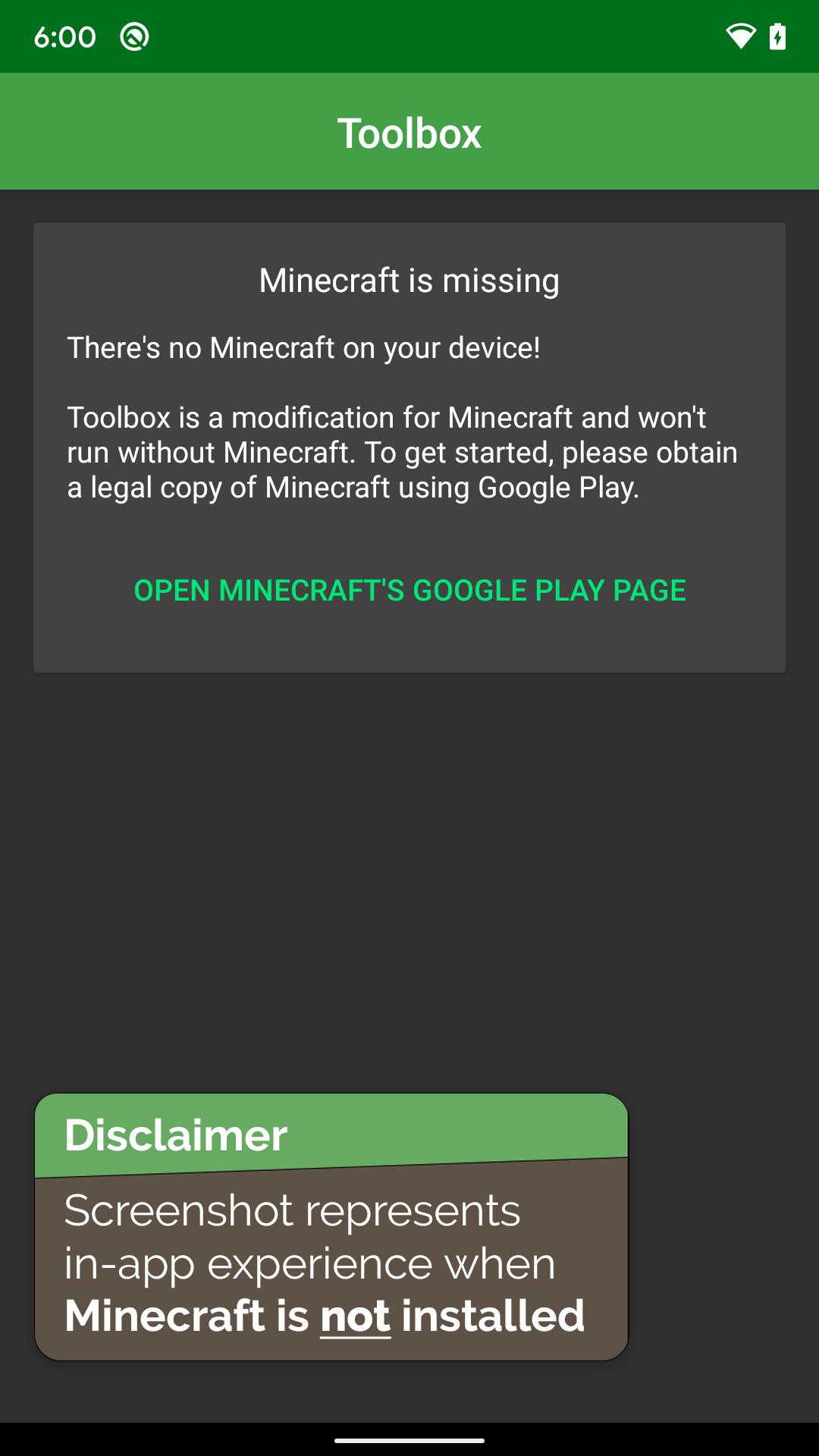
Toolbox for Minecraft: PE requires Minecraft Bedrock Edition installed on your device. It works as a companion launcher and will not function as a standalone game. The app is not affiliated with Mojang or Microsoft.
Get the Toolbox for Minecraft: PE APK latest version on APKPure to match recent MCPE releases, including updates in the 1.21 series. If needed, you can also download Toolbox for Minecraft: PE from the All versions archive on APKPure to match older worlds. In addition, builds are available for both 32 bit and 64 bit devices, so pick the variant that fits your hardware for best stability.
APKPure provides Toolbox for Minecraft: PE APK with file checks such as signatures and checksums on the download page. We also show requested permissions before you install. The app typically needs permission to display over other apps for the M button, network access for updates or ads, and storage access for import or export features.
Follow these steps to set up the launcher and open the tools inside your world. This simple guide covers installation, permissions, and the in game menu.
Toolbox for Minecraft: PE streamlines item access, world controls, and building tools in one simple menu. Get the Toolbox for Minecraft: PE APK on APKPure and keep your focus on creating while the launcher handles setup.
Does Toolbox for Minecraft: PE require Minecraft Bedrock installed?
Yes, Toolbox for Minecraft: PE requires the Minecraft Bedrock Edition app to be installed because it works as a companion launcher. Open MCPE through Toolbox to see the M button menu inside your world.
How do I update Toolbox for Minecraft: PE using APKPure?
To update, visit the Toolbox for Minecraft: PE page on APKPure and download the latest APK, then install it over your current build. You can also use the All versions archive on APKPure if you need a specific release for your world.
Why does the M button not appear in game?
The M button may not appear if overlay permissions are not granted or if MCPE was not launched through Toolbox for Minecraft: PE. Enable the display over other apps permission in system settings and start the game from the Toolbox launcher, then recheck.
Is Toolbox for Minecraft: PE compatible with MCPE 1.21.x and 32 bit or 64 bit devices?
Yes, Toolbox for Minecraft: PE updates aim to support recent MCPE versions such as 1.21.x, and APKPure lists both 32 bit and 64 bit APK variants. Choose the build that matches your device architecture for best results.
Is Toolbox for Minecraft: PE safe to install, and what permissions does it use?
Toolbox for Minecraft: PE on APKPure includes file verification details like checksums and requested permissions shown before download. The app may request overlay, storage, and network access so the in game tools work and ads can load.
Latest Version
5.4.58Uploaded by
Tithi Bhattacharjee
Requires Android
Android 4.4+
Category
Free Tools AppContent Rating
Everyone
Report
Flag as inappropriateLast updated on May 17, 2024
5.4.57
* 1.20.81 support!





APKPure - A multi-platform app store primarily focused on Android, providing extensive app-related content. Discover the app you want easier, faster, and safer, with quick and efficient downloads and installations.