
Try out our new game Pixie Dust: http://goo.gl/XjhyGz
Introducing Tinycore
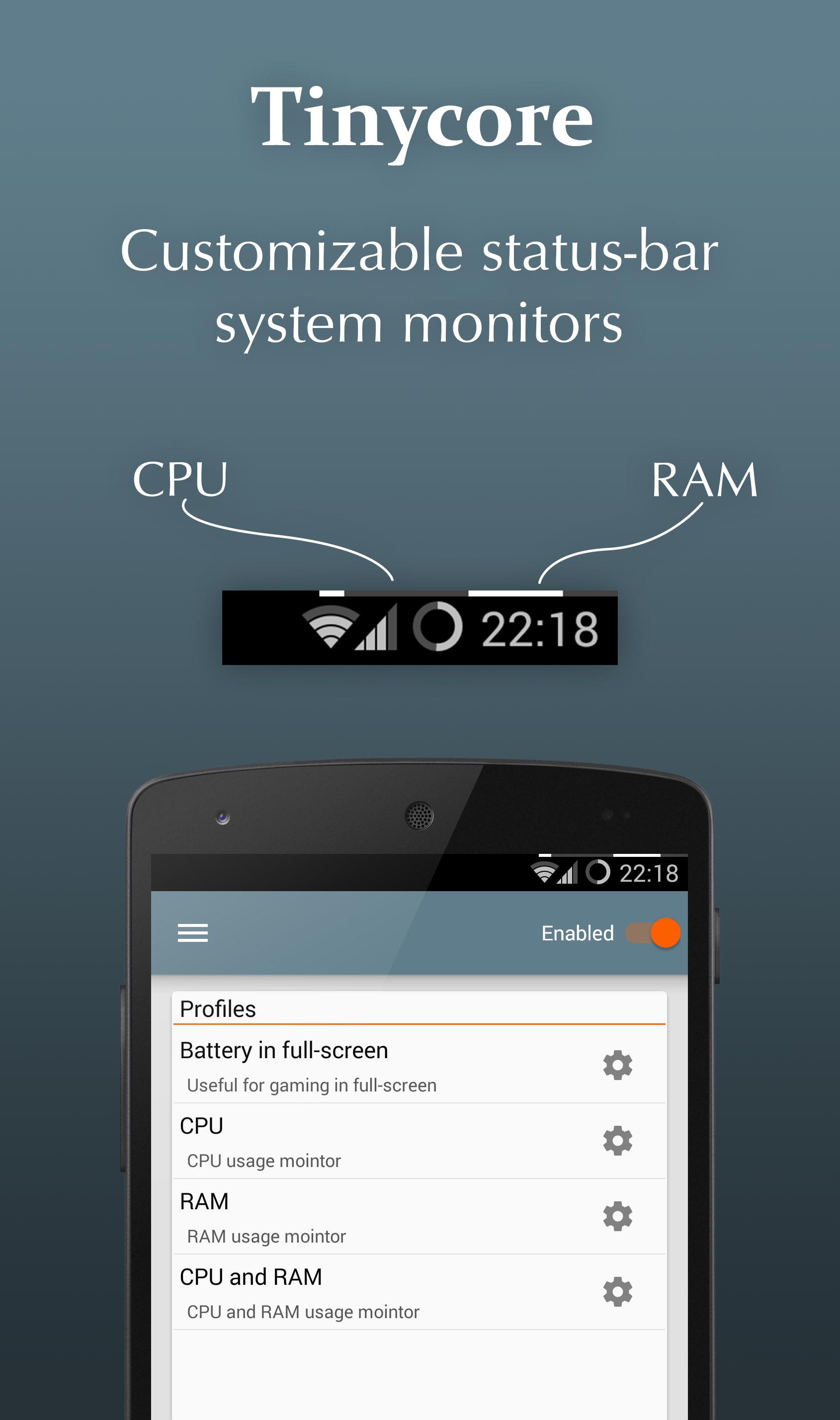
Tinycore is a system monitor app that makes your status-bar just a little more useful by adding a CPU or RAM indicator to it. The indicator is a few pixels high line which is by default added to the top-right corner of the status-bar.
Functionality
Tinycore features a highly customizable experience, minimalistic and innovative Holo design and is completely designed to be lightweight (low system footprint). With Tinycore monitoring your devices CPU or RAM becomes much easier and interesting.
Features
Tinycore is fully compatible with multicore devices, runs on Android 2.2+, is completely free but some advanced features can be unlocked using in-app purchase.
Monitor types:
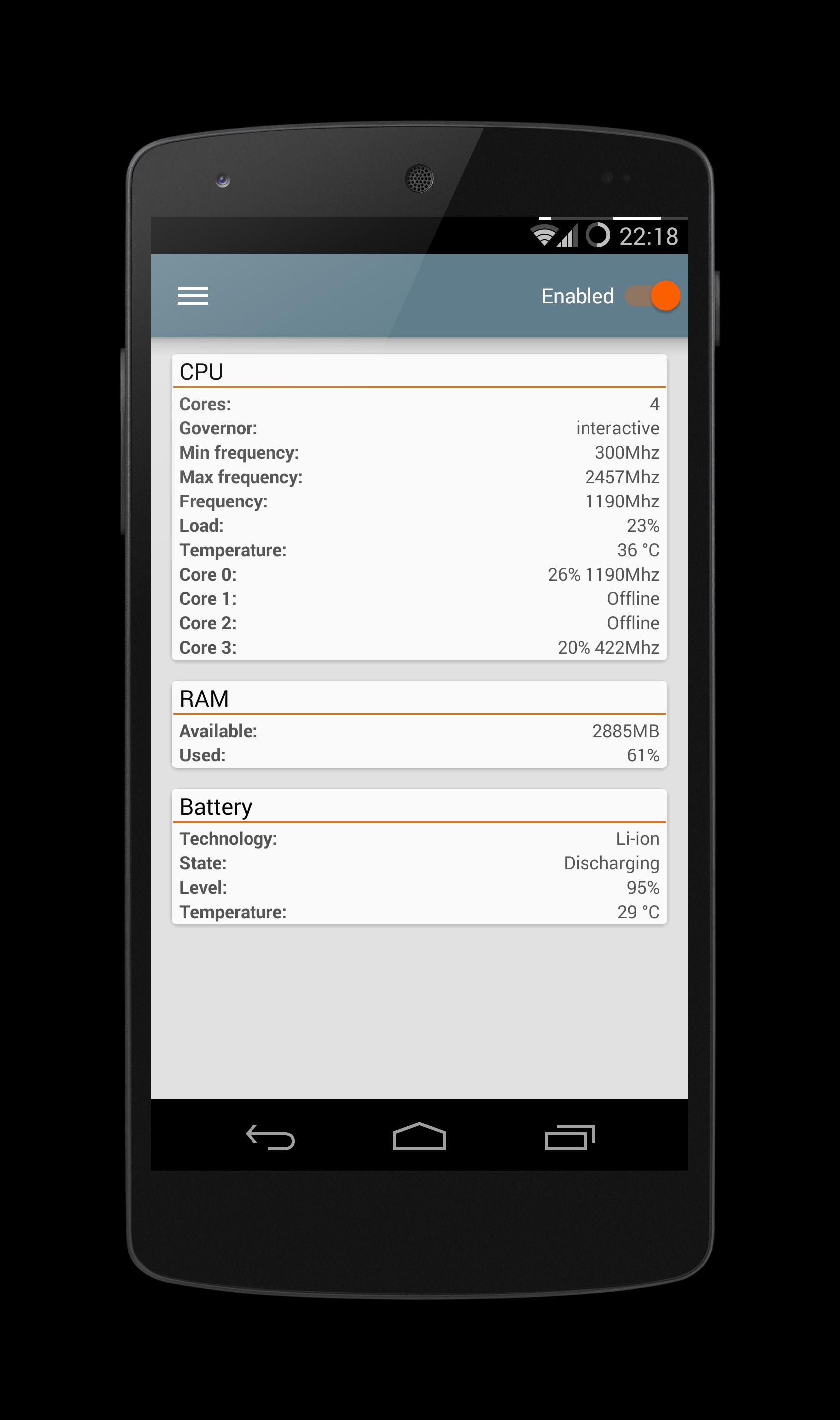
• CPU usage
• CPU frequency
• RAM usage
• Battery level
Customization options:
• Fore- and background color
• Height & Width
• Position
• Orientation
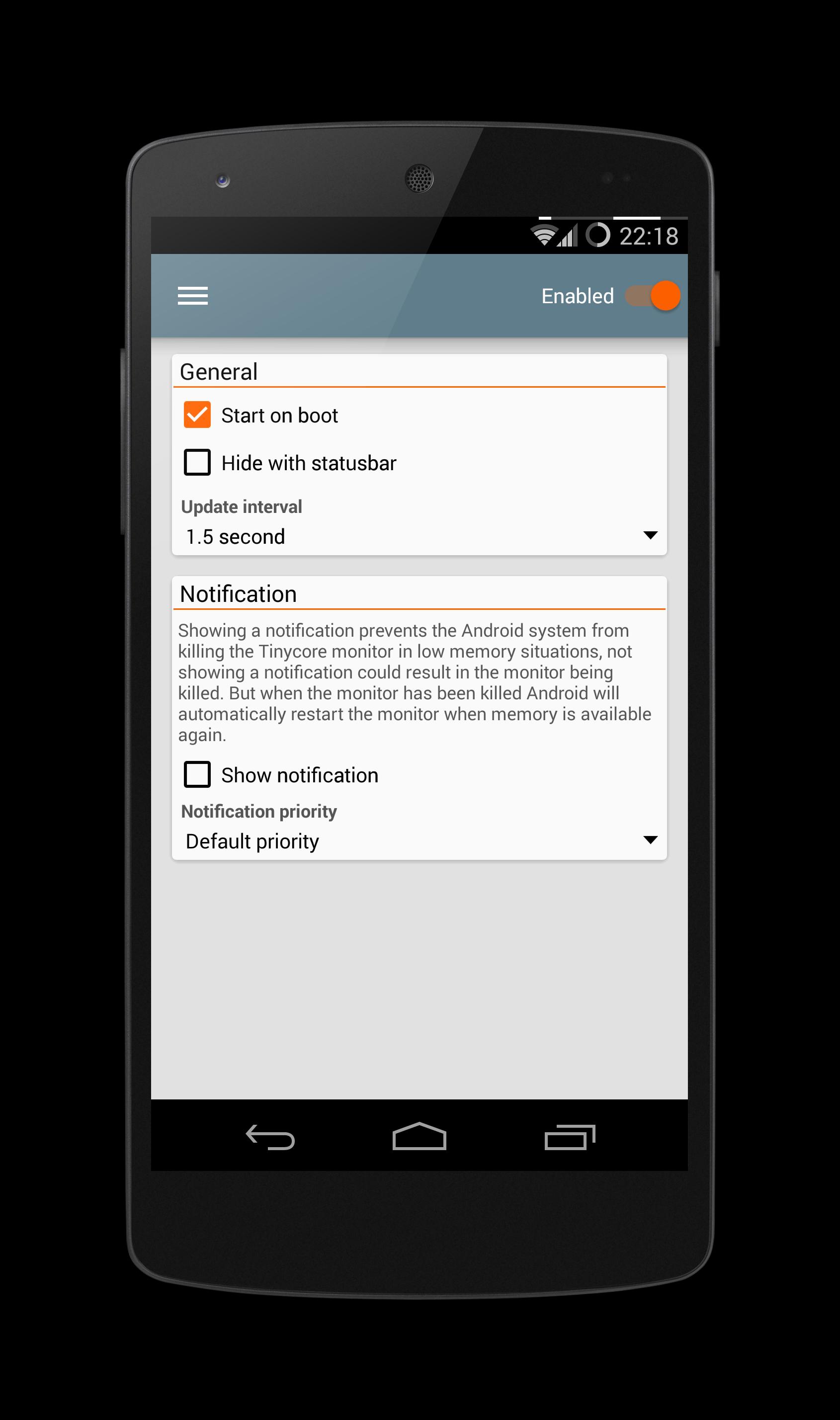
• Auto boot
• Update interval
• Status-bar behavior
• Notification behavior
• And many more
Development
Follow the development on XDA: http://goo.gl/6iHCw1
Social
Follow us on Facebook: http://goo.gl/cT0fKv
FAQ
Q: What does the weight option?
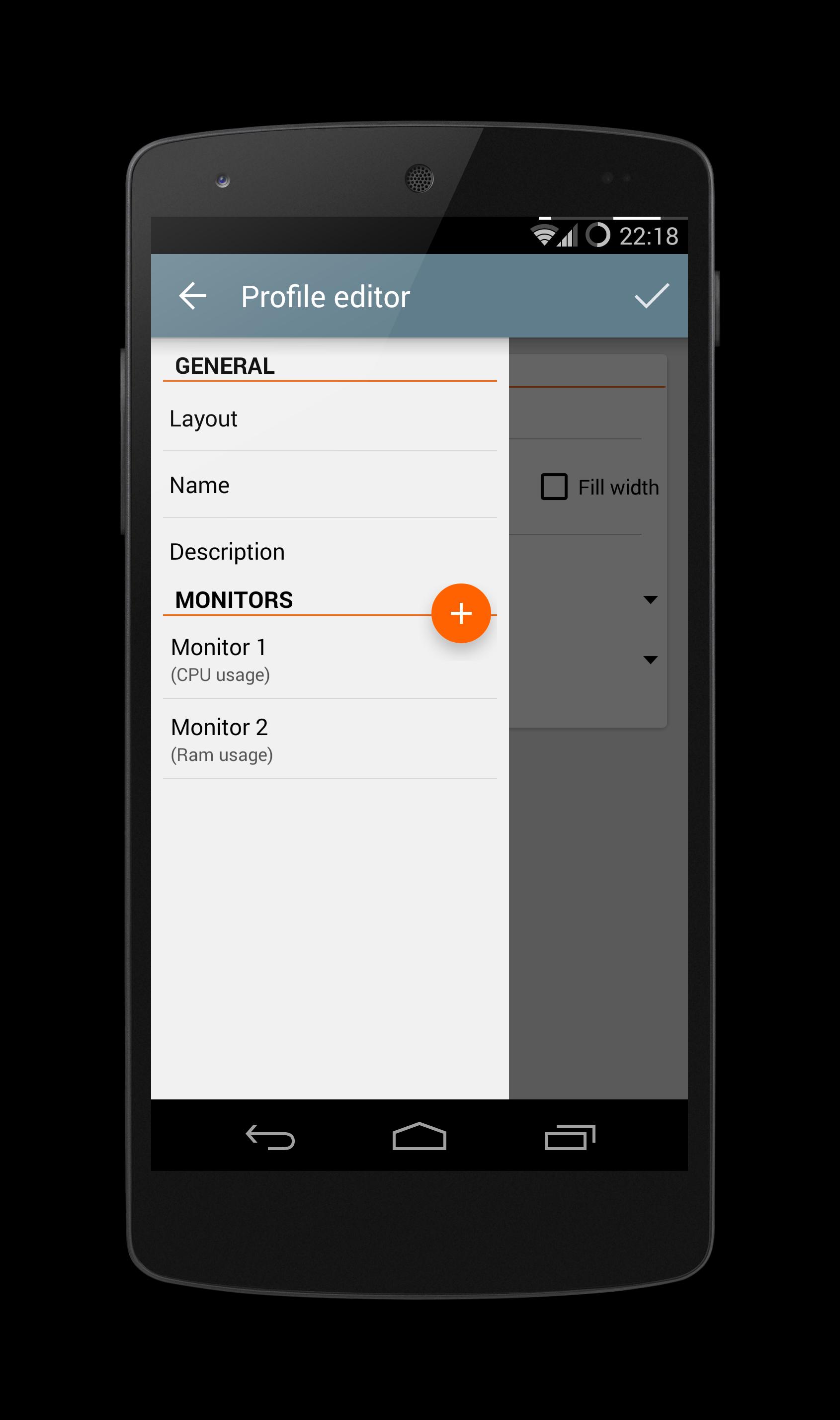
A: If you have more than one monitor the weight options specifies how the layout is divided between the monitors. For example one monitor can take up 70% of the available space and another monitor the remaining 30%.
Q: I purchased the pro version but is does not activate.
A: Quit the app and restart it with a working internet connection, this should fix your problem. If you have still problems make sure your purchase was successful.
Q: Does Tinycore run when the screen is off?
A: No, Tinycore keeps a low system footprint and stops monitoring.
Latest Version
4.0.0Uploaded by
Nguyễn Minh Chính
Requires Android
Android 4.0+
Category
Free Tools AppContent Rating
Everyone
Report
Flag as inappropriateLast updated on Nov 11, 2017
• User interface improvements
• Option to animate monitor changes
• Support for more CPU's and GPU's
• Improvements to keep Tinycore running at all times
• Many small improvements under the hood
• Quick settings tile to enable and disable Tinycore
Android 8.0 users: Due to security changes in Oreo, apps can no longer access CPU load information. However CPU frequency information is still accessible and I made it a non-pro feature Oreo devices.




APKPure - A multi-platform app store primarily focused on Android, providing extensive app-related content. Discover the app you want easier, faster, and safer, with quick and efficient downloads and installations.