Tiny Reader is a Speedreader-App, which helps reading huge texts verry fast without loosing focus.
Also known as speed reader, RSVP reader, Spreeder, or Spritz reader.
On demand of many users i ADDED TTS. Don't expect to much, it's nearly impossible to synchonize the display with the sound-output. Open the options menu and tick the feature to use it.
If you experience any Problems with this app or if you wish any improvements, please send a mail to peterspaceapps@gmail.com, i want to make it work for everyone.
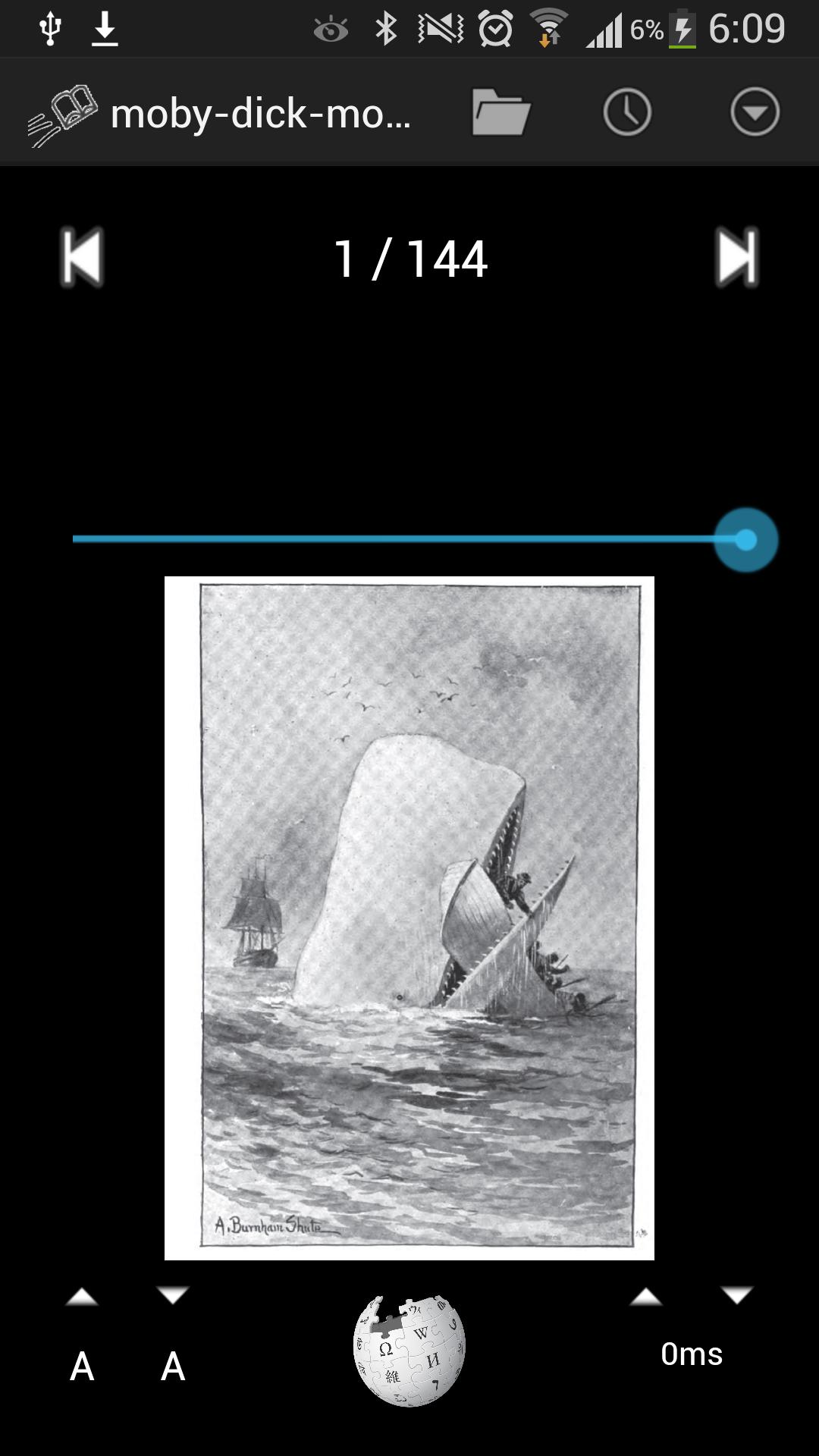
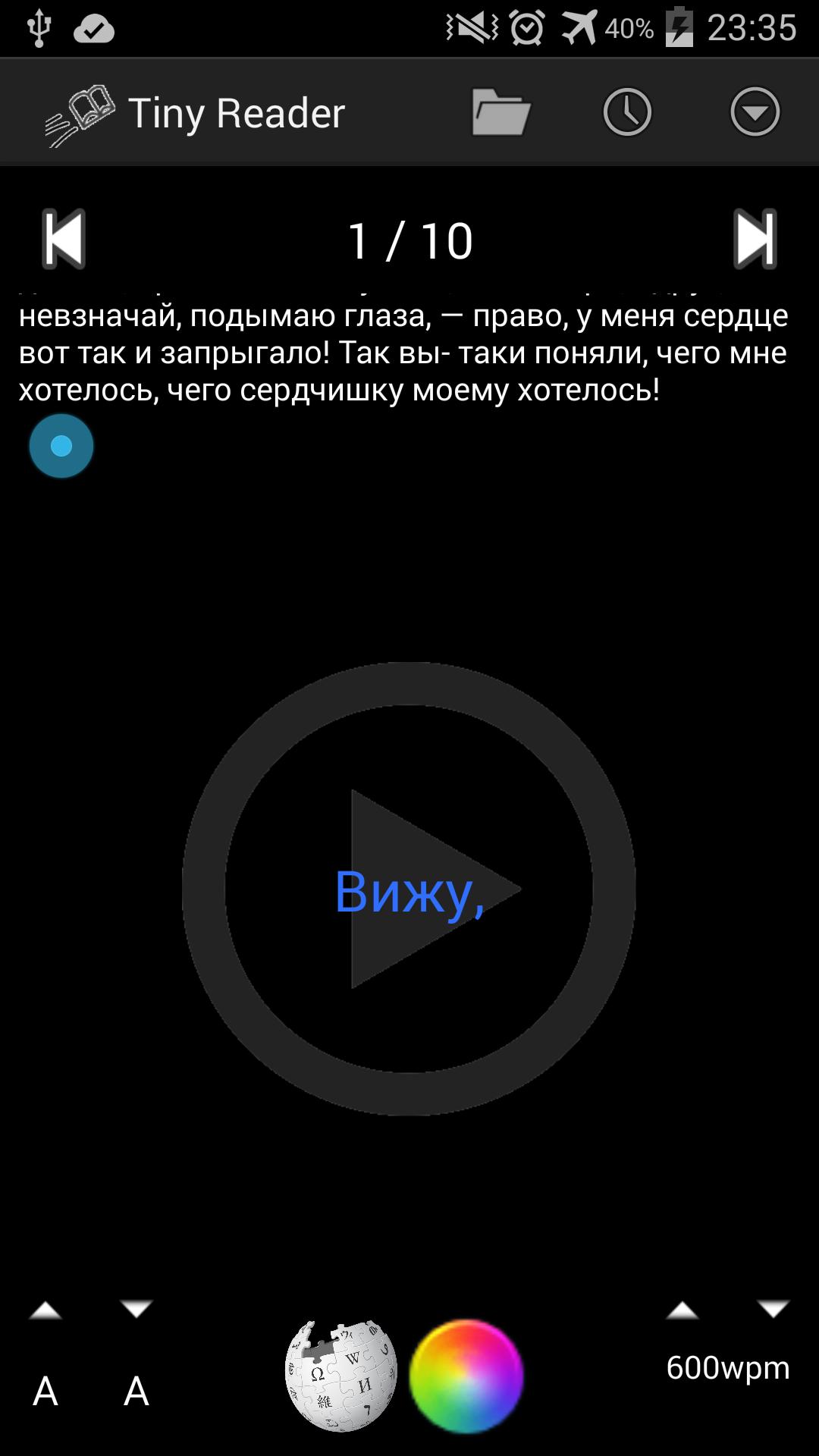
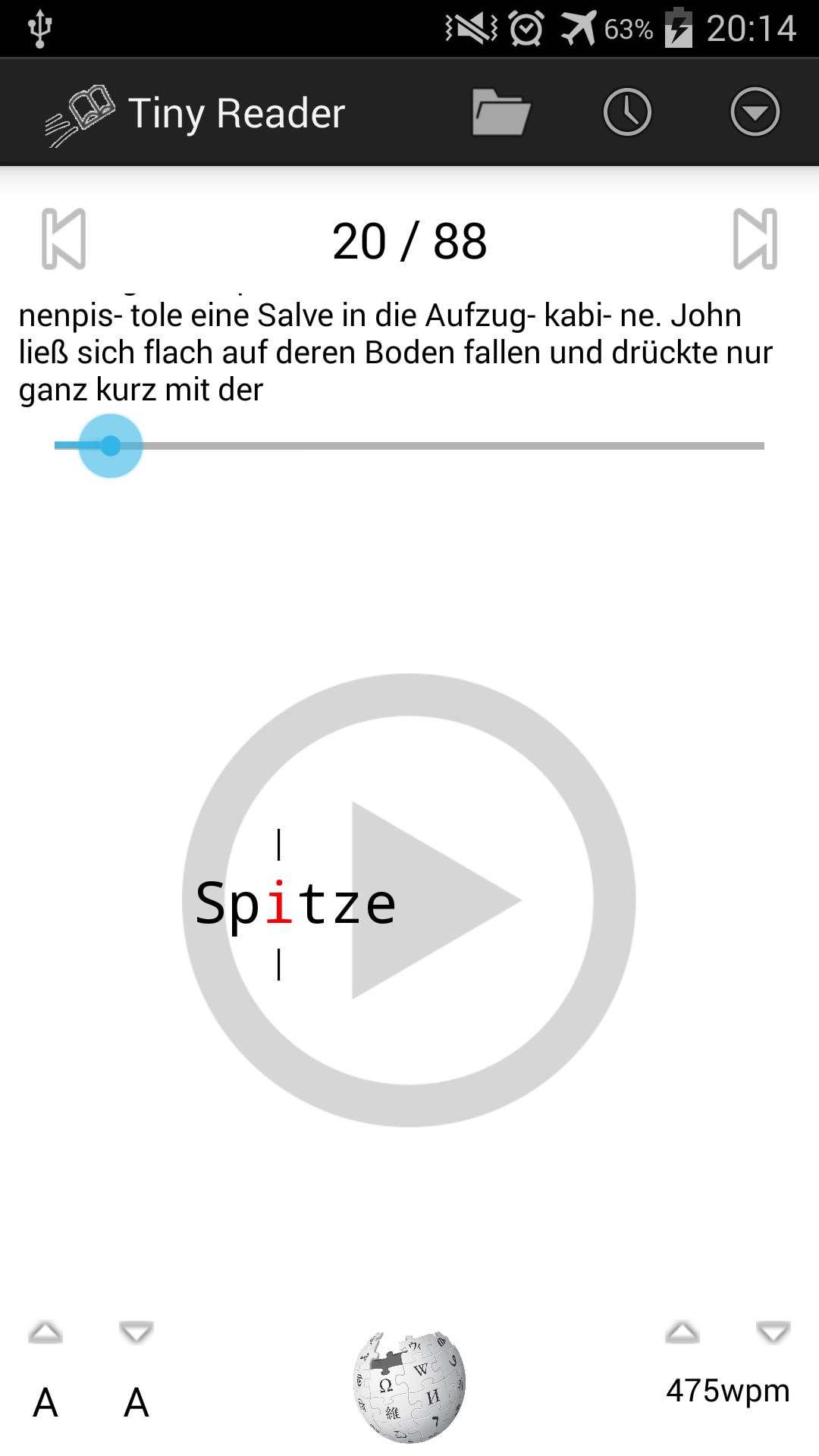
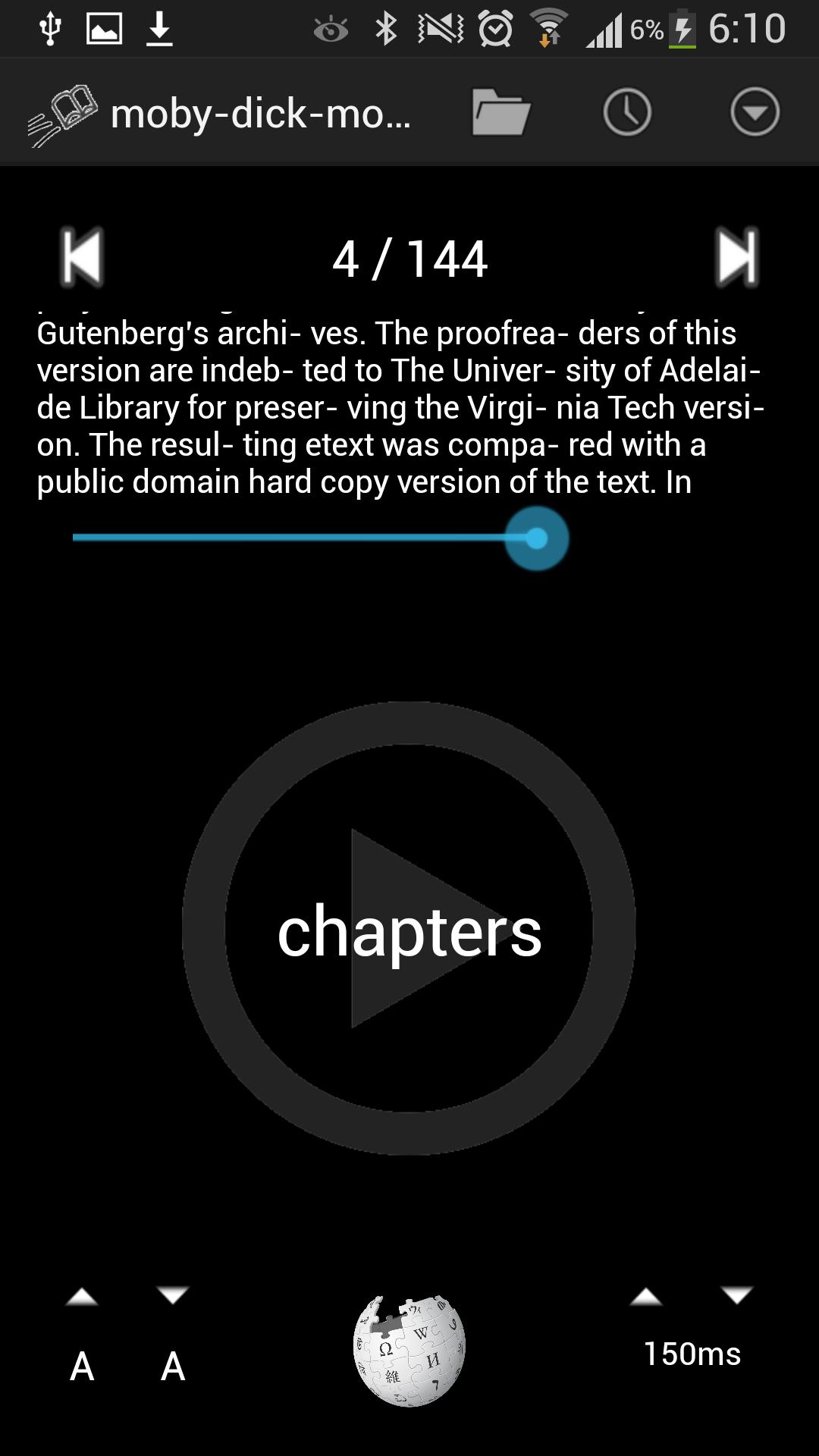
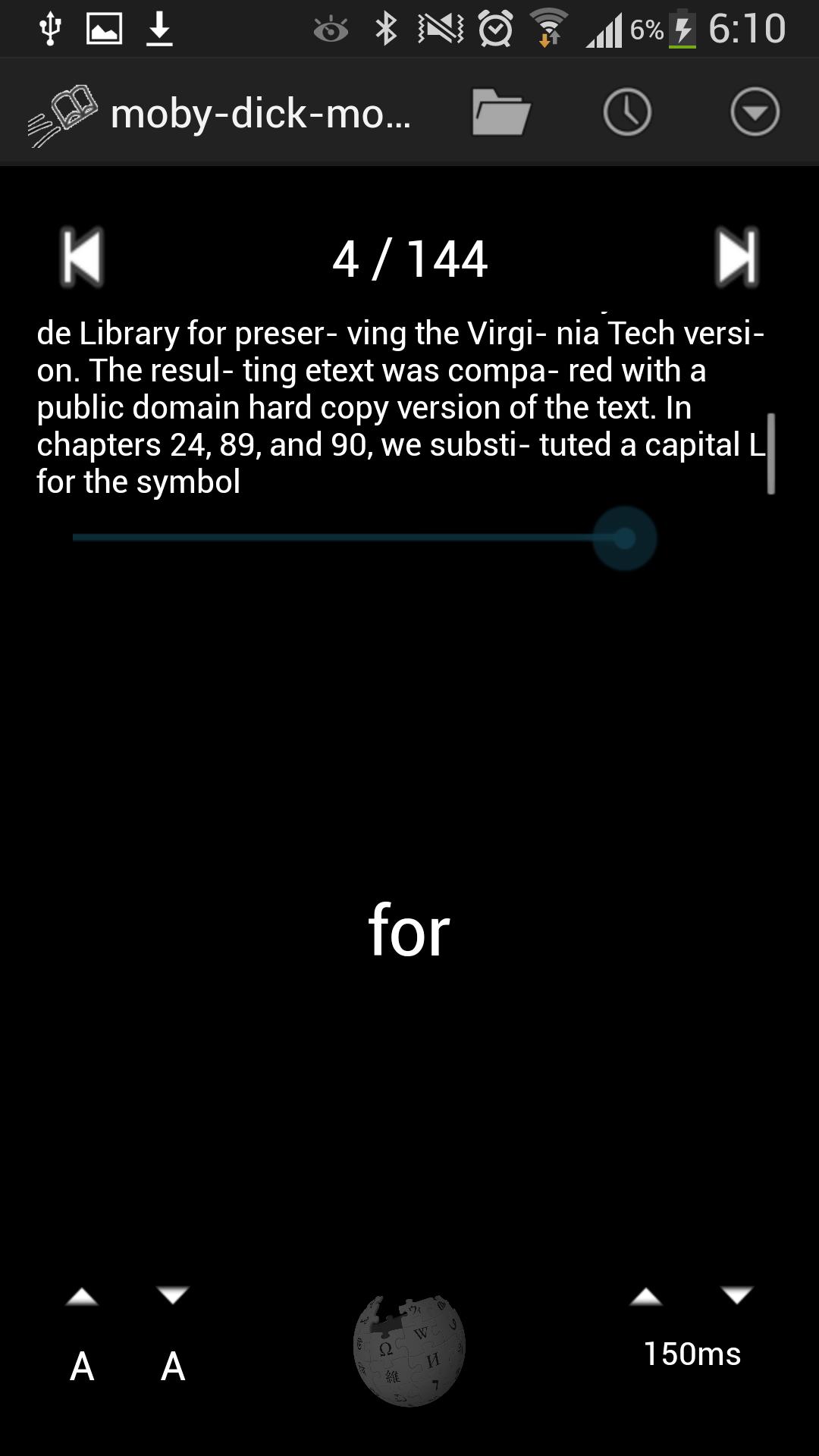
After choosing a text to read, it is shown word by word. The eyes don't have to re-focus every time and you won't miss a line while reading in a car. This is is a huge increase of reading speed.
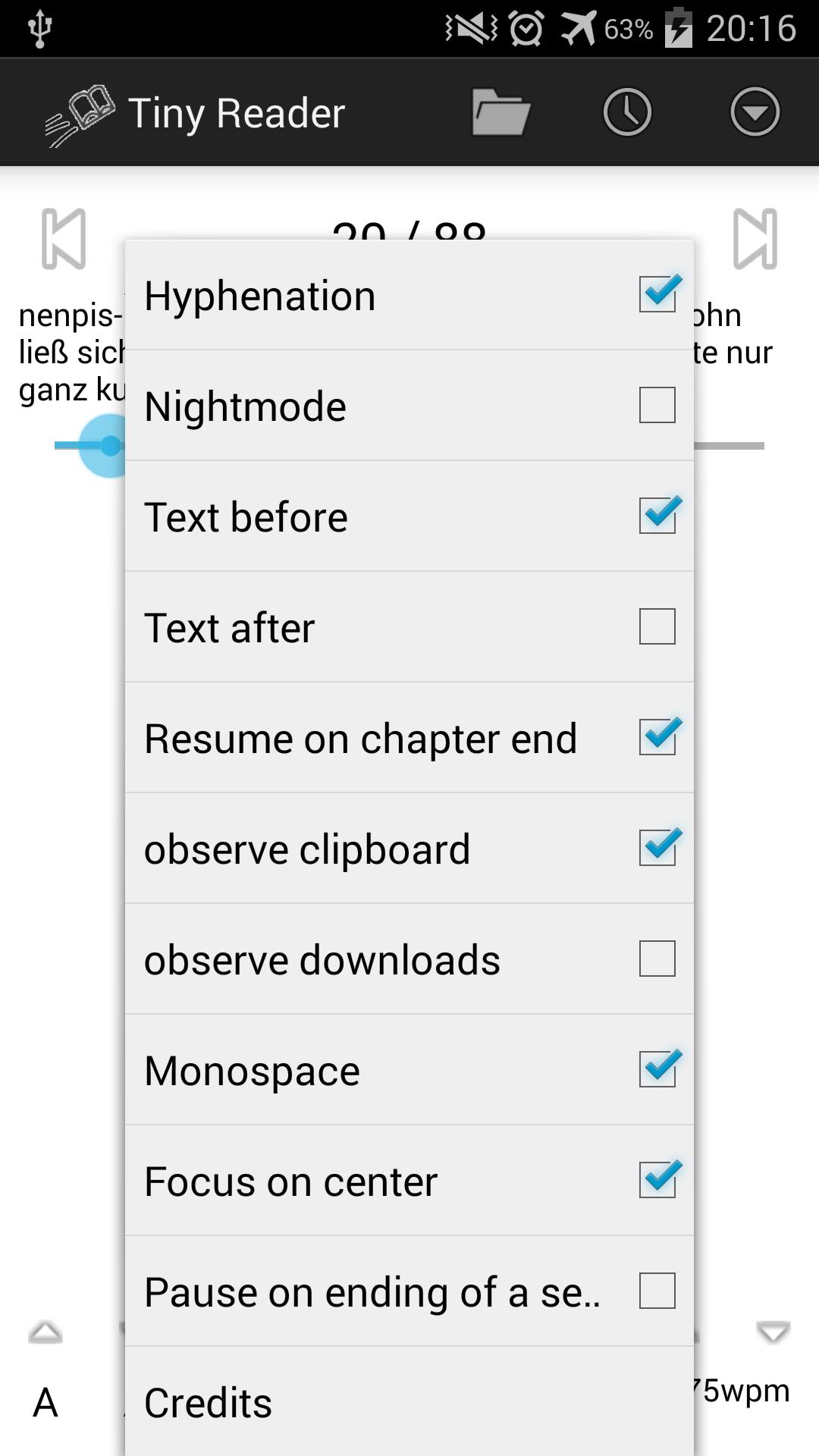
For orientation you can display the text before and after the word. Through hyphenateing even long words aren't a problem and the Wiki-Hot button helps if you don't know a word.
Additionally you can insert texts by every android-manner as the send-to function.
Supported formats
EPub
HTML
TXT
FB2
Features
Hyphenateing
Open clipboard
Open downloaded PDFs/Epub immediately by notification
Night-Mode for pleasant reading in darknes
WIkipedia-Hotlink
adjustable fontsize
adjustable speed
History
autosave of reading position
chapters
Latest Version
1.28Uploaded by
Tu Permkatoke
Requires Android
Android 2.2+
Category
Free Productivity AppContent Rating
Unrated · Warning – content has not yet been rated. Unrated apps may potentially contain content appropriate for mature audiences only.
Report
Flag as inappropriateLast updated on Oct 18, 2015
1.27
On demand of many users i ADDED TTS. Open the options menu and tick the feature to use it.
fixed: "Pause on ending of a sentence" not pauses on !?;: too.
1.26
crosshair for focus mode
Added possibility to colorize words to recognize them faster (for example Names)

APKPure - A multi-platform app store primarily focused on Android, providing extensive app-related content. Discover the app you want easier, faster, and safer, with quick and efficient downloads and installations.