
Enhance time management and focus with the award-winning visual timer app—designed for individuals and teams in professional and educational environments
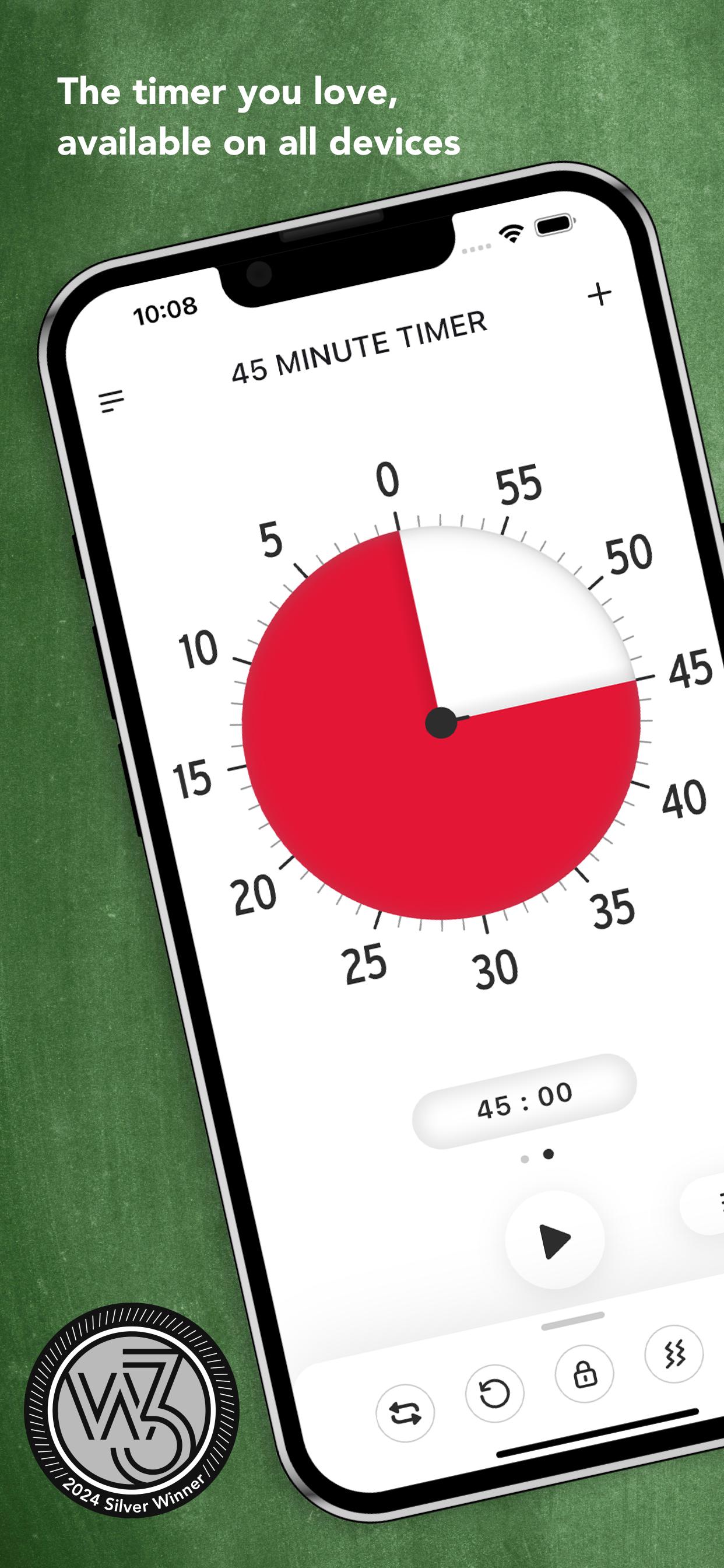
Time Timer® is built to create a more productive environment for users of all ages and abilities. Whether you’re managing a team, guiding a classroom, or simply trying to stay on top of daily tasks, Time Timer® transforms the abstract concept of time into a simple, visual tool that improves productivity for everyone.
Key Benefits
• Boost Time Management: Break tasks into manageable pieces and track progress visually.
• Support Executive Function: Helps users of all ages and abilities develop essential time management skills.
• Assistive Technology: Ideal for individuals with ADHD, Autism, Dyslexia, and other neurodiverse needs, as well as anyone looking to improve their productivity.
• Reduce Stress: Eliminate the need for constant reminders with clear, visual cues for deadlines and tasks.
• Proven Effectiveness: Used by professionals, students, and teams globally to stay focused and productive. Enjoy a seamless experience with NO ADS… EVER.
Features
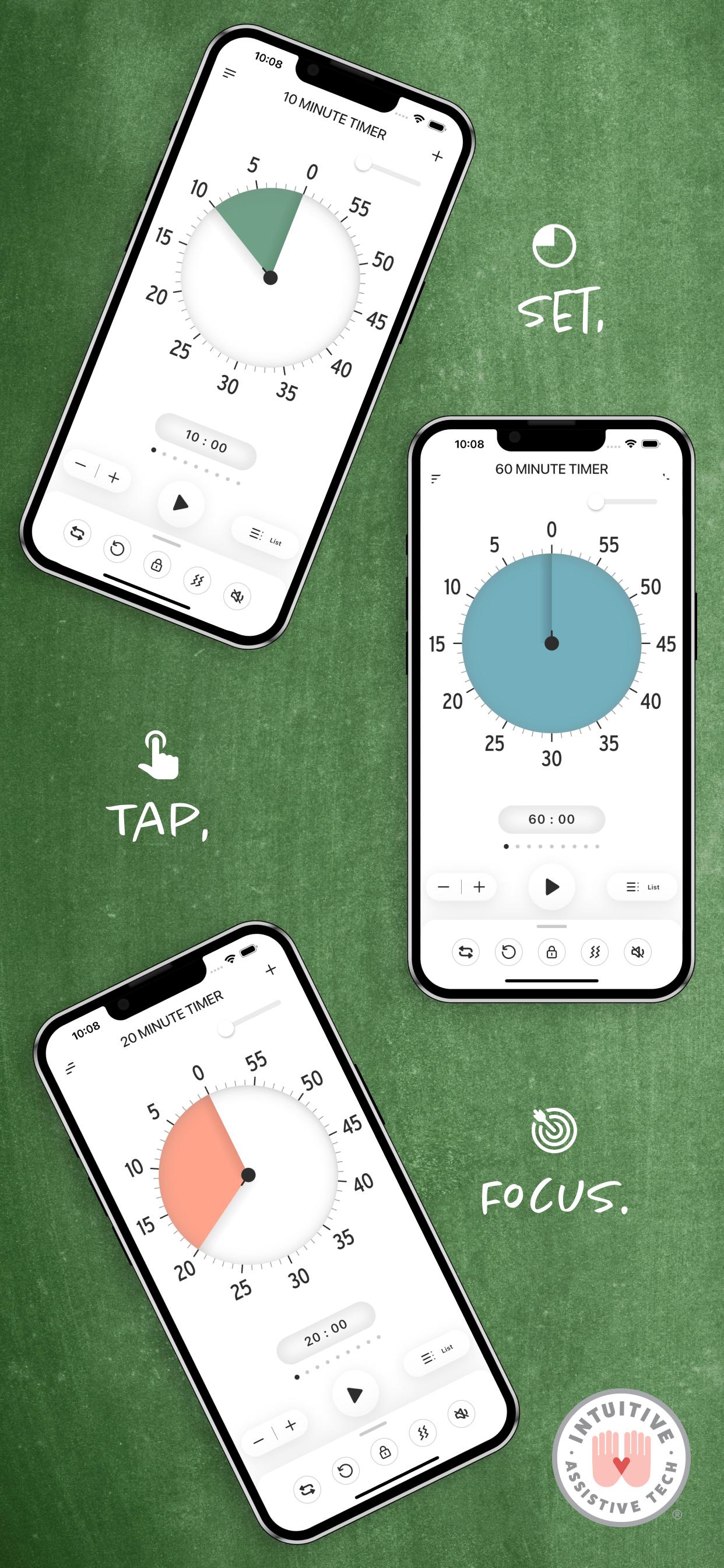
• Easy Timer Setup: Set timers quickly using intuitive touch controls.
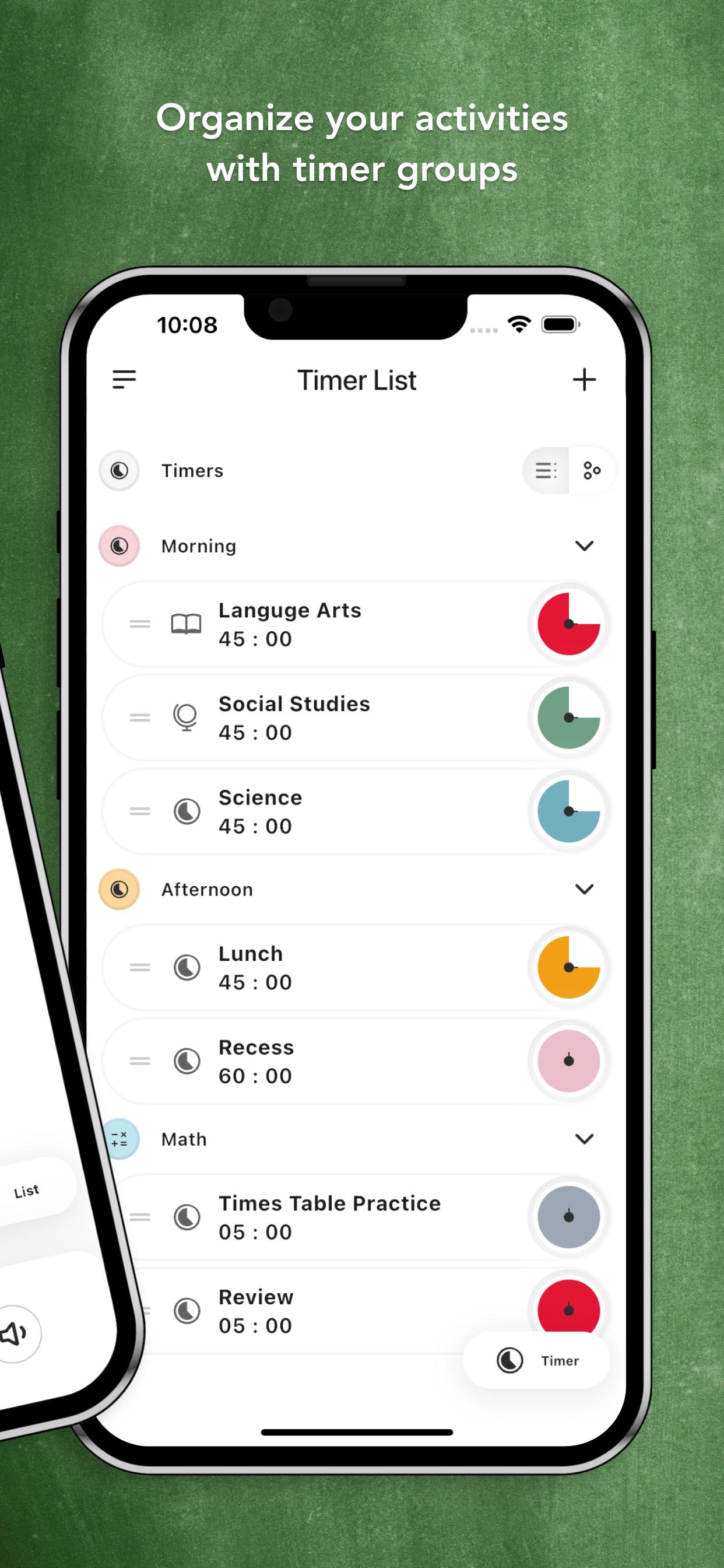
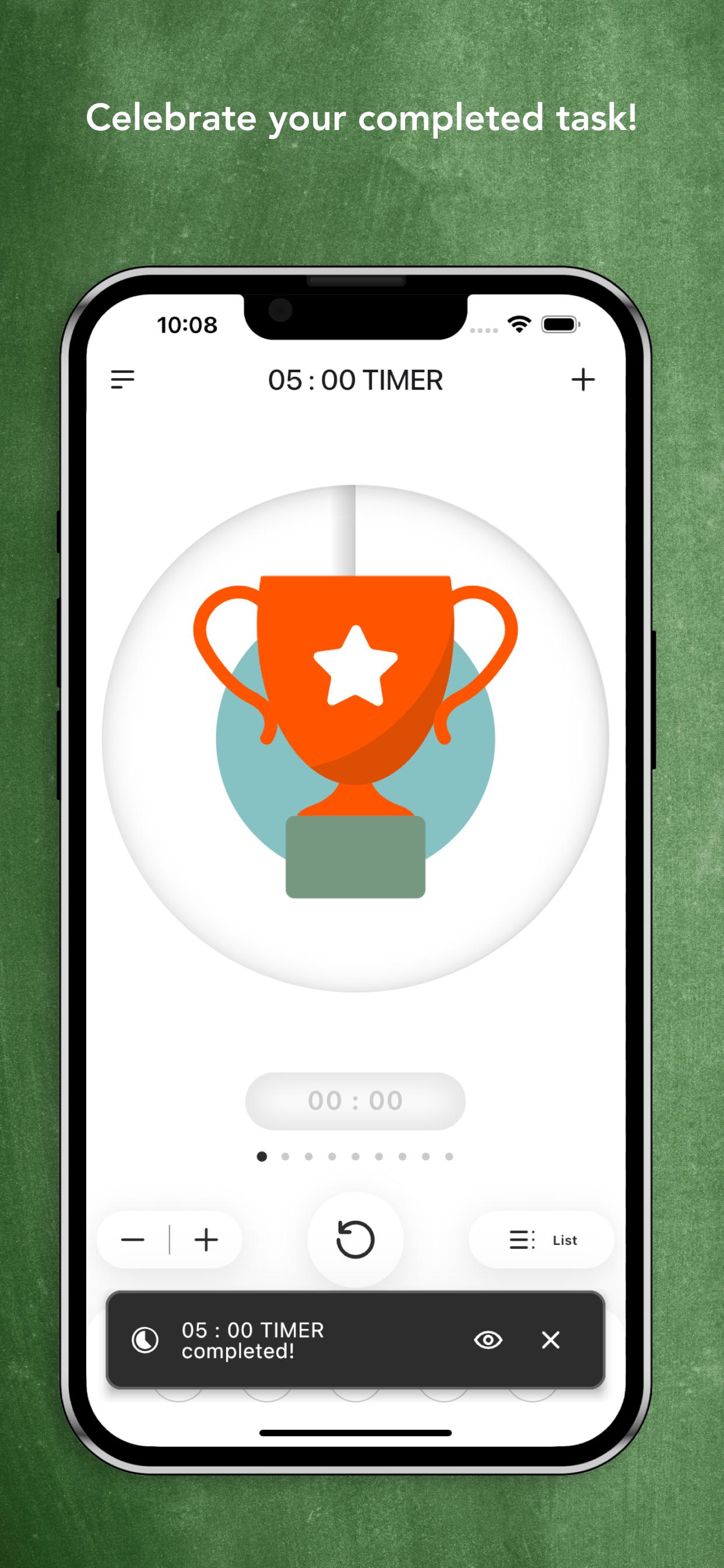
• Run Multiple Timers: Manage up to 99 consecutive or simultaneous timers for complex tasks or projects.
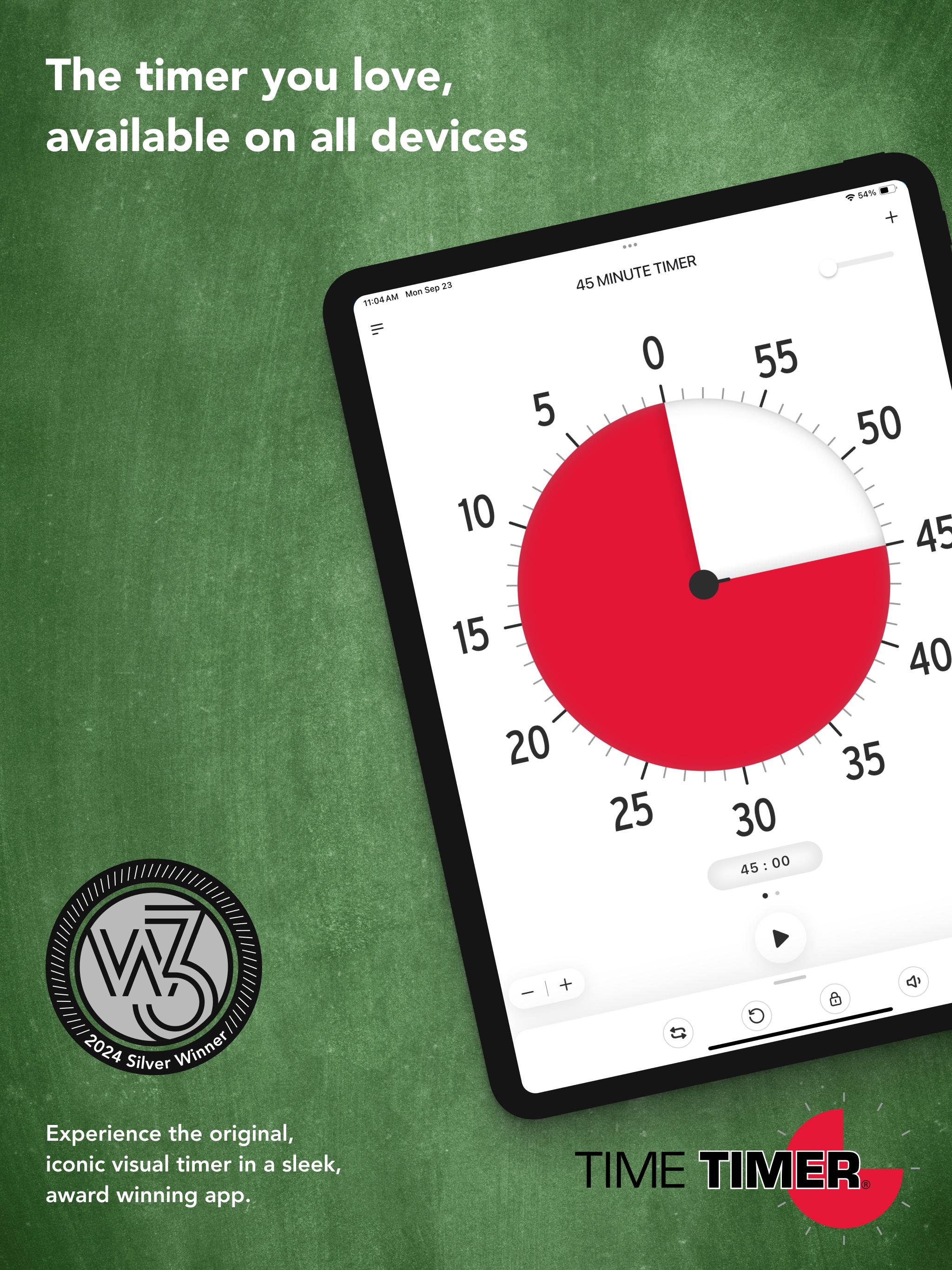
• Customizable Disks: Adjust timer colors and durations or stick with the classic red 60-minute disk.
• Visual & Audio Alerts: Choose between vibration, sound cues, or both to signal the end of a timer.
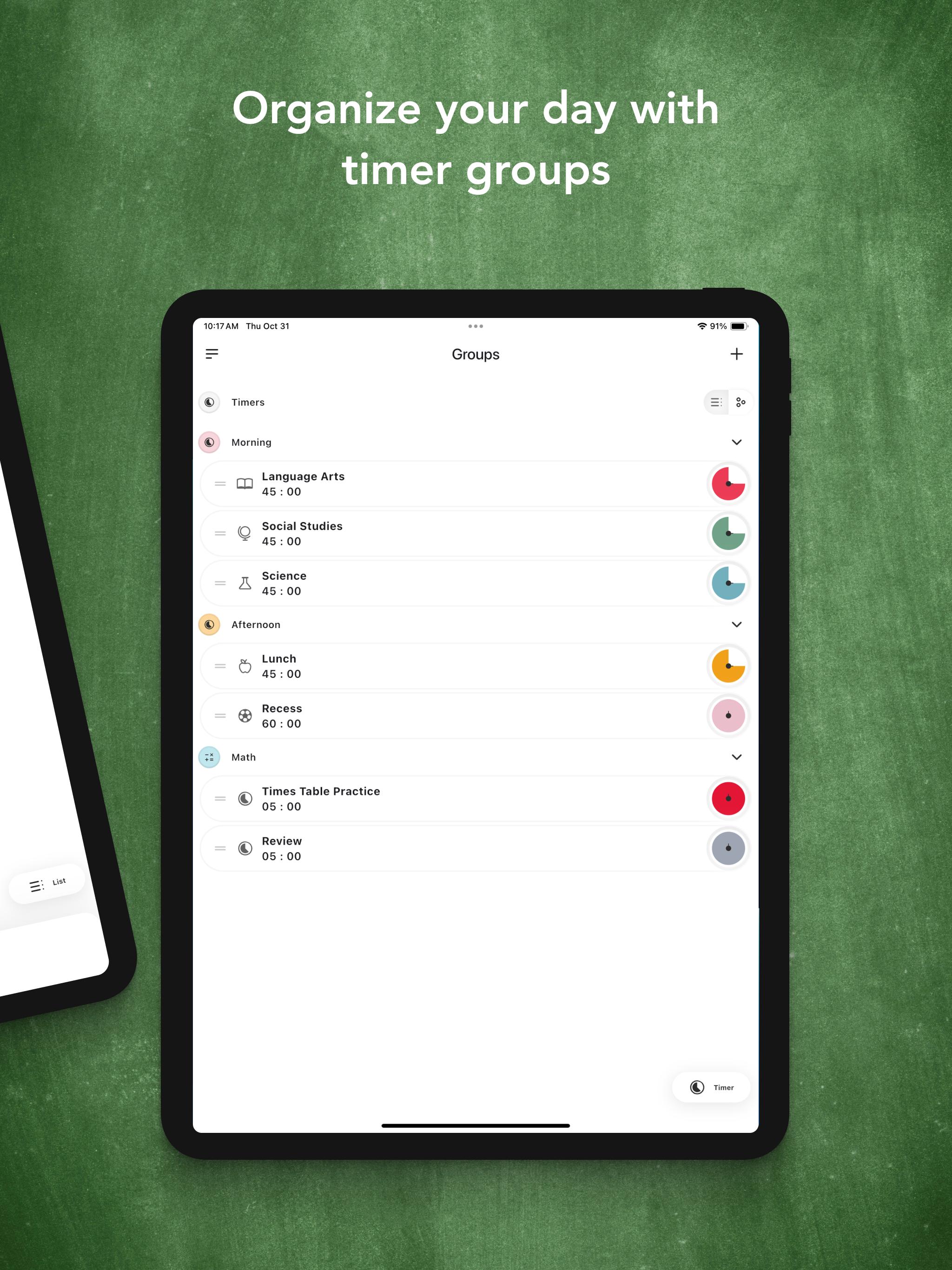
• Save & Reuse Timers: Store frequently used timers and organize them into custom groups.
• Flexible Timer View: Switch between vertical and horizontal views with device orientation.
• Stay Focused: Use “awake mode” to keep your device active while using the app.
• Personalization Options: Customize colors, sounds, and the disk size for an optimized experience.
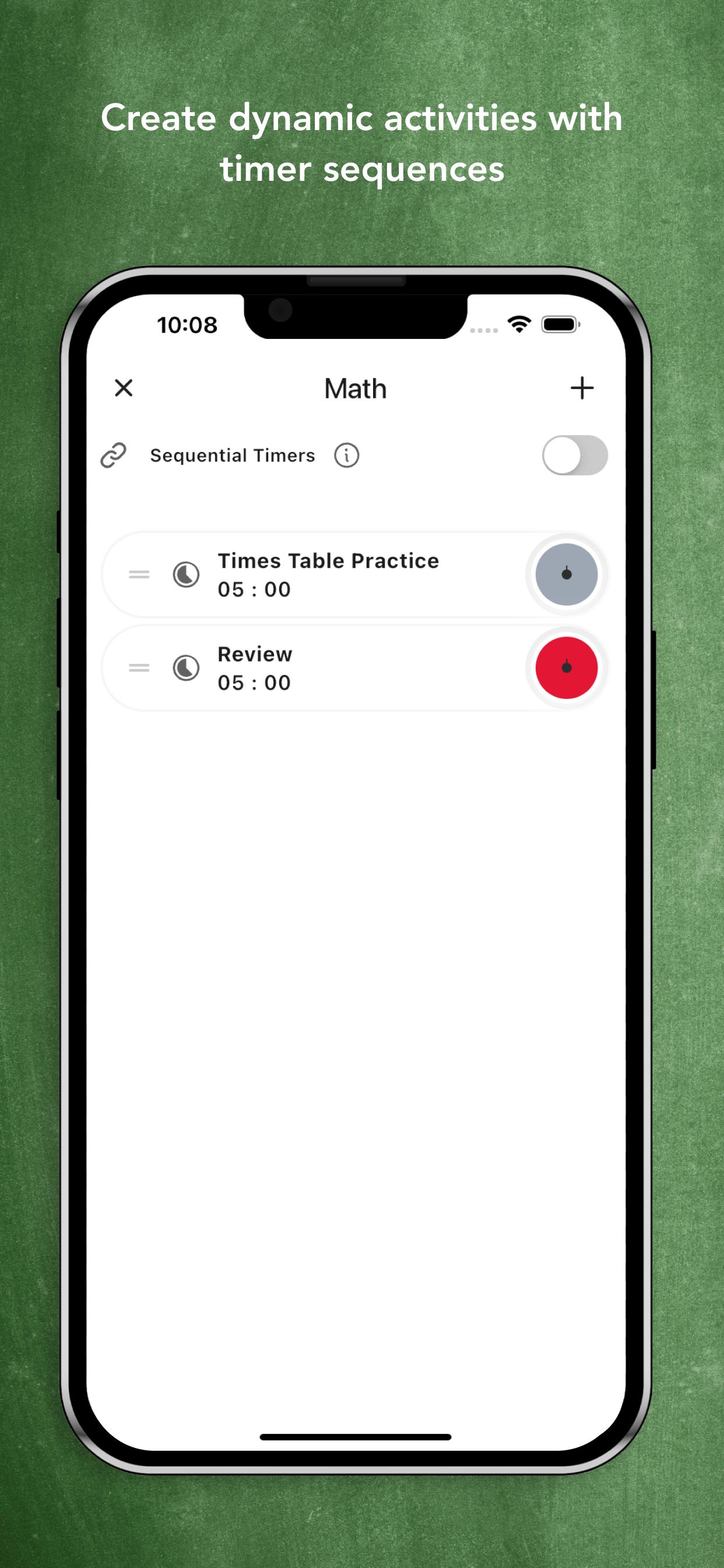
• Daily Routine Sequencing: Create sequential timers for structured routines or task flows in any environment.
Why Time Timer® Stands Out:
• Iconic Red Disk + Custom Colors: Choose the classic red or your preferred color to make time visible and easy to understand.
• Inclusive Design: Developed for universal ease of use, ensuring it meets the needs of individuals with neurodiverse challenges and busy professionals alike.
• Versatile Across Industries: From educational settings to business environments, the Time Timer® App helps individuals, teams, and leaders stay productive and focused.
• NO ADS…EVER: We prioritize your focus by keeping the app completely ad-free, providing a seamless, distraction-free experience to enhance your time and task management.
Proven Results
For over three decades, Time Timer® has been a trusted tool for educators, professionals, and families. Created by Jan Rogers to help her daughter manage time visually, the timer is now trusted by professionals and individuals around the world to enhance time management and executive functioning.
Latest Version
Varies with deviceRequires Android
Category
Education AppContent Rating
Everyone
Report
Flag as inappropriateLast updated on Mar 18, 2026
Minor bug fixes and improvements. Install or update to the newest version to check it out!


APKPure - A multi-platform app store primarily focused on Android, providing extensive app-related content. Discover the app you want easier, faster, and safer, with quick and efficient downloads and installations.











