Package Name:com.accarunit.slowmotion
SHA-256:b5a0b5def88ccc62adbc1f8fe78ac07fa90becfe8cf2ab33a6eff10e3af0faca
Show More


Time Cut : Smooth Slow Motion helps when standard phone clips look choppy at lower speeds or when a quick hyperlapse is needed. It focuses on precise speed control and cleaner motion so users can craft edits for dance routines, game replays, travel highlights, and short-form reels. With intelligent frame handling, it reduces stutter while keeping movement natural, and it manages output frame rates for easier sharing. Many creators search for Time Cut : Smooth Slow Motion APK when they want consistent slow motion from common 30 fps footage without complex desktop workflows.
Speed curves and velocity control
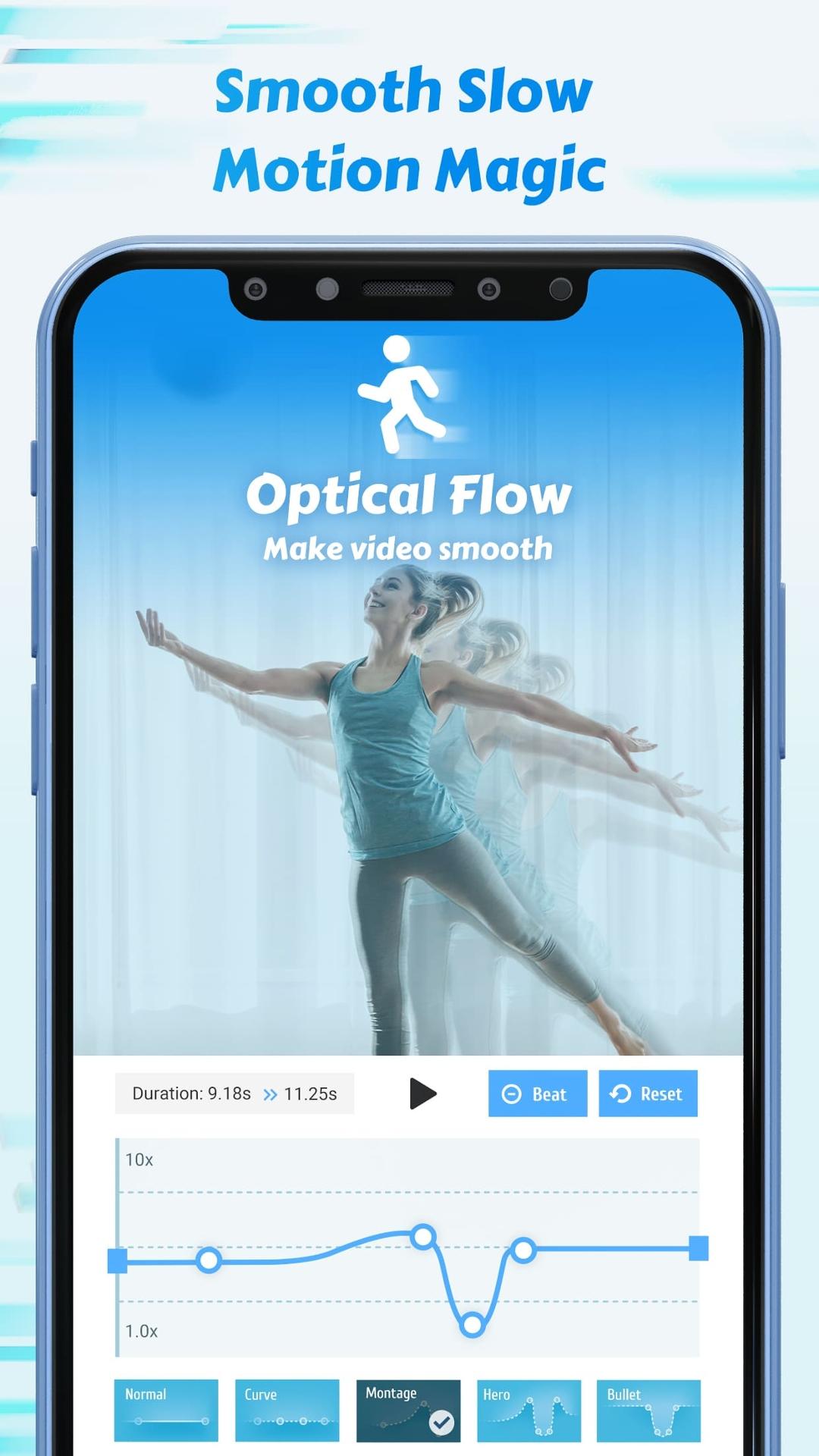
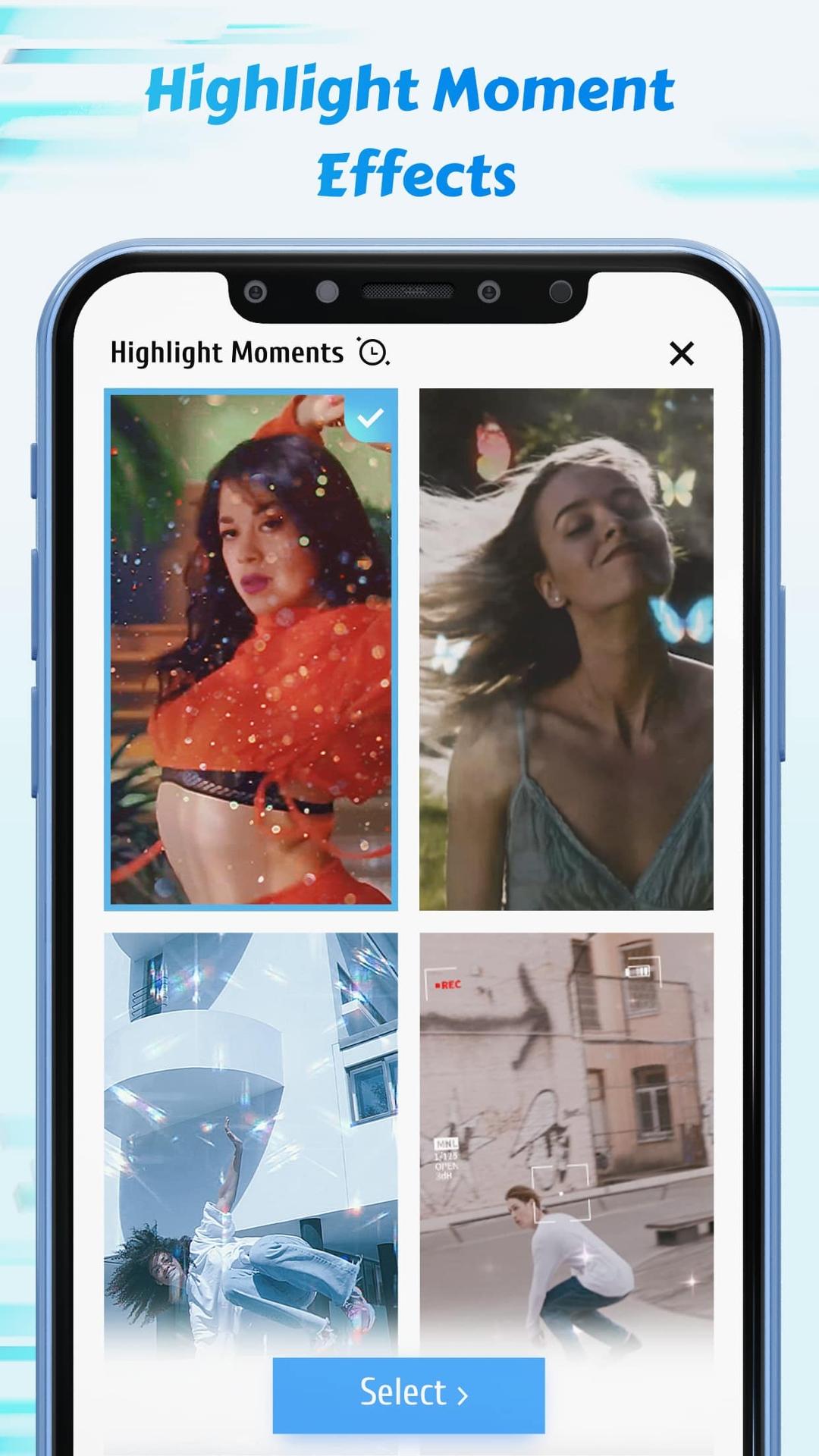
Time Cut : Smooth Slow Motion offers adjustable speed curves and presets so you can ramp motion smoothly. You can set gradual slowdowns, quick speed ups, or precise freeze points for highlight moments. Ranges cover very slow motion at one tenth speed up to fast motion at ten times speed, which supports both hyperlapse and timelapse edits.
Frame interpolation for smooth slow motion
The app uses Optical Flow together with the RIFE model to generate extra frames between existing ones. This approach reduces stutter and keeps motion continuous when slowing down standard 30 fps footage. It is helpful for dance clips, sports moves, or any short video where fine motion details need to stay clear.
Motion blur effects for natural movement
You can add motion blur that resembles results from well known desktop plugins. Options include directional blur for panning scenes and lens blur that softens movement for a more natural look. With careful adjustment, blur helps velocity edits feel less mechanical and closer to a camera shutter effect.
Frame rate converter for different outputs
The frame rate tool lets you upconvert to 60, 120, or 240 fps for smoother playback, or convert to 24 or 30 fps when a smaller file is preferred. Converting down can reduce file size while staying smooth if interpolation is used before export. This flexibility helps match platform requirements without juggling separate apps.
AI quality enhancer and high-resolution export
An AI driven enhancer is available for videos and photos to improve clarity and reduce softness. Premium access unlocks full resolution exports and higher quality for both slow motion interpolation and blur. This is useful when you want to keep detail from action cams, drones, or phone footage.
Some tools are free to use, while selected items require premium access. The AI HD enhancer, full resolution exporting, and the highest slow motion and blur quality levels are gated behind premium. If you only need standard resolution with basic speed control, the core tools cover that use case.
Input footage can come from smartphones, action cameras, or drones, and the app handles a wide range of frame rates from very low to 240 fps. For common 30 fps clips, interpolation can create smoother slow motion, but results depend on scene complexity and lighting. Fast, low light shots or heavy camera shake may need lighter slowdowns for the cleanest outcome.
Export choices matter if storage or upload time is a concern. Converting to 24 or 30 fps can lower file size while keeping motion smooth if interpolation is enabled first. Pick an output based on your target platform and whether the focus is on smoothness or smaller files.
Use this quick guide to set up a clean slow motion or speed ramp on an Android device. The steps apply across common footage types and can help test different looks quickly in the Time Cut : Smooth Slow Motion latest version. Adjustments can be fine tuned after each preview for a consistent result.
Time Cut : Smooth Slow Motion focuses on clean speed ramps, smoother slow motion from regular clips, and flexible frame rate exports. It supports creators working on dance edits, replay highlights, and travel hyperlapse with practical tools that stay close to real camera motion. When ready to try it, download Time Cut : Smooth Slow Motion and start with a short test clip to find the settings that fit your style.
Latest Version
2.6.0Uploaded by
منتظر القيسي
Requires Android
Android 5.0+
Category
Free Photography AppContent Rating
Teen · Suggestive Themes
Security Report
Check Now
Report
Flag as inappropriateLast updated on Sep 12, 2022
Major Update: Add de-duplication for smoother slowmos!
Try it in Speed Adjustment and Deep-learning double smoother section.





APKPure - A multi-platform app store primarily focused on Android, providing extensive app-related content. Discover the app you want easier, faster, and safer, with quick and efficient downloads and installations.