

Throttly helps when you need to see how apps or websites behave on slow or unstable connections. It creates controlled network behavior on your device, so you can reproduce issues and verify fixes without extra hardware. This is useful for developers, testers, and anyone checking how a product performs before release. Throttly APK suits quick checks during development or demos during meetings, and it keeps the setup simple so you can focus on results.
Network condition simulation
Once you download Throttly, you can apply bandwidth limits, add latency, and introduce DNS delay to match real mobile conditions. This helps you recreate scenarios that often cause timeouts or slow page loads during testing. Set these controls before launching an app, then observe how screens load and how requests complete.
Built in profiles
For quick setup, pick a built in profile such as Edge, 3G, 4G, Wi Fi, or High Latency DNS. Profiles give consistent parameters each time you run a test. Using a preset reduces setup time and keeps results comparable across team members.
Create your own profiles
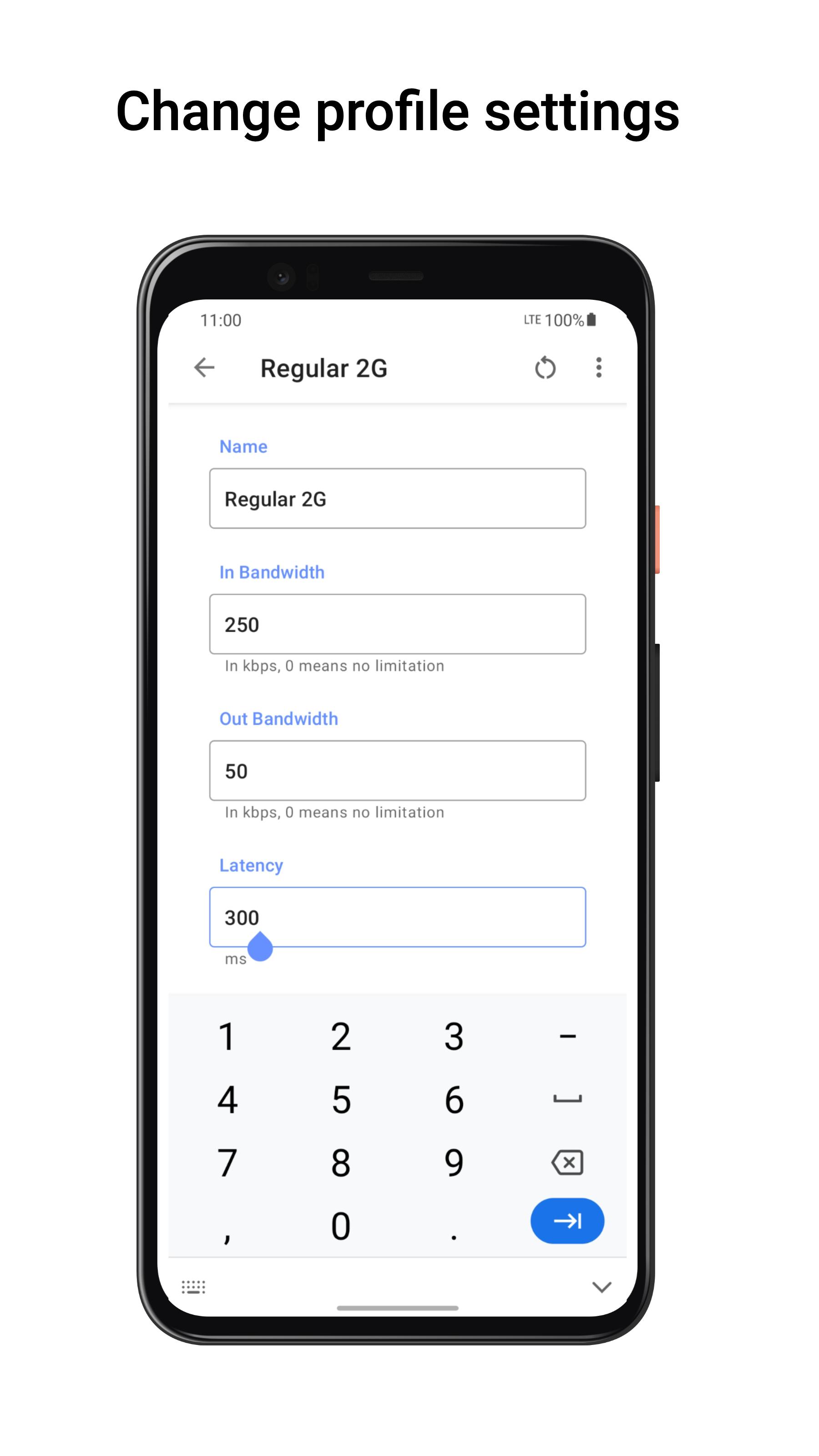
You can create your own profile when a specific case is not covered. Set custom speed limits and delay ranges to reflect the target scenario, then save the profile for later. This makes it easier to repeat the same conditions during regressions or demos.
DNS query records
Throttly records DNS queries while a test runs. You can review entries in Settings in the DNS Records section to trace lookups and compare behavior across profiles. This view helps you spot slow lookups, repeated queries, or unexpected domains.
Throttly offers a practical way to test apps and sites under varied network conditions. Set a profile, run your test, then check DNS logs if needed. Install the Throttly latest version to use the current build and keep your test setups consistent.
Latest Version
1.2.3Uploaded by
Huỳnh Nhựt
Requires Android
Android 7.0+
Category
Free Tools AppContent Rating
Everyone
Report
Flag as inappropriateLast updated on May 11, 2022
1. Rewrite landing page for easy use;
2. Add BuyMeACoffee at Settings page





APKPure - A multi-platform app store primarily focused on Android, providing extensive app-related content. Discover the app you want easier, faster, and safer, with quick and efficient downloads and installations.