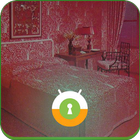
The Red Room Wall & Lock
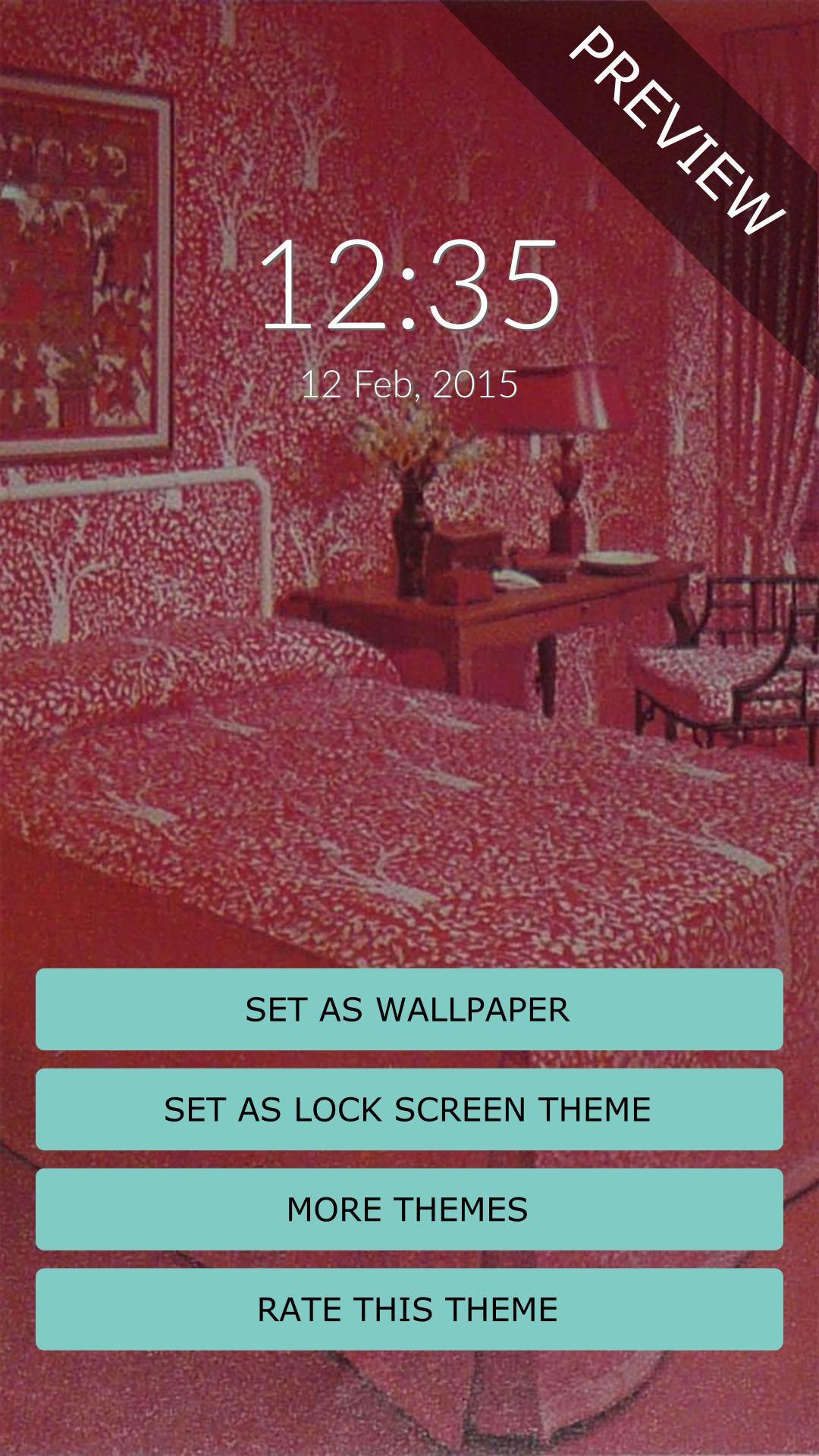
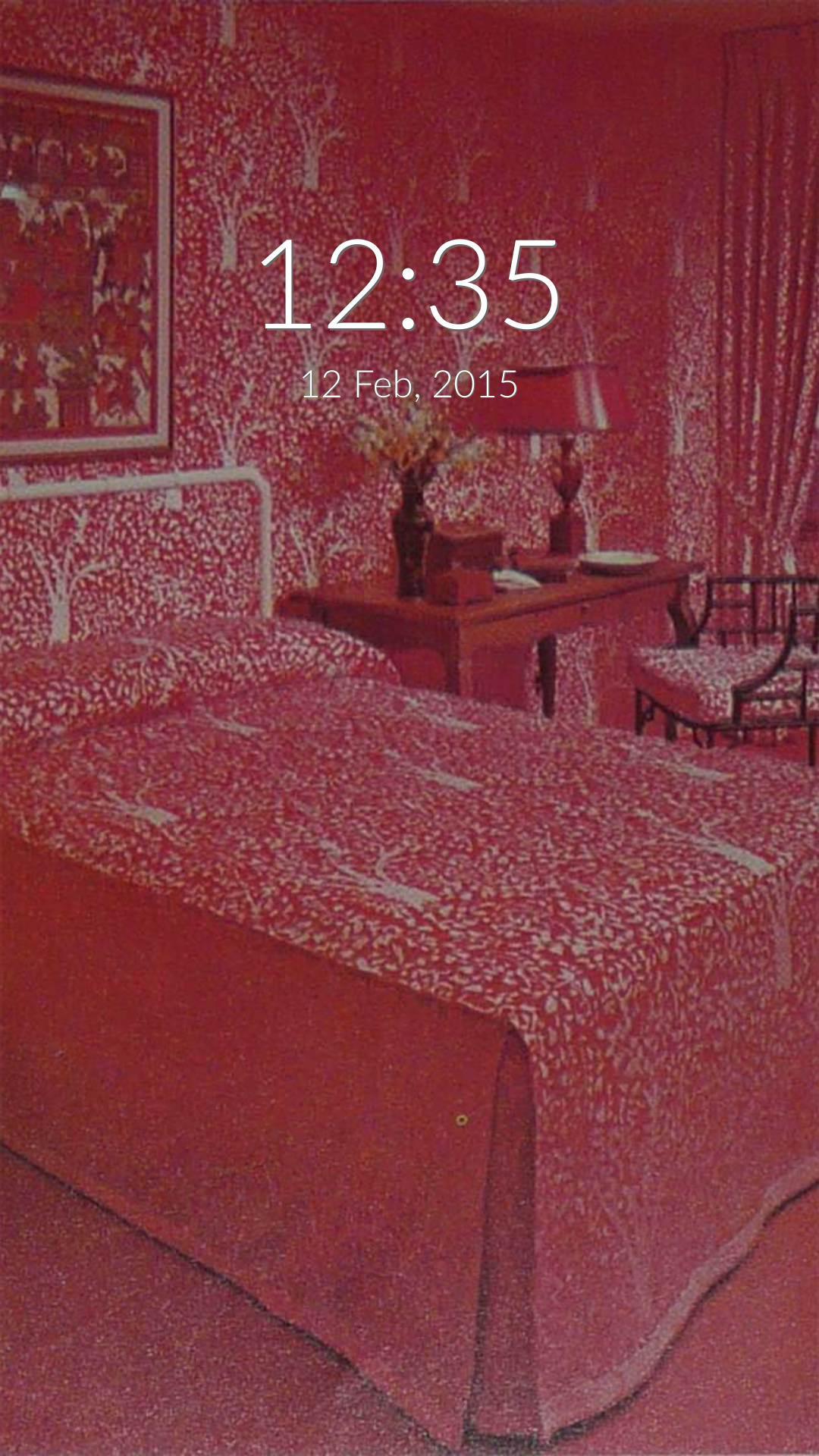
Decorate your mobile screen locker with this blood red bedroom picture.
It's easy, to install the wallpaper push the "Set as Wallpaper" button.
On the lock screen side, The Red Room is a theme for Rocket Locker, so if you don't already have it installed, you'll be redirected to Google Play in order to install it.
* The The Red Room screen lock theme requires Rocket Locker which you can install free from Google Play (https://play.google.com/store/apps/details?id=com.rocketlocker).
* If you don't have Rocket Locker installed, you can easily install it inside the theme app.
If you have any issues or suggestions, please feel free to contact us.
E-mail: support@mobaba.com (please make sure you include "rocket locker" in the subject)
Latest Version
1.23Uploaded by
Aal Ghifari
Requires Android
Android 3.2+
Category
Free Personalization AppContent Rating
Everyone
Report
Flag as inappropriateLast updated on Aug 15, 2016
Minor bug fixes and improvements. Install or update to the newest version to check it out!




APKPure - A multi-platform app store primarily focused on Android, providing extensive app-related content. Discover the app you want easier, faster, and safer, with quick and efficient downloads and installations.











